Cargando el producto…

Precio de origen
$ 68.649
$ 81.298
+ flete y aranceles — se calculan al cotizar
Compra protegida
Puerta a puerta
Aduana incluida
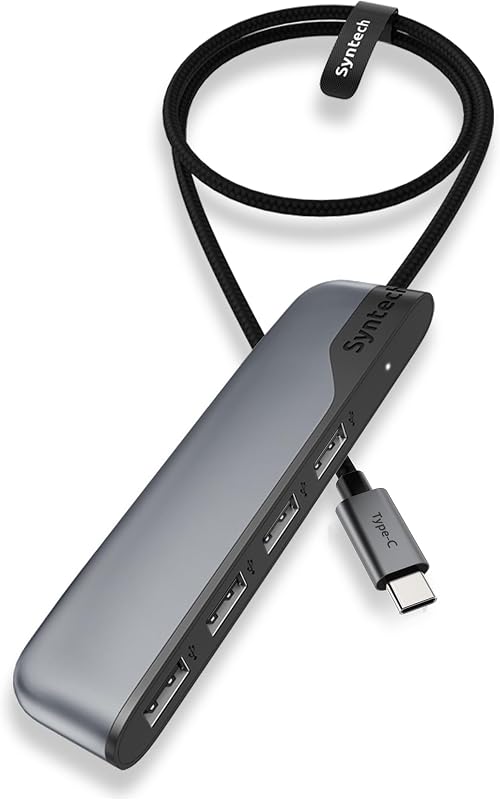
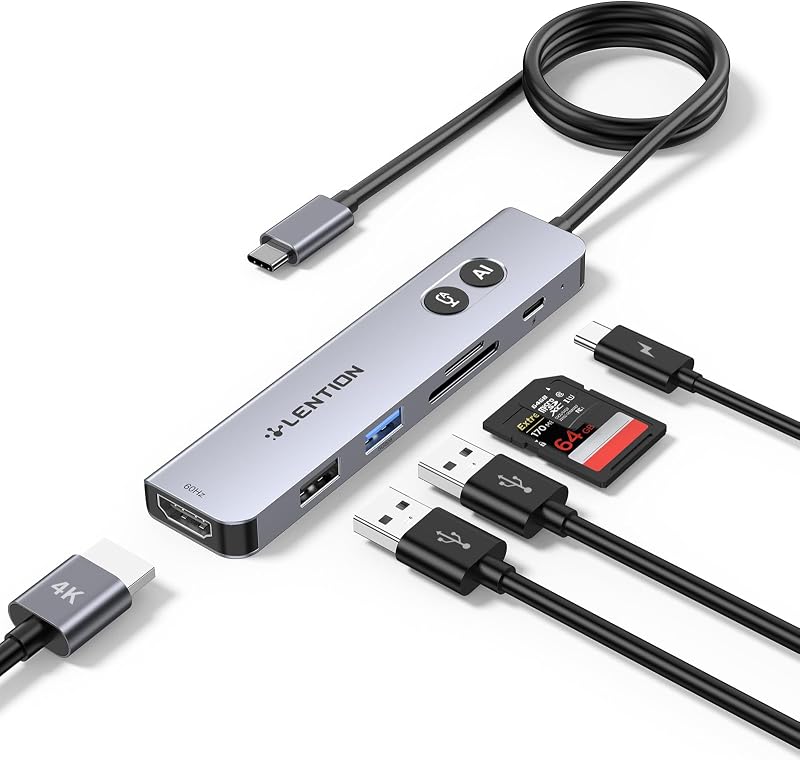
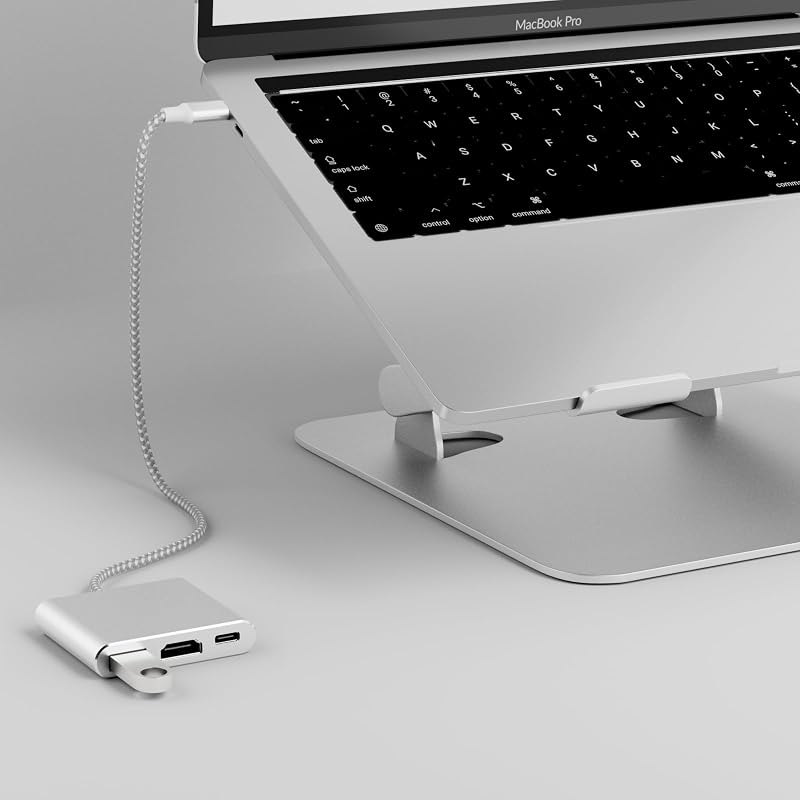
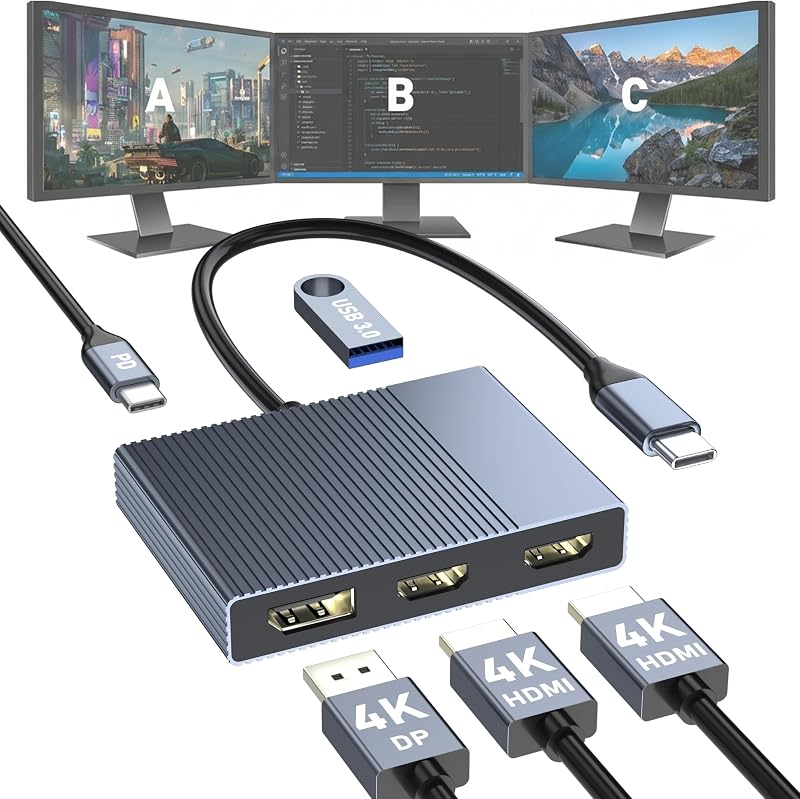
Product description Previous page Next page Previous page Next page Previous page Next page Previous page Next page (✘)Not compatible with iPhone/iPad equipped with Lightning port (✘)Not compatible with devices that don't support the protocol of DP Alt Mode. (✔) Compatible with USB-C 3.1 or Thunderbolt 3/4 port interfaces that support “DisplayPort Alternate Mode”. Compatible Devices (INCOMPLETE LIST): ✔ Apple Macbook Neo; iPhone 16 Series; MacBook Pro (Late 2016) and newer, MacBook Air (Late 2018) and newer; MacBook ( Late 2015) and newer; Mac Studio(2022), Mac Mini (Late 2018) and newer; ✔ iPad Pro 12.9“ 6/5/4/3, iPad Pro 11" 3/2/1 ; iPad Air 5/4; iPad mini 6; iPad 10c ✔ Others iPhone 15 Series; MacBook Pro (Late 2016) and newer, MacBook Air (Late 2018) and newer; MacBook ( Late 2015) and newer; Mac Studio(2022), Mac Mini (Late 2018) and newer; ✔ iPad Pro 12.9“ 6/5/4/3, iPad Pro 11" 3/2/1 ; iPad Air 5/4; iPad mini 6; iPad 10 ✔ Samsung Galaxy S22 Ultra/S20/ S20+/ S20 Ultra/ S10e/ S10/ S10+/ Note 8/ 9/10/20 Ultra; Remember to turn on the Samsung DeX Mode on the Samsung Galaxy Tablet before you use it. ✘ iPhone (Lightning) , iPad (Lightning) , X Box, PS5/PS4, GoPro, Car play ✘ Motorola series phones; LG Stylo 4/5; Pixel phones; OnePlus 2/3/3T/5/5T/6/6T; Huawei Series; Xiaomi Series; One Plus Seriescc !!Note!! When using the HDMI port external monitor for the first time, it takes a few seconds to recognize the connection. If the monitor has multiple video ports, it may need to check each signal source one by one (which also takes a few seconds). !!Note!! For Mac: Settings → System Preferences → Sound → Output → Select your TV !!Note!! Ensure the Ethernet cable's RJ45 connector is fully inserted into the network port for normal operation, and use CAT6 or higher Ethernet cables. !!Note!! Please check if your device/charger/charging cable could reach 100W power rating, and all supports PD Protocol. !!Note!! Generally the power loss is 10W, which is the normal power consumption. If the device is working, the power consumption will rise. Q1 𝐖𝐡𝐲 𝐢𝐬 𝐭𝐡𝐞𝐫𝐞 𝐧𝐨 𝐢𝐦𝐚𝐠𝐞 𝐨𝐮𝐭𝐩𝐮𝐭 𝐟𝐫𝐨𝐦 𝐇𝐃𝐌𝐥 𝐨𝐫 𝐕𝐆𝐀 𝐚𝐟𝐭𝐞𝐫 𝐜𝐨𝐧𝐧𝐞𝐜𝐭𝐢𝐧𝐠? A1 (𝟏) Make sure the USB-C port of the laptop supports the video function; (𝟐) Check the port is firmly plugged in; Adjust the resolution setting of the laptop; (𝟑) Select the correct input signal source (some require manual selection of the signal source. Q2 𝐂𝐚𝐧 𝐈 𝐞𝐱𝐭𝐞𝐧𝐝 𝐝𝐢𝐟𝐟𝐞𝐫𝐞𝐧𝐭 𝐝𝐢𝐬𝐩𝐥𝐚𝐲𝐬 𝐚𝐜𝐫𝐨𝐬𝐬 𝐭𝐰𝐨 𝐦𝐨𝐧𝐢𝐭𝐨𝐫𝐬 𝐰𝐡𝐞𝐧 𝐜𝐨𝐧𝐧𝐞𝐜𝐭𝐢𝐧𝐠 𝐇𝐃𝐌𝐈 𝐚𝐧𝐝 𝐕𝐆𝐀? A2 No, when connecting two additional monitors with HDMI and VGA, they can only show the same content, such as AAA and ABB. Q3 𝐖𝐡𝐲 𝐜𝐚𝐧'𝐭 𝐦𝐲 𝐥𝐚𝐩𝐭𝐨𝐩 𝐛𝐞 𝐜𝐡𝐚𝐫𝐠𝐞𝐝 𝐯𝐢𝐚 𝐭𝐡𝐞 𝐏𝐃 𝐩𝐨𝐫𝐭? A3 (𝟏) Connect an external power source to the PD port of the product first, connect the laptop to the USB-C port of the product; (𝟐) Confirm whether the USB-C port of the laptop supports charging function; (𝟑) Disconnect the product from the computer, and then reconnect it
Agregás al carrito
Sumás este y otros productos que querés traer.
Cotizás el envío
Calculamos flete aéreo y aranceles a Argentina.
Confirmás y pagás
Un asesor te contacta con el link de pago.
Lo recibís en casa
Tracking en tiempo real. Aduana incluida.
Lo que suele llevarse para tu notebook · un solo envío para todo
De la misma marca, empezando por lo más reseñado
Los mejor puntuados del mismo tipo de producto
Mismo tipo de producto y precio parecido







![Anker Hub USB de 4 puertos con transferencia de datos de 5 Gbps, concentrador USB 3.0 múltiple, divisor USB para computadora portátil, extensor para un puerto portátil, PC, computadora de escritorio y más [carga no compatible] (USB-A de 0,7 pies) (paquete de 2)](https://m.media-amazon.com/images/I/51gQWHVLMGL._AC_SL800_.jpg)