Cargando el producto…
Precio de origen
$ 32.019
$ 36.388
+ flete y aranceles — se calculan al cotizar
Compra protegida
Puerta a puerta
Aduana incluida
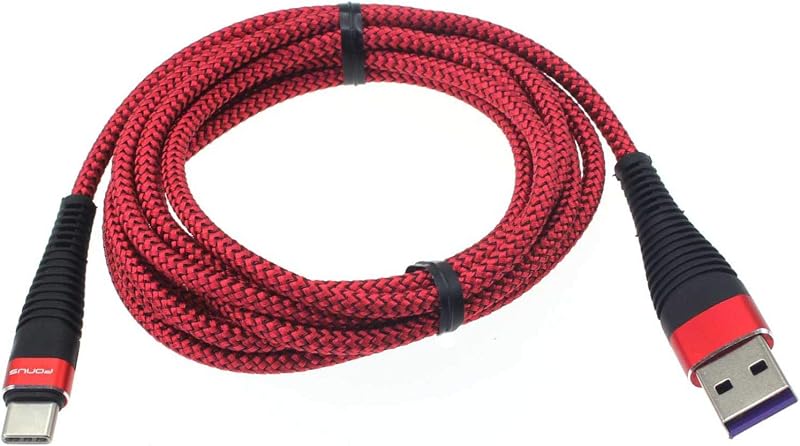
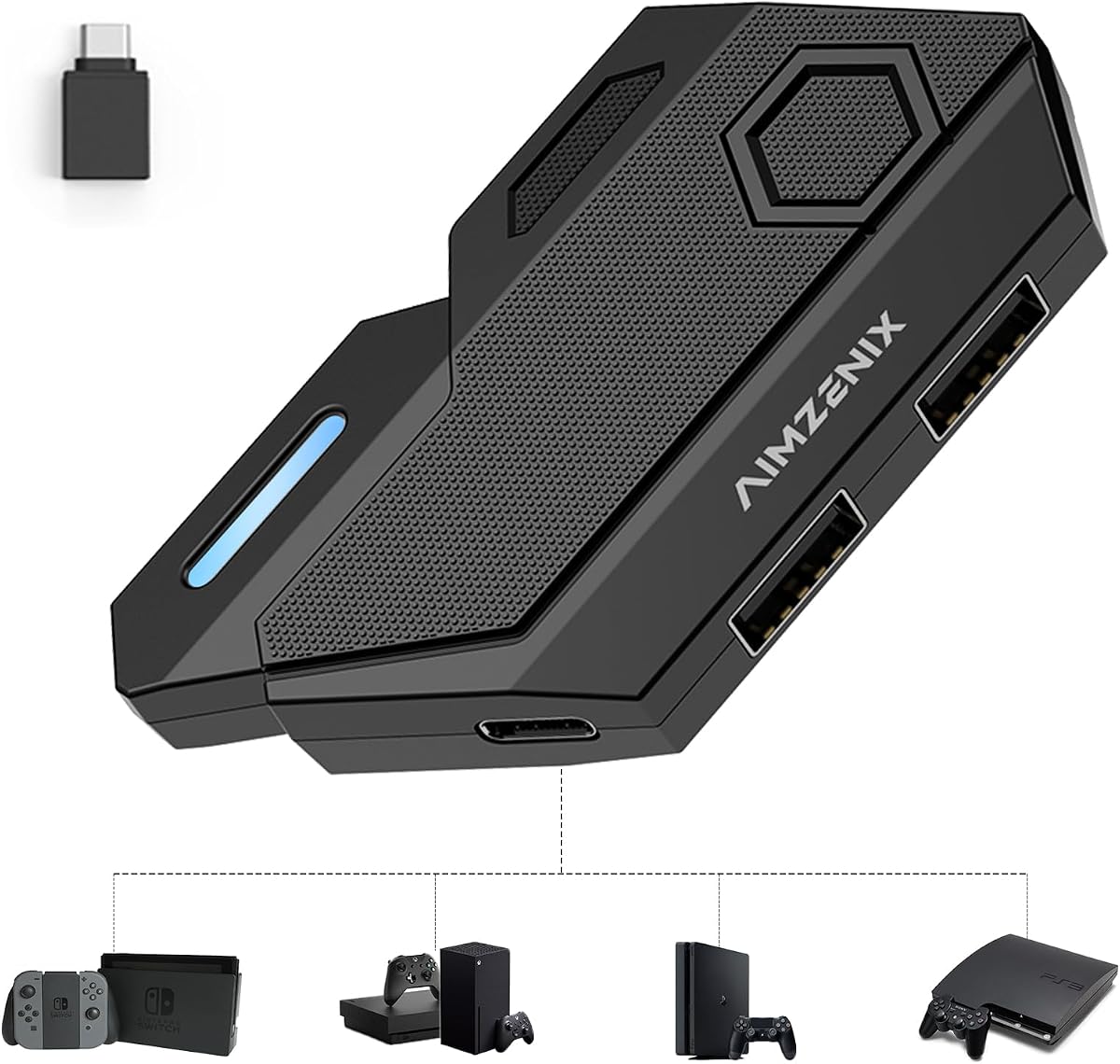
Product description Keyboard and Mouse Adapter Converter for Switch/Xbox One/Xbox Series/PS4/PS3/PC Enhanced Gaming Experience Best Gaming Accessories for Shooting Games arVin keyboard mouse converter allows players to use keyboard & mouse instead of a game controller to enjoy games on for PS4/PS3/Xbox/Switch. Plug and play. Perfect for playing FPS, TPS, RPG games, allowing you to quickly defeat opponents in PUBG, Fortnte &Call of Duty games and easily win the game! Previous page Next page 1 Switch Default Key 2 PS-4 Default Key 3 PS-3 Default Key 4 X-box One DefaultKey 5 X-box360 Default Key Previous page Keyboard Mouse Converter Interface Introduction Turbo Setting-After you have setup DIY key mapping Press F4 key onec on the keyboard and then press any key on keyboard or mouse to set the TURBOLong press this key and the action on game will continuously repeatPress F4 key again to cancel the TURBO Mouse Sensitivity Adjustment Increase or decrease the mouse field of view sensitivity or aiming:Increase: Ctrl + Mouse Wheel UpDecrease: Ctrl + Mouse Wheel Down What Will You Get? 1x Keyboard Mouse Adapter (Console and keyboard and mouse not included)1x OTG Adapter1x Type C Cable1x Manual Next page The video showcases the product in use.The video guides you through product setup.The video compares multiple products.The video shows the product being unpacked.Video Player is loading.Click to play videoPlayMuteCurrent Time 0:00/Duration 2:34Loaded: 1.95%0:00Stream Type LIVESeek to live, currently behind liveLIVERemaining Time -2:34 1xPlayback RateChaptersChaptersDescriptionsdescriptions off, selectedCaptionsCaptions off, selectedEnglish (Automated)Audio Trackdefault, selectedFullscreenThis is a modal window. aplus content video Switch Keyboard and Mouse Adapter Switch, Switch Oled, Switch Lite Connection Guideline 1. Open the Switch game console, click "System Settings” - "Controllers and Sensors" - "Pro Controller Wired Communication" to set to "on". 2. Connect the type c cable to the "Console Port" of the converter and the USB interface of the Switch dock. The indicator light on the converter Blue light is on. 3. Connect keyboard & mouse to the ‘Keyboard Port’ & ‘Mouse Port’. The video showcases the product in use.The video guides you through product setup.The video compares multiple products.The video shows the product being unpacked.Video Player is loading.Click to play videoPlayMuteCurrent Time 0:00/Duration 2:24Loaded: 2.09%0:00Stream Type LIVESeek to live, currently behind liveLIVERemaining Time -2:24 1xPlayback RateChaptersChaptersDescriptionsdescriptions off, selectedCaptionsCaptions off, selectedEnglish (Automated)Audio Trackdefault, selectedFullscreenThis is a modal window. aplus content video Keyboard and Mouse Converter for Xbox Adapter for Xbox 360/Xbox One/Xbox Series Connection Guideline 1. Before starting the connection, please turn off the original controller. 2. Connect the type c cable (included in package) to the "Console Port" of the converter and the USB interface of the gaming console. The indicator light on the converter Blue light is on. 3.Connect Original Xbox wired controller to the “Controller Port” of the converter. 4. Connect keyboard & mouse to the “Keyboard Port” &“Mouse Port”. The video showcases the product in use.The video guides you through product setup.The video compares multiple products.The video shows the product being unpacked.Video Player is loading.Click to play videoPlayMuteCurrent Time 0:00/Duration 1:59Loaded: 2.52%0:00Stream Type LIVESeek to live, currently behind liveLIVERemaining Time -1:59 1xPlayback RateChaptersChaptersDescriptionsdescriptions off, selectedCaptionsCaptions off, selectedEnglish (Automated)Audio Trackdefault, selectedFullscreenThis is a modal window. aplus content video Keyboard and Mouse Converter for PS4/PS3 Adapter for PS4, PS3 Connection Guideline 1. Open the game console, click "Settings” - "Devices" - "Controllers" - "Communication Method" - "Use USB Cable" 2. Connect the type c cable to the “Console Port” of the converter and the USB interface of the gaming console. The indicator light on the converter Blue light flashes 3. Connect Original PS3/PS4 wired controller to the “Controller Port” of the converter. The indicator light on the converter Blue light will be keeps on 4. Connect keyboard & mouse to the “Keyboard Port” & “Mouse Port” The video showcases the product in use.The video guides you through product setup.The video compares multiple products.The video shows the product being unpacked.Video Player is loading.Click to play videoPlayMuteCurrent Time 0:00/Duration 1:47Loaded: 2.81%0:00Stream Type LIVESeek to live, currently behind liveLIVERemaining Time -1:47 1xPlayback RateChaptersChaptersDescriptionsdescriptions off, selectedCaptionsCaptions off, selectedEnglish (Automated)Audio Trackdefault, selectedFullscreenThis is a modal window. aplus content video Keyboard and Mouse Converter for PC PC Connection Guideline 1. Required Steam so
Agregás al carrito
Sumás este y otros productos que querés traer.
Cotizás el envío
Calculamos flete aéreo y aranceles a Argentina.
Confirmás y pagás
Un asesor te contacta con el link de pago.
Lo recibís en casa
Tracking en tiempo real. Aduana incluida.
Los mejor puntuados del mismo tipo de producto
Mismo tipo de producto y precio parecido