Cargando el producto…

Precio de origen
$ 72.794
+ flete y aranceles — se calculan al cotizar
Compra protegida
Puerta a puerta
Aduana incluida
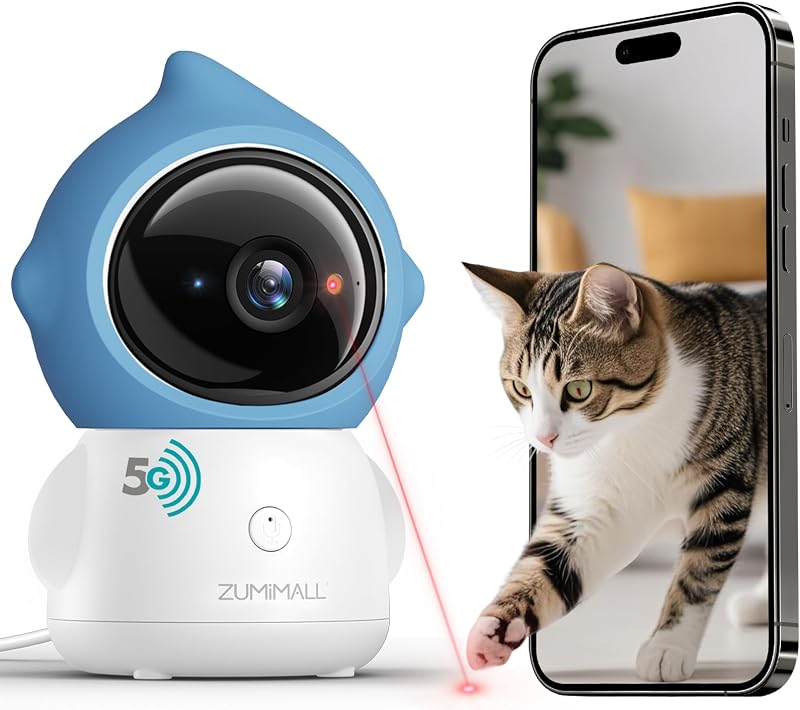
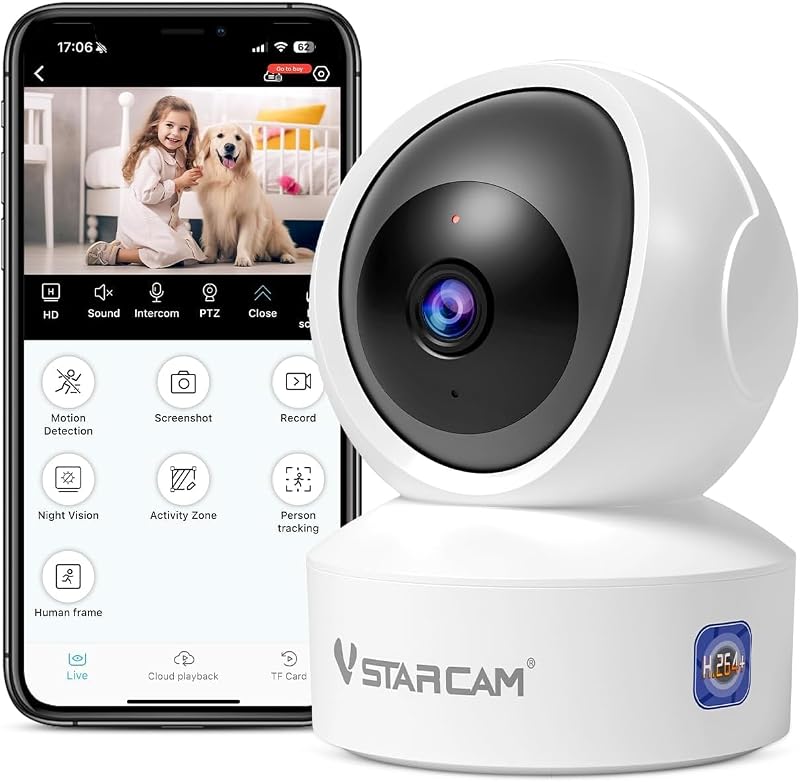
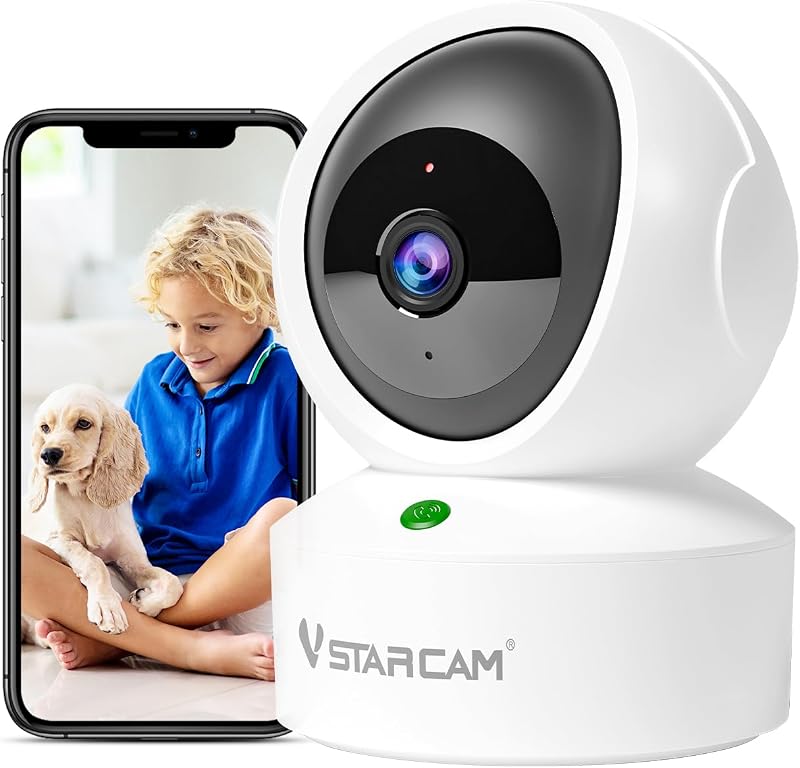
Product description The video showcases the product in use.The video guides you through product setup.The video compares multiple products.The video shows the product being unpacked. Pet Interaction Camera Previous page Next page Previous page Share To More User Share moments with family and friends through mobile apps Remote monitor Support real-time viewing on mobile phones/laptops/PC computers and other terminals Next page 1 Cat Laser Toy 2 24/7 Recorded 3 Share with Family 4 Remote Access Previous page Next page Why can't my pet camera connect to WiFi? Ensure your phone is connected to a 2.4Ghz WiFi network during initial setup, as our cameras don't support 5Ghz WiFi. Place the camera within 3 feet of your router for setup, We recommend using the latest version of our app for a stable experience. What should I do if my cat camera disconnects or shows an error message? For a stable connection, please use our latest O-KAM pro app. Avoid using the outdated Eye4 app. The new O-KAM app offers enhanced stability and a stronger network connection. Is cloud storage mandatory, or can I use the VSTARCAM camera without it? Our indoor pet camera can be used without a subscription to a cloud service. A subscription is required if you want to access video clips stored in the cloud. To avoid additional costs, you can use a memory card. How to share the cat camera with my family ? Start by having a family member sign up for a new account, using a new email account when signing up. Go to Settings, select Device Sharing, then enter the device password, Generate Code. Open the app, select the device type, then scan the code Why does my pet cam rotate on its own in the wee hours of the night? It has 2 reasons (1. Camera will reboot after a power outage and the camera will rotate itself in a self-testing circle; 2. Camera will silently start up at night, clearing the cache, and will also rotate itself to protect against network outages) When I was away, I set the laser pointer to start playing, but it rotated downward and couldn't move upward? 1. Please disconnect the camera's power source, wait one minute, then restart it. 2. After restarting, open app, locate the “Gimbal Calibration” function in device settings, and perform it once. 3. Ensure your device firmware and app are up-to-date. My laser pointer cannot move downwards, and the laser function is not working? 1. Reset to factory settings and update to the latest firmware. 2. Gently and slowly adjust the camera lens up and down. 3. Then restart the device.
Agregás al carrito
Sumás este y otros productos que querés traer.
Cotizás el envío
Calculamos flete aéreo y aranceles a Argentina.
Confirmás y pagás
Un asesor te contacta con el link de pago.
Lo recibís en casa
Tracking en tiempo real. Aduana incluida.
Lo que suele llevarse para tu cámara · un solo envío para todo
De la misma marca, empezando por lo más reseñado
Los mejor puntuados del mismo tipo de producto
Mismo tipo de producto y precio parecido


![PEHAEL for iPhone 17 Privacy Screen Protector+Camera Lens Protector | 3+3 Pack, Installation Frame, Cleaning kits, Anti-Spy Private, Anti-Scratch, 9H Tempered Glass, Case Friendly, [6.3 inch]](https://m.media-amazon.com/images/I/61UXu7cBl7L._AC_SL800_.jpg)









![Cámara para perros Furbo 360° + Mini [se requiere nueva suscripción en la configuración] Paquete de 2 cámaras Suscripción para niñera: alertas de seguridad para perros y del hogar, cámara para mascotas con parlante, aplicación para teléfono y visión nocturna](https://m.media-amazon.com/images/I/613gi-aOurL._AC_SL800_.jpg)


![Cámara para gatos Furbo 360° + mini [se requiere nueva suscripción en la configuración] Paquete de 2 cámaras Suscripción para niñera: alertas de seguridad para gatos y seguridad en el hogar, cámara para mascotas con parlante, aplicación para teléfono y visión nocturna](https://m.media-amazon.com/images/I/61gNcAplkdL._AC_SL800_.jpg)
![Cámara para perros de 360° [sin tarifa mensual] | Vista en vivo giratoria de 360°, alertas de ladridos, lanzamiento de golosinas, audio bidireccional, visión nocturna, monitoreo inteligente de cachorros en el hogar, sin alertas de IA](https://m.media-amazon.com/images/I/616wRFOTA5L._AC_SL800_.jpg)