Cargando el producto…

Precio desde
$ 162.615
+ flete y aranceles — se calculan al cotizar
Color
Compra protegida
Puerta a puerta
Aduana incluida
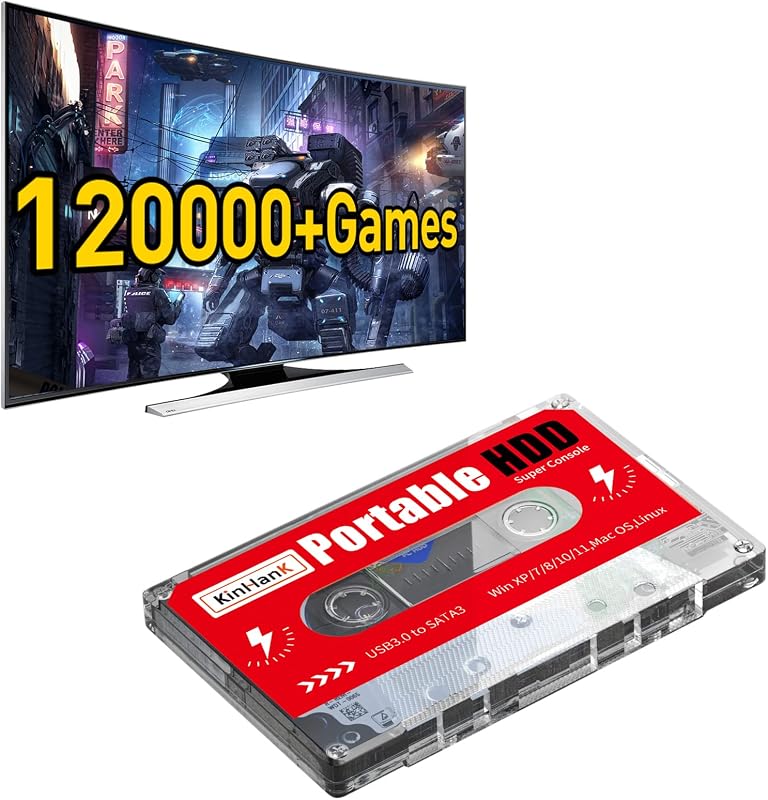
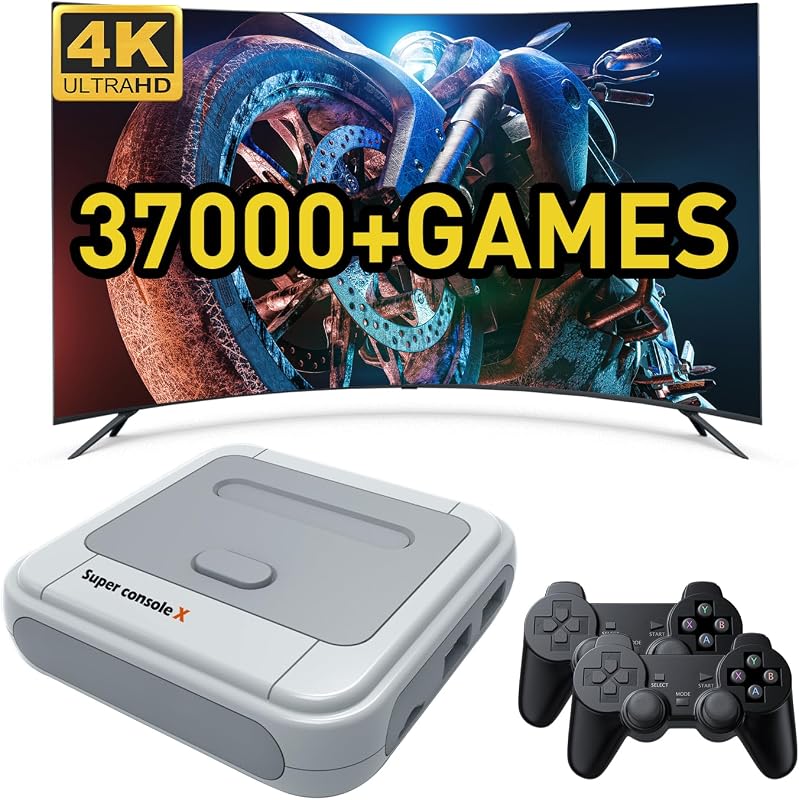
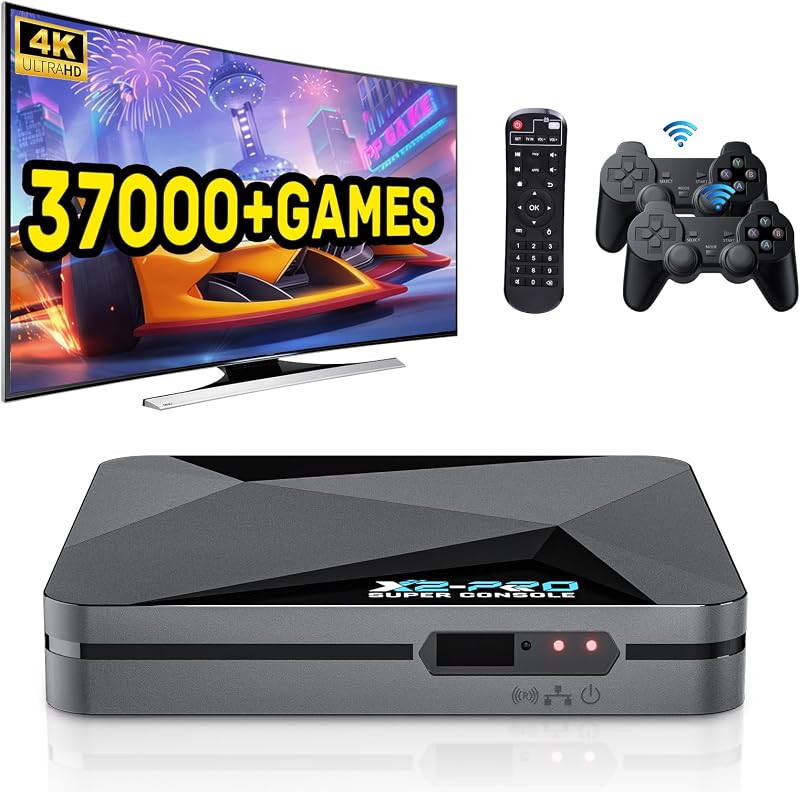
Product description Kinhank Super Console X Retro Video Game Console Built in 117,000+ Games,Emul... Kinhank Super Console X5 PRO Retro Gaming Console with 16000+Games,Android 12... Super Console X2 PRO Retro Game Console,65,000+ Games,Dual Systems,4K HD Output Kinhank Retro Game Console with 100000+Games,Super Console CUBE X3 Video Game... Kinhank 12TB Retro Gaming Hard Drive with 96,000+ Games,External Retro Game H... Kinhank Super Console CUBE X3 Retro Game Console with 100000+Games Add to Cart Add to Cart Add to Cart Add to Cart Add to Cart Add to Cart Customer Reviews 3.2 out of 5 stars 309 3.8 out of 5 stars 131 3.7 out of 5 stars 192 3.4 out of 5 stars 111 3.7 out of 5 stars 60 3.4 out of 5 stars 111 Price $79.99$79.99 $359.99$359.99 $113.99$113.99 $114.99$114.99 $309.99$309.99 $114.99$114.99 Emulators 60+ Emulators 45+ Emulators 70+ Emulators 70+ Emulators 400+ Emulators 70+ Emulators Pre-installed Games 117,000+ Games 16,000+ Games 65,000+ Games 100,000+ Games 96000+ Games 100000+ Games Systems EmuELEC 4.5/Android 7.1 no data EmuELEC 4.6/Android 9.0 EmuELEC 4.5/Android 9.0 Supported Windows 7 and above system EmuElec 4.5/Android 9/CoreE Super retro console is with upgraded S905X chip, solved the problem of frame drop,can run 64bit emulators well.Bring you better gaming experience. Super console x video game emulator console is with game system and video system,easy to set up,plug and play.And easy to switch between 2 systems.You can enjoy gaming fun/watch TV or browse information by this all in one game console. Kinhank super console supports 4K(720P/1080P) UHD output,AV/HD connection,compatible with TV/monitors/projectors,higher-definition picture quality brings you a better visual experience. Kinhank classic games console support connection to the network by LAN&WIFI. You can use this wireless retro game console to download retro games or watch online TV easily. Super console x retro gaming console support 26+ languages, such as English, Spanish, Russian, French, Portuguese, Russian, Japanese, Korean and other languages, you can switch different languages according to your needs. Kinhank game consoles with built in games comes with 2 wireless game controllers, the connection distance of the controller is 8-10 meters, so you can enjoy retro video games on your comfortable sofa. Upgrade super console x pro retro game console has excellent heat dissipation performance,prevent chip temperature from getting too high,so you can enjoy long time gaming fun with family or friends without overheating problem.It will bring a lot of fun to your spare time or family and friends gathering. COMMON TROUBLESHOOTING STEPS Q1:What to do if the product doesn’t work when hooked up? (1)Please remove the TF card and then restart the device to check whether the product can enter the Android system. (2) If the product can enter the Android system, the problem can usually be solved by restoring the system (3) If the recovery system cannot solve the problem, we will send you with a new TF card. Q2:How to fix the no sound problem? Please go into Retroarch and look at the sound options, and in the foreground click on start to look at the sound options. Q3:How to solve the problem that the controller is not recognized? To test the USB, plug the mouse into the USB port,if the mouse lights up red it is ready to use.Handle test method, plug the handle into the computer to see if it can be recognized.To change the mode of the joystick, press and hold the MOOD button.Please do not hot plug and unplug. Q4:How to solve the emulator crash problem? Usually, a game can be opened by more than one emulator, so when one emulator doesn't,run the game well or crashed, please solve this problem by changing emulators,please refer to the instruction manual for specific setting steps. Q5:How to use the handle correctly? (1) Put two 1.5V AAA standard batteries into the battery compartment of the controller and the controller will enter the search state automatically.At this time, the red indicator light will continue to flash, indicating that it is searching for pairing.(Please make sure the USB receiver is connected to the S2 host before powering on) (2) When the first gamepad is connected successfully, the flashing red light will turn into a solid red light which indicating that the main controller is paired successfully.When the gamepad of the second player is connected successfully, the flashing red light will turn into a solid yellow light which indicating that the second controller is paired successfully.
Agregás al carrito
Sumás este y otros productos que querés traer.
Cotizás el envío
Calculamos flete aéreo y aranceles a Argentina.
Confirmás y pagás
Un asesor te contacta con el link de pago.
Lo recibís en casa
Tracking en tiempo real. Aduana incluida.
Lo que suele llevarse para tu pantalla · un solo envío para todo
De la misma marca, empezando por lo más reseñado
Los mejor puntuados del mismo tipo de producto
Mismo tipo de producto y precio parecido