Cargando el producto…

Precio de origen
$ 97.551
$ 120.122
+ flete y aranceles — se calculan al cotizar
Compra protegida
Puerta a puerta
Aduana incluida
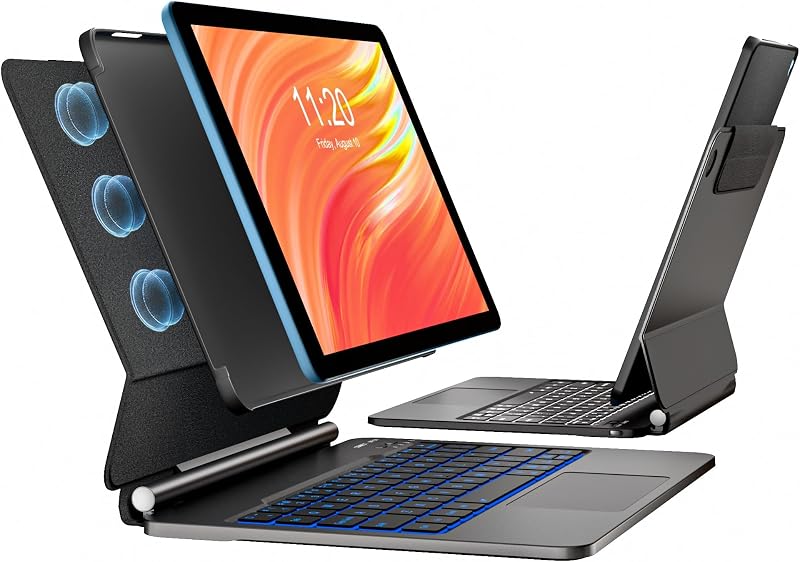
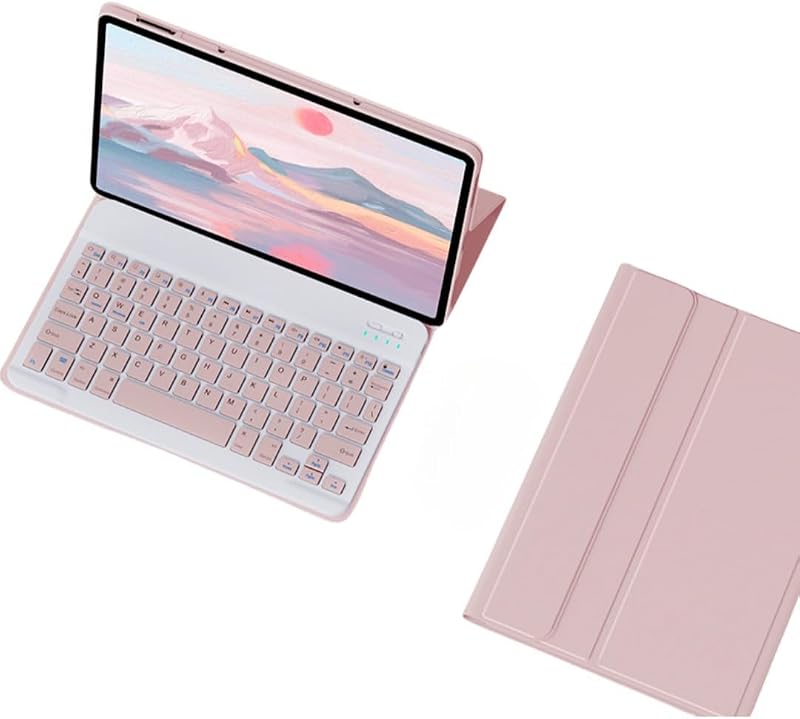
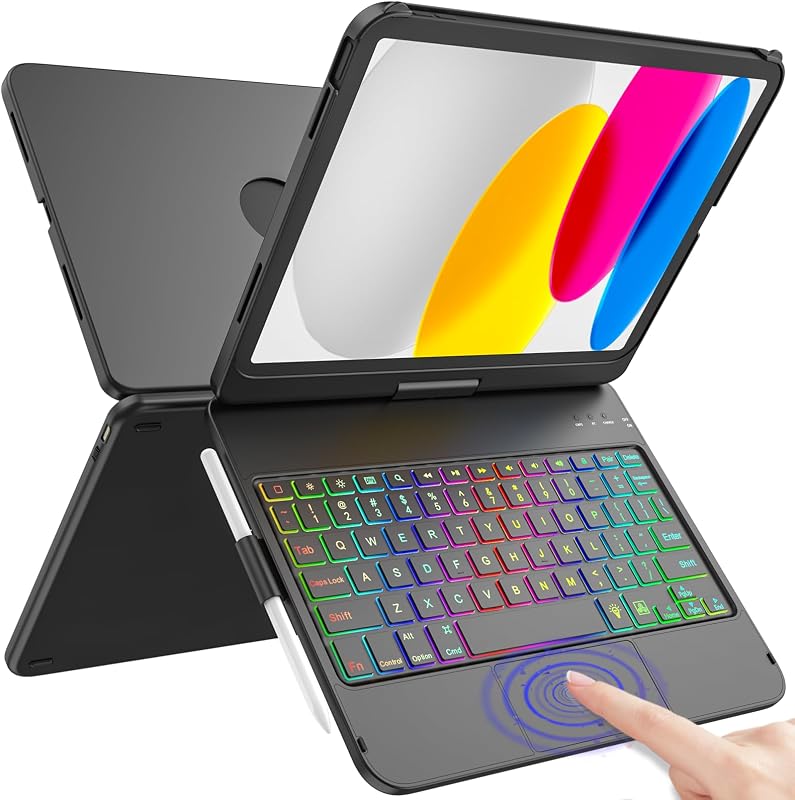
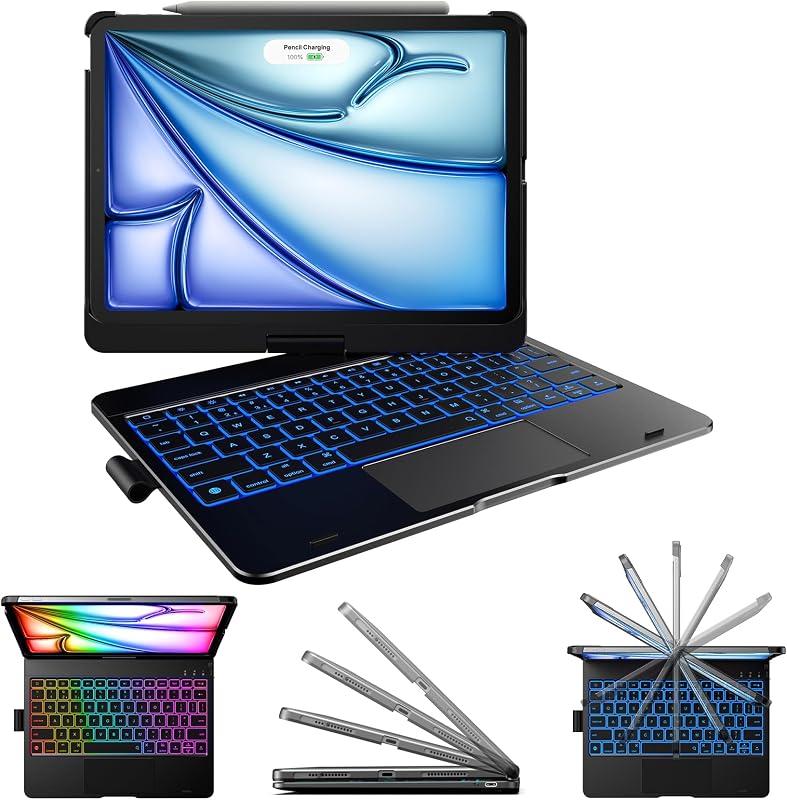
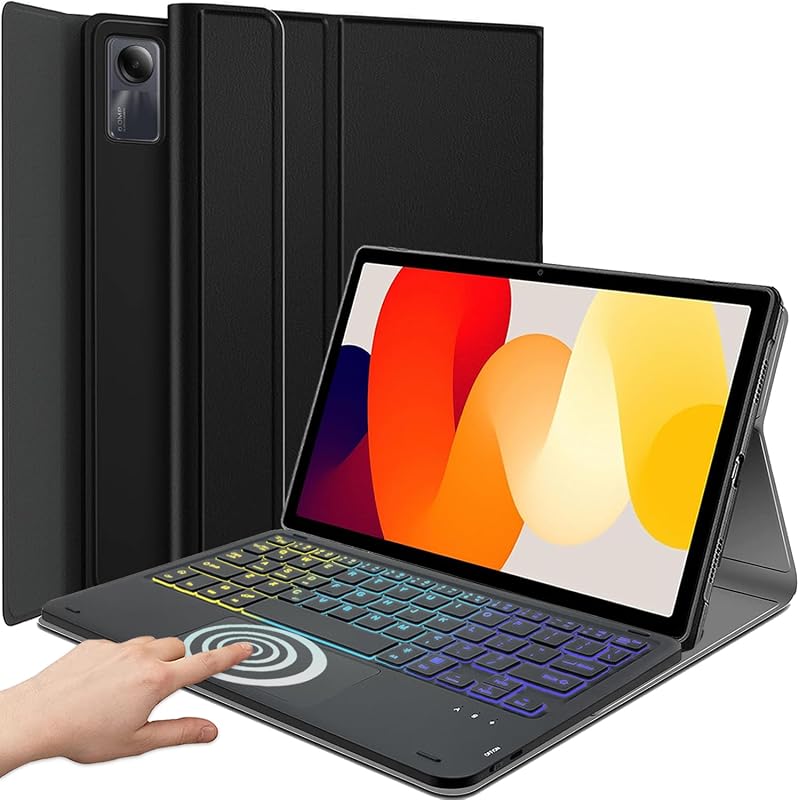
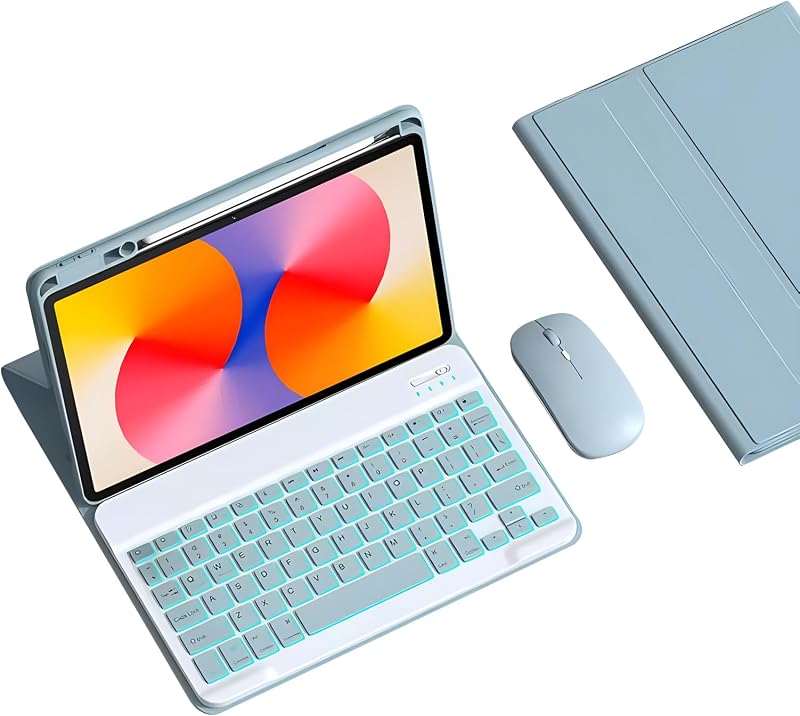
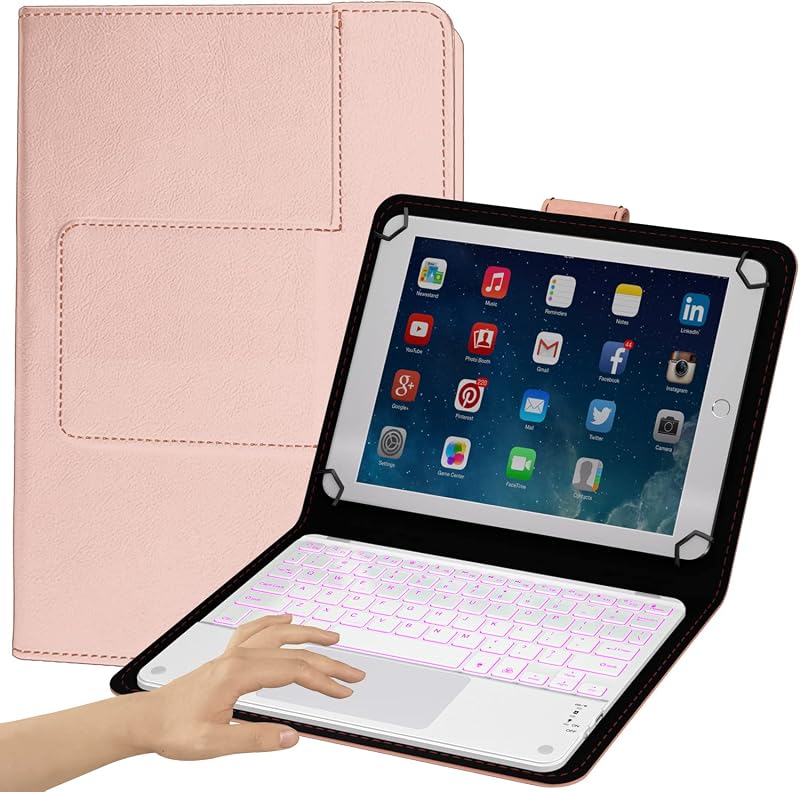
Product description Compatible Model Galaxy Tab S10 FE+ 13.1 inch 5G Tablet 2025 (SM-X620, SM-X626, SM-X626B), Not Compatible with Galaxy Tab S10 FE 10.9" tablet, please kindly check your tablet model before purchasing (Setting-About tablet-model name){Tablet and stylus are not included} 7 Color Backlits & 3 Level Brightness Adjust Press both the keys"Fn"+"Enter" to change the keyboard backlight colors, press the "Fn"+"shift(With light icon)" key to adjust the brightness of the Tab S10 FE+ keyboard(or turn into to breath lamp, press again to turn off/on the backlight) One-click DEX Mode Make your tablet as a real Laptop! Just press "Fn" +"Dex" to switch shortcut mode, supports multi-window operation, file drag and drop, right-click function, etc. With one click, your tablet can be effortlessly transformed into a laptop. Precision Cutting Easy to access all the holes, built in pen holder to store your s-pen (not included), support multi-angle viewing stand, you can adjust to comfortable position, backlight designed support to work in the dark environment, mutil-touch trackpad support you to work outside without need an extra mouse!!! Mutil-touch Trackpad (turn on/off the touchpad) The Samsung Tab S10 FE+ Keyboard designed with US QWERTY Layout, Easy to use and control the tablet with shortcut key, If you don't need the touchpad, you can press both the keys "Fn" + "Spacebar" to turn off the touchpad to prevent accidental touches. Multiple Application This keyboard case for Galaxy Tab S10 FE+ can be used in work, study, chat etc. Previous page Mutil-function Easy access to all the port, built in s-pen holder to store your s-pen, soft TPU Bumper provide full protection to your tablet, backlight design allow you to type in the evening How to connect? Turn on the power button to "ON", and then go to Tablet setting -Bluetooth- Finally find and click the bluetooth name "Wireless Keyboard", pair it; If not work, reset (Press both the key"ESC"+"DEL") How to get a better touch experience? You just need to adjust the touchpad rolling speed settings: Go to Tablet's Settings > General management > Mouse and trackpad > Adjust pointer speed/ Wheel scrolling speed Dual-channel Wireless Connection easily connect to Samsung mobile phones or tablets, just press both the keys "Fn"+"Q" / "Fn"+"w" to meet your need Transform into "Laptop" mode in seconds Design with DEX mode and trackpad, you can work without an extra mouse, which will bring more convenient in your life Next page 1, if not work,press both the keys"Fn"+"Q" for 3 seconds (bluetooth light flashes), then go to setting-bluetooth-find and click"wireless keyboard" for pair; 2,To add a new device, press"Fn"+"w", the operation is the same as above 3,To switch between 2 devices, press "Fn"+"Q"/"Fn"+"w"for a sceond
Agregás al carrito
Sumás este y otros productos que querés traer.
Cotizás el envío
Calculamos flete aéreo y aranceles a Argentina.
Confirmás y pagás
Un asesor te contacta con el link de pago.
Lo recibís en casa
Tracking en tiempo real. Aduana incluida.
Los mejor puntuados del mismo tipo de producto
Mismo tipo de producto y precio parecido