Cargando el producto…

Precio de origen
$ 46.947
$ 59.614
+ flete y aranceles — se calculan al cotizar
Compra protegida
Puerta a puerta
Aduana incluida
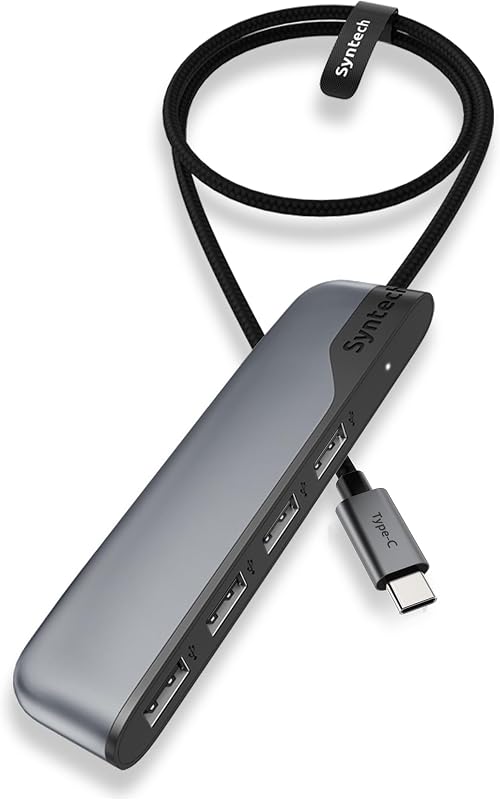
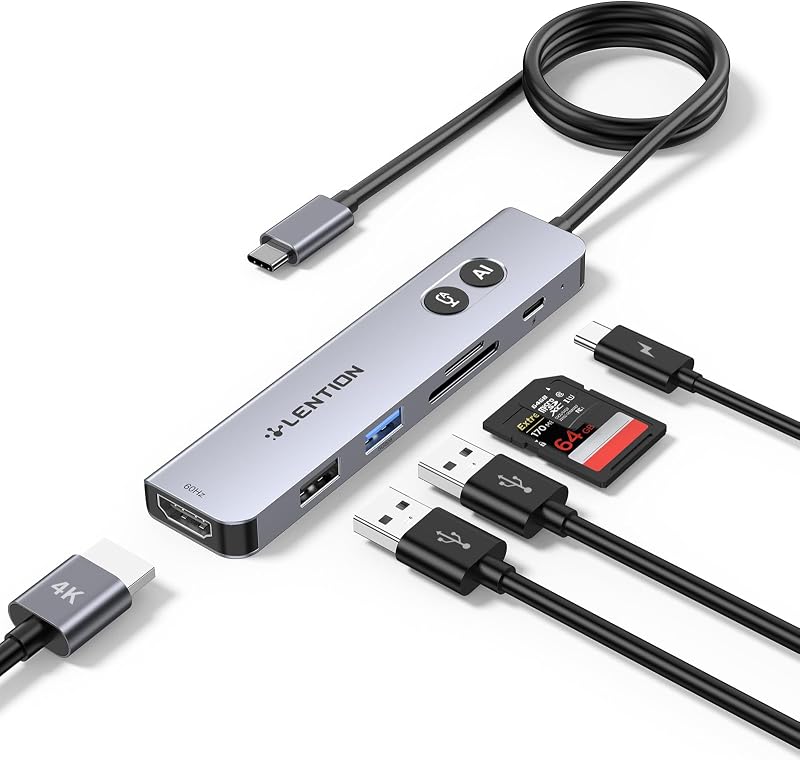
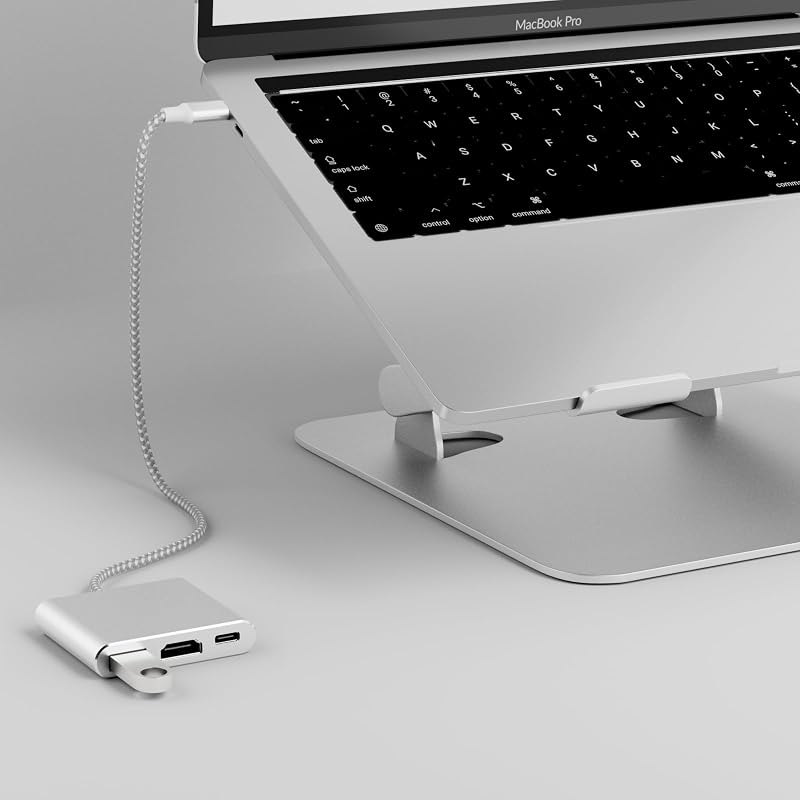
Product description 6-IN-1 USB-C Hub with Immersive 4K Spectacle, Smooth Online Meetings with Gigabit Ethernet, Fast Data and Reliable Host Power Delivery Previous page Next page Previous page Next page 1 Gigabit Ethernet 2 Efficient Data Transfer 3 Reliable Power Supply Previous page Next page 1 Premium Build 2 Less Clutter Desk 3 Take Anywhere 4 Wide Compatibility Previous page Next page 1 For Laptops 2 For Tablets 3 For Mobile Devices 4 For Game Consoles 5 acer Gadget Q1 Why is my HDMI not working with the hub? A1 1) Ensure your device supports DP 1.4 Alt Mode and HDMI 2.0 or higher. 2) Check your HDMI cable and monitor settings. 3) Connected correctly. Q2 How can I achieve 1000Mbps with this hub? A2 Please make sure: 1) Your network service and your device is compatible 1 Gbps. 2) Use CAT6 & up Ethernet cables. 3) The cable is securely plugged into the usb hub. Q3 Why isn’t my laptop charging at full speed with PD? A3 1) Ensure your laptop supports USB-C PD. 2) Use a PD-compatible host charger of 100W or higher. 3) Use a compatible cable and connect correctly. Q4 The external monitor does not automatically reconnect after sleep. What should I do? A4 This may occur due to system power management after sleep, where the HDMI signal is not automatically restored. To fix it: 1) Reconnect the HDMI cable or hub; 2) Wake the computer before the monitor; 3) Update system and graphics drivers; 4) Use a high-quality HDMI cable. For better stability, we recommend disabling deep sleep or adjusting power settings when using external displays for extended periods. Q5 Why is my Ethernet connection unstable or disconnecting? A5 This issue may be caused by multiple factors such as cable quality, network environment, or system settings. To improve stability: 1) Check and replace the Ethernet cable if needed; 2) Try a different router port; 3) Reconnect the hub and ensure a secure connection; 4) Update system and network drivers. Using a high-quality cable and a stable network can also help improve performance. Q6 Can I connect two or more external monitors to this hub? A6 No. This hub supports only one external monitor. It has a single HDMI port, and the USB‑C port is for data transfer only (it does not support video output or charging). Therefore, you cannot use this hub for dual‑monitor or multi‑monitor setups. Q7 Hub not working on macOS Tahoe (26.x)? A7 Quick fix (2 min): 1. Open Finder → Press ⌘+Shift+G → Type: /Library/Preferences/ 2. Move "com.apple.windowserver.plist" to Desktop (backup) 3. Shut down (not restart), then power on, reconnect hub – hub should work Acer USB C HUBS 6 in 1 USB C Hub Buying Options 4 in 1 USB C Hub Add to Cart 13 in 1 Docking Station Add to Cart 11 in 1 Docking Station Buying Options 6 in 1 USB C Hub Buying Options 5 in 1 USB C Hub Buying Options Customer Reviews 4.5 out of 5 stars 278 4.2 out of 5 stars 220 4.1 out of 5 stars 326 4.2 out of 5 stars 823 4.2 out of 5 stars 152 4.5 out of 5 stars 314 Price $25.99$25.99 $34.99$34.99 $59.98$59.98 $53.99$53.99 $25.99$25.99 $15.99$15.99 Display Ports 1*HDMI 1*USB C Video Output 3*HDMI 2*HDMI+1*DP 1*HDMI 1*HDMI Max Connected Displays Single Single Triple Triple Single Single Max Display Resolution(Single) 4K@60Hz 4K@60Hz 4K@60Hz 8K@30Hz 4K@60Hz 4K@60Hz RJ45/Ethenet 1000Mbps / 1000Mbps 1000Mbps / / USB Ports 2*USBA+1*USBC 2*USBC 4*USBA+2*USBC 2*USBA+2*USBC 2*USBA+2*USBC 2*USBA+1*USBC Max Transfer Speed 5Gbps 10Gbps 10Gbps 10Gbps 10Gbps 5Gbps USB-C PD Input 100W 100W 100W 100W 100W 100W SD/TF / / 104Mbps 104Mbps / /
Agregás al carrito
Sumás este y otros productos que querés traer.
Cotizás el envío
Calculamos flete aéreo y aranceles a Argentina.
Confirmás y pagás
Un asesor te contacta con el link de pago.
Lo recibís en casa
Tracking en tiempo real. Aduana incluida.
De la misma marca, empezando por lo más reseñado
Los mejor puntuados del mismo tipo de producto
Mismo tipo de producto y precio parecido





![Anker Hub USB de 4 puertos con transferencia de datos de 5 Gbps, concentrador USB 3.0 múltiple, divisor USB para computadora portátil, extensor para un puerto portátil, PC, computadora de escritorio y más [carga no compatible] (USB-A de 0,7 pies) (paquete de 2)](https://m.media-amazon.com/images/I/51gQWHVLMGL._AC_SL800_.jpg)