
Cargando el producto…

Precio de origen
$ 79.491
$ 234.896
+ flete y aranceles — se calculan al cotizar
Color
Compra protegida
Puerta a puerta
Aduana incluida
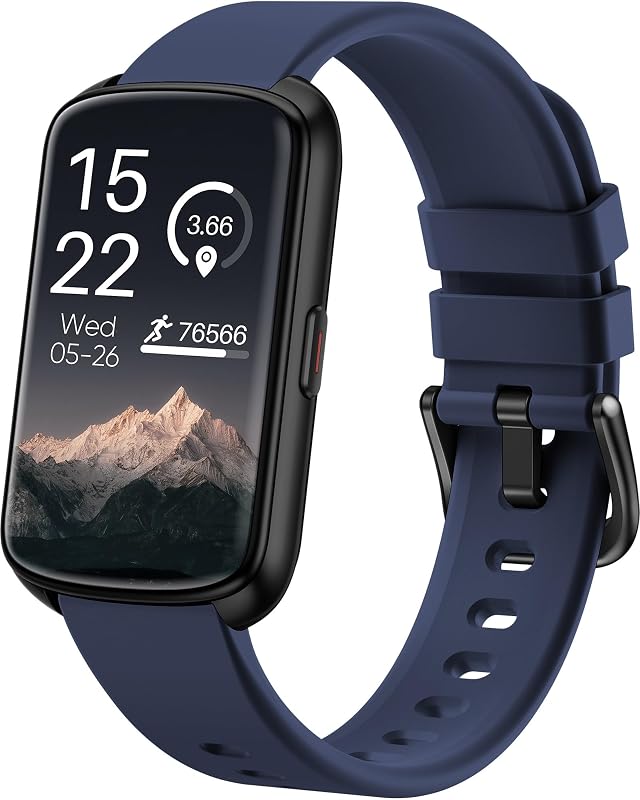
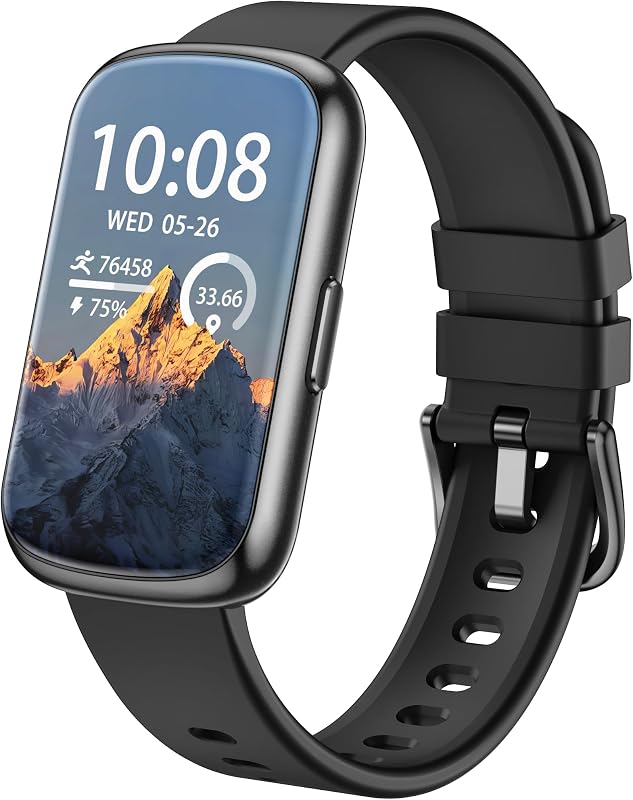
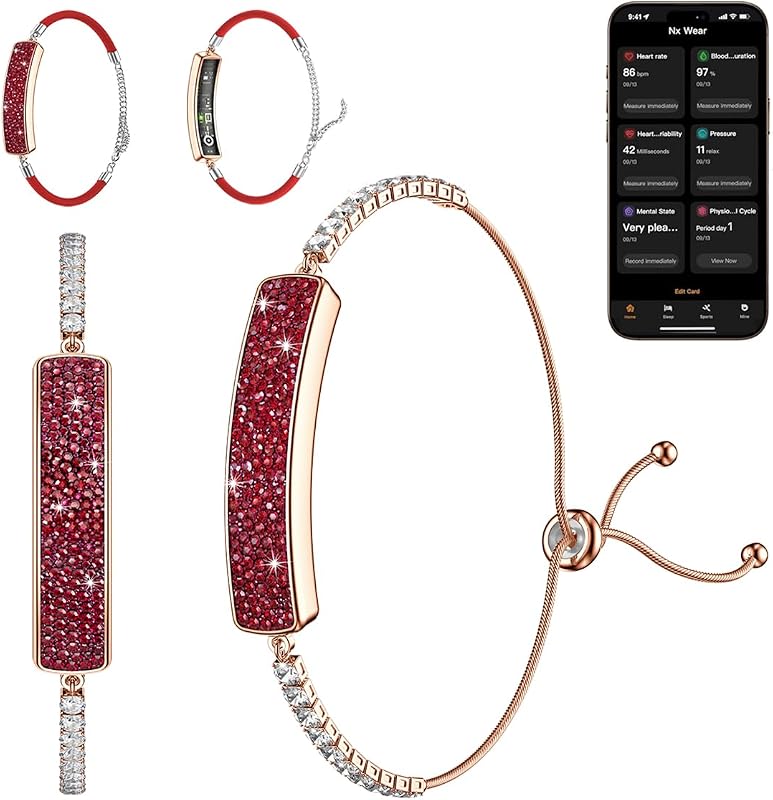
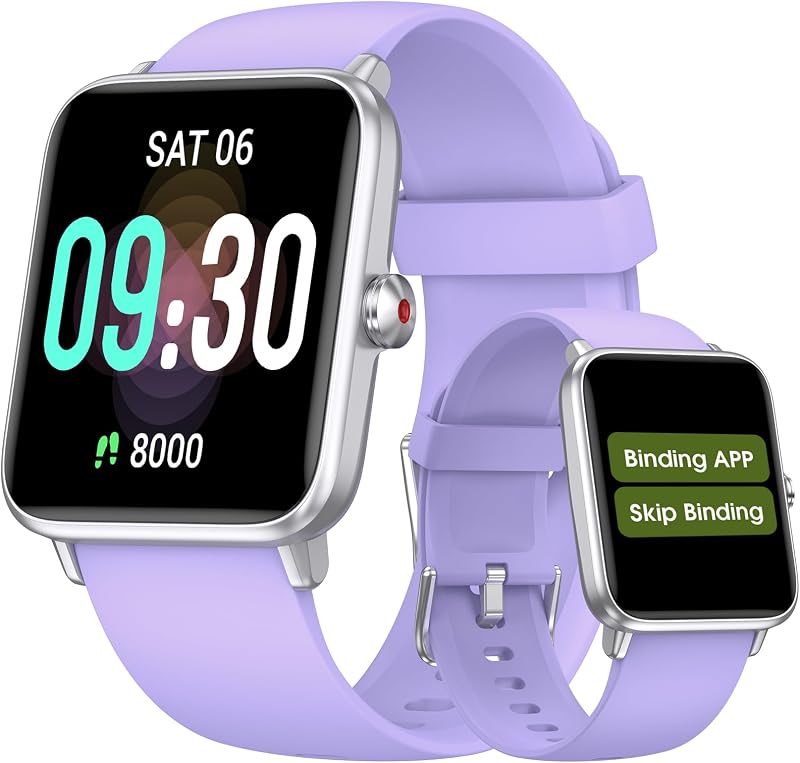
Product description KPEP Fitness Tracker with 24/7 Heart Rate, SpO2, Blood Pressure, Sleep Monitoring, 24 Sports Modes Activity Tracker with 1.13" AMOLED Screen, IP68 Waterproof Step Counter for Android iPhones Men Women Powerful Sensors for Insights About Your Health Metrics *Heart Rate Monitoring: 24/7 heart rate tracking helps you betterestimate calorie burn, see your resting heart rate trends *Blood Oxygen Monitoring: Allowing you to have a realize of your blood oxygen levels when needed and help adjust your overall state *Blood Pressure Monitoring: Record real-time data and relax in time *Sleep Monitoring: The sleep tracker also analyzes your sleep quality, tracks your deep sleep, light sleep, and awake periods, rates your sleep quality, and helps you adjust your sleep habits *Female Health Tracking: The smart watch has a health function for women.Know your estimated period, ovulation, and fertile timesat with female menstrual cycle tracking.easily manages the physiological state of women 24 Sports Modes and All-Day Activity Tracking Fitness tracker offers over 24 sport modes to help you achieve your workout goals. Whether you're a seasoned athlete or just getting started, our diverse range of workouts caters to all fitness enthusiasts Recording all day activities, steps, moving distance, calories burned data as well as active minutes.Connect with mobile's GPS, you can check your real-time route in the App Customise your own watch face, set one that fits your style You can choose from a variety of watch faces in the "Keep Health" app. The fitness tracker supports custom watch faces, and you can also choose the image you like as a watch face What should I do if my watch doesn't receive message notifications? 1.Only when "Notification alerts" is enabled in the app ("Device" page →More → "Notification", turn on "Notification"), will calls/message be notified 2.When the "Do not disturb" function is enabled in the app ("Device" page → "Do Not Disturb") , incoming calls/message will not be notified on the device during the do-not-disturb period More functions waiting for you to explore How to start to use the fitness tracker? 1. Charge it first to activate the device the first time you receive it 2. Connect the device with your phone in the App "Keep Health" Steps: a. Search and download the "Keep Health" APP on the APP store or Google Store to your phone b. Turn on your phone's Bluetooth c. Go to the APP create account and logs in and then click the Add a Device to find the C81-XXX, click it to connect d. Fill in your personal information to make the measured data more accurately
Agregás al carrito
Sumás este y otros productos que querés traer.
Cotizás el envío
Calculamos flete aéreo y aranceles a Argentina.
Confirmás y pagás
Un asesor te contacta con el link de pago.
Lo recibís en casa
Tracking en tiempo real. Aduana incluida.
Lo que suele llevarse para tu celular · un solo envío para todo
Los mejor puntuados del mismo tipo de producto
Mismo tipo de producto y precio parecido



![Syncwire Cell Phone Ring Holder Stand [2 Pack], 360 Degree Rotation Finger Ring Kickstand with Polished Metal Phone Grip for Magnetic Car Mount Compatible with iPhone, Samsung, LG, Sony, HTC | 360° Rotation, Mini Size, All Metal, Strong Adhesive, Finger Ring Kickstand , for Smartphones](https://m.media-amazon.com/images/I/61rzsM-OVbL._AC_SL800_.jpg)










![Galaxy FIT 3 [2024] Pantalla AMOLED de 1,6" | Hasta 13 días de duración de la batería | Más de 100 esferas de reloj | Más de 100 modos de entrenamiento | Modelo internacional - (Plata)](https://m.media-amazon.com/images/I/61I0xqgJSXL._AC_SL800_.jpg)
