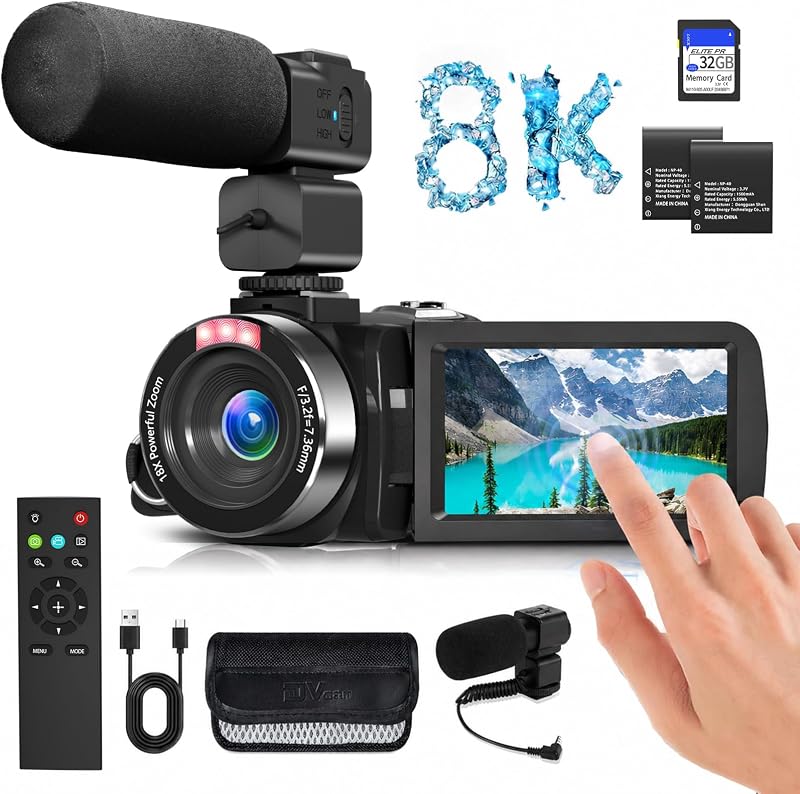
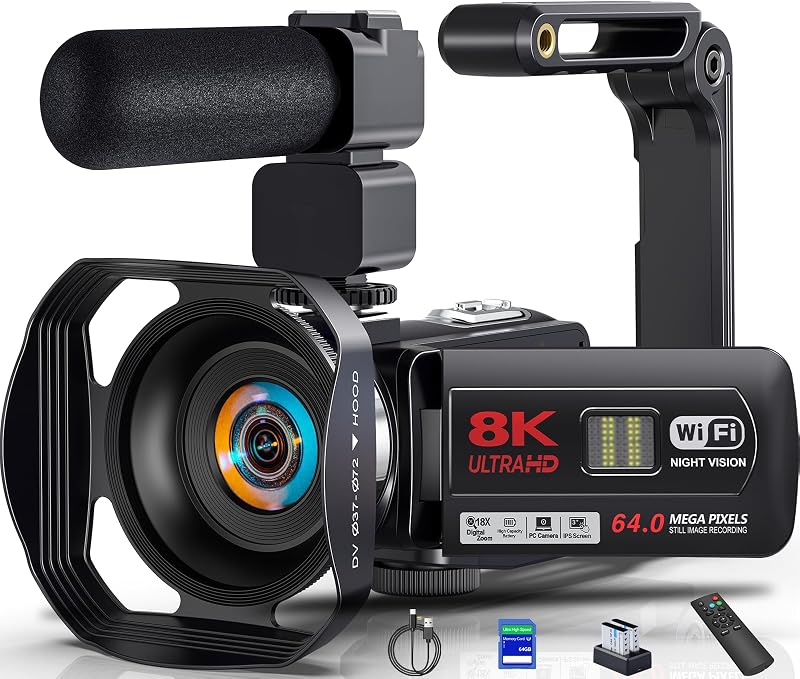
Cargando el producto…

Precio de origen
$ 327.638
+ flete y aranceles — se calculan al cotizar
Compra protegida
Puerta a puerta
Aduana incluida
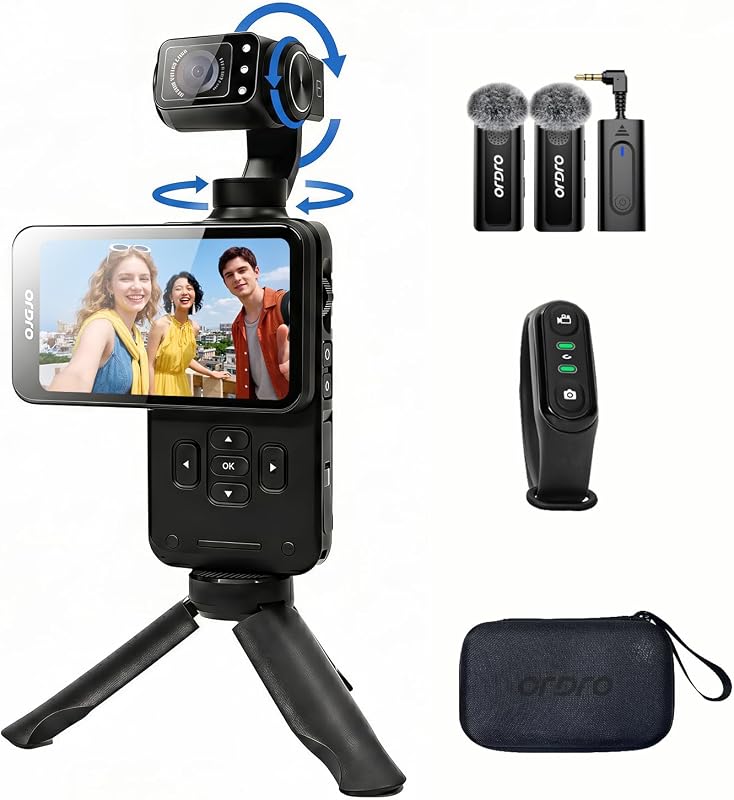
Product description Specification: Camera Lens: Fixed Lens, Aperture F/2.2, f=4.88mm, Focal Distance: 1.0FT(30CM) to infinity Display Screen: 3.5 inch IPS Screen, supports 90° rotation Digital Zoom: 10X(Fixed-zoom lens, autofocus and optical zoom are not supported) FOV: 120° File Format: Video: MP4 H.264 Photo: JPEG Image Resolution: 48M/36M/30M/20M/14M/10M/8M/ 5M)/3M/2M; etc Video Resolution: 5K/4K/2.7K/1080P, etc APP: Compatible with IOS/Android "D Video" Support: Face Capture, Factory Reset, Anti-Shake, IR Night Vision, Time-Lapse, Slow Motion, Continuous Shooting, Video Sound TV Output: HDMI Output USB Port: Type C USB(MSDC&PC CAM/Webcam) Li-ion Battery: 3.8V 3250mAh(Requires 5V2A Charging Plug) Date Stamp: Off/Date/Date&Time Exposure Compensation: -2.0 EV to + 2.0 EV ISO: Auto, ISO100, ISO200, ISO400, ISO800, ISO1600, ISO3200 Selfie Timer: Off/2sec/5sec/10sec Power Save: Auto-power Off in 1min/3min/5min/Off White Balance: Auto/Daylight/Cloudy/Tungsten Light/Fluorescent(H)/Fluorescent(L)/Color Temperature Format: Yes/No(Please format the SD card before using this camera) Memory Card: Support Micro SD memory card, 4GB up to 256GB(The package comes with a 64GB Micro SD card) Camera Dimension: 5.3x2.2x1.5inch; 136(L)×55(W)×38(H)mm Camera Weight: About 0.6lb(266g) WiFi APP Connection Install the "OD Cam" app on your smartphone and connect to the camera via Wifi to remotely control, preview, share, and download. Image Stabilization Standard with an anti-shake function, the M3 minimizes picture shaking, delivering a smoother and more stable visual effect. We recommend turning it on in 4K 30FPS mode for best results.(This feature is not supported on vertical screens and at 4K60FPS and and certain resolutions.) 180-Degree Rotatable Lens With a 180-degree flippable lens, the M3 provides a wider range of shooting angles. Whether capturing selfies or elevated shots, users can comfortably operate the camera, offering greater creative flexibility for video content.(However, only 90° lens rotation is possible during recording.) 120-Degree Wide Angle Offering a broader field of view to capture more scenery, the M3 also features a wide-angle correction function, mitigating image distortion commonly associated with wide-angle shots, resulting in visually stunning pictures. WDR/Long Exposure Function Retaining more highlights and shadow details in both high and low-light environments, the M3 delivers a more lifelike visual experience. Ultra-Long Operating Time The M3 comes equipped with a reliable, high-capacity rechargeable battery, ensuring users enjoy extended usage. With a capacity of up to 3250mAh, the battery supports 4-5 hours of continuous recording, ensuring you never miss capturing those exciting moments. Notes on use: The first time you use the camera, please find “Format” memory card for formatting in “System” settings.SD card needs to use U3 level memory card.The reset button is located in the small hole marked with “R” under the flip cover screen, please poke it down with a needle.If you want to switch to directional lens or focus mode, you need to press the “M” button first, and then control it through the toggle button.In 4K60fps/1080P120fps/720P 120fps and 720P 240fps mode and vertical screen mode does not support to open the anti-shake function. We recommend turning it on in 4K 30FPS mode for best resultsThe lens can only be rotated to 90° when using the “Lens Control while recording” function. Operational Guidance: Q: How to connect to WiFi? A: After downloading the APP “OD CAM”, turn on the “WiFi” function of the M3 machine, then go to the phone settings and turn on the WiFi, select the WiFi name as “M3-XXXX” and connect it, enter the default password. 12345678: 12345678. After successful connection, open APP and click to connect the device. Q: How to use live streaming? A: Use our USB cable to connect your computer to the camera, at this point the camera will pop up with a function prompt, select the “PC CAM” function and check if the computer settings call this camera. Q: How do I reset this camera? A: Poke a pin through the hole marked “RST” under the screen of the camera's flip cover. Q: How do I switch from lens rotation mode to focus mode? A: You have to press the "M" button to change the lens rotation mode to focus mode, and then you can slide the wheel. Q: Why does rotating the lens not respond? A: Because the lens can only rotate 90° during video recording. Generally, it is possible to rotate it to 180° for self/other shots. Q: Why can't I turn on the stabilization? A: Please note that this function is not supported in 4K 60FPS mode or vertical screen mode. We recommend turning it on in 4K 30FPS mode for best results
Agregás al carrito
Sumás este y otros productos que querés traer.
Cotizás el envío
Calculamos flete aéreo y aranceles a Argentina.
Confirmás y pagás
Un asesor te contacta con el link de pago.
Lo recibís en casa
Tracking en tiempo real. Aduana incluida.
Lo que suele llevarse para tu cámara · un solo envío para todo
De la misma marca, empezando por lo más reseñado
Los mejor puntuados del mismo tipo de producto
Mismo tipo de producto y precio parecido

![[Older Version] SanDisk 16GB 3-Pack Ultra microSDHC UHS-I Memory Card (3x16GB) - SDSQUAR-016G-GN6MM](https://m.media-amazon.com/images/I/817IttnC4lL._AC_SL800_.jpg)

![PEHAEL for iPhone 17 Privacy Screen Protector+Camera Lens Protector | 3+3 Pack, Installation Frame, Cleaning kits, Anti-Spy Private, Anti-Scratch, 9H Tempered Glass, Case Friendly, [6.3 inch]](https://m.media-amazon.com/images/I/61UXu7cBl7L._AC_SL800_.jpg)