Cargando el producto…

Precio desde
$ 163.810
+ flete y aranceles — se calculan al cotizar
Color
Opción 2
Compra protegida
Puerta a puerta
Aduana incluida
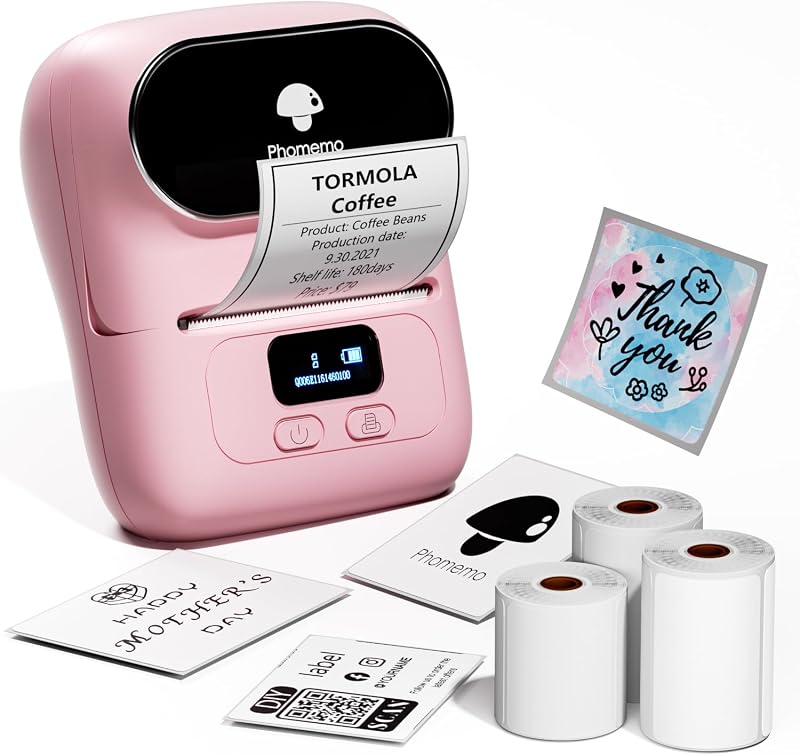
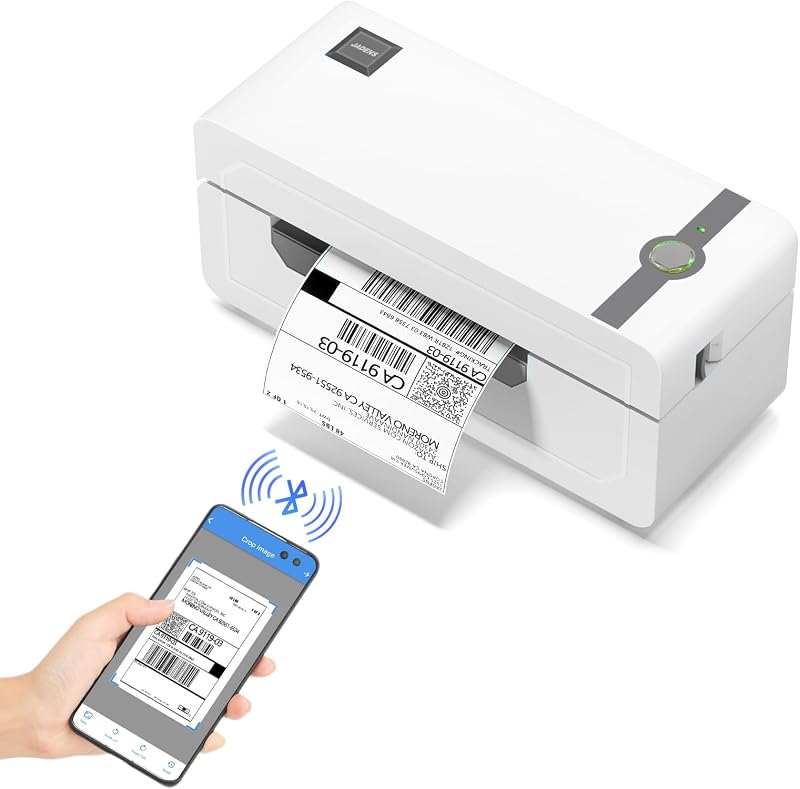
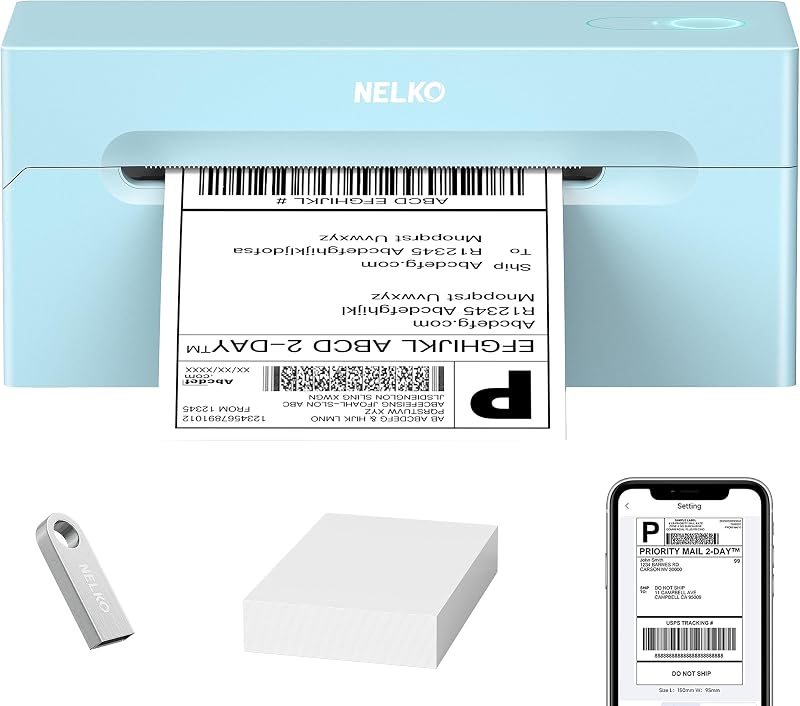
Product description Previous page Next page Previous page Next page Previous page Next page Previous page Next page PM64D Thermal Label Printer Easy to Setup Step 1 Connect the printer to a power source. Step 2 Press the power button to turn on the printer. Step 3 Load the paper roll with the printable side facing up. The video showcases the product in use.The video guides you through product setup.The video compares multiple products.The video shows the product being unpacked. phomemo thermal printer PM64D Thermal Label Printer Printer Bluetooth Connection for Mobile(iOS/Android) Step 1 Install the dedicated app following the instructions in the user guide. Step 2 Turn on your phone’s Bluetooth, then pair with the PM64D printer inside the app. Step 3 Load your file into the app and send it to print. Important Note: The printer cannot connect directly to your phone.All pairing and connection must be completed within the app.Please make sure your phone’s Bluetooth is turned on before pairing in the app. The video showcases the product in use.The video guides you through product setup.The video compares multiple products.The video shows the product being unpacked. phomemo thermal printer PM64D Thermal Label Printer Printer Bluetooth Connection for Computer (Windows) Step 1 Refer to the user guide to download and run the driver, then select your printer model – PM64D. Step 2 Choose Bluetooth Connection to complete the driver installation. Step 3 Start Bluetooth printing with ease! The video showcases the product in use.The video guides you through product setup.The video compares multiple products.The video shows the product being unpacked. PM64D Thermal Label Printer PM64D Thermal Label Printer Printer Bluetooth Connection for Computer (Mac) Step 1 Refer to the user guide to download and run the driver, then select your printer model – PM64D. Step 2 Choose Bluetooth Connection to complete the driver installation. Step 3 Start Bluetooth printing with ease! The video showcases the product in use.The video guides you through product setup.The video compares multiple products.The video shows the product being unpacked. Printer Bluetooth Connection for Computer (Mac) PM64D with 500 Labels Phomemo Thermal Printer With Screen Built-in paper tray AirPrint Bluetooth Connection USB Connection Ethernet Connection 203DPI Print Clarity 203DPI With Screen Built-in paper tray AirPrint Bluetooth Connection USB Connection Ethernet Connection 203DPI Print Clarity 300DPI With Screen Built-in paper tray AirPrint Bluetooth Connection USB Connection Ethernet Connection 203DPI Print Clarity 203DPI With Screen Built-in paper tray AirPrint Bluetooth Connection USB Connection Ethernet Connection 203DPI Print Clarity 203DPI Previous page PM64Air Label Printer Learn More D530Pro Label Printer Learn More D520BT Label Printer Learn More 248Pro Label Printer Learn More Next page
Agregás al carrito
Sumás este y otros productos que querés traer.
Cotizás el envío
Calculamos flete aéreo y aranceles a Argentina.
Confirmás y pagás
Un asesor te contacta con el link de pago.
Lo recibís en casa
Tracking en tiempo real. Aduana incluida.
De la misma marca, empezando por lo más reseñado
Los mejor puntuados del mismo tipo de producto
Mismo tipo de producto y precio parecido