Cargando el producto…

Precio de origen
$ 182.013
+ flete y aranceles — se calculan al cotizar
Compra protegida
Puerta a puerta
Aduana incluida
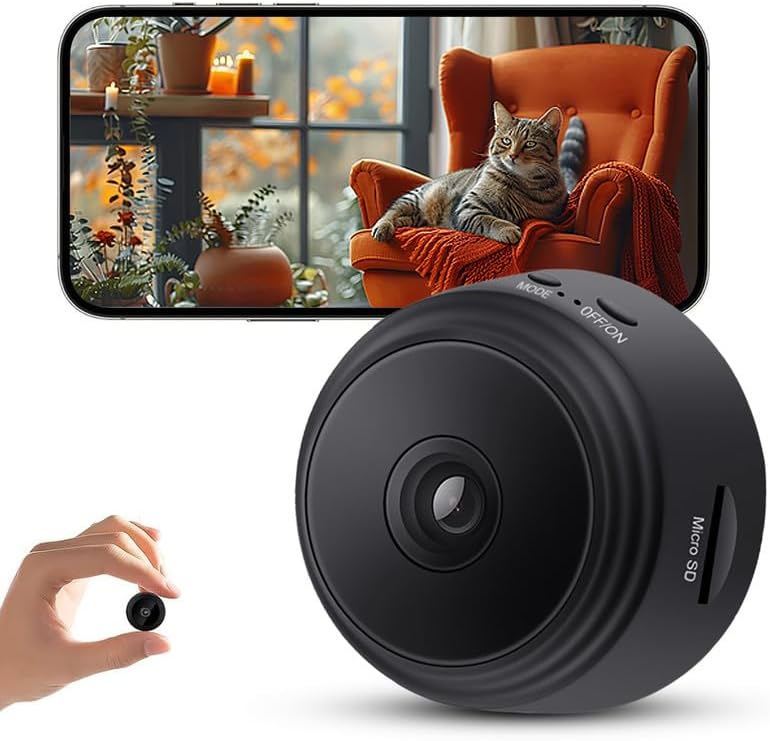
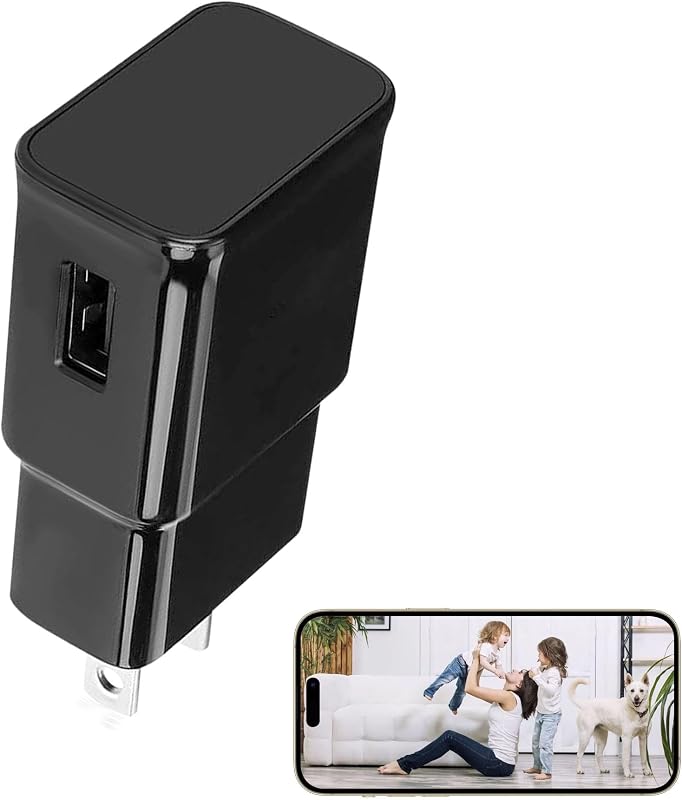
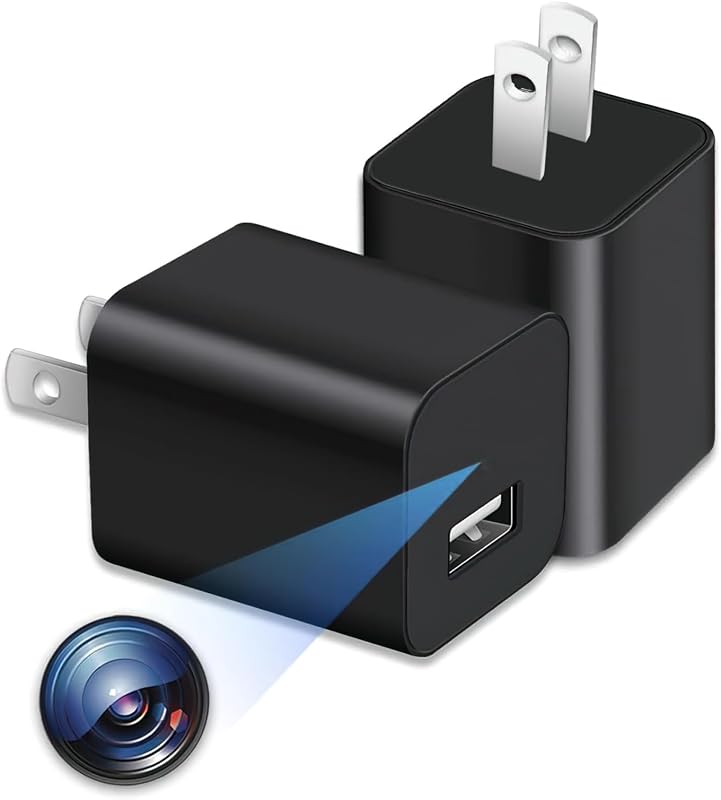
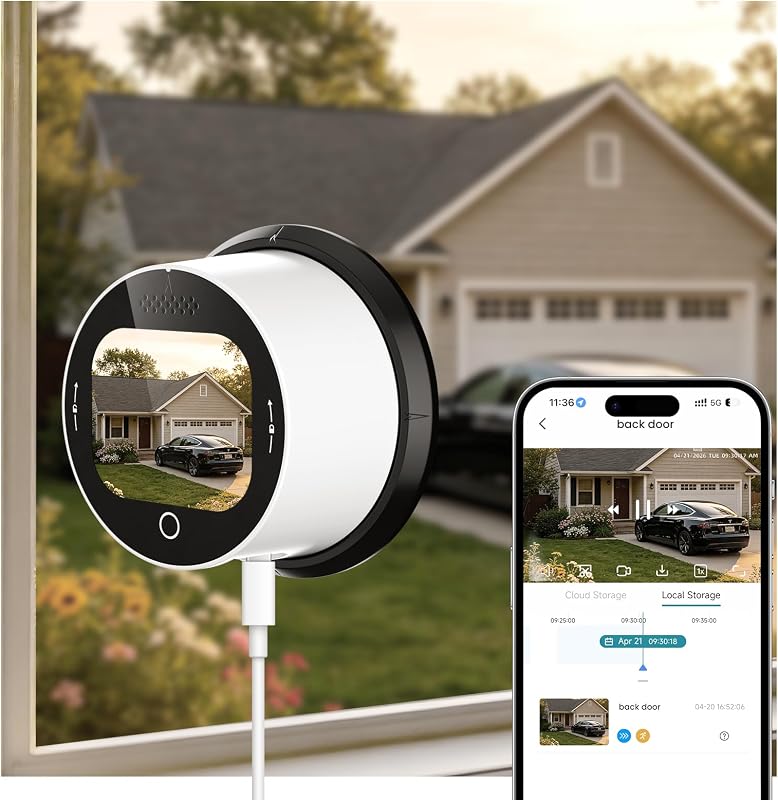
Product description How to Use (Quick Setup Guide) Step 1: Power On the Device Plug the device into a outlet and wait 30–60 seconds for it to boot up. The device will emit a wireless network signal named “BLink-XXXX.” Step 2: Connect via Phone’s WiFi Settings On your phone, open WiFi settings, find and connect to “BLink-XXXX”. Default password: 0123456789. “No Internet” message is normal — just ensure the connection is successful. Step 3: Open the App Launch the Lizvie Pro app. The device will appear automatically and take you to the viewing screen. Step 4: Connect to Home WiFi After about 10 seconds, a prompt will appear. Select your 2.4GHz home WiFi, enter the password, and complete the setup. Important: Pairing with your home router is required for remote viewing functionality.(If no prompt appears, go to Settings > Network Information in the app.) Step 5: Ready to Use You can now access the device remotely, receive motion alerts, and manage settings via your phone.
Agregás al carrito
Sumás este y otros productos que querés traer.
Cotizás el envío
Calculamos flete aéreo y aranceles a Argentina.
Confirmás y pagás
Un asesor te contacta con el link de pago.
Lo recibís en casa
Tracking en tiempo real. Aduana incluida.
Lo que suele llevarse para tu celular · un solo envío para todo
Los mejor puntuados del mismo tipo de producto
Mismo tipo de producto y precio parecido
![Mkeke for iPhone 14 Pro Case Clear [Not Yellowing] | [Military Grade Protection] Shockproof Phone Case for Apple iPhone 14 Pro 2022](https://m.media-amazon.com/images/I/71XkP-M0RfL._AC_SL800_.jpg)