Cargando el producto…

Precio de origen
$ 28.907
+ flete y aranceles — se calculan al cotizar
Compra protegida
Puerta a puerta
Aduana incluida
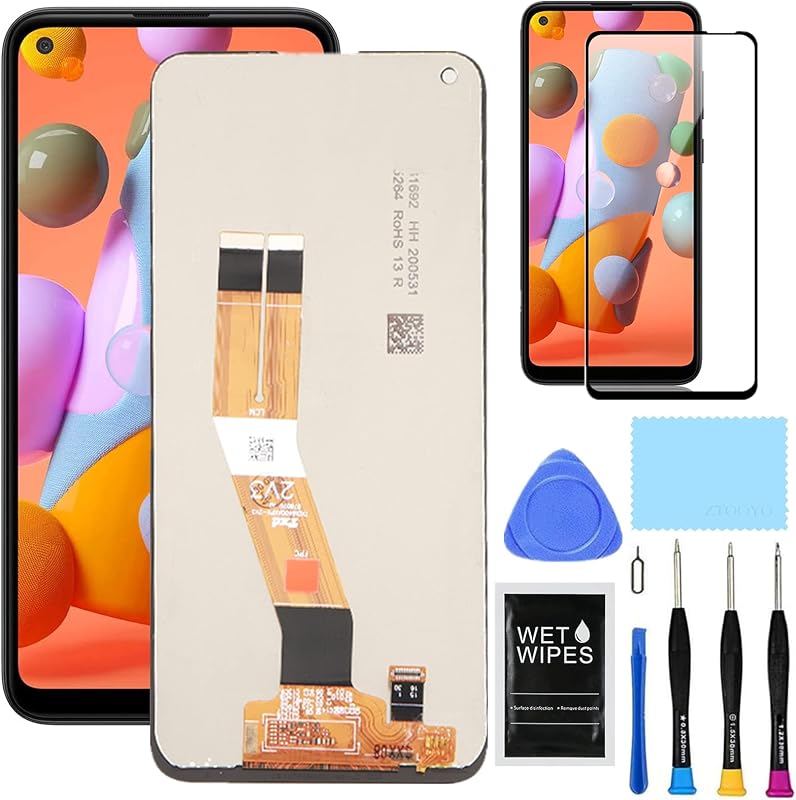
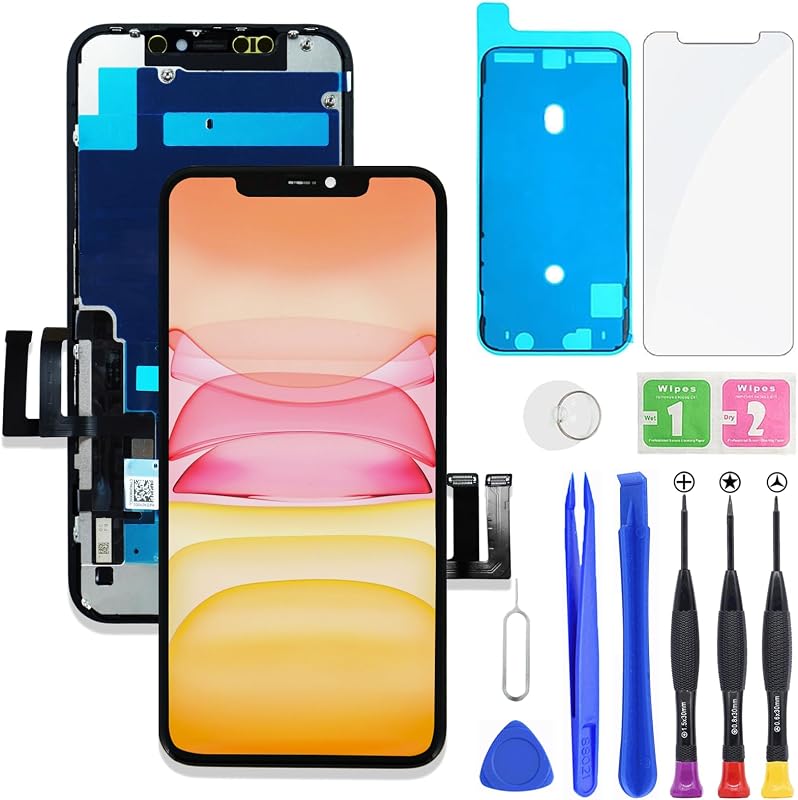
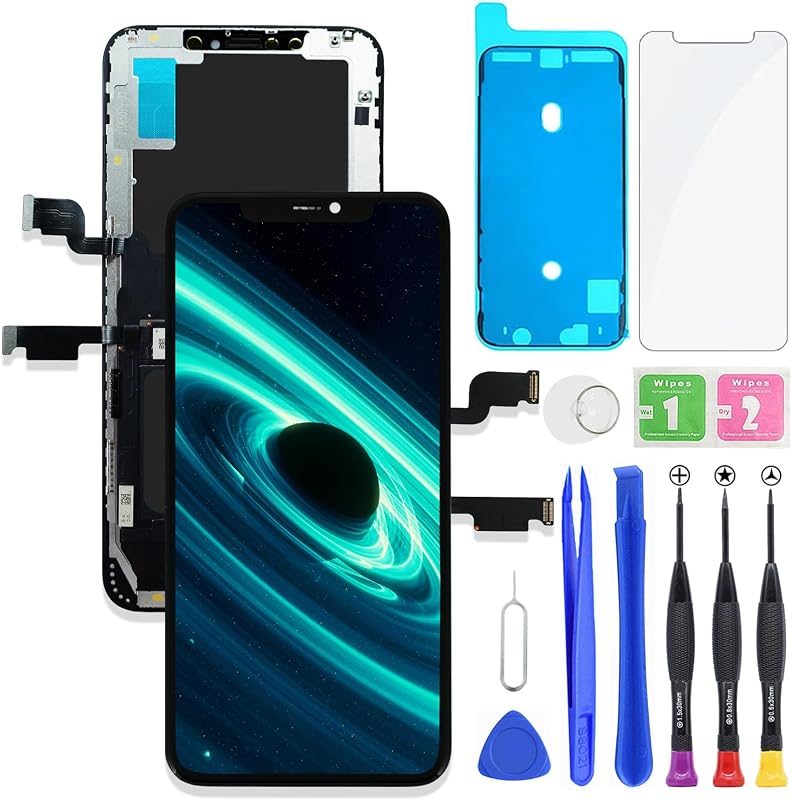
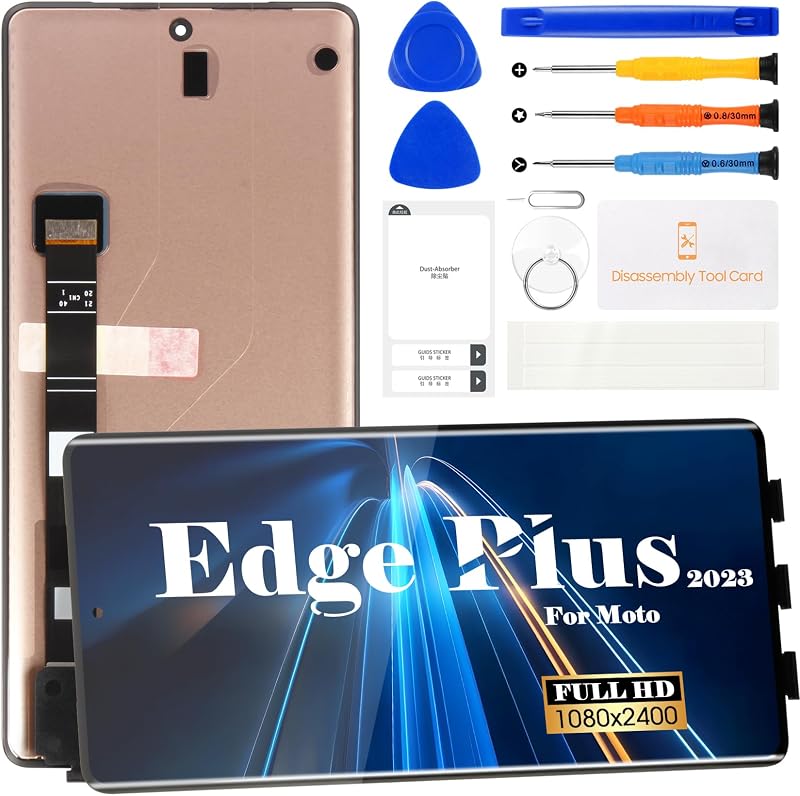
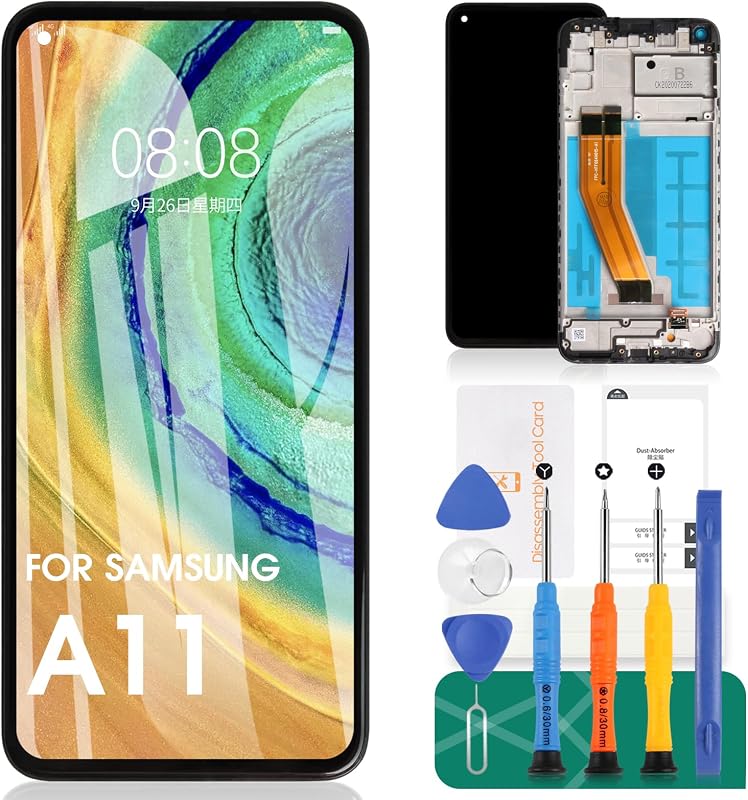
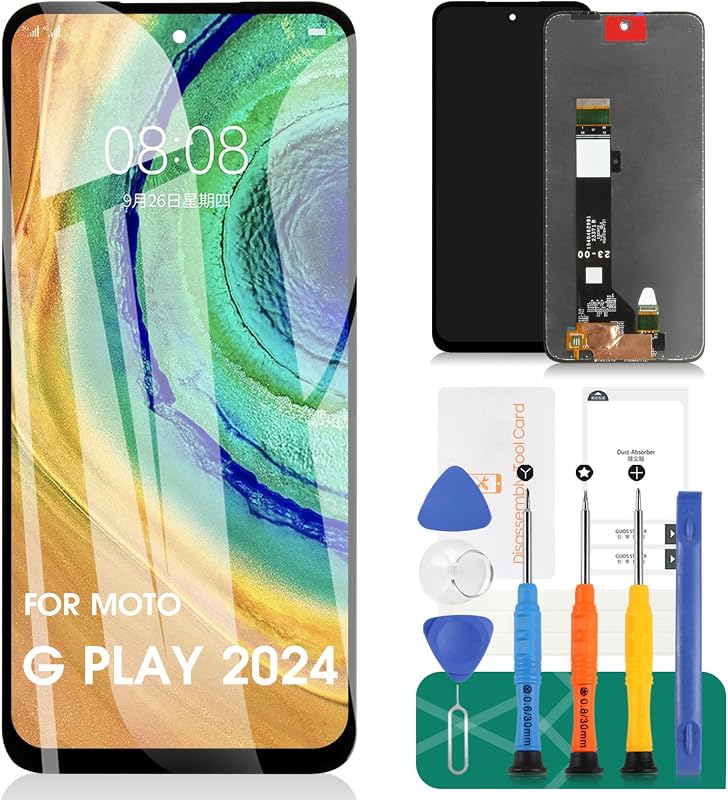
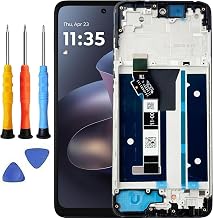
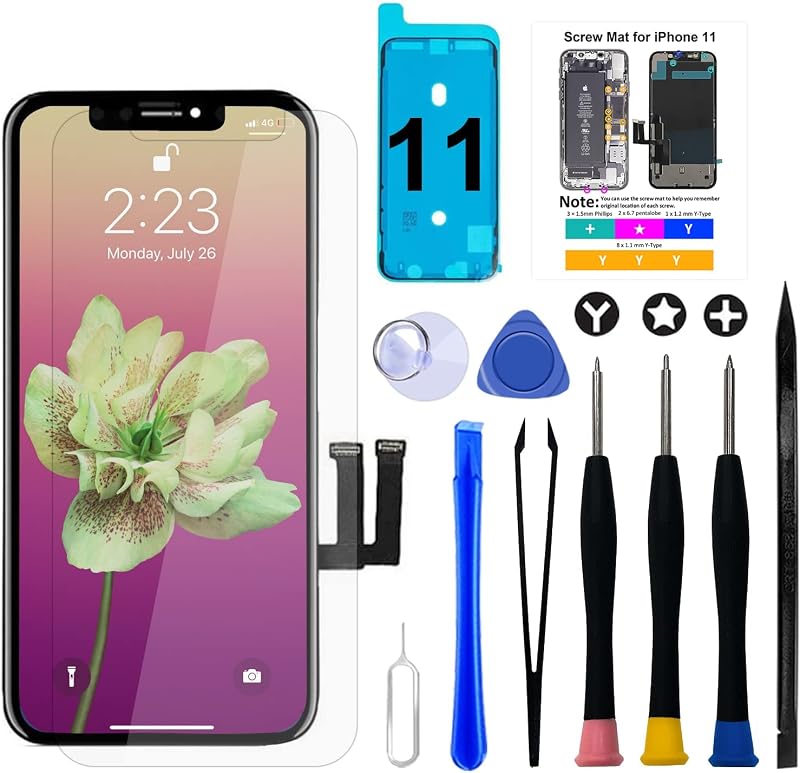
Product description Discover SRJTEK - Your Trusted Electronics Partner Choose SRJTEK—we provide reliable electronic components that meet all your needs: Quality, Innovation, Affordability, and Trusted Support Product Core Features: This screen is made of good materials and standards, in line with factory quality.We have newly upgraded our products, the touch feels as smooth as ever,more sensitive.Enhanced eye protection: filters blue light, reduces strain, safeguards vision. Upgraded scratch. Elevated User Experience via New Tech Upgrades: Eye Protection Screen Enhanced eye protection: filters blue light, reduces strain, safeguards vision.Upgraded scratch resistance: wear-resistant, scratch-proof. HD Display Screen High Definition (HD) Display ScreenThe touch feels as smooth as ever.high-quality productsStrengthen screen hardness Display Bright Colors Increase brightness, high-definition, 4K Color, high brightness +200Clear Display and Bright Colors,Stunning colorsThe screen color sense same as original screen Easy To Install Brand new intact screen, easy to install.Not need to disassemble and replace the original machine accessories during installation, even novices can quickly get started installation Is my model compatible? You can open the phone's settings, find "About Phone" to check your phone model, and then compare it with our product information to see if it is compatible. What is the difference between screens of different materials? Thickness: TFT is the thickest, while OLED is roughly the same thickness as the stock screen. Display Area: TFT is wider, while OLED features rounded corners (a common design feature of Samsung screens). Display Quality: TFT is slightly inferior, while OLED is similar to the stock screen. Fingerprint Scanner: TFT does not have one, while both OLED and the stock screen support fingerprint scanners. With Frame or No Frame? With Frame:Suitable for novice operation and less likely to damage the screen No Frame:Professional installation is recommended. Larger Or Smaller Size? Display Area Size Larger size: Fully aligns with the dimensions of the original screen, completely covering the front display area of the phone with no visual discrepancy from the original. Smallr size: Slightly smaller than the original screen. A thin black border (non-display area) may appear around the edge of the display area, leading to a marginally narrower overall visual size. Camera Area Size Larger size: Since its display area matches the original screen, it may block certain system icons or content around the camera module (like signal strength, time, and battery level). Software adaptation is required to adjust the display position and prevent such obstruction. Smaller size: The cutout or reserved space for the camera area is identical to that of the original screen. It does not block any status bar icons or content, and its compatibility is closer to the original design. compatible material frame size Warm tips: Screen replacement parts are highly fragile products. Please handle them with extreme care and gentleness when opening the package or during installation. Be careful not to press the screen edges and four corners, as they are prone to cracking.Do not over-bend the LCD cable; bending it beyond 90 degrees will cause the display to go black.Before installation, please turn off the phone and disconnect the battery cable first to completely power off the device and prevent static electricity from damaging the screen.When replacing the LCD assembly, there will be screws of different sizes and lengths. Please mark the screws and place them in the correct positions.If there are lines on the screen or the screen becomes unresponsive to touch after installation, please remove the LCD screen, clean the connector, and then reinstall it. How to Install a Screen Replacement? Gather Kits: Screwdrivers, pry kits,suction cups, heat gun.Disassemble: Remove back cover, battery,and obstructing components.Heat and Pry: Separate the screen gently.Install Replacement: Align and secure the new screen.Reassemble: Reconnect cables and components.Test: Ensure functionality.Final Check: Verify all features. See More
Agregás al carrito
Sumás este y otros productos que querés traer.
Cotizás el envío
Calculamos flete aéreo y aranceles a Argentina.
Confirmás y pagás
Un asesor te contacta con el link de pago.
Lo recibís en casa
Tracking en tiempo real. Aduana incluida.
De la misma marca, empezando por lo más reseñado
Los mejor puntuados del mismo tipo de producto
Mismo tipo de producto y precio parecido








![New 6.0'' LCD Display for TCL K11 T432W T432J Touch Screen Digitizer Assembly Replacement with Upgraded Repair Tools Kit-[with Frame]](https://m.media-amazon.com/images/I/819O6YLD81L._AC_UY218_.jpg)





![for Samsung Galaxy A03S A037u [US Version] Screen Replacement with Frame | ZTOOYO For Samsung A03S A037U Screen Replacement kit A037u1 For Samsung A03s LCD Display Digitizer Touch Screen Assembly](https://m.media-amazon.com/images/I/71CmZi4TS0L._AC_UY218_.jpg)