Cargando el producto…

Precio de origen
$ 455.060
+ flete y aranceles — se calculan al cotizar
Compra protegida
Puerta a puerta
Aduana incluida
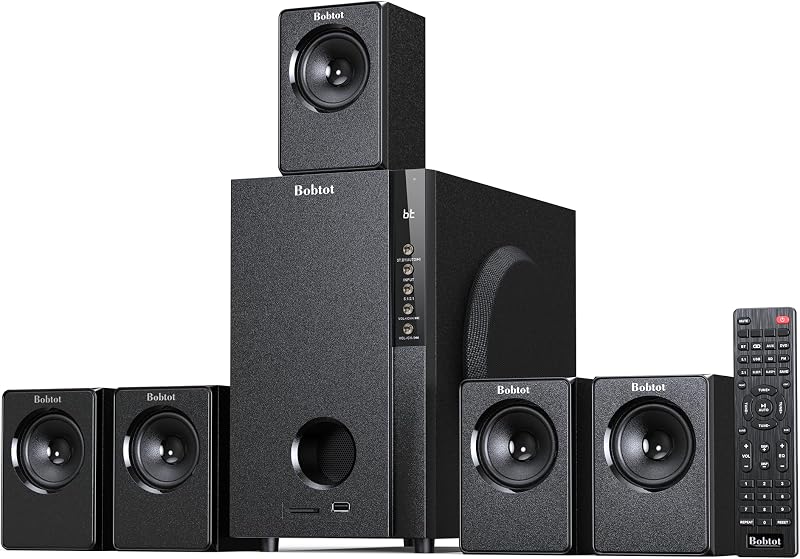
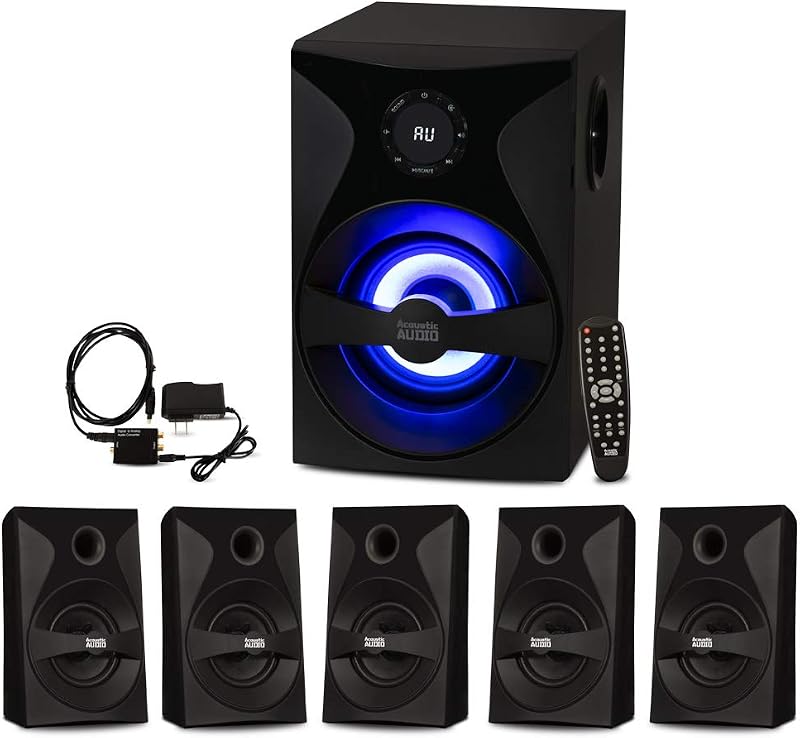
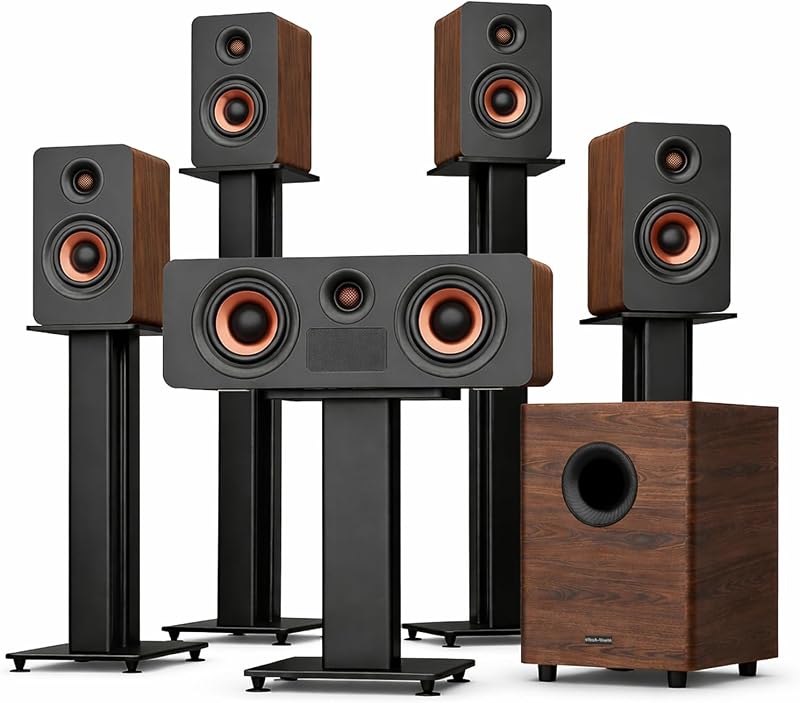
Product description 1000W Wireless Rear Satellite Speakers Home Theater Surround Sound System for TV The video showcases the product in use.The video guides you through product setup.The video compares multiple products.The video shows the product being unpacked.Video Player is loading.Click to play videoPlayMuteCurrent Time 0:00/Duration 0:18Loaded: 16.68%0:00Stream Type LIVESeek to live, currently behind liveLIVERemaining Time -0:18 1xPlayback RateChaptersChaptersDescriptionsdescriptions off, selectedCaptionsCaptions off, selectedEnglish (Automated)Audio Trackdefault, selectedFullscreenThis is a modal window. 5.1 home theater system wireless surround sound Great for watching TV and sports, concerts, movies. perfect fit for a small place listening and stream to the devices. Ensure that your subwoofer is placed correctly for optimal performance. Experiment with different positions in the room to find the best spot where the bass response is enhanced. Wireless cover range 32ft 2 Rear Wireless Speakers Allowing you to easily place the rear speakers wherever you want in your home theater setup. Atmospheric Sound, experience immersive 360° surround stereo sound. Previous page 8 inch Subwoofer with a built-in receiver, can reach up to 1000W of power, high volume but with professional sound quality and excellent bass sound, with impressive clarity and precise control. Multimedia Support Easily choose the INPUT mode with remote. Support Bluetooth, ARC/Optical/RCA/AUX/DVD/USB/SD input and FM Radio Next page With updated digital amplifier, it supports the Home theater surround system to use with a power voltage range AC 100-240V 50/60Hz, more stable and durable. Previous page Bluetooth name is "KW79" Faster, Stable, Smarte. Upgraded Bluetooth 5.3 offers faster, Smoother, Smarter, Stable connections. Next page Surround sound system home theater speakers supports V5.3 wireless Bluetooth. You can play music, or any type of media from your phone or other Bluetooth devices to play out of this home theater system. If you are into radio, it does have fm radio built into it as well. Previous page Each speaker including the subwoofer has its own volume control. Using the remote we could adjust the bass from -10~10. Totally Volume is 0 to 32 level. You can also adjust the EQ mode. Next page Easily set up in just one minute for 5.1 channel sound. If there is no sound output when connect to your TV. Please check TV setting the sound output: “Sound Output Setting” choose “ARC/Optical/Coaxial” Expert Setting - Digital output format - PCM: When you connect via ARC/Optical/Coaxial cable. What's in the Box? Easily connect and set up the K79 with your TV or Bluetooth devices, Just follow the detailed user manual or video guide. When you encounter problems, we strongly advise you to send a message to us via the Buyer to Seller message for further assistance. We are always here to service you! Bobtot KW79 Wireless Rear Home Theater Audio Speaker Specifications & FAQs Input Voltage AC 100-240V 50/60Hz Frequency Response 20Hz - 20KHz 5 Satellite Speakers Size (W*H*D) 104x 180 x 92 mm/ 1.09" x 7.09" x 3.62" Subwoofer Size (W*H*D) 235 x 370 x 343 mm/ 9.25" x 14.56" x 13.5" How to activate the system When you see the “ -- ” two short lines in the LED screen of the subwoofer, short press “ ST.BY ” on the subwoofer or Power button on the remote to activate this system. Option 1, press ST.BY button on subwoofer. Option 2 press Power button on remote. BT/ARC/OPT/USB/FM/DV/AU Mode Short press “ INPUT ” on the subwoofer to enter into the function mode (BT/ARC/OPT/USB/FM/DV/AU) or short press it on the remote to enter the function mode. *About ARC mode, just plug the matched ARC cable, the ARC inpu mode will auto be choosed and shows in the led screen. No Sound Output When Setup? If you're not getting any sound from the system when you connect it to your TV through Optical/TV ARC cable, make sure you check the TV setting and have your audio outputting set to PCM mode. One thing you may need to do is turn your TV speakers off and also select PCM mode. That's going to send stereo signal from the TV to the subwoofer through the optical/TV ARC cable.
Agregás al carrito
Sumás este y otros productos que querés traer.
Cotizás el envío
Calculamos flete aéreo y aranceles a Argentina.
Confirmás y pagás
Un asesor te contacta con el link de pago.
Lo recibís en casa
Tracking en tiempo real. Aduana incluida.
De la misma marca, empezando por lo más reseñado
Los mejor puntuados del mismo tipo de producto
Mismo tipo de producto y precio parecido