Cargando el producto…

Precio desde
$ 18.185
+ flete y aranceles — se calculan al cotizar
Color
Compra protegida
Puerta a puerta
Aduana incluida
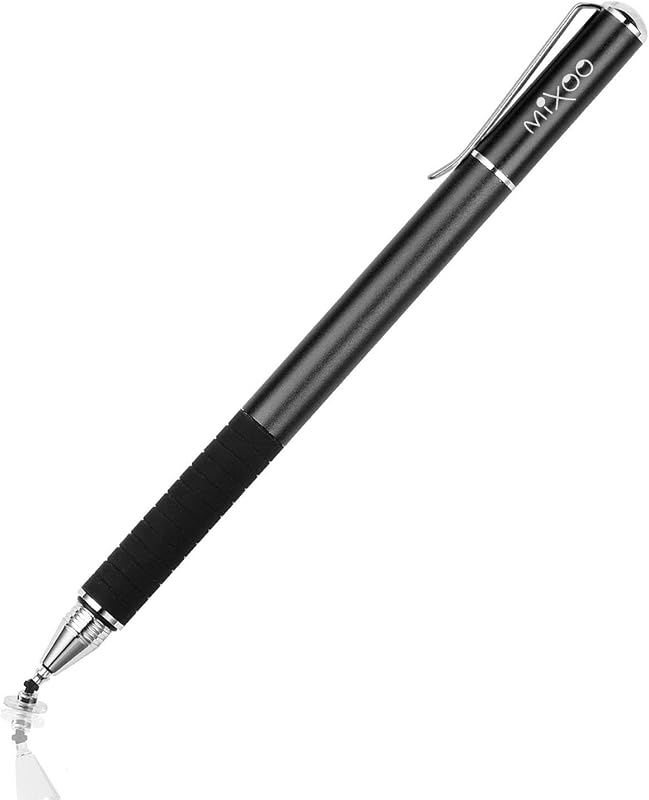
Product description ****NOTE**** The stylus is incompatible with the following devices !!! The stylus is Not compatible with laptops. !!! Samsung Tablet/Phone - A series like Galaxy Tab A7/A8/A9/A9+ and S series like S7 Plus/S5e and Galaxy Z Flip - Not compatible (Including the new Samsung phone's built-in stylus line) !!! The iPad 8the Gen and iPad Air series is relatively poorly written (e.g. Air4) !!! Xiaomi pad 5/6, writing sensitivity will be different when no screen protector and when screen protector is applied. Writing will be worse when screen protector is applied. Some APP Settings Doesn't work on Notability? Please try to set up your iPad as follows: info--->Apple Pencil--->Disconnect--->Start writing to connect Doesn't work on Noteshelf? Please try to set up your iPad as follows:Setting--->Stylus--->Enable Doesn't work on Goodnotes? Please try to set up your iPad as follows: Stylus&Palm rejection--->Smart Stytus--->None Doesn't work on Notes? Please try to set up your iPad as follows: Setting--->Draw with finger Can't write in Procreate? Please try to set up your iPad as follows:Setting---> Gesture controls--->General--->Disable Touch actions (Disconnect the Bluetooth connection between the active pen/Apple pencil and iPad before using the stylus) Can't write in Sketches? Please try to set up your iPad as follows:Setting--->Stylus--->Enable(Disconnect the Bluetooth connection between the active pen/Apple pencil and iPad before using the stylus) Can't write in Sketchbook? -Please try to set up your iPad as follows:Setting--->Preferences--->Pen Connection--->Pen--->None(Disconnect the Bluetooth connection between the active pen/Apple pencil and iPad before using the stylus) Can't write in Vectornator? Please try to set up your iPad as follows: Setting--->Input--->Draw only with pencil(Disconnect the Bluetooth connection between the active pen/Apple pencil and iPad before using the stylus) Can't write in Vectornator? Please try to set up your iPad as follows: Setting--->Input--->Draw only with pencil(Disconnect the Bluetooth connection between the active pen/Apple pencil and iPad before using the stylus) Can't write in Onenote? Please try to set up your iPad as follows: Draw--->Drawing Mode--->Draw with touch(Disconnect the Bluetooth connection between the active pen/Apple pencil and iPad before using the stylus) S-Note on Samsung [┆] icon in the upper right corner--->“Settings”---> turn off “S Pen Mode only” Jnotes/ Yun-Note on Huawei [┆] icon in the upper right corner --->“Settings”---> open “Finger writing”, and then select a pen/brush to write. Accessibility functions Quick launch and gestures --->Screen capture and screen recording (Screen capture (knuckle/three-finger slide) and screen recording must be turned off, otherwise it will affect the misoperation of the software)
Agregás al carrito
Sumás este y otros productos que querés traer.
Cotizás el envío
Calculamos flete aéreo y aranceles a Argentina.
Confirmás y pagás
Un asesor te contacta con el link de pago.
Lo recibís en casa
Tracking en tiempo real. Aduana incluida.
De la misma marca, empezando por lo más reseñado
Los mejor puntuados del mismo tipo de producto
Mismo tipo de producto y precio parecido


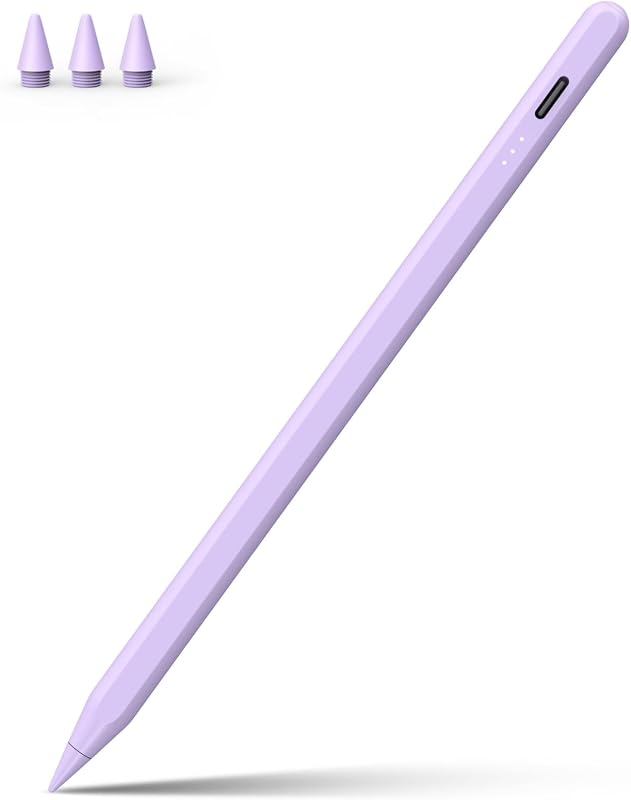


![3 lápices capacitivos para pantallas táctiles [serie de puntas de 0,24 pulgadas], 12 puntas de goma adicionales reemplazables (negro/plata/azul oscuro)](https://m.media-amazon.com/images/I/619QB0e73jL._AC_SL800_.jpg)