Cargando el producto…

Precio desde
$ 218.419
+ flete y aranceles — se calculan al cotizar
Tamaño
Compra protegida
Puerta a puerta
Aduana incluida
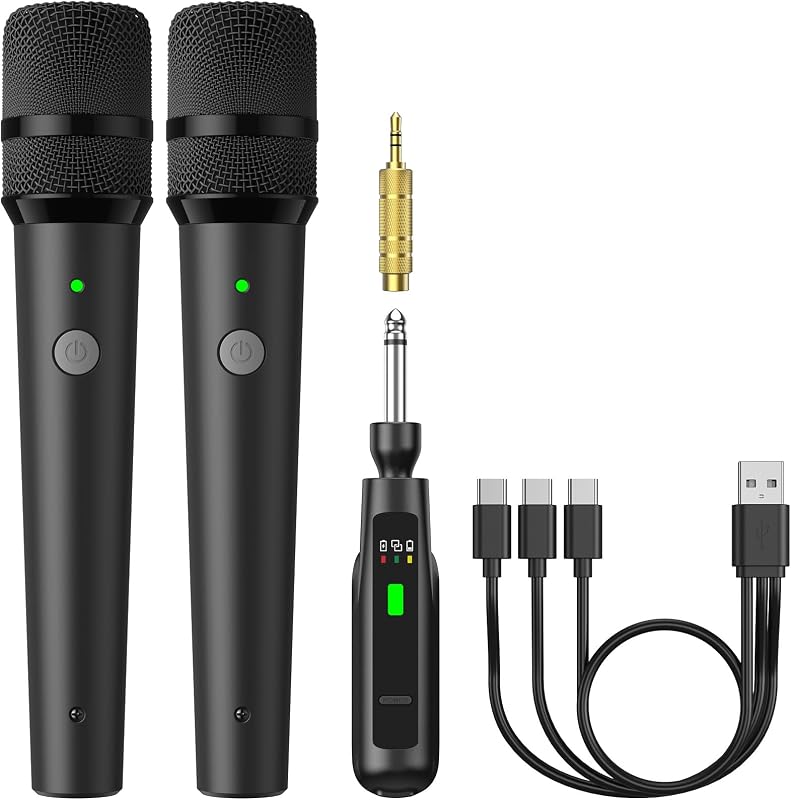
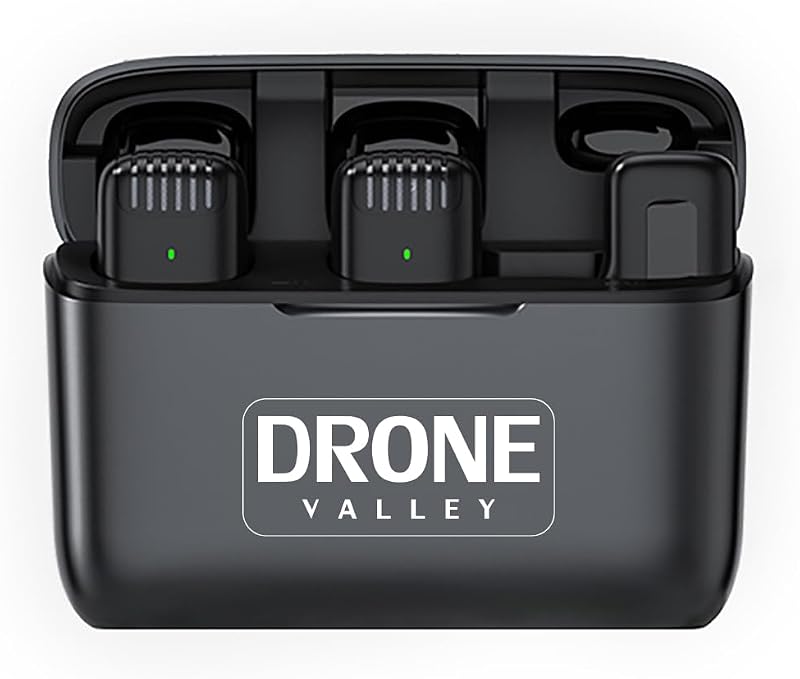
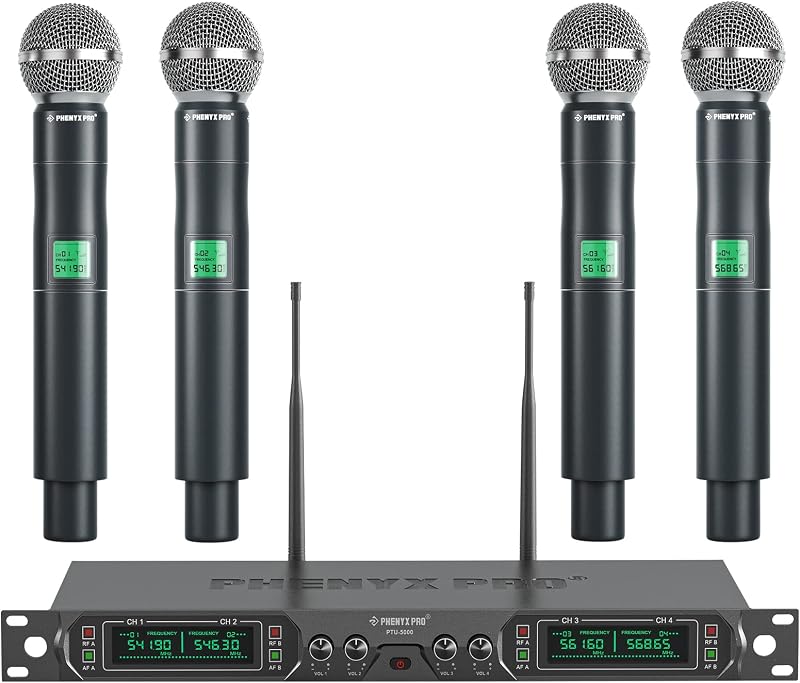
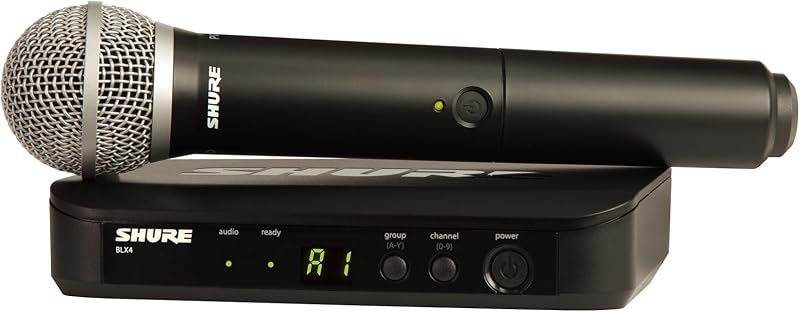
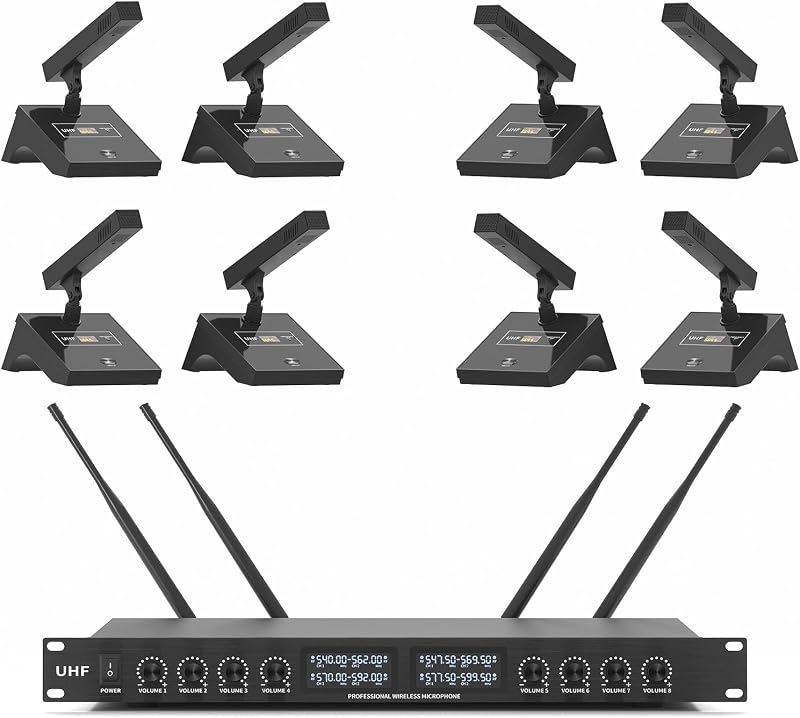
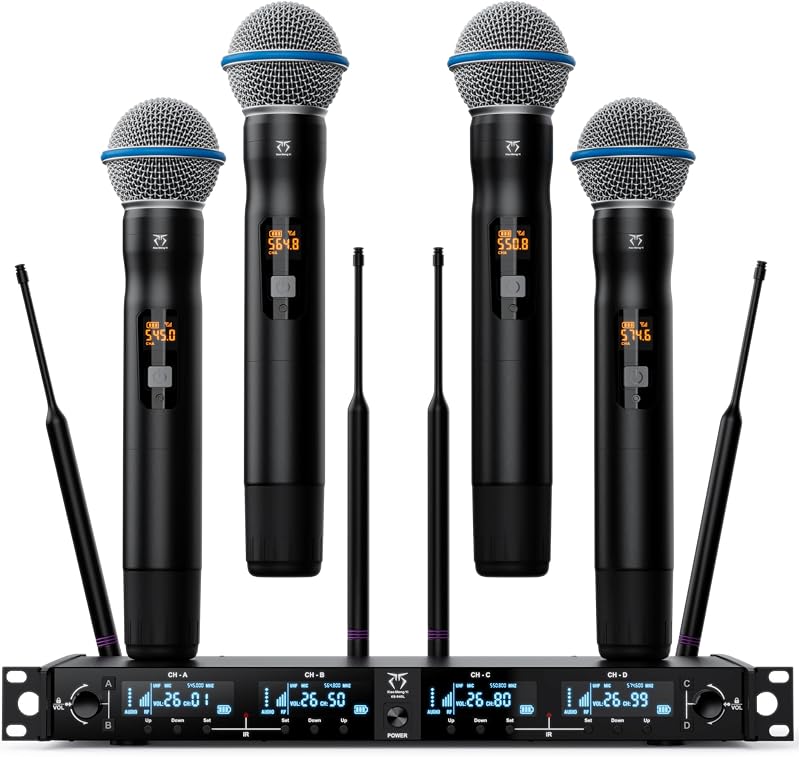
Product description Superior Sound Quality High-end cardioid mic core reduces ambient noise for clear, authentic sound Unleash Wireless Freedom with Ease Excellent Signal Stability UHF digital wireless tech and 4 antennas design provide a ultral stable signal; high fidelity, no dropouts, interference, or distortion, allowing you to move freely during use. Auto Pair & Memory Function The receiver and bodypacks automatically pairs and remembers the last used frequency, you can get started quickly and easily. Previous page You can also adjust the volume using the bodypack of the wireless microphone. Next page 1 Adjustable Frequency 2 Easy Control Previous page Next page 1 Wide Compatibility 2 Usage Tips 3 Versatile Use The video showcases the product in use.The video guides you through product setup.The video compares multiple products.The video shows the product being unpacked. aplus content video How to pair 1. Long press the SET button on bodypack, until screen flashes. 2. Turn on the receiver, wait for 5 seconds. 3. Short press the SET button on bodypack. 4. Bpdypack screen stop flashing, receiver RF light stays on, indicating a successful pairing The video showcases the product in use.The video guides you through product setup.The video compares multiple products.The video shows the product being unpacked. aplus content video How to change bodypack channel 1. Turn off the bodypack with problem. 2. Long press the bodypack "SET" button. and turn on power button at the same time. 3. Screen shows"CH X", release the button. Press "+/-" button to select channel number. 4. Short press the ''SET" button to confirm completion. The video showcases the product in use.The video guides you through product setup.The video compares multiple products.The video shows the product being unpacked. aplus content video How to use multiple sets together 1. Pair each set of bodypack & receiver according the first video 2. Check each bodypack to make sure each has a different frequency What should I do if the microphone produces a sharp hissing sound during use? You can try switching the microphone frequency to avoid interference. Please refer to the user manual for details. What should I do if the microphone volume is too low? In addition to the receiver, the microphone pack also has a volume control function. You can increase the volume using the microphone pack. What should I do if the microphone and receiver are not paired? Try re-pairing the microphone pack with the receiver. For detailed troubleshooting, refer to the user manual.
Agregás al carrito
Sumás este y otros productos que querés traer.
Cotizás el envío
Calculamos flete aéreo y aranceles a Argentina.
Confirmás y pagás
Un asesor te contacta con el link de pago.
Lo recibís en casa
Tracking en tiempo real. Aduana incluida.
Lo que suele llevarse para tu celular · un solo envío para todo
De la misma marca, empezando por lo más reseñado
Los mejor puntuados del mismo tipo de producto
Mismo tipo de producto y precio parecido



![Syncwire Cell Phone Ring Holder Stand [2 Pack], 360 Degree Rotation Finger Ring Kickstand with Polished Metal Phone Grip for Magnetic Car Mount Compatible with iPhone, Samsung, LG, Sony, HTC | 360° Rotation, Mini Size, All Metal, Strong Adhesive, Finger Ring Kickstand , for Smartphones](https://m.media-amazon.com/images/I/61rzsM-OVbL._AC_SL800_.jpg)