
Cargando el producto…

Precio de origen
$ 20.497
$ 29.107
+ flete y aranceles — se calculan al cotizar
Color
Compra protegida
Puerta a puerta
Aduana incluida
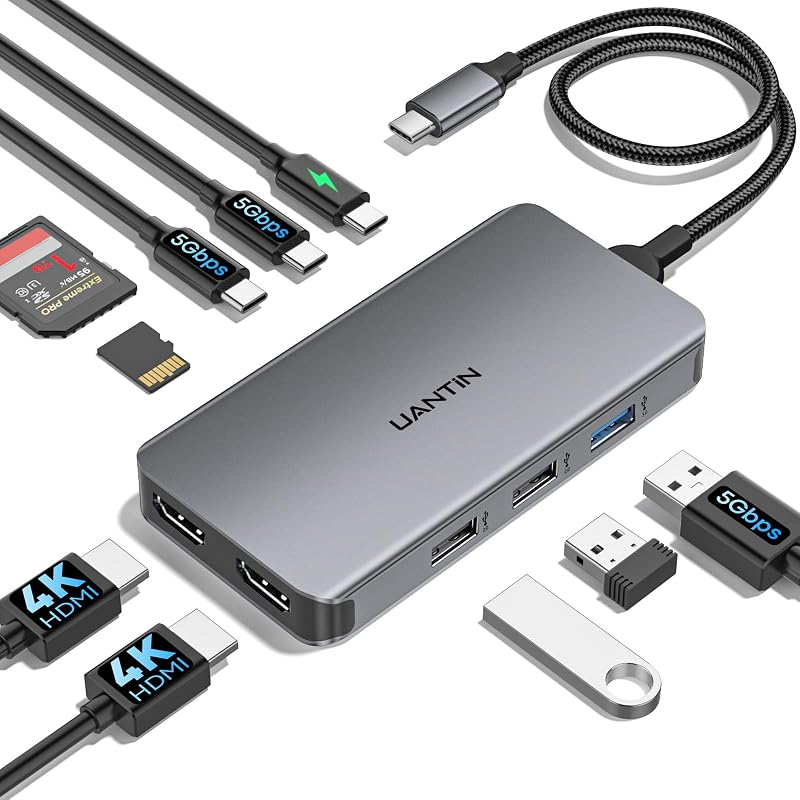
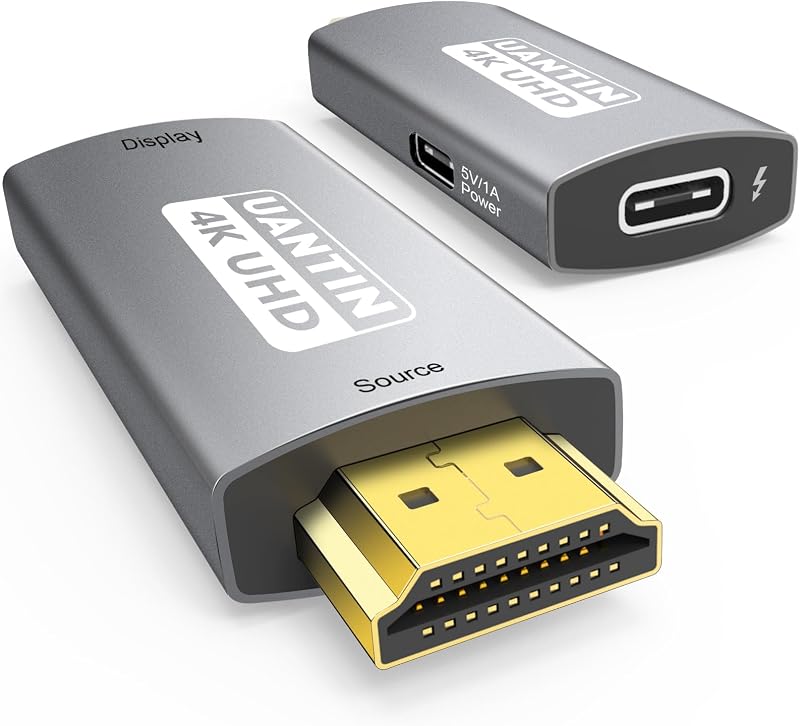
Product description Previous page Next page Previous page Next page ✔Apple iPhone 15/16/17 Pro / Pro Max; MacBook Pro (Late 2016~2023), MacBook Air (Late 2018~2023), MacBook (Early 2015~2017); iMac (Mid 2017 and newer), iMac Pro, Mac mini (2023 / 2020 / 2018), iPad Pro (2022 / 2021 / 2020 / 2018), iPad mini 6, iPad Air 5 / 4 ✔Laptop Dell Latitude 7373/7280/7480/5570/5490/5400 (2019), XPS 13 / 15 / 17, Insiron 5570, Inspiron 13 7000 2-in-1; HP: Envy 13 x360 2019/2018, Spectre 13/x360 ✔Chromebook Google Chromebook Pixel (2015), Pixelbook, Pixel Slate, Asus Chromebook ✔Phones Samsung Galaxy S24 Ultra/S24/S23 Ultra/S23/S22 Ultra/S21/S20/S20/S20 Ultra/S10e/S10/S10+/Note 20/Note 9, S8/S8+/ S9/S9+; HTC 10/U Ultra/U11/U11+/U12+, Asus ZenFone/ ROG Phone and more ✖️!!Samsung!! Not compatible with Galaxy A/ Tab A series. Galaxy A01/ A02/ A02S / A03 / A03S / A5 / A7 / A8 / A9 / A10/ A10e / A12 / A13 / A14 / A20 / A20E / A21 / A21s / A22 / A23 / A24 / A30 / A31 / A32 / A40 / A50 / A51 / A53 / A54 / A70 / A71, Samsung S6 / S7 / J6 / J7 / M20 / M30, Galaxy Tab S3 / Tab A / 10.1 / 10.5 ✖️!!Phones!! iPhone 15/ 16e (USB 2.0), OnePlus 2 / 6 / 6T, ALL Motorola Phones, LG Stylo, iPhone (Lightning), Pixel 3, 𝖷𝗂𝖺𝗈 𝖬𝗂 9 / M8 Lite ✖️!!Others!! ALL Lightning Devices, GoPro, Dock, MacBook Air 7.2, Fire TV, AsusVivobook S513E, Surface Dock 2, Surface Pro, Asus VivoBook, Pixel Phones, Steam Deck ✖️!!NOT Support!! Does not support charging;Does not support dual monitors, the adapter can only extend to 1 single monitor. HDMI cable length To avoid signal degradation, it is recommended to use a cable of up to 15 feet. Not 4K@60Hz!! Q1: Can't get the sound? If the sound is not transmitted to the TV, please try to choose your TV as the audio output device. - For Mac: Settings → System Preferences → Sound → Output → Select your TV. If it's still not work, please mail for technical assistance. Q2: Can't charge at 100W? (𝟏) Please check if your device/charger/charging cable could reach 100W power rating, and all supports PD Protocol. (𝟐) Generally the power loss is 5W, which is the normal power consumption. If the device is working, the power consumption will rise. Q3: Can't output video? (𝟏) Make sure the USB-C port of the laptop supports the video function; (𝟐) Check the port is firmly plugged in; Adjust the resolution setting of the laptop; (𝟑) Select the correct input signal source (some require manual selection of the signal source. Q4: Can't charge? (𝟏) Connect an external power source to the PD port of the product first, connect the laptop to the USB-C port of the product; (𝟐) Confirm whether the USB-C port of the laptop supports charging function; (𝟑) Disconnect the product from the computer, and then reconnect it Q5: The screen is flicking? (𝟏) Try another USB-C port or disconnect and reconnect all ports; (𝟐) Reboot your device; (𝟑)Use a high-quality HDMI cable that supports 4K output (High Speed HDMI); (𝟒)Set the Monitor resolution to 3840×2160 at 30Hz; (𝟓)Make sure that the cable is not connected via a hub but directly to the device and keep the connection point clean. If not, wipe carefully with a cotton swab or soft cloth. Kindly Reminder Ask us if you're not sure about the port and your devices' compatibility. The device's USB-C port supports DisplayPort Alt mode or Thunderbolt 3/4, then it is compatible.
Agregás al carrito
Sumás este y otros productos que querés traer.
Cotizás el envío
Calculamos flete aéreo y aranceles a Argentina.
Confirmás y pagás
Un asesor te contacta con el link de pago.
Lo recibís en casa
Tracking en tiempo real. Aduana incluida.
De la misma marca, empezando por lo más reseñado
Los mejor puntuados del mismo tipo de producto
Mismo tipo de producto y precio parecido
![UANTIN USB C to HDMI Cable 3Ft for Home Office 4K High-Speed | USBC to HDMI Cord [Thunderbolt 3/4/5 Compatible] with MacBook Neo, Galaxy S9 to S25, iPhone 17 Pro/Max, iPad Pro, Surface](https://m.media-amazon.com/images/I/717MwoCHSkL._AC_SL800_.jpg)


![USB C to HDMI 2.1 Adapter with 100W USBC Charging Port, Supports [8K, 4K@120Hz/60Hz HDR], 48Gbps Thunderbolt to HDMI Adapter Compatible for Laptop, iPhone 15/16, Switch 1/2, Steam Deck](https://m.media-amazon.com/images/I/61CzPNomBIL._AC_SL800_.jpg)




![Anker Hub USB de 4 puertos con transferencia de datos de 5 Gbps, concentrador USB 3.0 múltiple, divisor USB para computadora portátil, extensor para un puerto portátil, PC, computadora de escritorio y más [carga no compatible] (USB-A de 0,7 pies) (paquete de 2)](https://m.media-amazon.com/images/I/51gQWHVLMGL._AC_SL800_.jpg)




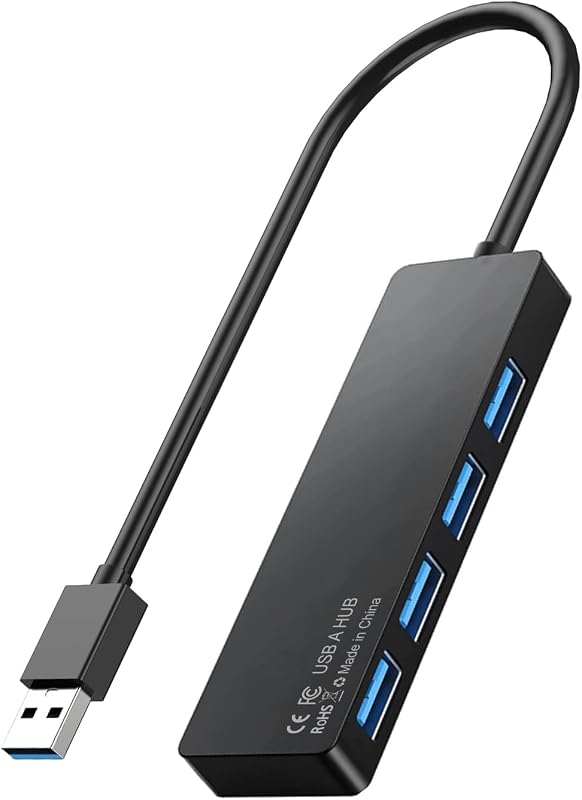


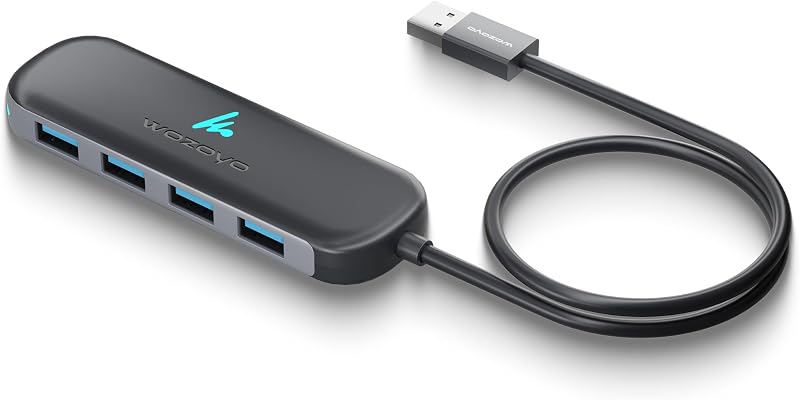

![Hub USB de 4 puertos con transferencia de datos de 5 Gbps, concentrador USB 3.0 múltiple, divisor USB para computadora portátil, extensor para un puerto portátil, PC, computadora de escritorio y más [carga no compatible] (USB-A de 0,7 pies) | Adaptador multipuerto con transferencia de datos de 5 Gbps para computadora portátil, PC, computadora de escritorio y más con puerto USB-A (carga no compatible) (USB-A, 0,7 pies)](https://m.media-amazon.com/images/I/61cJHLsLNuL._AC_SL800_.jpg)
