
Cargando el producto…

Precio de origen
$ 90.997
$ 145.607
+ flete y aranceles — se calculan al cotizar
Compra protegida
Puerta a puerta
Aduana incluida
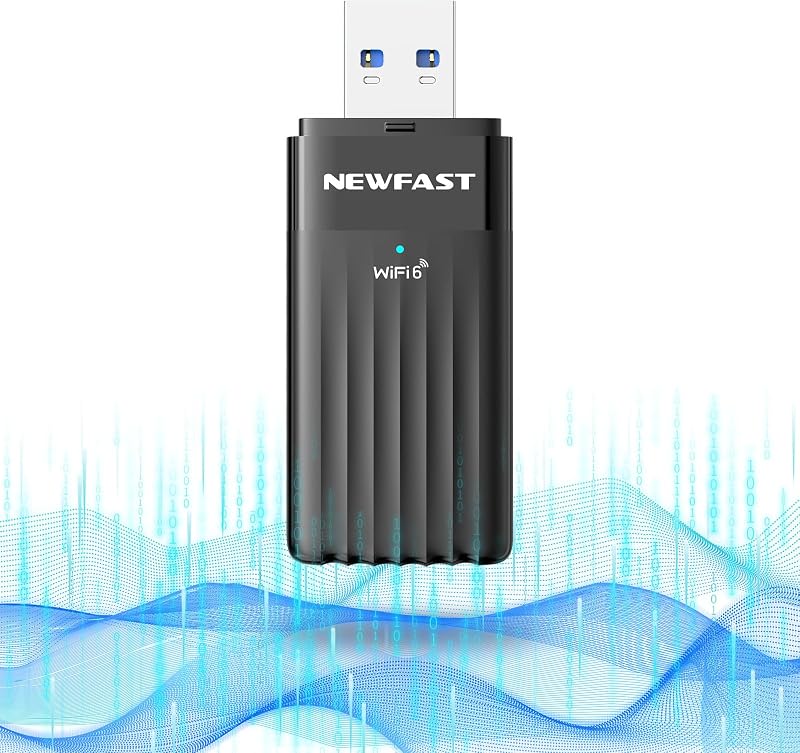
Product description This WiFi Adapter Support Windows11/10 only, Not for MacOS, Linux, Chromebook ! To enable 6GHz Wi-Fi band support, your system must be running Windows 11 version 21H2 or later. Previous page Next page Previous page Next page 1 Up to 8 Devices 2 USB 3.0 3 Adjustable Antenna 4 Flexible Use Previous page Next page 1 The Future is Wi-Fi 7 2 4K-QAM 3 Multi-Rus 4 MLO Previous page Next page Previous page Model:WL-WN690BE2 You Could Download the Driver Manually If it Doesn't Show Next page 1 Built-in Driver 2 'CD Driver' Doesn't Show? 3 Need More Help ? What I wish I knew before buying this BE6500 WiFi 7 Adapter? Before buying, know that if you feel built-in WiFi is slow, or you need to connect a desktop to a wireless router, or upgrade to the latest wifi standard—this adapter delivers 688Mbps on 2.4GHz band, 2882Mbps on 5GHz band, and 2882Mbps on 6GHz band What operating systems are compatible with this WAVLINK BE6500 USB WiFi 7 Adapter ? This WAVLINK BE6500 USB WiFi 7 Adapter is only compatible with Windows 10/11 (32-bit and 64-bit) systems. It is not suitable for Mac OS,Linux,Chromebook or other operating systems! What should I do when the usb wifi adapter is not working properly? The adapter was cutting in and out sometimes? 1. Try another USB cable/port(May mostly solve this problem) 2. Remove the old driver and reinstall it 3. Disable built-in Wi-Fi, test USB adapter. Re-enable built-in Wi-Fi after test. 4. Still stuck? We'll help fix it! Who decide your internet speed? And what does this adapter can decide for u? WiFi connection speed is NOT internet speed Your actual internet speed depends on your ISP and computer hardware. This adapter only controls the WiFi connection speed between your device and router: up to 688Mbps-2.4GHz, 2882Mbps-5GHz, 2882Mbps-6GHz. For best performance, plz use USB 3.0 port. Why can't I see/connect to the 6GHz band on my Wi-Fi 7 adapter? (!!Very Important Notice!!) 1.Went into Device Manager and set the USB Mode setting from "Auto" to "USB 3.0" "Auto" may limit the adapter to USB 2.0 speed 2.Device Manager→Network adapters→WAVLINK BE6500→Properties→Advanced→Preferred Band→set to "Prefer 6GHz band" (Windows 11)
Agregás al carrito
Sumás este y otros productos que querés traer.
Cotizás el envío
Calculamos flete aéreo y aranceles a Argentina.
Confirmás y pagás
Un asesor te contacta con el link de pago.
Lo recibís en casa
Tracking en tiempo real. Aduana incluida.
Lo que suele llevarse para tu notebook · un solo envío para todo
De la misma marca, empezando por lo más reseñado
Los mejor puntuados del mismo tipo de producto
Mismo tipo de producto y precio parecido


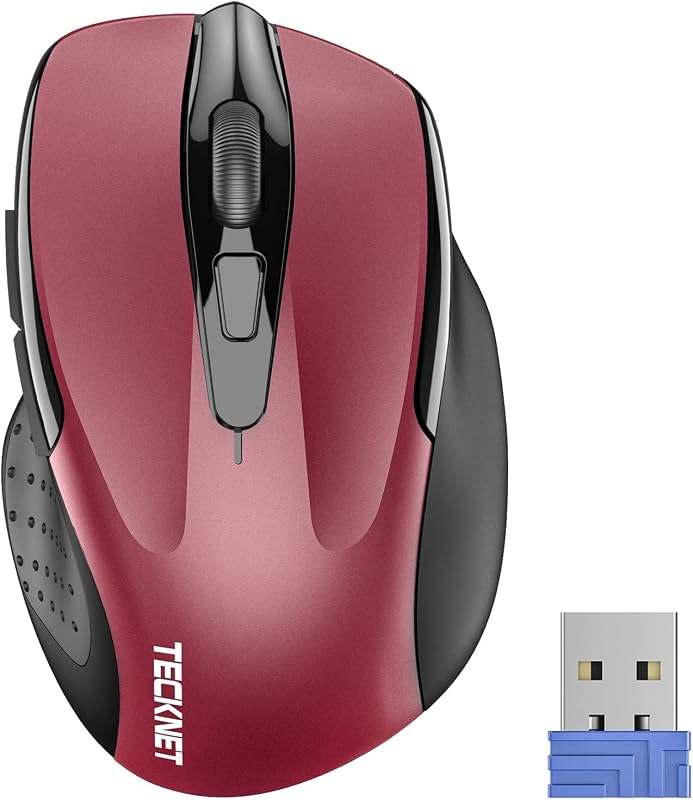


![WAVLINK Estación de acoplamiento para disco duro externo USB 3.0 y USB C a SATA de doble bahía para HDD/SSD de 2,5/3,5 pulgadas con UASP (6 Gbps), compatible con función de clonación/duplicación sin conexión [16 TB X2]-Negro](https://m.media-amazon.com/images/I/51jp4vxjVJL._AC_SL800_.jpg)


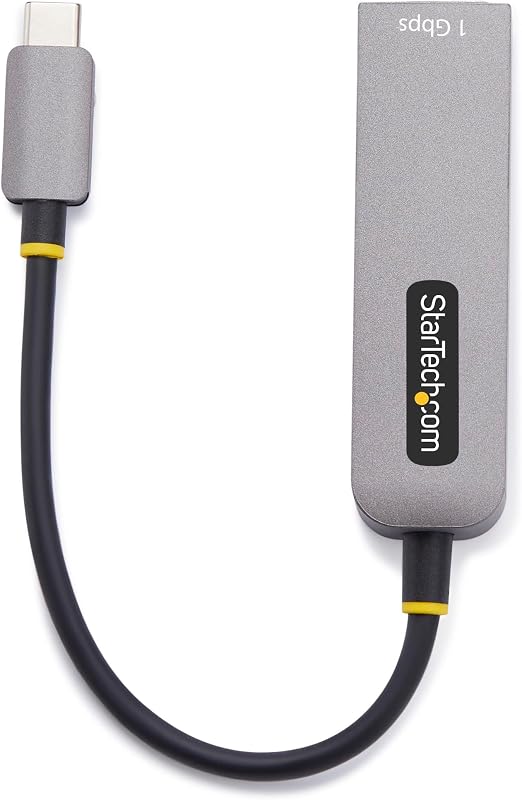


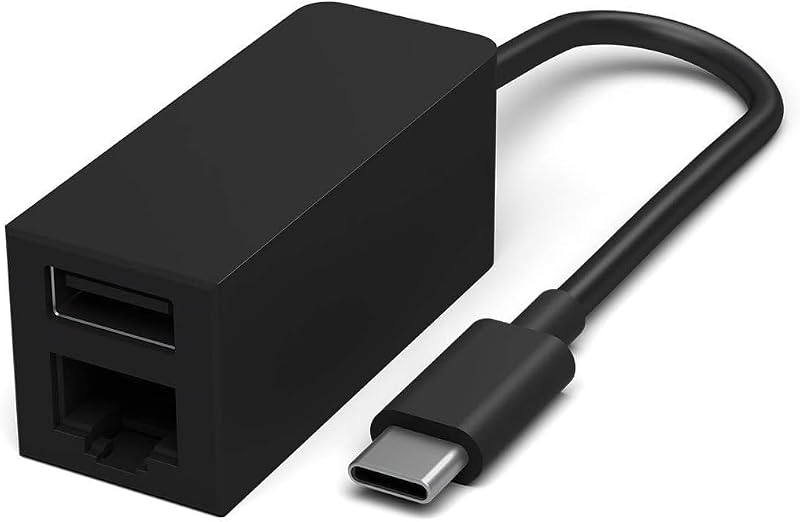

![Adaptador uni USB-C a Ethernet, USB C HUB Ethernet 1Gbps con USB 3.0 4IN1 | [Compatible con Thunderbolt 4/3], adaptador USB C a red, para MacBook Pro/Air, iPad Pro, Surface Laptop, Chromebook, etc.](https://m.media-amazon.com/images/I/51eyOnovmvL._AC_SL800_.jpg)


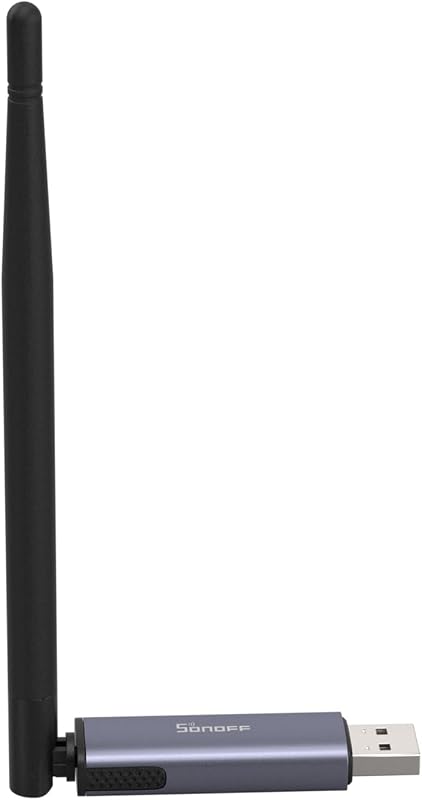


![USB 3.0 to Ethernet Adapter, USB C to RJ45 Gigabit LAN (1000Mbps) Network Adapter, Compatible with MacBook/Pro/Air, Surface Pro, Windows 11/10/8/7, Mac OS [Aluminium Shell&Nylon Cable]](https://m.media-amazon.com/images/I/71H5Hk-OK+L._AC_SL800_.jpg)


