
Cargando el producto…

Precio desde
$ 23.464
+ flete y aranceles — se calculan al cotizar
Tamaño
Compra protegida
Puerta a puerta
Aduana incluida
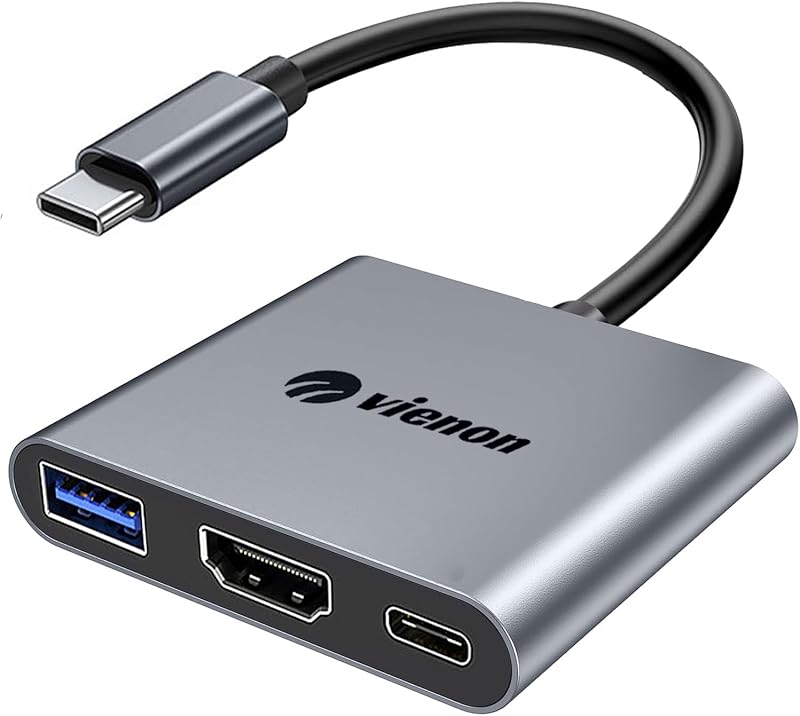
Product description Before you purchase it, Please Attetion: This dual monitor adapter only support usb c laptops with thunderbolt3/usb c port with video output function, otherwise it won't support if your laptops with usb c port only with data function without video function.If you use this dual hdmi adapter for macbook pro/air, it won't allow you to extend two different monitors for your mac, due to Mac Os Limitation. Supports 4K@60HZ Ultra HD Display, More Vivid Picture Quality Experience Single hdmi port: resolution up to 4K(3840X2160P@60HZ)Dual hdmi port used Simultaneously: resolution up to 4K(3840X2160P@30HZ),down compatible with 2K (2560x1440@60Hz),1080P(1920x1080)@60HzPlease Noted: The final resolution of HDMI output depends on your host devices, (Only when your devices support 4K resolution, the video output will be 4K). Mirror Mode For Windows/Mac OS/Android Please supply power for Samsung cellphone when setting Samsung DeX Mod. Extend Mode 1 For Windows/Mac OS Does not support 2 external displays show different images for Apple computers in extend mode. Extend Mode 2 For Windows Only Windows Laptop Support Extend & MST Mode(Triple Display) Simultaneously. Not For All USB C Laptop. Please Check If your laptop owns a USB Type-c Thunderbolt 3 port and support DisplayPort Alternate Mode. USB to HDMI Adapter Compatible List(Not a full list) MacBook Laptop MacBook (2024/2023/2021/2020/2019/18/17/16/15), MacBook Pro (2024/2023/2022/2021/2020/2019/18/17/16) Apple MacBook Air (2024/2023/2022/2021/2020/2019/2018), Apple iMac (Mid 2017), iMac Pro, iPad Pro (2024/2023/2022/2021/2020/2019/2018) Dell Laptop XPS 13,9310/9350/9360/9365/,15,9550/9560/7390,17 M7710,Dell Precision3520/5510/M750, Dell Latitude 5540/5440/7340/7440/5340/3520/7280/ Latitude 5310 2-in-1/9330 2in1; New Inspiron 14/16 Plus/13/16 ; Precision 7730/ Precision 7750; Laptop 5590 HP Laptop HP Elitebook 840 G5/ Elitebook X2/ Elitebook x360 1030 G3/ Elitebook 745 g6/ Elitebook 830 g6/ 2018 Elite 800 G4/ Elitebook 850 g5; Envy Geforce mx250/ Envy x360 15-ds1063cl/ ENVY Laptop 13-aq1/ ENVY 13 (13-ad000, 13-ad100) Series; Zbook 16 G6/ Zbook studio z5; Probook 440 G7/ ProBook 450 G7. For Lenovo Laptop Yoga 370/ Yoga 720-13IKB/ Yoga 730/ Yoga 900-13ISK/ Yoga 910/ Yoga 920/ Yoga 930/ Yoga 940-14IIL / 3rd generation Thinkpad Yoga / Yoga15 Ultrabook Pro / Yoga C930/ Yoga c940/ Yoga C740-15IML/ Yoga 7i; Thinkpad E590/ Thinkpad P72/ Thinkpad T470/ Thinkpad T470s/ Thinkpad T490/ Thinkpad Carbon X1 Gen6/ ThinkPad E14/ ; Legion Y530/ Legion 5-15IMH05H/ Legion-5-17-82GN0000US; Lenovo C930/ T480s/ X390/ 81N8/ Y720; Ideapad 720S/ Ideapad S540/ Ideapad 5 81yk006xus, Lenovo C930/ T480s/ X390. Other Laptops urface Pro 9/8/7; Microsoft Surface Book 2/ Surface Go/ Surface Laptop 4/3; Google Chromebook Pixel, New Acer Switch Alpha 12; Acer Spin 7/ Chromebook R13, Acer Aspire V Nitro 15; Samsung Galaxy Tab S4/S5e, HUAWEI MateBook X/ Par For iPhone iPhone 15/iPhone 15 Pro/iPhone 15 Pro Max/iPhone 15 Plus Samsung Galaxy S22 series/S21 Ultra 5G/S21/S20/S20 fe/S20 Ultra/S10/S10 Plus/S8/S8 Plus/S9/S9 Plus/ Note 8/9/10/ Note 10 plus/ Note20 series For Huawei P60/P60 Pro/P60 Art/P50/P50 Pro/P50E/P50 Pocket/P40/P40 Pro/P30/P30 Pro/P20/P20 Pro/Mate 50 /Mate 50 Pro/Mate 50E/Mate 40/Mate 40 Pro/Mate 40E/40E Pro/Mate 30/Mate 30 Pro/Mate 30 Pro 5G/30E Pro 5GMate 20/Mate 20 pro/Mate 10/Mate 10 Pro FAQ: How to switch Mac device to Extend Mode? "Setting" → "Display" → click the "mirror display" box to switch to Extend mode → then you can drag a window of website/movie to the rightest side of your desktop screen until it disappear on your desktop screen and show up on the external monitor screen. ( Important Note: As Apple company itself limited, for Mac OS devices use in extend mode, the image on the two external screens will be the same.) How to connect Extend Mode for Windows OS? Right-click desktop→ select Intel display Settings → pop-up Settings screen select display→ select multi-screen display→ expand the desktop (If the display 3 is not display, please to manually select the display→click apply confirm can set OK). If one of display does not display, How to do? Right click desktop > Graphics Settings > Select One or More Active Displays.
Agregás al carrito
Sumás este y otros productos que querés traer.
Cotizás el envío
Calculamos flete aéreo y aranceles a Argentina.
Confirmás y pagás
Un asesor te contacta con el link de pago.
Lo recibís en casa
Tracking en tiempo real. Aduana incluida.
De la misma marca, empezando por lo más reseñado
Los mejor puntuados del mismo tipo de producto
Mismo tipo de producto y precio parecido


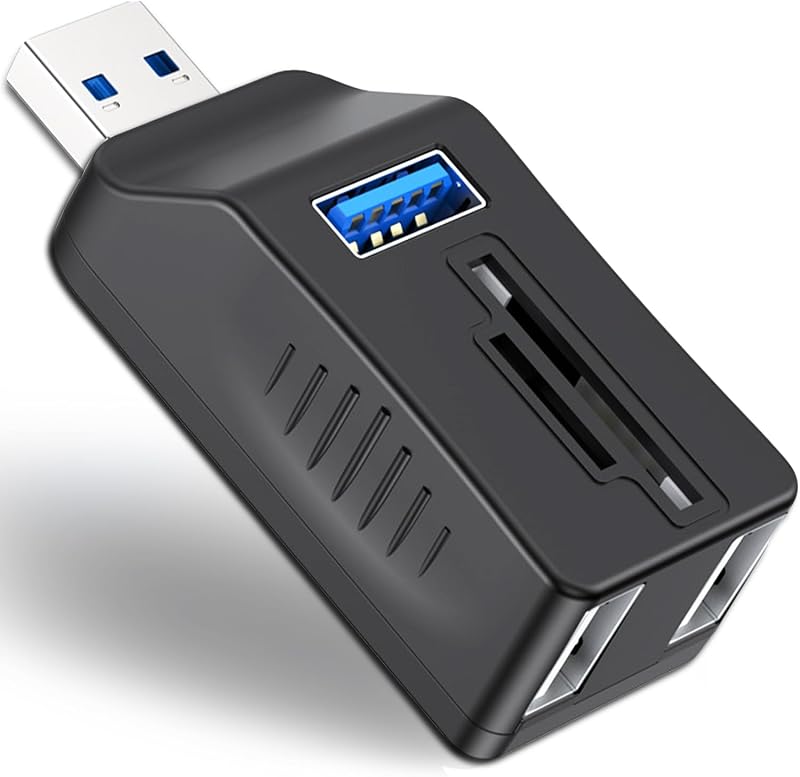


![4-Port USB 3.0 Hub [90°/180° Degree Rotatable], USB Splitter with PD-in 5W USB C Port, USB Extender for Laptop, Car, iMac, MacBook Air, MacBook Pro, and More](https://m.media-amazon.com/images/I/61fkBkpG-GL._AC_SL800_.jpg)




![Anker Hub USB de 4 puertos con transferencia de datos de 5 Gbps, concentrador USB 3.0 múltiple, divisor USB para computadora portátil, extensor para un puerto portátil, PC, computadora de escritorio y más [carga no compatible] (USB-A de 0,7 pies) (paquete de 2)](https://m.media-amazon.com/images/I/51gQWHVLMGL._AC_SL800_.jpg)


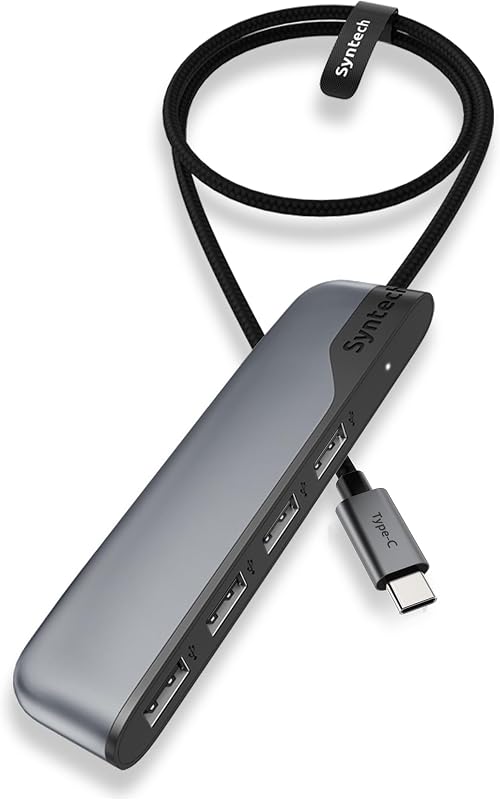
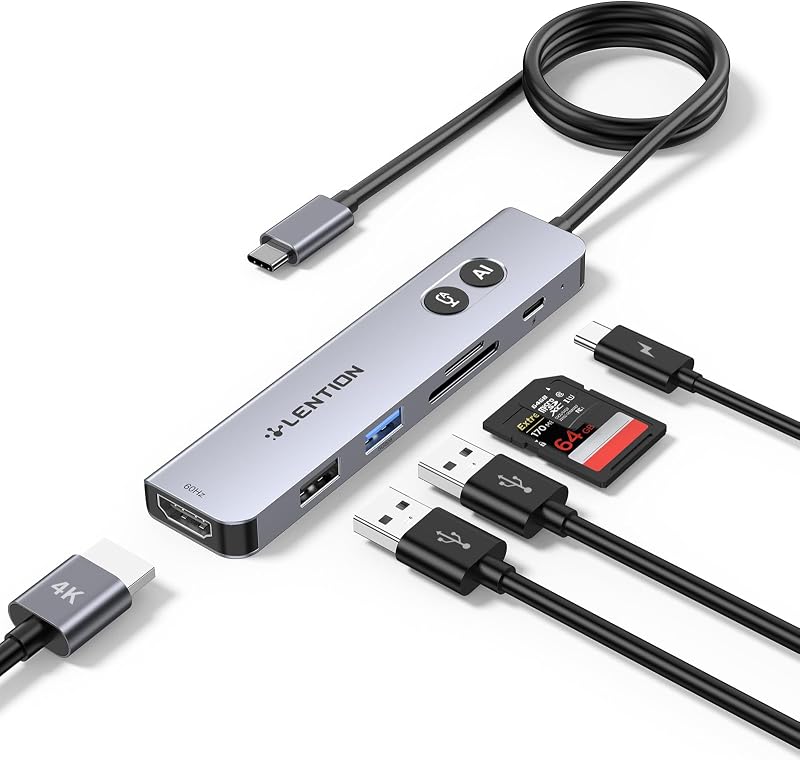


![Hub USB de 4 puertos con transferencia de datos de 5 Gbps, concentrador USB 3.0 múltiple, divisor USB para computadora portátil, extensor para un puerto portátil, PC, computadora de escritorio y más [carga no compatible] (USB-A de 0,7 pies) | Adaptador multipuerto con transferencia de datos de 5 Gbps para computadora portátil, PC, computadora de escritorio y más con puerto USB-A (carga no compatible) (USB-A, 0,7 pies)](https://m.media-amazon.com/images/I/61cJHLsLNuL._AC_SL800_.jpg)