Cargando el producto…

Precio desde
$ 32.203
+ flete e impuestos
Tamaño
Compra protegida
Puerta a puerta
Gestión aduanera
Tu compra, acompañada de principio a fin
Todo esto está en los Términos y Condiciones. Leerlos
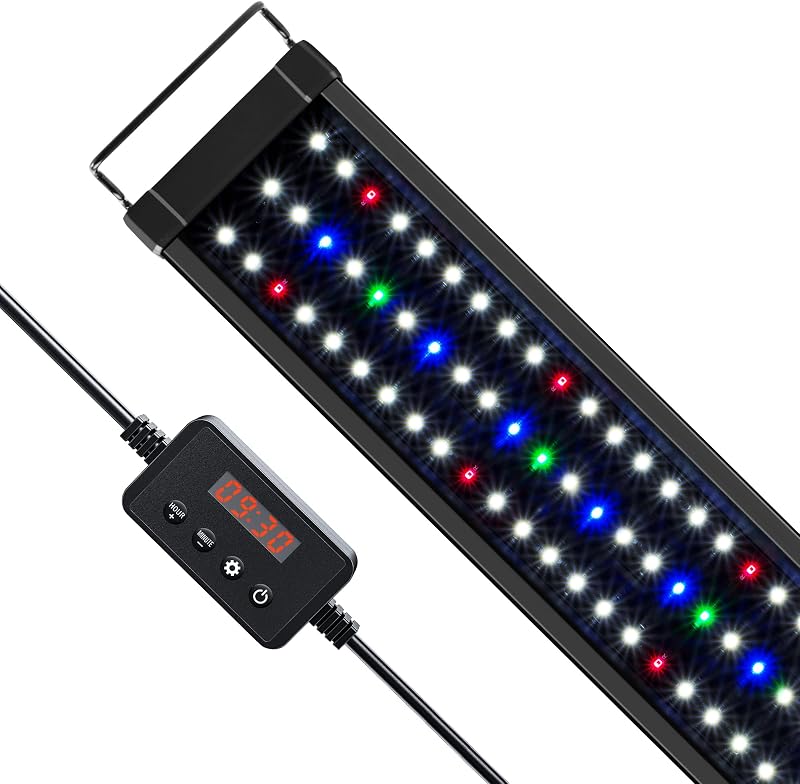
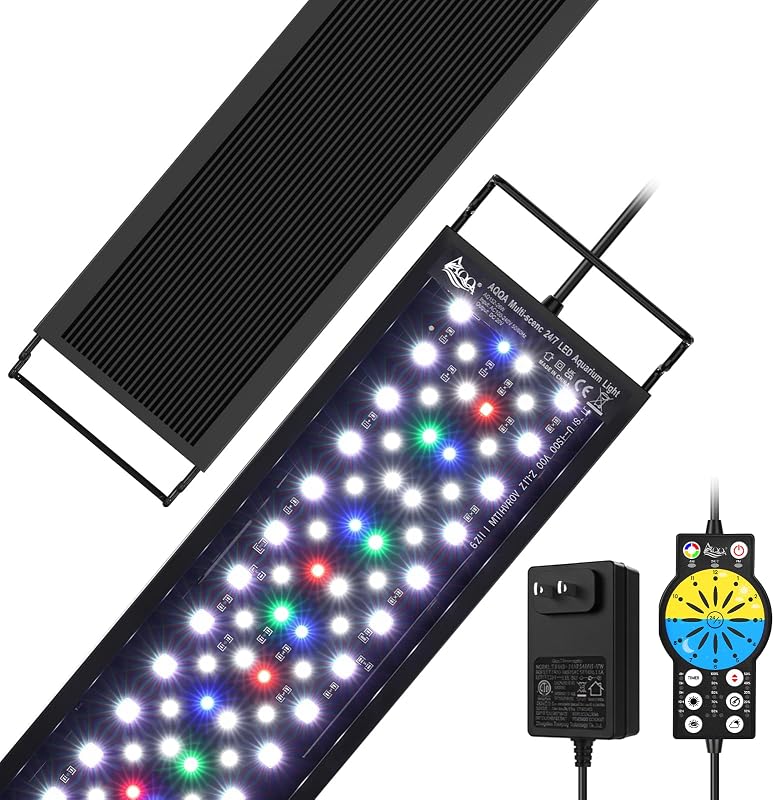
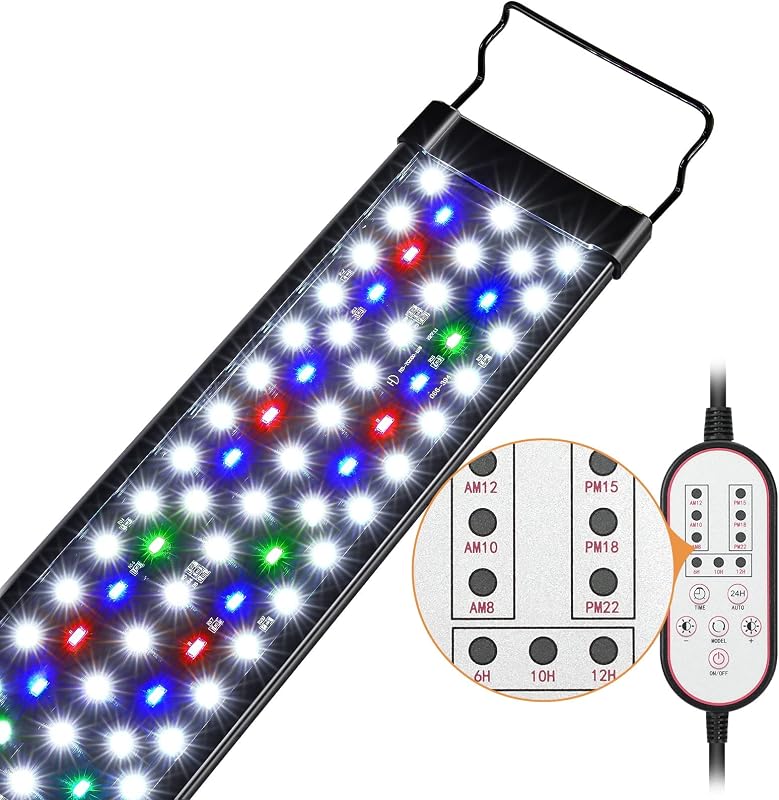
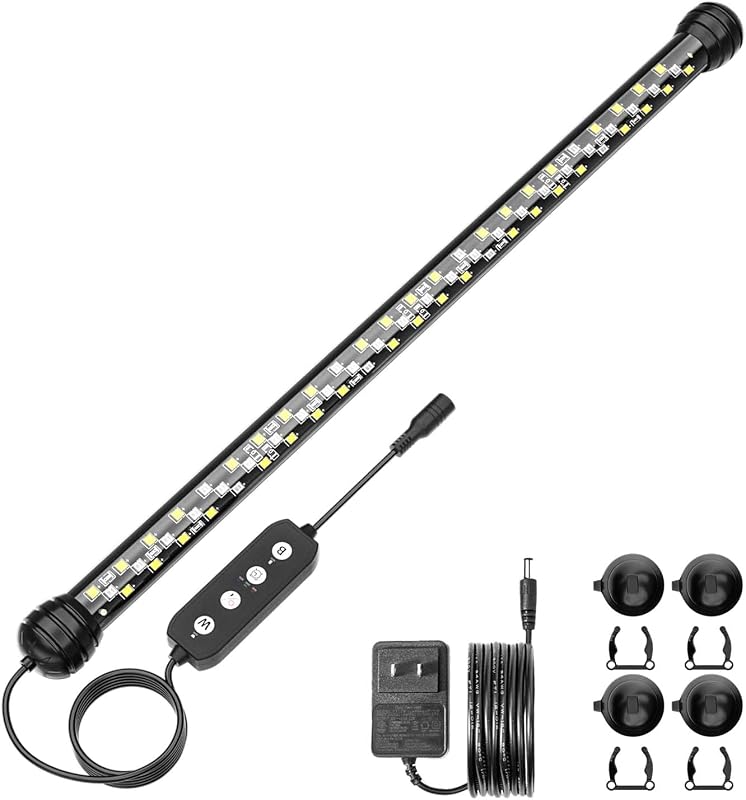
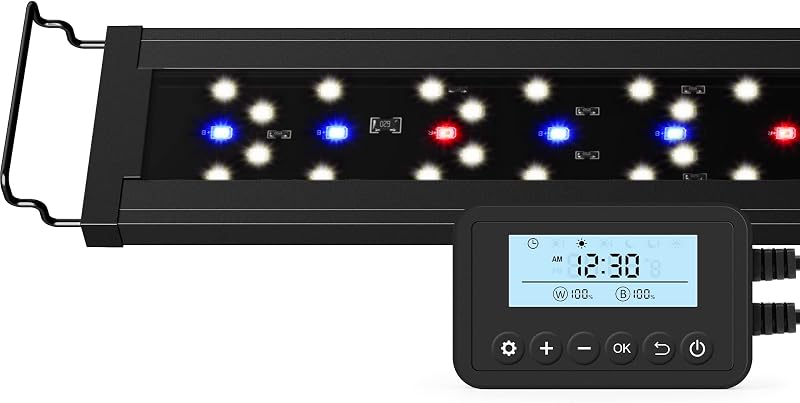
Product description Timer Setup Process Sunrise and sunset time settings 1. Keep the Timer key pressed until the digital clock in the display flashes, then set the digital clock to local time. 2. Use the left and right arrow keys and the plus and minus keys to set the exact sunrise and sunset times. 3. Keep the Timer key pressed until the digital clock on the display stops blinking and the setting is saved. 4. The aquarium lights will switch to the daytime spectrum at sunrise, and switch to night spectrum at sunset. The video showcases the product in use.The video guides you through product setup.The video compares multiple products.The video shows the product being unpacked. Timer Setup Process RGB Single Channel Setup RGB single channel setup & customize spectrum saving 1. Keep the RGBW key pressed until the RGB percentage blinks, then use the arrow keys and the plus and minus keys to set the percentage of the preferred red, green, blue and white spectrum, and finally keep the RGBW key pressed again to save the settings. 2. When you come across your very favorite RGBW spectrum, you can keep the C1 key pressed until the C1 logo appears at the top of the display. Later you will be able to call up your favorite spectrum settings with one click. The video showcases the product in use.The video guides you through product setup.The video compares multiple products.The video shows the product being unpacked. RGB Single Channel Setup Set Moonlight Spectrum How to set the moonlight spectrum during daytime 1. Adjust the digital clock to a time later than sunset and wait for 3 seconds, when the moon symbol appears on the top of the display long press the RGBW key and then adjust the corresponding RGBW spectrum percentage. Press and hold the RGBW key again to save the setting. 2. Press and hold the Timer key to set the digital clock back to the correct local time and wait for auto-save. The video showcases the product in use.The video guides you through product setup.The video compares multiple products.The video shows the product being unpacked. Set Moonlight Spectrum Set Moonlight Spectrum Off How to set the moonlight spectrum to completely off 1. Set the digital clock to the time you want the lights to turn off completely and wait for 3 seconds, when the digital clock is no longer blinking long press the RGBW key then adjust the corresponding RGBW spectrum percentage to reduce all spectra to 0%, press and hold the RGBW key again to save the setting. 2. Press and hold the Timer key to set the digital clock back to the correct local time and wait for auto save. The video showcases the product in use.The video guides you through product setup.The video compares multiple products.The video shows the product being unpacked. Set Moonlight Spectrum Off Blue Spotlight Activate Blue Spotlight Press the MOON key, the moon symbol will appear at the top of the display then press and hold the RGBW key to reduce the RED,GREEN and WHITE spectra to 0%, adjust the corresponding BLUE spectrum percentage and brightness, press and hold the RGBW key again to save the setting. The video showcases the product in use.The video guides you through product setup.The video compares multiple products.The video shows the product being unpacked. Blue Spotlight Setup Previous page Next page 1 Auto Timer Setting 2 10 Level Brightness 3 Real IP67 Waterproof 4 LEDs
Agregás al carrito
Sumás este y otros productos que querés traer.
Cotizás el envío
Calculamos flete aéreo y aranceles a Argentina.
Confirmás y pagás
Online con tarjeta, o por transferencia, con el total final a la vista.
Lo recibís en casa
Seguimiento en tiempo real. El despacho lo hacemos nosotros.
Los mejor puntuados del mismo tipo de producto
Mismo tipo de producto y precio parecido