Cargando el producto…

Precio desde
$ 31.301
+ flete e impuestos
Tamaño
Compra protegida
Puerta a puerta
Gestión aduanera
Tu compra, acompañada de principio a fin
Todo esto está en los Términos y Condiciones. Leerlos
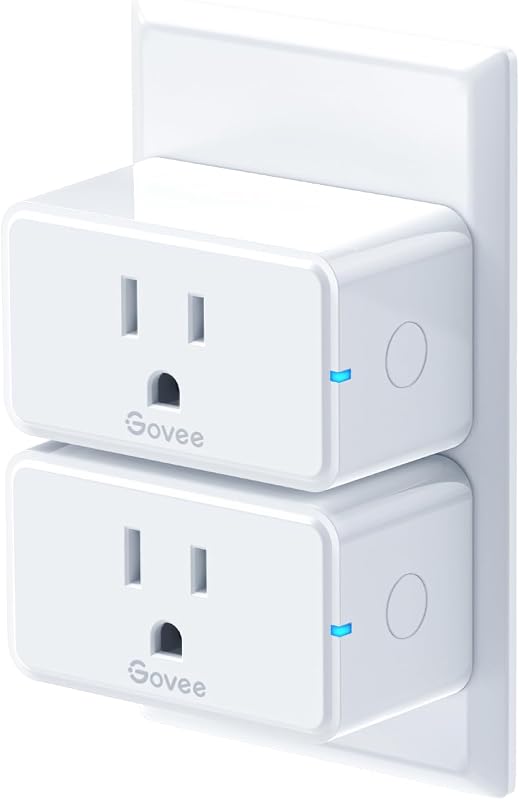
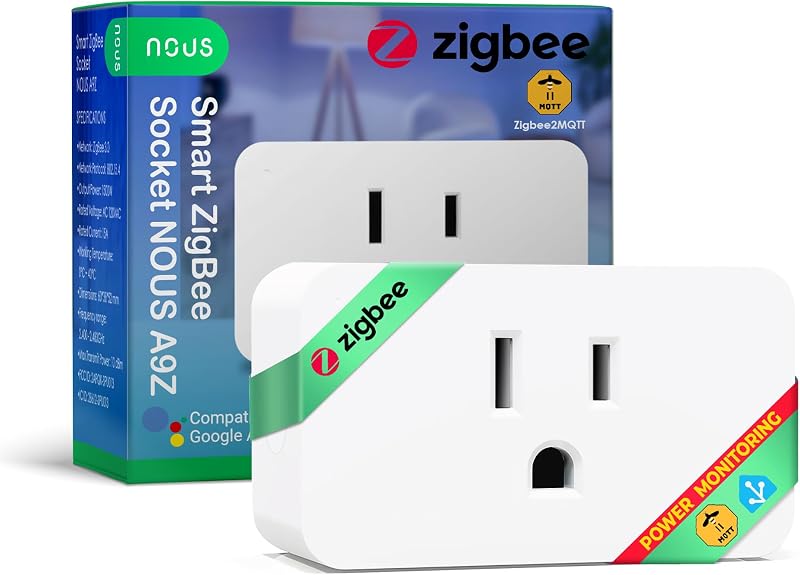
Product description Where is the product used? Our 30A smart switch can make traditional electrical appliances intelligent, enabling users to save electricity and enjoy a smart life. Commonly used household appliances include hot water heater, bathroom extractor fans, water pump motor, light, etc. Technical Details Name eWeLink 30A Wifi Smart Switch Voltage 120V AC Single-phase Only WIFI Standard WIFI (802.11 b/g/n 2.4GHZ) APP eWeLink Wattage with 3000 watt resistive load, 800 watt inductive load. Function 1 Remote turn on or turn off Function 2 Timing Schedules Function 3 Device Sharing Function 4 Create automated scenario Function 5 Works with Alexa and Google home How to pair it with the eWeLink APP? 1.Search for "eWeLink" in the APP Store or Google Play, then download and install it. 2.Register an account. 3.Turn on the Bluetooth of your mobile phone and select the 2.4G WiFi frequency. 4.Power on the device. The device will automatically enter the network configuration mode (The indicator light flashes twice and stays on steadily once.). If not, please press and hold the pairing button for 5-7 seconds). Method 1: Quickly pairing mode: Click "+" to add a device. Click the "Next",The app will automatically search for devices,Then click "+", click "Next", click "Next",Click "Done". How to pair it with the eWeLink APP? Method 2: Compatible Pairing mode Click "+" to add a device,Click the compatibility Compatible button at the bottom. press the pairing button until led flash blink constanly(press and hold around 7-15s) , then click "Next",enter wifi name,go to connect "ITEAD-xxxxxxxx",password:12345678, After connecting, click "Allow" to connect to the previous Wi-Fi network, and the pairing is completed. Works with Amazon Alexa & Google Home Assistant How to connect to third-party application such as alexa and google assistant? Click the Profile in the ewelink APP, click the work with button, and display the binding methods for various Smart speakers. For specific methods, please refer to the ewelink APP. How to set up an independent 2.4G WiFi? Q: How do I set up a dual-band router to broadcast only a separate 2.4GHz Wi-Fi network? A: The specific steps may vary depending on the router brand, but the general process is to log in to the router's management interface, locate the option to disable band steering (or Smart Connect), and then configure the 2.4GHz network settings separately. See More
Agregás al carrito
Sumás este y otros productos que querés traer.
Cotizás el envío
Calculamos flete aéreo y aranceles a Argentina.
Confirmás y pagás
Online con tarjeta, o por transferencia, con el total final a la vista.
Lo recibís en casa
Seguimiento en tiempo real. El despacho lo hacemos nosotros.
Los mejor puntuados del mismo tipo de producto
Mismo tipo de producto y precio parecido