Cargando el producto…

Precio desde
$ 50.940
+ flete e impuestos
Color
Compra protegida
Puerta a puerta
Gestión aduanera
Tu compra, acompañada de principio a fin
Todo esto está en los Términos y Condiciones. Leerlos
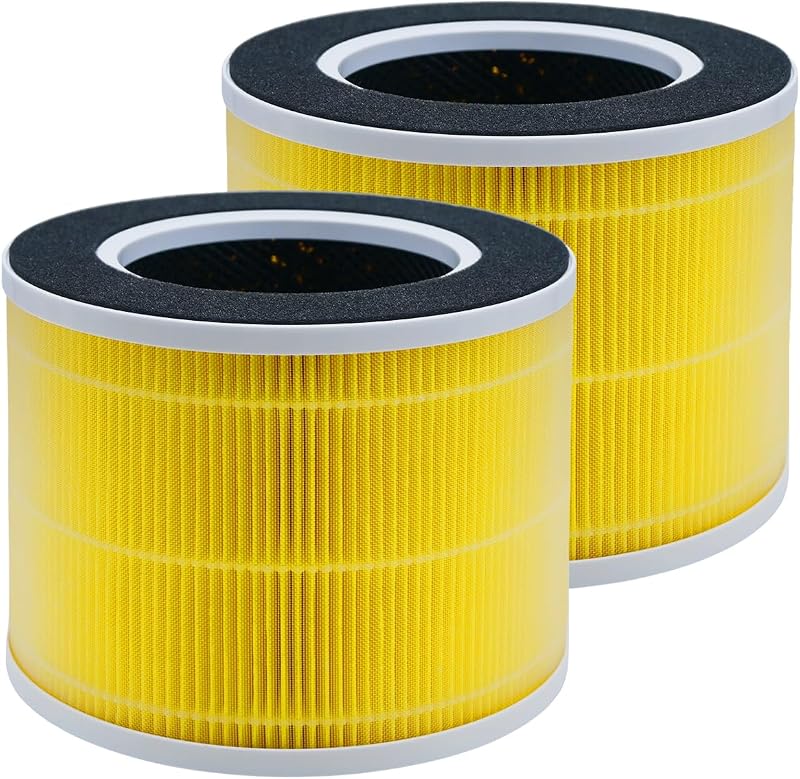
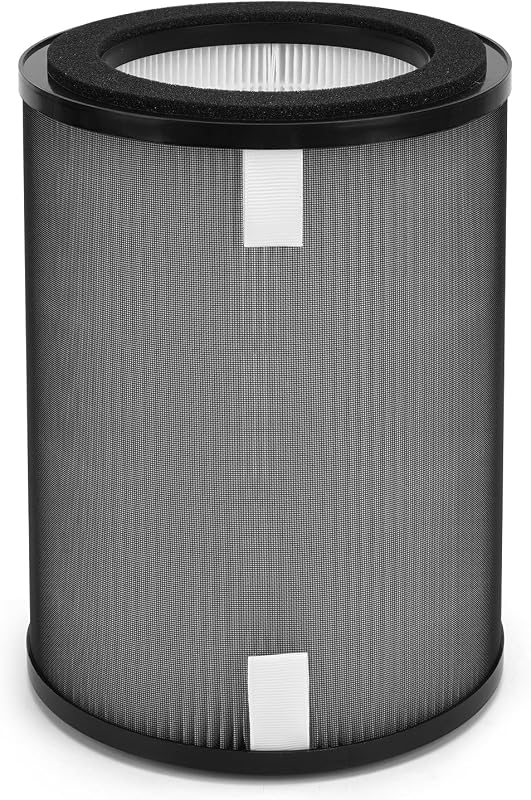
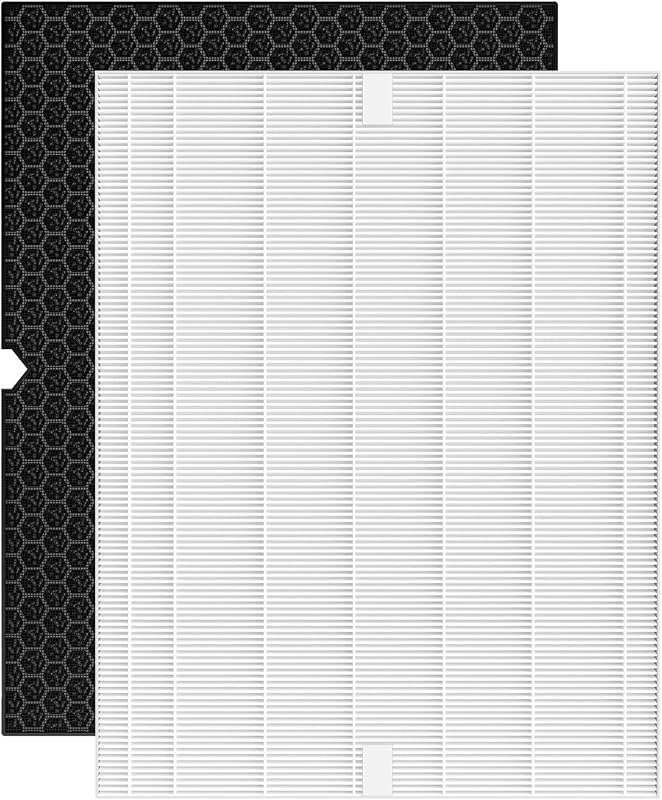
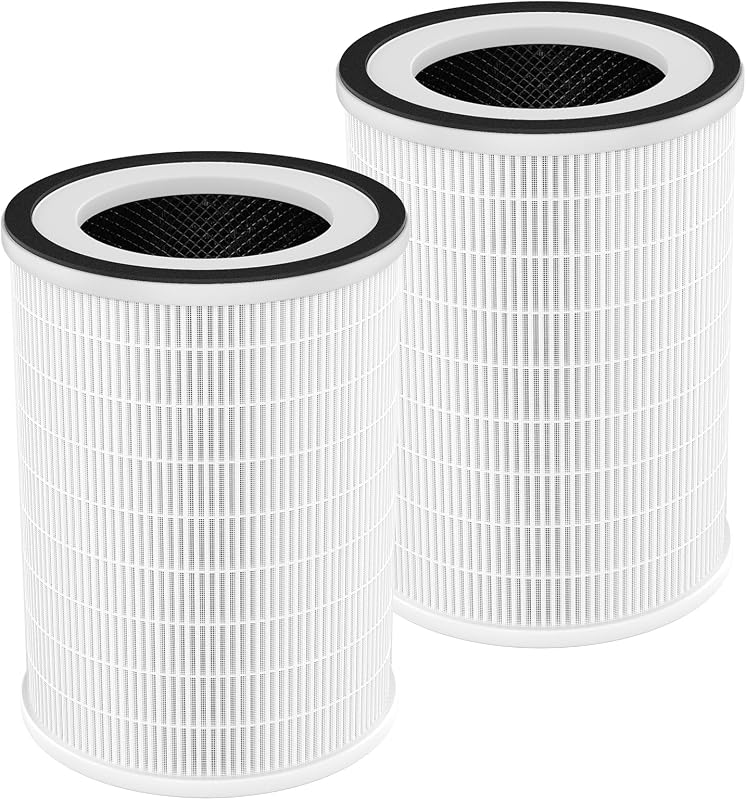
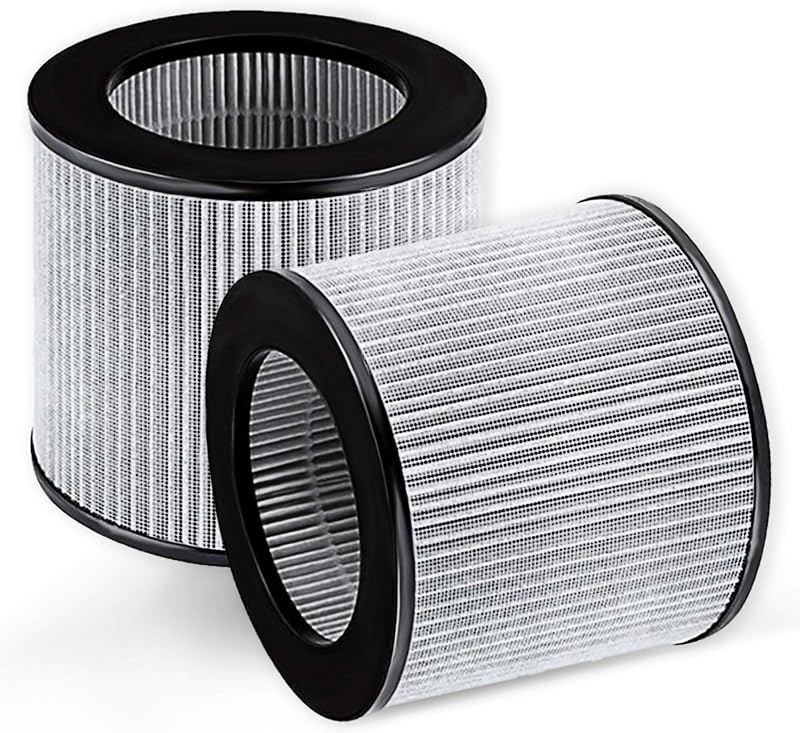
Product description Compatible With: For Dyson TP06, TP07, TP7A, TP09, TP04, TP4A, DP04, HP04, HP06, HP07, PH01, PH02, PH03, PH3A, PH04, HP10, TP10. 𝐍𝐎𝐓 𝐜𝐨𝐦𝐩𝐚𝐭𝐢𝐛𝐥𝐞 𝐰𝐢𝐭𝐡 𝐃𝐲𝐬𝐨𝐧 𝐓𝐏𝟎𝟏 𝐓𝐏𝟎𝟐 𝐓𝐏𝟎𝟑 𝐇𝐏𝟎𝟏 𝐇𝐏𝟎𝟐 𝐃𝐏𝟎𝟏 𝐃𝐏𝟎𝟐 𝐃𝐏𝟎𝟑 𝐇𝐏𝟎𝟑 𝐦𝐨𝐝𝐞𝐥𝐬. Pro Tip: To maintain peak performance, we recommend changing your filter every 8-12 months, though actual replacement intervals may vary based on usage and environmental factors. Tips of Installing Your Dyson Filter Replacement: 1. When installing the new filter, first, ensure to switch off the power. Our Filter combines HEPA & Carbon layers into a single piece. No more fumbling with multiple parts. 2. After replacing the filter, a quick reset is crucial. Press and hold the 'Night-time mode' button for just 5 seconds. Witness the confirmation screen, and voila! Notice: If your Dyson was previously equipped with a filter mesh and activated carbon, make sure to remove both parts before installing the Amalfy 2-in-1 filter. If your 360° Combi Glass 2-in-1 HEPA+Carbon Replacement Filter triggers a red warning light after installation, this typically means the device may have difficulty recognizing the filter or needs a reset. Here’s how to address this issue: 1.Verify Proper Installation-Confirm that the 2-in-1 HEPA+Carbon filter is securely installed and aligned according to the device’s filter compartment guidelines. *Important: If your device includes a carbon filter, remove this before installing the new filter, as some users have found that leaving it in can cause errors. 2. Reset Filter Life-After installing the new filter, reset the filter life to clear any warnings: Filter reset: On the remote control, press and hold the Night Mode button. The device’s display will count down from five, and the filter life will reset. 3. Clean Any Sensors-Dust around sensors can sometimes cause recognition issues. Gently clean the area around the sensors to ensure they are clear of debris. 4. Restart the Device-Turn off and unplug the device, wait for 5–10 minutes, and then plug it back in. This can help the purifier recognize the newly installed filter. 5. Refer to the Manual or Contact Our Support Team-If the red light continues, consult your device manual for additional guidance or contact our service team for assistance. These steps reflect common user feedback and should help restore your device to full functionality. Our Products for Dyson Air Purifier Cool Hot Humidify Filter Add to Cart Cool Hot Humidify Filter Add to Cart TP01/TP02/BP01 Filter Add to Cart TP01/TP02/BP01 Filter Add to Cart HP01/HP02/DP01 Filter Add to Cart HP01/HP02/DP01 Filter Add to Cart Price $32.99$32.99 $25.99$25.99 $29.99$29.99 $29.99$29.99 $27.99$27.99 $26.99$26.99 Compatible with Dyson HP09 HP07 TP07 PH04, etc Dyson HP09 HP07 TP07 PH04, etc Dyson TP01 TP02 AM11 BP01 Dyson TP01 TP02 AM11 BP01 Dyson HP01 HP02 DP01 Dyson HP01 HP02 DP01 Material Type Carbon H13 True HEPA Filter Carbon H13 True HEPA Filter Carbon H13 True HEPA Filter Carbon H13 True HEPA Filter Carbon H13 True HEPA Filter Carbon H13 True HEPA Filter Carbon Filter Smoke, Pet Odor, Fumes Smoke, Pet Odor, Fumes Smoke, Pet Odor, Fumes Smoke, Pet Odor, Fumes Smoke, Pet Odor, Fumes Smoke, Pet Odor, Fumes HEPA Filter Pollen, Pet dander Pollen, Pet dander Pollen, Pet dander Pollen, Pet dander Pollen, Pet dander Pollen, Pet dander Package Quantity 1 Pack 1 Pack 2 Pack 2 Pack 2 Pack 2 Pack
Agregás al carrito
Sumás este y otros productos que querés traer.
Cotizás el envío
Calculamos flete aéreo y aranceles a Argentina.
Confirmás y pagás
Online con tarjeta, o por transferencia, con el total final a la vista.
Lo recibís en casa
Seguimiento en tiempo real. El despacho lo hacemos nosotros.
Los mejor puntuados del mismo tipo de producto
Mismo tipo de producto y precio parecido