Cargando el producto…

Precio de origen
$ 95.510
+ flete e impuestos
Compra protegida
Puerta a puerta
Gestión aduanera
Tu compra, acompañada de principio a fin
Todo esto está en los Términos y Condiciones. Leerlos
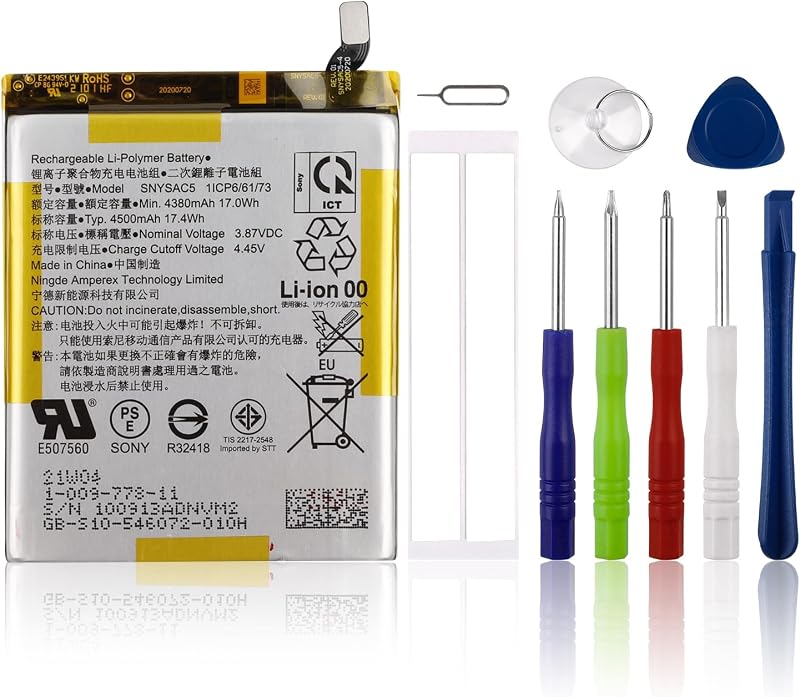
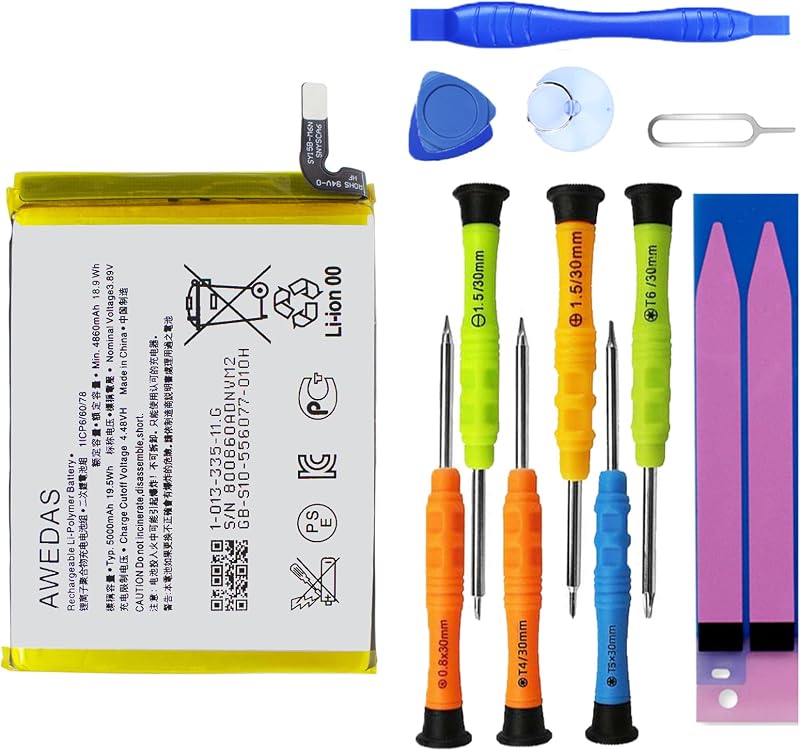
Descripción del producto Página anterior Página siguiente Batería B31N1726 (línea larga) ¡Atención, por favor! La batería B31N1726 tiene dos tipos de cables: CORTO y LARGO. El que se vende es un cable LARGO. No se pueden reemplazar entre sí. Entonces, antes de realizar un pedido, abra la cubierta posterior de su computadora portátil, verifique y confirme su batería original y compárela con nuestras imágenes de batería para asegurarse de que esto es lo que necesita. Especialmente la longitud del cable (largo o corto). Modelos compatibles (use "Ctrl+F” para encontrar su modelo rápidamente) Números de piezas compatibles: B31N1726 31CP7/60/80 Modelos de portátiles compatibles Serie ASUS ROG Strix G531 G531GT G531GT-BI7N6. Modelos de portátiles compatibles Serie ASUS ROG Strix G15 G512LI. NOTA: (NO para ASUS ROG Strix G15 G512LV G512LW Series) Busque el modelo de batería Encuentre el modelo de computadora portátil, presione "Windows+R" Escriba "msinfo32" y luego haga clic en "Aceptar" Busque "Modelo de sistema" en la ventana emergente ¿Qué debo tener en cuenta cuando recibo una batería? 1.Verifique los números de modelo: asegúrese de que el número de modelo de la batería (por ejemplo, número de pieza, número de serie) coincida con las especificaciones de su computadora portátil.2. Lea las instrucciones: Siga las pautas del fabricante para instalar la batería. ¿Cómo debo hacer si no se reconoce la batería? Si no se reconoce, se recomienda actualizar la configuración del BIOS o desconectar la batería vieja y mantener presionado el botón de encendido durante 20 segundos, luego conectar la batería nueva. La batería se agota repentinamente alrededor del 20%, ¿cómo solucionarlo? 1.Desconecte el cable de alimentación 2.Retire la batería 3.Mantenga presionado el botón de encendido durante 30 segundos, luego suéltelo durante 30 segundos y luego manténgalo presionado durante otros 30 segundos 4.Conecte la alimentación, reemplace la batería y encienda la computadora portátil. ¿Cómo mantener la batería de mi computadora portátil si no la uso durante semanas o meses? 1. Almacenar con una carga del 40 al 60 %. 2. Manténgalo en un lugar fresco, seco y oscuro, lejos de la humedad y objetos metálicos. 3.Si la almacena durante más de 3 meses, vuelva a cargar la batería al 40-60 % cada 3 meses para evitar una descarga profunda. ¿Por qué su computadora portátil no detecta la batería ni muestra el nivel de la batería correctamente después de instalarla? 1. Compruebe si el cable de la batería está instalado correctamente. 2. Material conductor dañado en la posición de contacto de la placa del portátil y del ánodo y cátodo de la batería. 3.Compruebe si la unidad de batería está en condiciones normales.
Agregás al carrito
Sumás este y otros productos que querés traer.
Cotizás el envío
Calculamos flete aéreo y aranceles a Argentina.
Confirmás y pagás
Online con tarjeta, o por transferencia, con el total final a la vista.
Lo recibís en casa
Seguimiento en tiempo real. El despacho lo hacemos nosotros.
Lo que suele llevarse para tu notebook · un solo envío para todo
Los mejor puntuados del mismo tipo de producto
Mismo tipo de producto y precio parecido