Cargando el producto…

Precio de origen
$ 29.380
+ flete e impuestos
Compra protegida
Puerta a puerta
Gestión aduanera
Tu compra, acompañada de principio a fin
Todo esto está en los Términos y Condiciones. Leerlos
Descripción del producto Adaptador Wifi USB UGREEN AC650 Diga adiós a los problemas de cableado, conéctese a la red en cualquier momento. La banda dual 5G/2,4G garantiza que la red sea estable y rápida. El tamaño mini compacto satisface las necesidades de transporte. Alta velocidad de 433/200 Mbps sin carga ni pérdida. El modo AP puede convertir su computadora con cable en un punto de acceso wifi. Nota: Si su computadora no tiene una unidad de CD para instalar el controlador, también puede instalarlo fácilmente a través del Manual de instalación (PDF) de las guías y documentos del producto o consultar el Manual del usuario. (Windows 11/10 no necesita controlador) Tapa protectora El adaptador WiFi para PC UGREEN está equipado con una tapa protectora contra el polvo, que puede evitar eficazmente la oxidación o daño del conector del adaptador cuando no está en uso. Indicador Led Diseño de adaptador de red inalámbrico USB UGREEN con una luz indicadora azul, que permanecerá encendida cuando el adaptador funcione y parpadeará con la transferencia de archivos. Permite conocer en todo momento el estado de funcionamiento de la tarjeta de red. Chip de alto rendimiento de diseños especiales El adaptador Wifi USB UGREEN AC650 está fabricado con un chip RTL8811CU, que tiene una excelente compatibilidad y un tamaño compacto. También tiene un gran rendimiento con bajo consumo de energía. Adaptador Wifi USB AC650 Productos de nueva versión Versión Wi-Fi 5 Wi-Fi 6 Velocidad de transferencia de 433Mbps/200Mbps 1201Mbps/576Mbps Frecuencia de 2,4GHz/5GHz Antena incorporada de 2,4GHz/5GHz Antena Antena incorporada Sistemas compatibles con Windows 7-11, Linux Compatible con Windows 11/10 Compatible con modo de punto de acceso Modelo de chip RTL8811CU RTL8832AU Versión Wi-Fi 5 Wi-Fi 5 Velocidad de transferencia de 433 Mbps/200 Mbps 867 Mbps/400 Mbps Frecuencia de 2,4 GHz/5 GHz Antena incorporada de 2,4 GHz/5 GHz Antena Antenas duales Sistemas compatibles con Windows 7-11, Linux Compatibilidad con Windows 7-11 y MacOS Compatibilidad con modo de punto de acceso Modelo de chip RTL8811CU RTL8812BU Página anterior Adaptador Wifi USB AX1800 Más información Adaptador Wifi USB AC1300 Más información Página siguiente ¿Qué puedo hacer si no hay señal 5G? Asegúrese de que su enrutador sea compatible con 5G. Compruebe si ha activado la configuración "Combinar red WiFi de 2,4 GHz y 5 GHz" en la configuración Wifi. En caso afirmativo, solo se mostrará una señal wifi. De lo contrario, se mostrarán tanto 5G como 2,4G, puedes elegirlo manualmente. ¿Cómo podemos solucionar problemas si la velocidad de Internet es más lenta de lo que esperábamos? (1) Intente utilizar el adaptador WiFi para PC en un lugar que tenga una señal más fuerte. (2) Ajuste manualmente diferentes canales para el enrutador y encuentre el canal óptimo para que la interferencia sea mínima. (3) Configure el enrutador de 5 Ghz a 2,4 Ghz para probar. ¿Qué puedo hacer si no se detecta señal WiFi? (1) Verifique si la función WiFi del enrutador cercano funciona correctamente cuando se conecta directamente al teléfono celular. (2) Verifique si el enrutador inalámbrico y el AP inalámbrico tienen configuraciones para ocultar el nombre de la red inalámbrica. ¿Qué puedo hacer si Internet se desconecta cuando la computadora se despierta después de inactividad? Le sugerimos que desactive el modo de ahorro de energía de la computadora; de lo contrario, tomará aproximadamente un minuto volver a conectarse al enrutador cuando la computadora se despierte después de la inactividad, dando la impresión de que la red está directamente desconectada.
Agregás al carrito
Sumás este y otros productos que querés traer.
Cotizás el envío
Calculamos flete aéreo y aranceles a Argentina.
Confirmás y pagás
Online con tarjeta, o por transferencia, con el total final a la vista.
Lo recibís en casa
Seguimiento en tiempo real. El despacho lo hacemos nosotros.
De la misma marca, empezando por lo más reseñado
Los mejor puntuados del mismo tipo de producto
Mismo tipo de producto y precio parecido




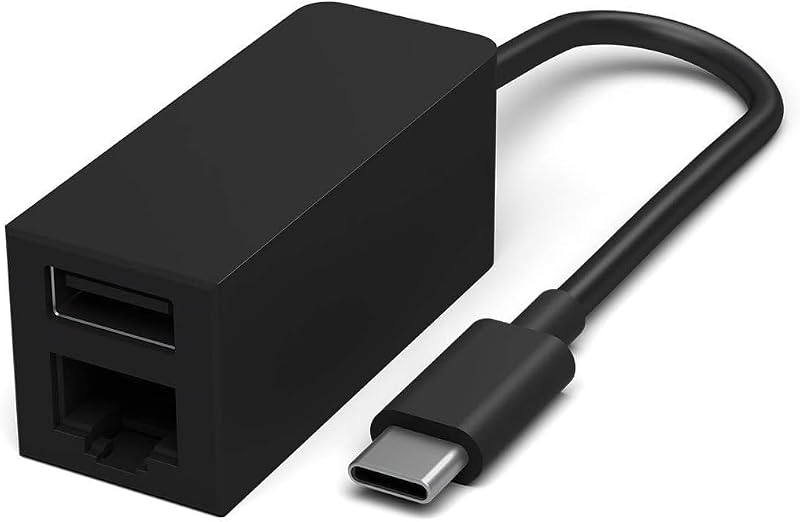
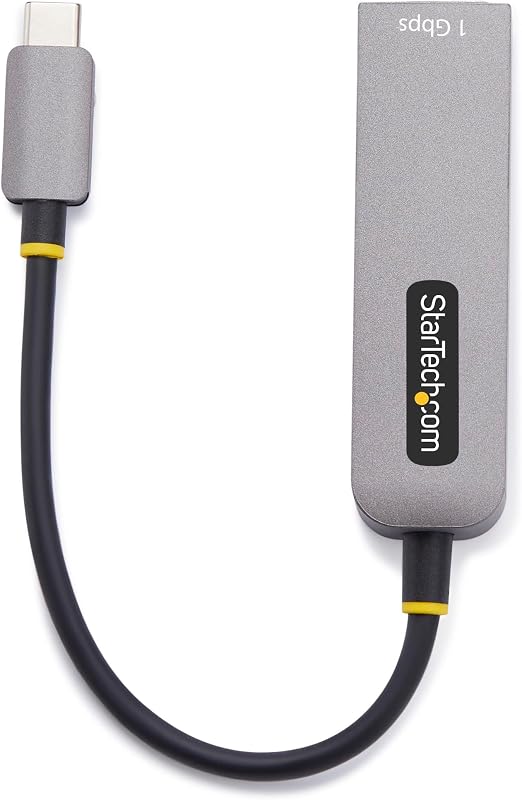

![Adaptador uni USB-C a Ethernet, USB C HUB Ethernet 1Gbps con USB 3.0 4IN1 | [Compatible con Thunderbolt 4/3], adaptador USB C a red, para MacBook Pro/Air, iPad Pro, Surface Laptop, Chromebook, etc.](https://m.media-amazon.com/images/I/51eyOnovmvL._AC_SL800_.jpg)