Cargando el producto…

Precio de origen
$ 125.420
$ 156.780
+ flete e impuestos
Compra protegida
Puerta a puerta
Gestión aduanera
Tu compra, acompañada de principio a fin
Todo esto está en los Términos y Condiciones. Leerlos
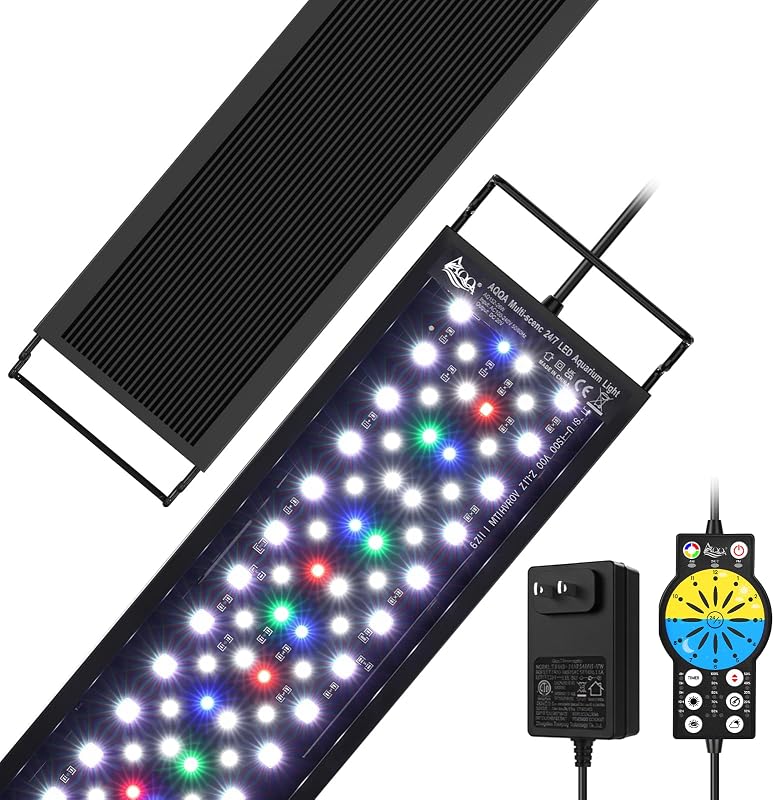
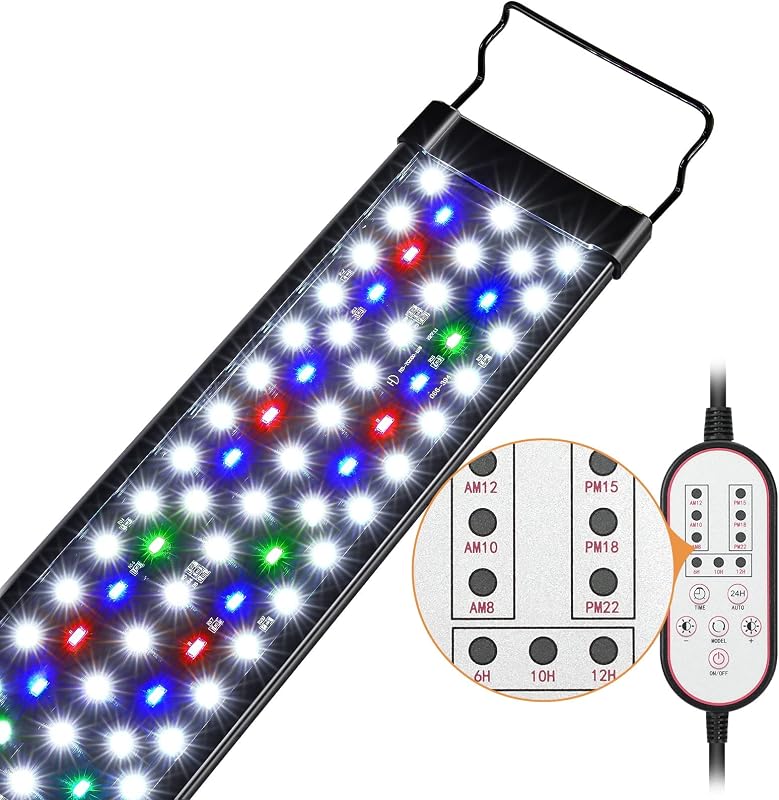
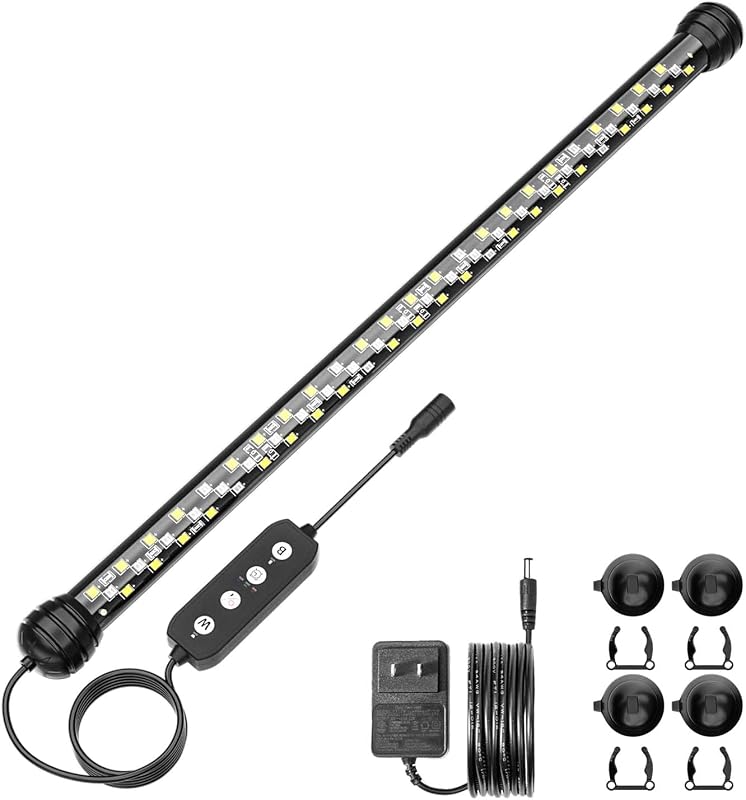
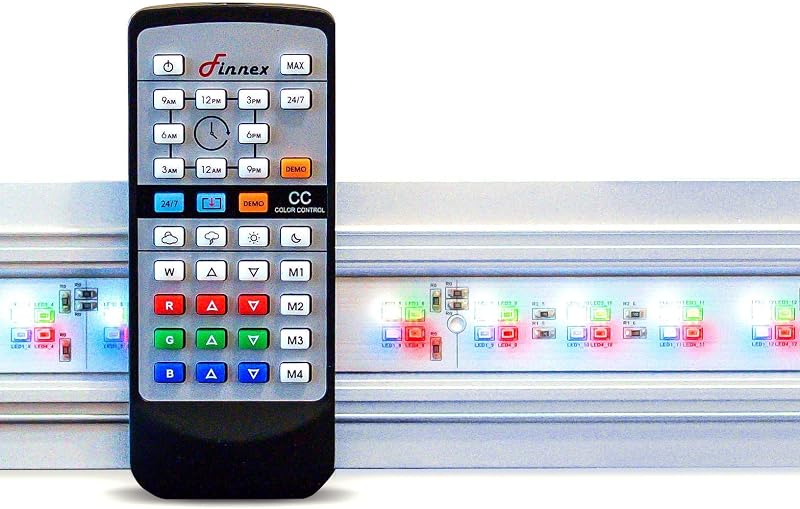
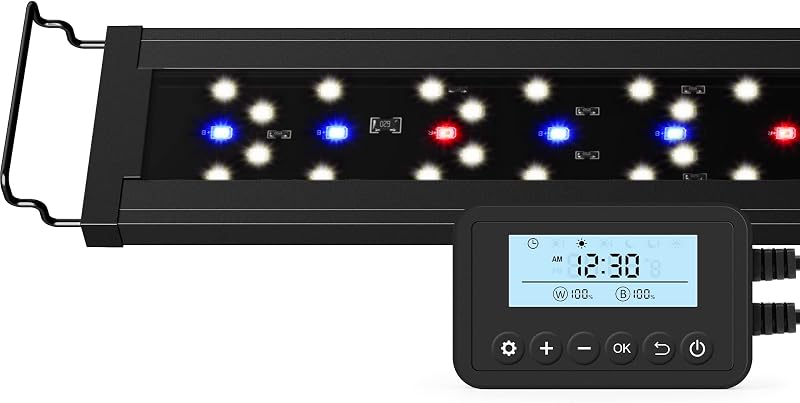
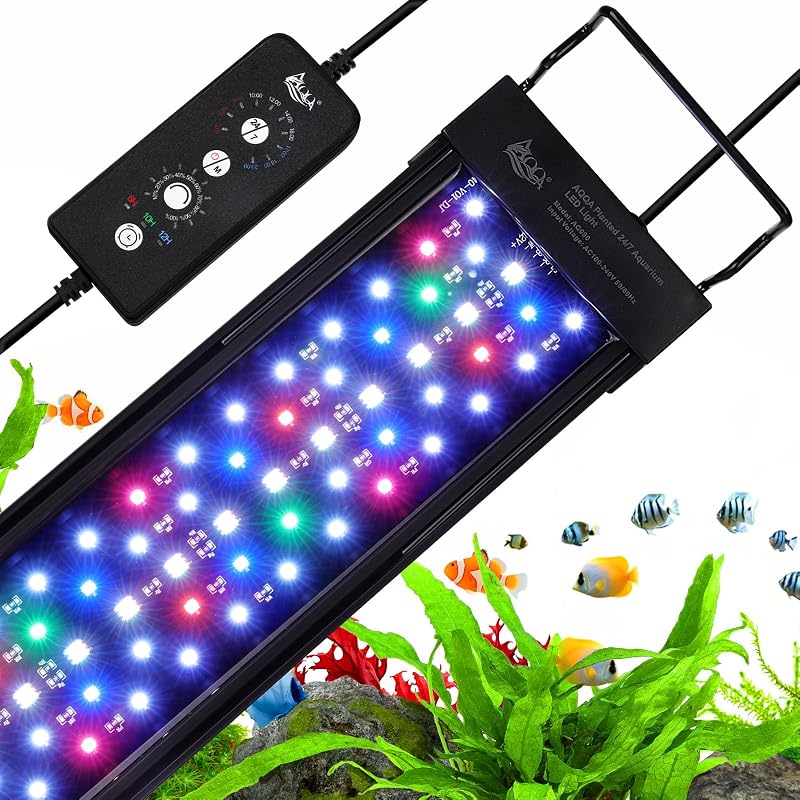
Descripción del producto Ahareef A40 Full Spectrum Reef Light para corales SPS/LPS y nano acuarios de agua salada. Cuenta con LED CREE de alta eficiencia, atenuación de doble canal (0–100%) y óptica avanzada de 120° para una propagación uniforme de la luz y el crecimiento de los corales. Canales dobles W/B independientes, 5%-100% de atenuación de 10 pasos y 7 preajustes de arrecife para todos los corales. 4 temporizadores integrados (6/8/10/12 horas) configurados y olvidados; luz de luna con un solo clic, temporizador y controles de brillo. Montaje ajustable, interruptor simple, ventilador de enfriamiento silencioso y p Soportes de aluminio de fácil montaje Los soportes de aluminio Ahareef exclusivos a prueba de óxido incluyen todos los herrajes para un fácil montaje en el tanque. Los 3 soportes ajustan las luces para una cobertura completa ideal del acuario. ¿Cómo configurar las luces de arrecife A30/A40/A60? La luz tiene un brillo predeterminado del 80% (configuración de fábrica) cada vez que se enciende. Pulse el botón "W" para realizar un ciclo de intensidad del canal W (0% → 10%→... → 100% → 0%, en bucle). Pulse el botón "B" para ciclar la intensidad del canal B (el mismo bucle de 0%-100% que el anterior). Mantenga pulsada la "B" Mantenga pulsado el botón "B" durante 1 segundo para apagarlo; y mantenga pulsado "B" durante 1 segundo más para encenderlo. ¿Cómo configurar un temporizador de iluminación (6/8/10/12 horas)? En primer lugar, pulse el botón "T" para seleccionar la duración deseada (6H/8H/10H/12 horas) y, a continuación, mantenga pulsada la tecla "T" durante 1 segundo. Todas las luces indicadoras parpadearán una vez para confirmar la activación del ajuste del temporizador seleccionado. ¿Cómo habilitar/deshabilitar el modo luz de luna con el temporizador? ¿Cómo cancelar el temporizador? Habilitar: después de configurar el temporizador, mantenga pulsado "W" durante 1 segundo
Agregás al carrito
Sumás este y otros productos que querés traer.
Cotizás el envío
Calculamos flete aéreo y aranceles a Argentina.
Confirmás y pagás
Online con tarjeta, o por transferencia, con el total final a la vista.
Lo recibís en casa
Seguimiento en tiempo real. El despacho lo hacemos nosotros.
Los mejor puntuados del mismo tipo de producto
Mismo tipo de producto y precio parecido