Cargando el producto…

Precio de origen
$ 231.357
+ flete e impuestos
Compra protegida
Puerta a puerta
Gestión aduanera
Tu compra, acompañada de principio a fin
Todo esto está en los Términos y Condiciones. Leerlos
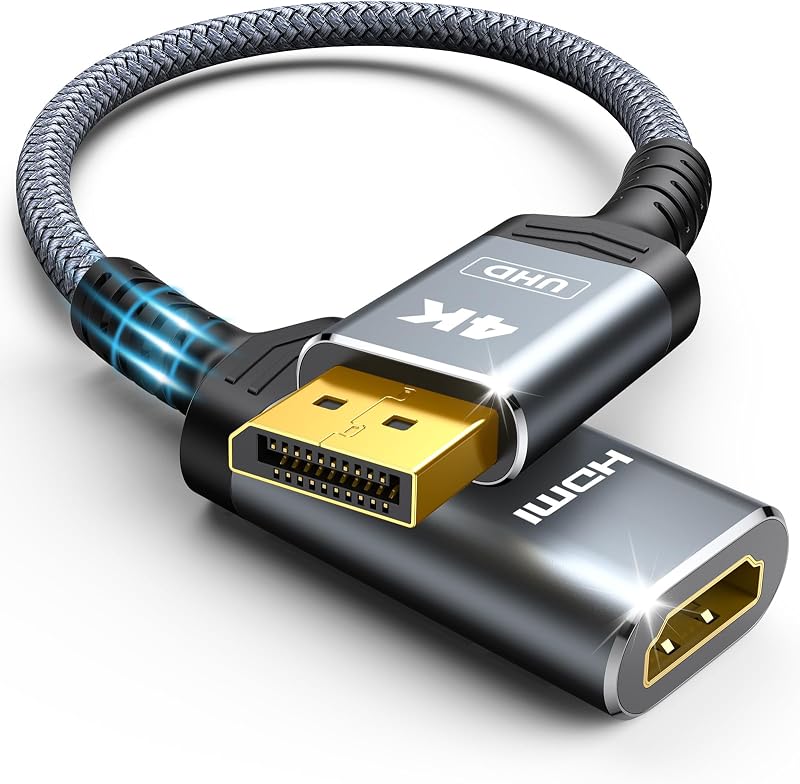
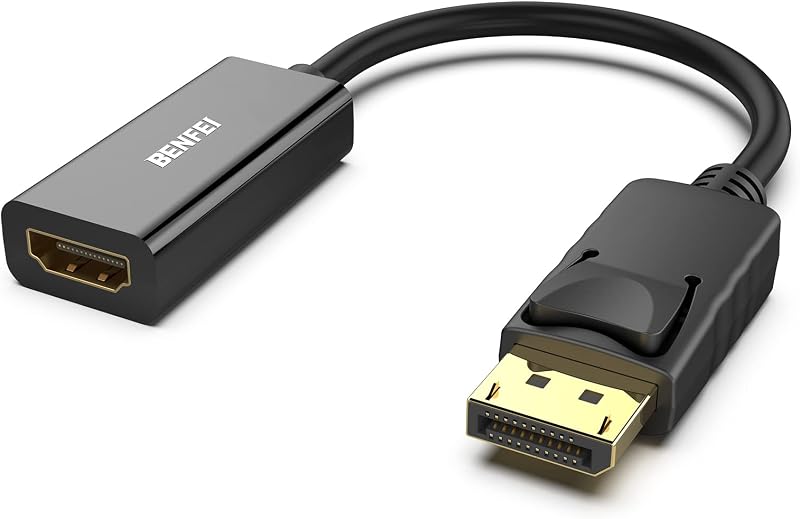
Descripción del producto El vídeo muestra el producto en uso. El vídeo te guía a través de la configuración del producto. El vídeo compara varios productos. El vídeo muestra el producto desempaquetado. Gafas AR HDMI a USB C Adaptador 4K@60Hz Página anterior Página siguiente 1 Steam Deck 2 PS5 ¿Por qué no hay pantalla después de la conexión? Compruebe: 1.Dirección: HDMI (fuente) → USB-C (pantalla), unidireccional. 2.Potencia: Conecte 5V/1-1.5A. Utilice el cable incluido, evite cables largos. 3. Compatibilidad: la pantalla debe admitir DP A XREAL Air: Pulse brevemente el botón Mode para garantizar el modo de espejo (no 3D). Vuelva a conectar si está atascado en modo de espera.
Agregás al carrito
Sumás este y otros productos que querés traer.
Cotizás el envío
Calculamos flete aéreo y aranceles a Argentina.
Confirmás y pagás
Online con tarjeta, o por transferencia, con el total final a la vista.
Lo recibís en casa
Seguimiento en tiempo real. El despacho lo hacemos nosotros.
Lo que suele llevarse para tu consola · un solo envío para todo
Los mejor puntuados del mismo tipo de producto




![QGeeM Adaptador USB C a HDMI Cable 4K, Adaptador USB Tipo-C a HDMI [Thunderbolt 3/4] HDMI para computadora portátil MacBook Pro/Air, iPhone 15 16 17 Pro max, Dell XPS, Pixelbook, iMac, Thinkpad, Surface, iPad Pro.](https://m.media-amazon.com/images/I/61SiTUSazKL._AC_SL800_.jpg)