Cargando el producto…

Precio de origen
$ 97.980
+ flete e impuestos
Compra protegida
Puerta a puerta
Gestión aduanera
Tu compra, acompañada de principio a fin
Todo esto está en los Términos y Condiciones. Leerlos
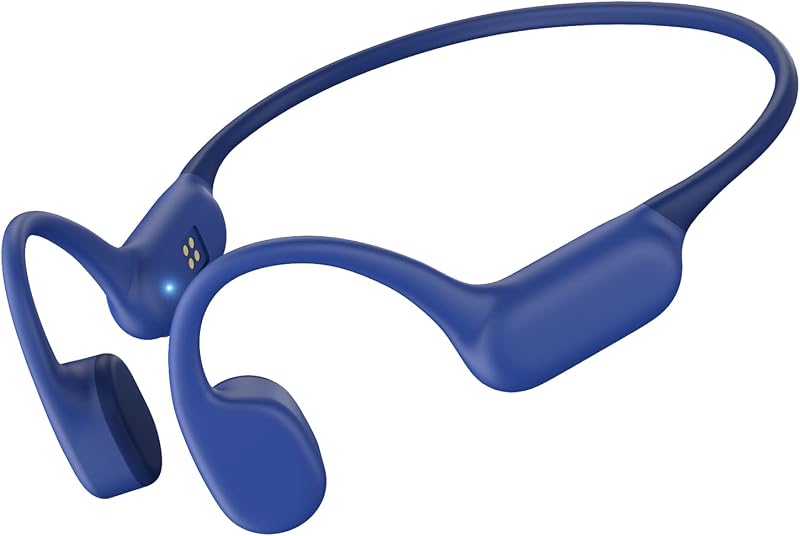
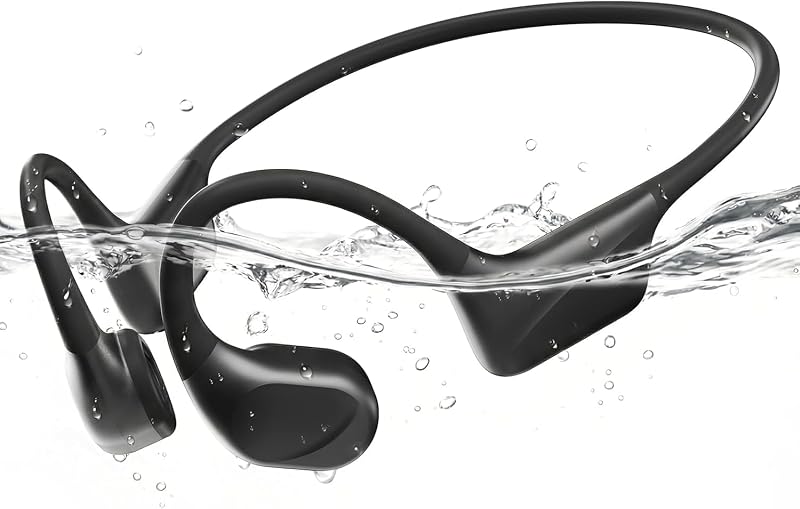
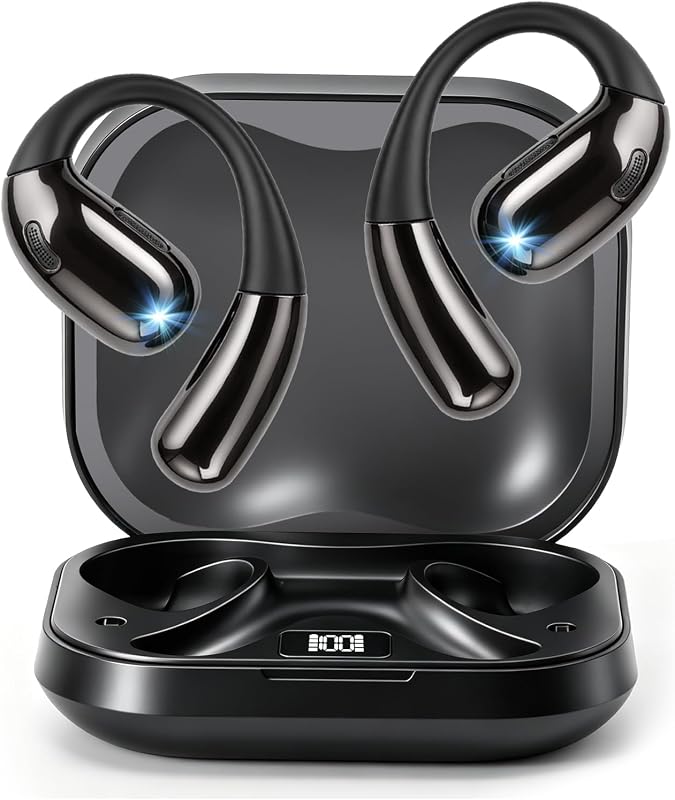
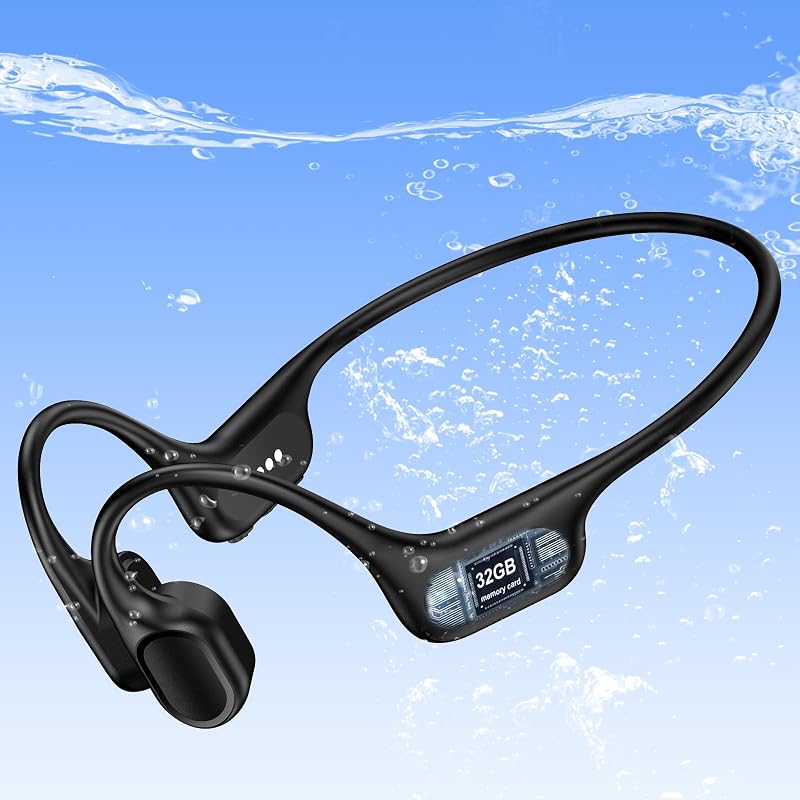
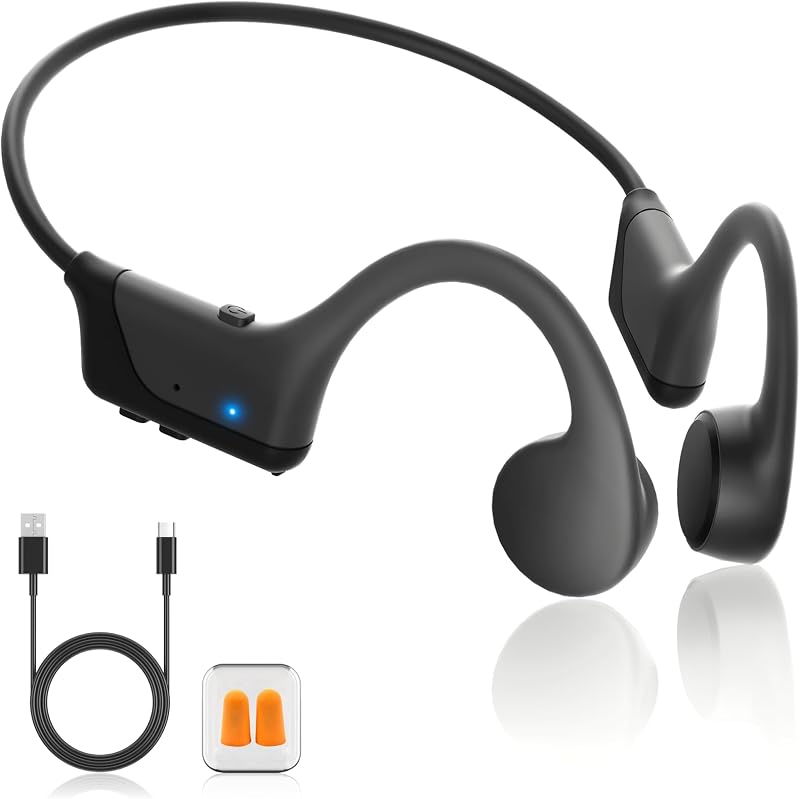
Descripción del producto Haga ejercicio y disfrute de la música Página anterior Trabajo cómodo todo el día El diseño de oído abierto garantiza un trabajo cómodo durante todo el día. 29 g de peso ligero. Pesa solo 29 g, cerca de 1 onza. Ni presión para tus oídos, incluso llevarlos todo el día las 24 horas. Marco envolvente de memoria de titanio. Es muy agradable para la piel y flexible. Te da una buena experiencia de uso. Compatible con software de reuniones popular. Es adecuado con la mayoría de los software de reuniones de uso generalizado, como Skype, Zoom, etc. Página siguiente 1 Trabajo y comodidad 2 Ligero 3 Memoria de aleación de titanio 4 Amplia compatibilidad Página anterior Bluetooth 5.3 Nuestros auriculares bluetooth brindan velocidades de transferencia más rápidas, conexiones más estables y menor latencia. Página siguiente 1 Unidad y cancelación de ruido 2 Bluetooth 5.3 Página anterior Conecte dos dispositivos simultáneamente Auriculares abiertos adecuados para la mayoría de los dispositivos bluetooth. Puede conectar dos dispositivos al mismo tiempo. Página siguiente 1 Reunión en línea y silencio 2 Conexión dual ¿Cómo emparejar nuestros auriculares abiertos con 2 dispositivos simultáneamente a través de Bluetooth? 1. Mantenga presionado el botón MFB durante 3 a 5 segundos para ingresar al modo de emparejamiento, la luz indicadora LED parpadeará en azul y rojo alternativamente y podrá escuchar "Emparejamiento". 2. Encienda la función Bluetooth del dispositivo A, busque y conecte [O3] en la lista de dispositivos Bluetooth. Cuando escuche "conectado" y el indicador LED se vuelve azul y parpadea lentamente cada 5 segundos, significa que el auricular está conectado al dispositivo A. 3. Apague la función Bluetooth del dispositivo A, cuando escuche "Desconectado", la luz indicadora LED parpadeará en azul y rojo alternativamente, [O3] volverá a ingresar al modo de emparejamiento. 4. Encienda la función Bluetooth del dispositivo B, busque y conecte [O3] en la lista de dispositivos Bluetooth, cuando escuche "conectado" y el indicador LED se vuelva azul y parpadee lentamente cada 5 segundos, significa que el dispositivo B con auriculares está conectado al dispositivo B. 5. Encienda la función Bluetooth del dispositivo A y haga clic en "Conectar" [O3] en la lista de dispositivos Bluetooth. Cuando escuche "conectado" nuevamente, significa que los auriculares se han conectado correctamente al dispositivo A y al dispositivo B al mismo tiempo. Nota: Cuando escucha música en el dispositivo A y el dispositivo B tiene una llamada entrante, simplemente haga clic en el botón MFB para responder la llamada (consulte el manual para obtener más detalles). Al realizar una llamada con el software de conferencia, verifique la configuración de sonido tanto de la computadora como del software para asegurarse de que [O3] esté seleccionado como dispositivo de entrada y salida predeterminado (altavoz/micrófono)
Agregás al carrito
Sumás este y otros productos que querés traer.
Cotizás el envío
Calculamos flete aéreo y aranceles a Argentina.
Confirmás y pagás
Online con tarjeta, o por transferencia, con el total final a la vista.
Lo recibís en casa
Seguimiento en tiempo real. El despacho lo hacemos nosotros.
Lo que suele llevarse para tu celular · un solo envío para todo
Los mejor puntuados del mismo tipo de producto
Mismo tipo de producto y precio parecido