Cargando el producto…

Precio de origen
$ 96.726
$ 135.788
+ flete e impuestos
Compra protegida
Puerta a puerta
Gestión aduanera
Tu compra, acompañada de principio a fin
Todo esto está en los Términos y Condiciones. Leerlos
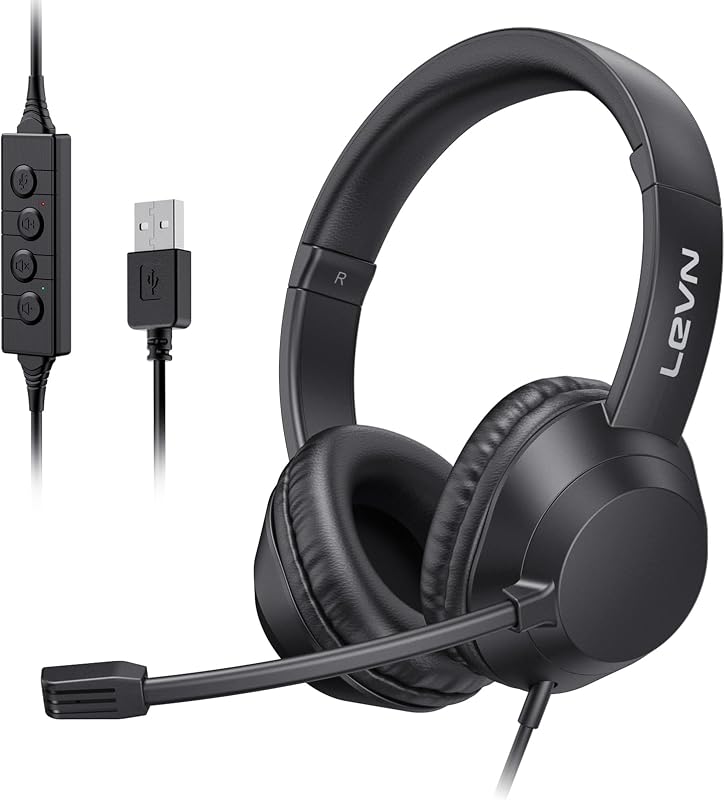
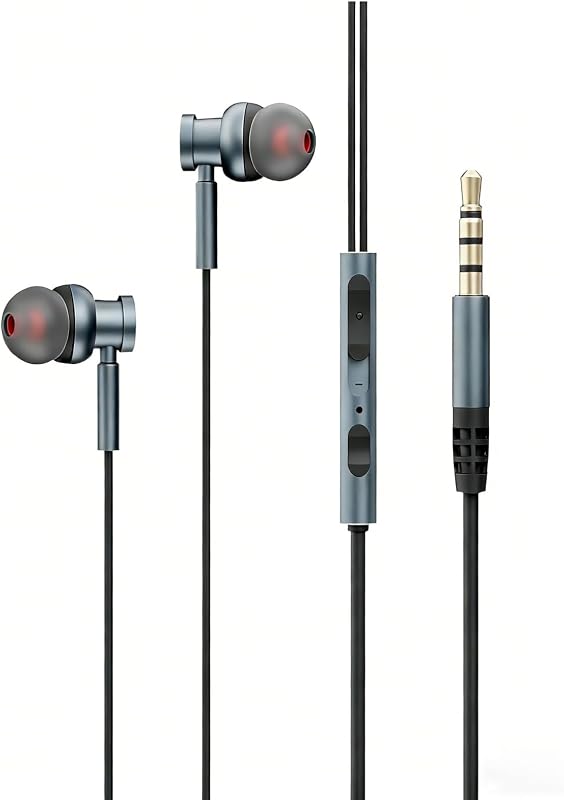
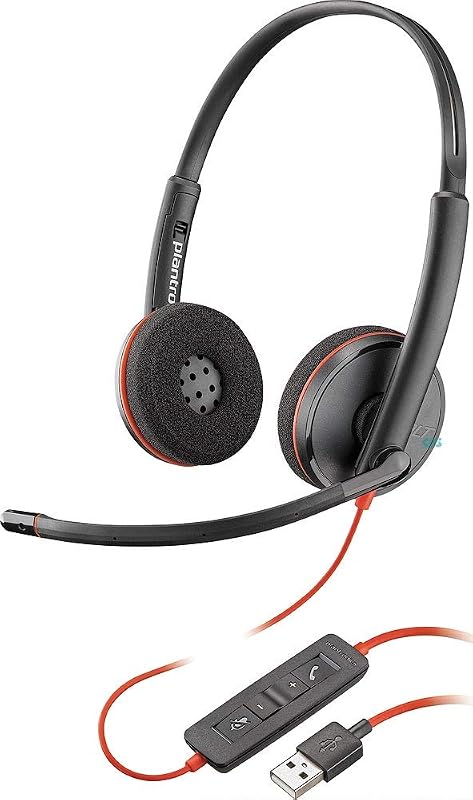
Descripción del producto Auricular Bluetooth LEVN Auricular inalámbrico para computadora portátil Página anterior Cancelación de ruido ambiental Protege las interferencias molestas, haz llamadas/reuniones en línea más enfocadas Productividad de plataforma transparente Los audífonos inalámbricos están diseñados para funcionar perfectamente con la mayoría de software de videoconferencia y softphones Suave envoltura para los oídos para mayor comodidad Con espuma viscoelástica de proteínas, las orejeras brindan una comodidad agradable incluso después de un día completo de trabajo Página siguiente 1 Cancelación de ruido AI 2 Compatibilidad universal 3 Uso cómodo Página anterior Inalámbrico, Bluetooth 5.2 ilimitado, Distancia efectiva de 49 pies, manos libres, realización de trabajo remoto Haciendo que sus llamadas sean más eficientes y convenientes El botón MFB de este auricular le permite contestar/colgar llamadas con un botón Privacy Guardian Puede hacer clic en el botón de silencio para encender/apagar el micrófono y proteger su privacidad durante la llamada Página siguiente 1 Comodidad de manos libres 2 Botón multifunción 3 Botón de silencio Cuando uso estos auriculares inalámbricos en Teams, ¿cómo debo configurarlos? Cuando realice una llamada con equipos, verifique la configuración de sonido tanto de la computadora como del software para asegurarse de que [CT001] esté seleccionado como dispositivo de entrada y salida predeterminado (altavoz/micrófono). Utilizo los auriculares inalámbricos para trabajar desde casa, ¿pueden eliminar eficazmente el ruido de fondo? Sí. Nuestros auriculares inalámbricos pueden eliminar hasta el 99,9% del ruido de fondo, como los gritos de los niños, los ladridos de los perros, el sonido de fondo de la televisión, etc. Garantiza una experiencia de llamada superior con conversaciones más claras para la persona del otro lado. ¿Cómo uso la función de silencio del auricular durante una llamada o reunión en línea? Durante una llamada o reunión en línea, simplemente presione el botón de silencio una vez para silenciar el micrófono del auricular. Presione nuevamente para reactivar el sonido. La tecla de silencio solo funciona durante una llamada o reunión. ¿Puedo utilizar los auriculares Bluetooth para contestar o colgar llamadas? Si los auriculares están conectados a un teléfono móvil, puede hacer clic en el MFB para responder/finalizar llamadas en los auriculares; Si los auriculares están conectados a una computadora, deberá responder las llamadas en la computadora. Recordatorio: MFB no funciona con teléfonos fijos ni de escritorio. ¿Cómo cargo los auriculares inalámbricos? Este auricular tiene una elegante base de carga, que proporciona una solución conveniente para cargar y almacenar. La base de carga con una ranura para sujetar de forma segura el dongle USB. Además, tienes la opción de cargarlo mediante un cable de carga tipo C.
Agregás al carrito
Sumás este y otros productos que querés traer.
Cotizás el envío
Calculamos flete aéreo y aranceles a Argentina.
Confirmás y pagás
Online con tarjeta, o por transferencia, con el total final a la vista.
Lo recibís en casa
Seguimiento en tiempo real. El despacho lo hacemos nosotros.
Lo que suele llevarse para tu notebook · un solo envío para todo
De la misma marca, empezando por lo más reseñado
Los mejor puntuados del mismo tipo de producto
Mismo tipo de producto y precio parecido