Cargando el producto…

Precio de origen
$ 71.146
+ flete e impuestos
Compra protegida
Puerta a puerta
Gestión aduanera
Tu compra, acompañada de principio a fin
Todo esto está en los Términos y Condiciones. Leerlos
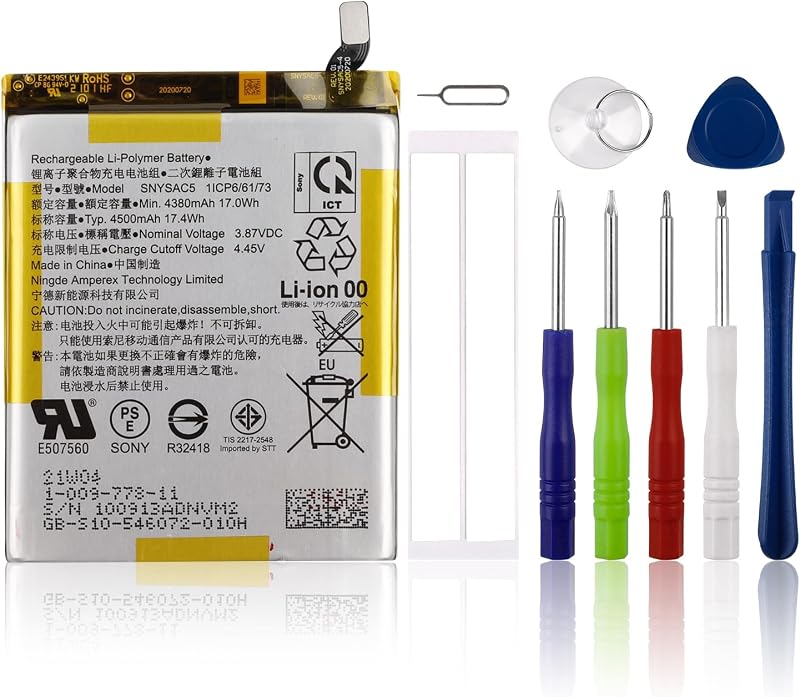
Product description Within 2years, if the battery has any fault, please feel free to contactUs to replace it Efficient and Reliable Grade A Cells FCC / CE / RoHS Certified More Charging Cycles Long Lasting Performance Product description: Battery Type: Li-ion Voltage:11.4V Capacity: 48Wh/4110mAh Battery Condition:100% Brand New Compatible Part Numbers: B31N1726 Compatible Laptop/Notebook Models: For ASUS ROG Strix G15 G512 G512LI Series ASUS ROG Strix G531 G531GT Series (Not work with : ASUS ROG Strix G15 G512LV G512LW) Short-line Long-line Buying Options Buying Options Customer Reviews 3.8 out of 5 stars 5 4.2 out of 5 stars 9 B31N1726:Two shapes Short line Long-line For Optimal Use battery: 1. New battery received, discharge the battery to 5% (not 0%) for the fist use, then charge and cycle 3-4 times to wake up the new battery. The important point is to perform a full discharge and charge every other month to extend the battery life. 2. Do not connect adapter for a long time while using the battery. It may damage the battery. Avoid artificial shocks, disassembly, crush or puncture. Do not dispose of it in fire or water. How to install a new battery: 1.emove the old battery, carefully install the new battery on the battery box, tighten the screws, and then connect the wires of the new battery. 2. If you have questions about installing a new battery, you can search for the installation of laptop/tablet models on YouTube. This method may help you. If the new battery is not recognized during the initial installation: 1. please reinstall and check if the interface is fully connected. Please disconnect the old battery, and hold down the power button for 20 seconds, then connect the new battery. This drains the residual or flea power and once the laptop is reassembled the battery will function properly. 2. Battery cannot be identified by your laptop or it doesn't seem to work. That may be caused by different situations. Please check by yourself first as below steps. Could be caused by battery loose. Remove the battery and try to reinstall more than once. May be due to conductive material damaged which the laptop motherboard and battery anode and cathode contact position, you can try to confirm it with your original battery. Check whether the battery drive is in normal condition, if not, download the corresponding driver software to update. Take out the battery and press the power button for about 15 seconds to consume the internal residual power (Do not connect the power cord), and then reinstall the battery. You can try several times.
Agregás al carrito
Sumás este y otros productos que querés traer.
Cotizás el envío
Calculamos flete aéreo y aranceles a Argentina.
Confirmás y pagás
Online con tarjeta, o por transferencia, con el total final a la vista.
Lo recibís en casa
Seguimiento en tiempo real. El despacho lo hacemos nosotros.
Lo que suele llevarse para tu notebook · un solo envío para todo
Los mejor puntuados del mismo tipo de producto
Mismo tipo de producto y precio parecido