Cargando el producto…

Precio desde
$ 540.938
+ flete e impuestos
Opción 1
Opción 2
Opción 3
Compra protegida
Puerta a puerta
Gestión aduanera
Tu compra, acompañada de principio a fin
Todo esto está en los Términos y Condiciones. Leerlos
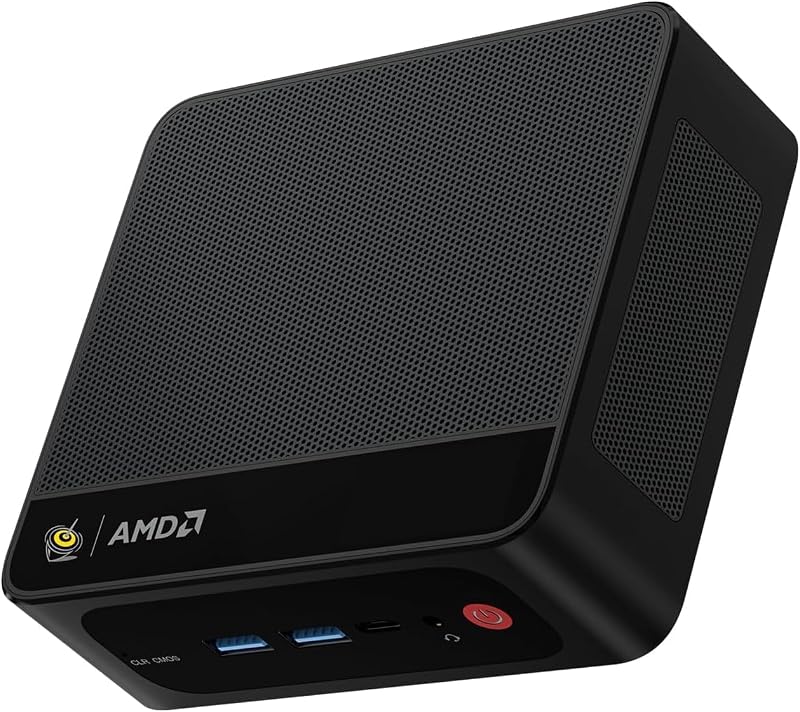
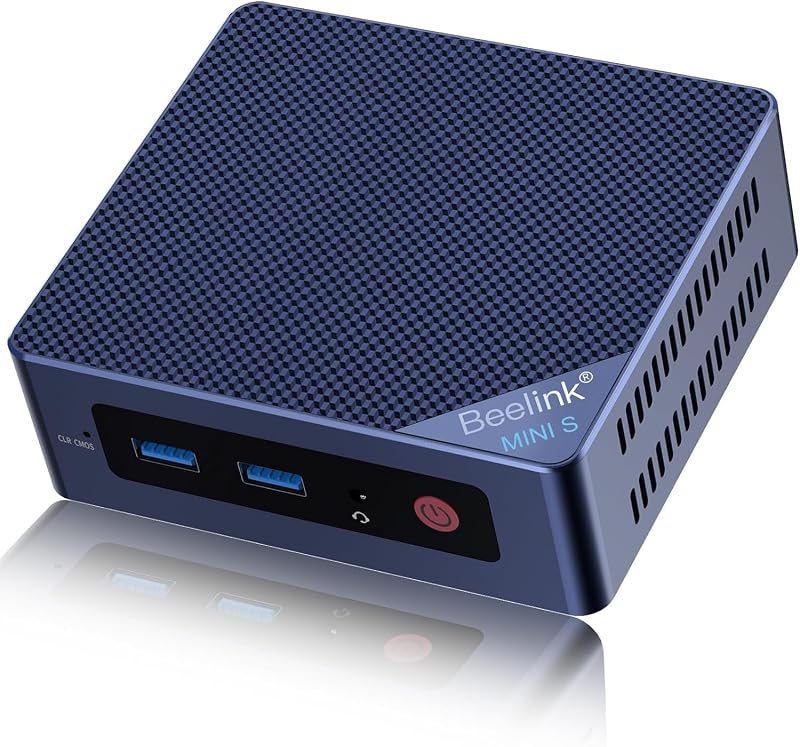
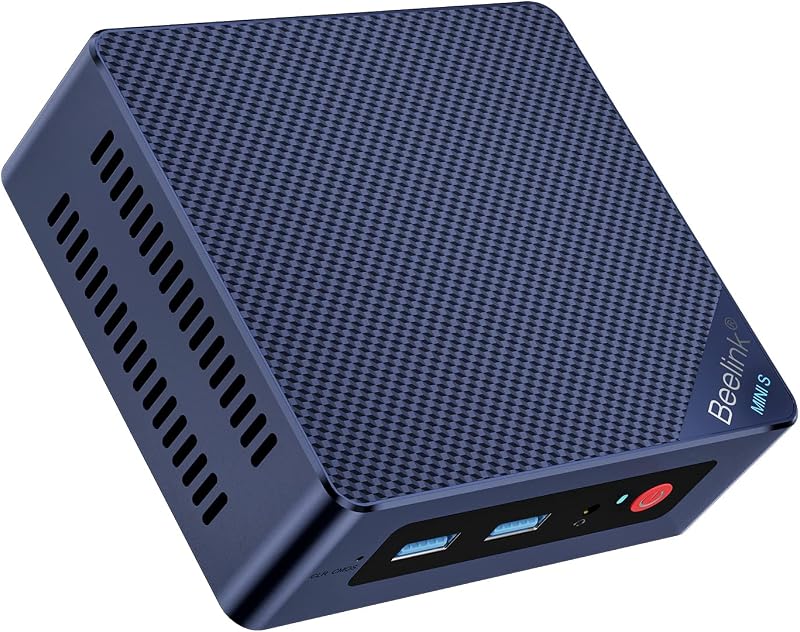
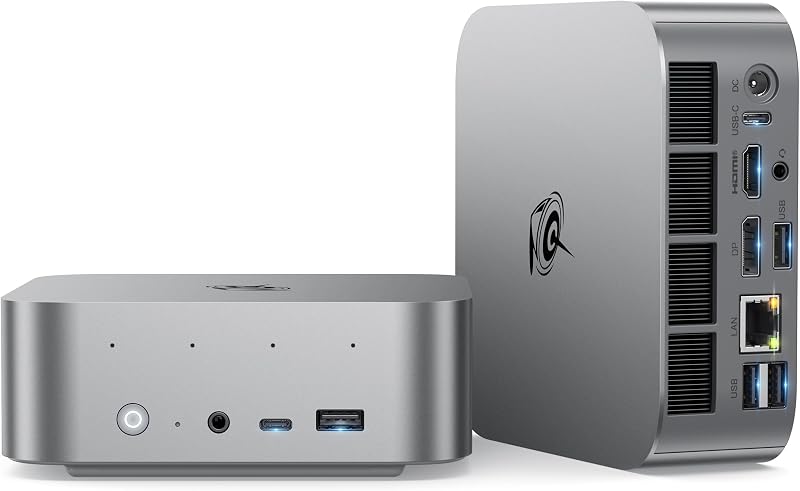
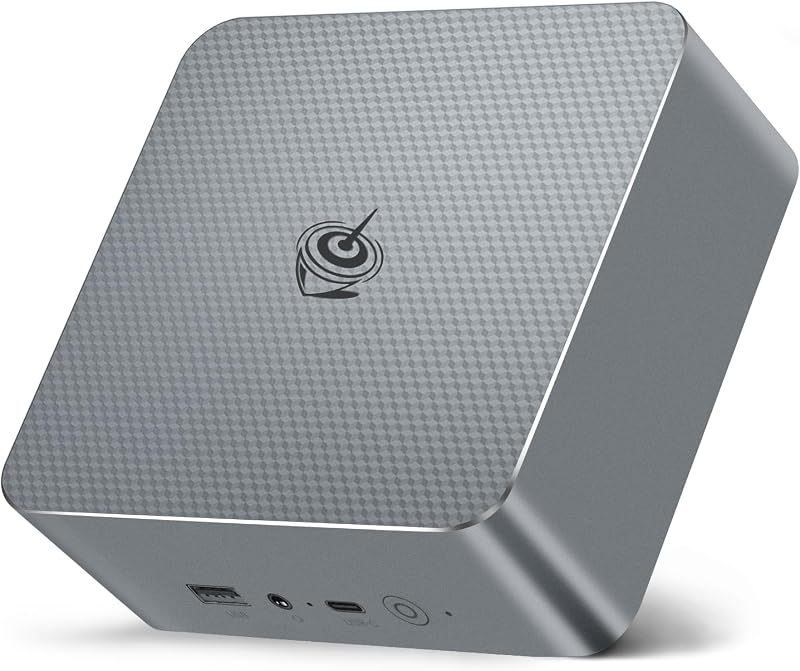
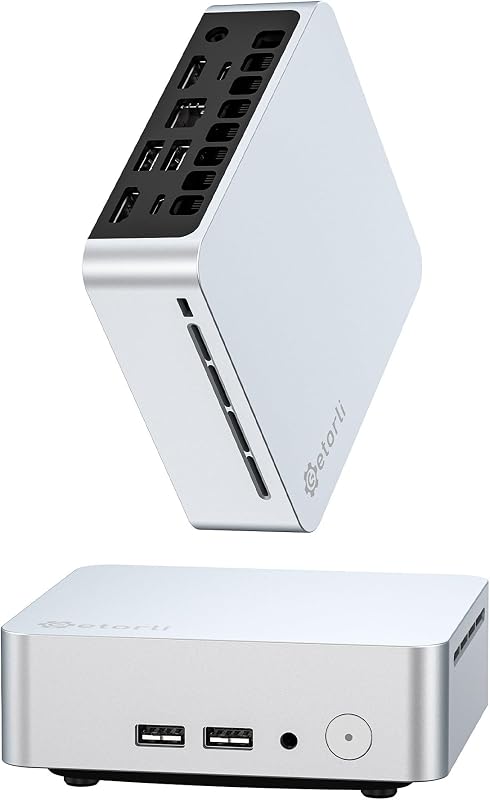
Descripción del producto ¿Por qué elegir la mini PC Beelink MINI S13? Fácil de transportar: la mini PC Beelink mide 4,88 x 4,44 x 1,65 pulgadas y pesa tan solo 11,35 onzas. Puedes sostenerlo en la mano o ponerlo en tu bolso de negocios y llevarlo contigo. Rentable: el Micro PC MINI S13 utiliza CPU N150. Su frecuencia operativa base es de hasta 3,6 GHz (4C/4T) y admite una caché inteligente de 6 MB. Admite encendido automático: la computadora admite las funciones WOL (Wake On LAN) y encendido automático. Puede ver nuestro video de demostración para su funcionamiento. Si tiene alguna pregunta, no dude en comunicarse con Beelink. Servicio posventa: Beelink se centra en la I+D y las ventas de mini PC. Disponemos de un servicio postventa profesional. Siempre que compre nuestros productos, ofrecemos soporte profesional de fábrica por 1 año 𝐈𝐧𝐭𝐞𝐥 𝐍150 𝐂𝐏𝐔 Esta mini PC MINI S13 con tecnología Intel Quad-Core N150 (más rápida que N100). Su frecuencia operativa base es de hasta 3,6 GHz (4C/4T) y admite caché inteligente de 6 MB. Procesador estable de bajo consumo con rendimiento potente, diga adiós al congelamiento y almacenamiento en búfer del sistema. 𝐇𝐞𝐚𝐭 𝐃𝐢𝐬𝐬𝐢𝐩𝐚𝐭𝐢𝐨𝐧 y 𝐐𝐮𝐢𝐞𝐭 El ventilador incorporado y el disipador de calor de la mini PC disipan rápidamente el calor, enfrían el hardware de la computadora, reducen la pérdida de hardware y hacen que el La velocidad de respuesta de la computadora es más rápida. Además, en comparación con las computadoras de escritorio, nuestra mini computadora de alto rendimiento tiene un funcionamiento muy sonoro, bajo y libre de ruido. 𝐂𝐏𝐔 𝐒𝐢𝐥𝐞𝐧𝐭 𝐅𝐚𝐧 y 𝐇𝐞𝐚𝐭 𝐒𝐢𝐧𝐤 El ventilador ultrasilencioso y el disipador de calor proporcionan una excelente refrigeración para el procesador de la CPU. Beelink Mini PC Desktop PC Mini Computers Mini PC de escritorio computadora Especificaciones del producto Entrada: 100-240 V CA, 50/60 Hz, Salida: 19 V/4,47 A Entorno de trabajo: -10 °C--45 °C, 30 %--85 % de humedad Entorno de almacenamiento: -20 °C--60 °C, 10 %--90 % de humedad Función adicional: WOL, ENCENDIDO AUTOMÁTICO 𝐖𝐡𝐚𝐭'𝐬 𝐢𝐧 𝐭𝐡𝐢𝐬 𝐛𝐨𝐱? Mini PC MINI S13 x1 HDMI 100CM x1 Manual de usuario x1 Cable de CA x1 Mini PC Beelink MINI S13 Conéctese a una vida maravillosa 1. Este es el último producto nuevo desarrollado por Beelink 2025. Está posicionado como una oficina liviana y no es adecuado para juegos a gran escala. 2. Somos el vendedor autorizado de la marca Beelink. Todas las minicomputadoras son auténticas de la marca Beelink, tenga la seguridad de comprarlas. 𝐏𝐫𝐞𝐜𝐚𝐮𝐭𝐢𝐨𝐧𝐬 𝐅𝐨𝐫 𝐔𝐬𝐞 Para continuar mejorando la experiencia del usuario, es posible que ocasionalmente actualicemos la aplicación y el firmware. No utilice disolventes químicos agresivos ni productos de limpieza. Recomendamos utilizar un paño suave para limpiar. Tenga en cuenta las filtraciones mientras limpia los componentes electrónicos; tenga cuidado con las descargas eléctricas. No arroje el producto al fuego, evite sufrir un accidente por incendio. No descartes el producto arbitrariamente, debemos proteger el medio ambiente. No intente abrir la carcasa ni repararla; si se produce una falla, comuníquese con el servicio en línea. Ampliamente utilizado y como regalo La mini PC está equipada con una interfaz HDMI dual. Puede integrar las funciones de un televisor, una computadora y un teléfono móvil en uno a través de una pantalla de terminal. Puede ver programas de televisión, iniciar sesión en Internet y realizar videollamadas. Las dos pantallas realizan tareas diferentes. No se utiliza para alternar para reducir la interferencia y mejorar la eficiencia del trabajo. La microcomputadora se puede utilizar en una amplia gama de lugares, como entretenimiento en el hogar, oficinas en el hogar, salas de conferencias e incluso en muchos lugares públicos, como supermercados, vallas publicitarias y barreras. ¿Para qué más se puede utilizar nuestra mini computadora? 𝐆𝐢𝐟𝐭 - Cada uno de nuestros productos ha fabricado exquisitas cajas de embalaje, que son muy adecuadas como regalo para hombres/mujeres/amantes/novio/amigos/adolescentes. Por ejemplo, regalos del Día del Padre, regalos de Navidad, regalos de cumpleaños, regalos del Día de San Valentín. Pruebas de software y servicio VIP Contamos con un laboratorio dedicado. Realizamos pruebas de software profesionales en la mini computadora. Actualmente, es compatible con la mayoría de los software de oficina del mercado, como Adobe Photoshop, AutoCAD, 3DS MAX. SERVICIO VIP BEELINK: 1. Servicio al cliente personalizado. 2. Soporte de servicio técnico de por vida. 3. 30 días de devolución gratuita. 4. Servicio de garantía de 1 año. PREGUNTA Y RESPUESTA: P1: ¿Cómo instalar el sistema w10 pro? R1: Contáctenos para obtener archivos del sistema w10 pro y tutoriales de instalación. P2: ¿Cómo configurar la visualización de pantalla dual? R2: Haga clic y seleccione Inicio>Configuración>Sistema>Pantalla. Su PC debería detectar automáticamente su monitor y mostrar su escritorio. Si no ve el monitor, seleccione Detectar. P3: ¿Cómo ingresar al BIOS? A3: Presione "eliminar" para ingresar a la configuración del BIOS; presione "F7" para ingresar al menú de opciones de inicio (haga clic continuamente inmediatamente después del inicio). Ver más
Agregás al carrito
Sumás este y otros productos que querés traer.
Cotizás el envío
Calculamos flete aéreo y aranceles a Argentina.
Confirmás y pagás
Online con tarjeta, o por transferencia, con el total final a la vista.
Lo recibís en casa
Seguimiento en tiempo real. El despacho lo hacemos nosotros.
De la misma marca, empezando por lo más reseñado
Los mejor puntuados del mismo tipo de producto
Mismo tipo de producto y precio parecido