Cargando el producto…
Precio de origen
$ 72.794
+ flete y aranceles — se calculan al cotizar
Compra protegida
Puerta a puerta
Aduana incluida
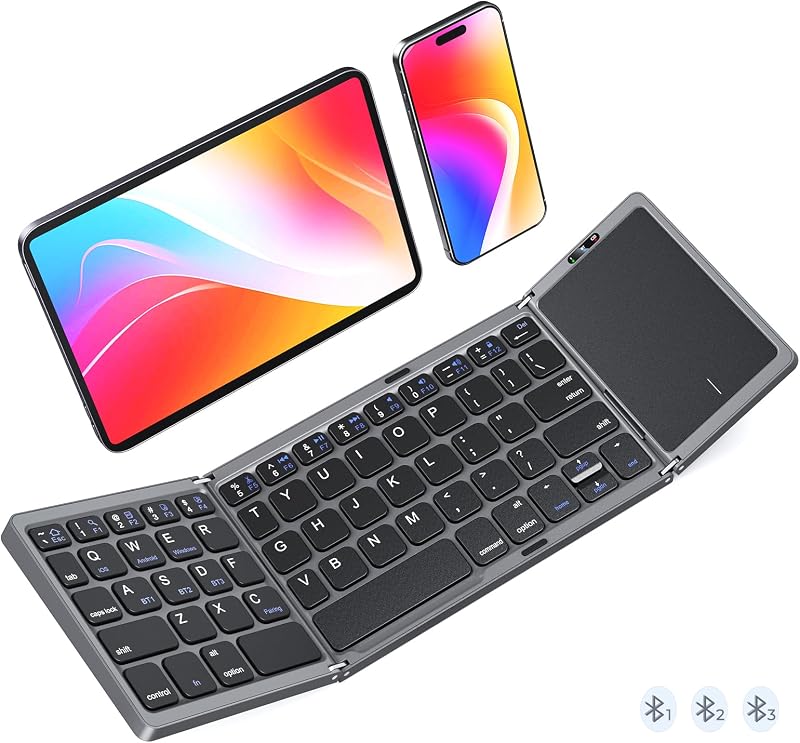
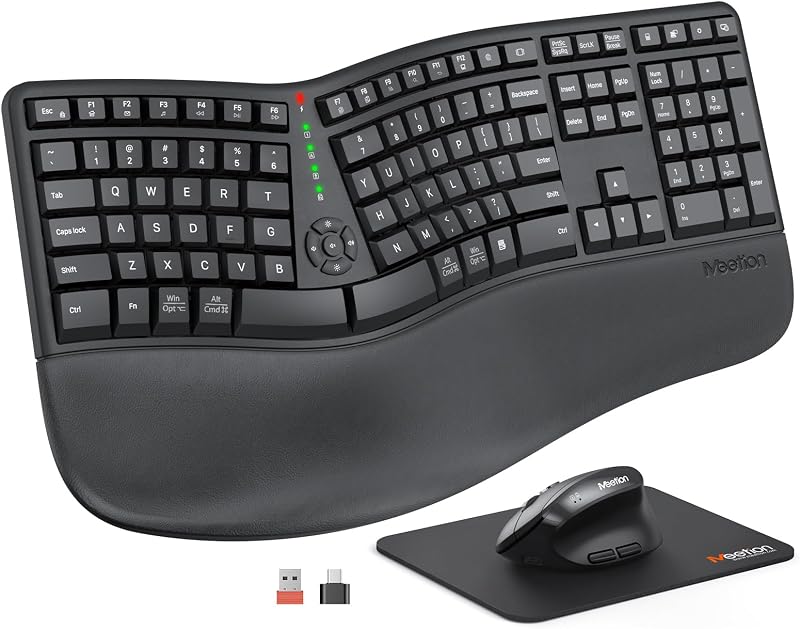
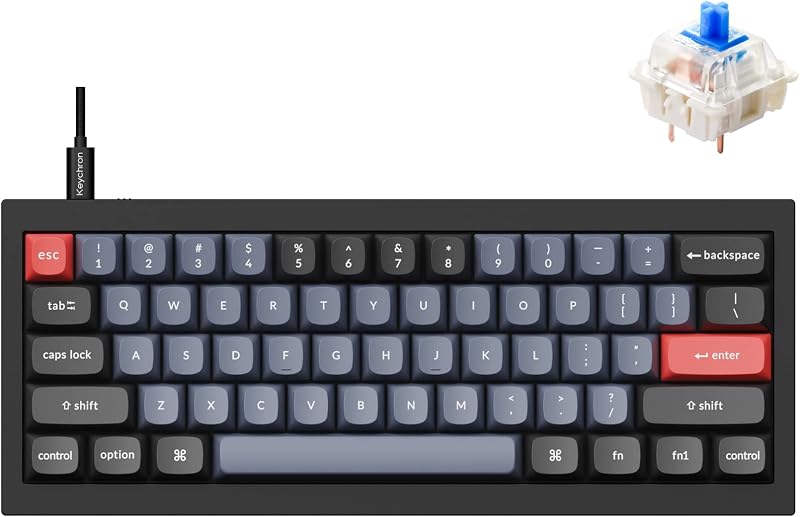
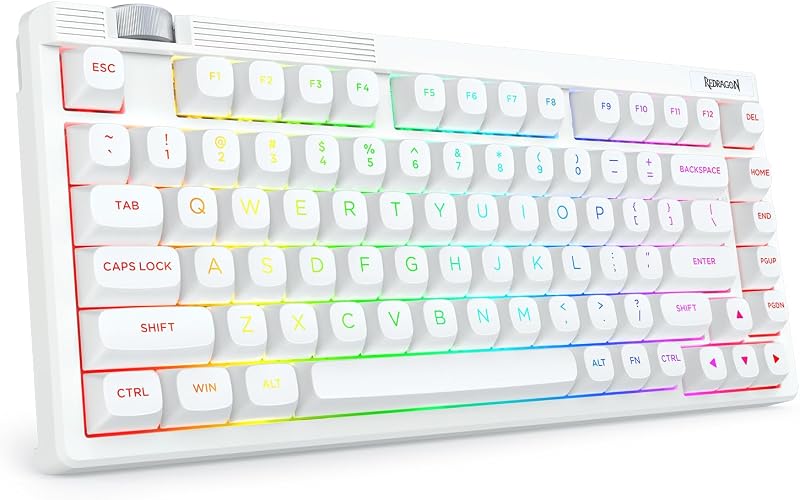
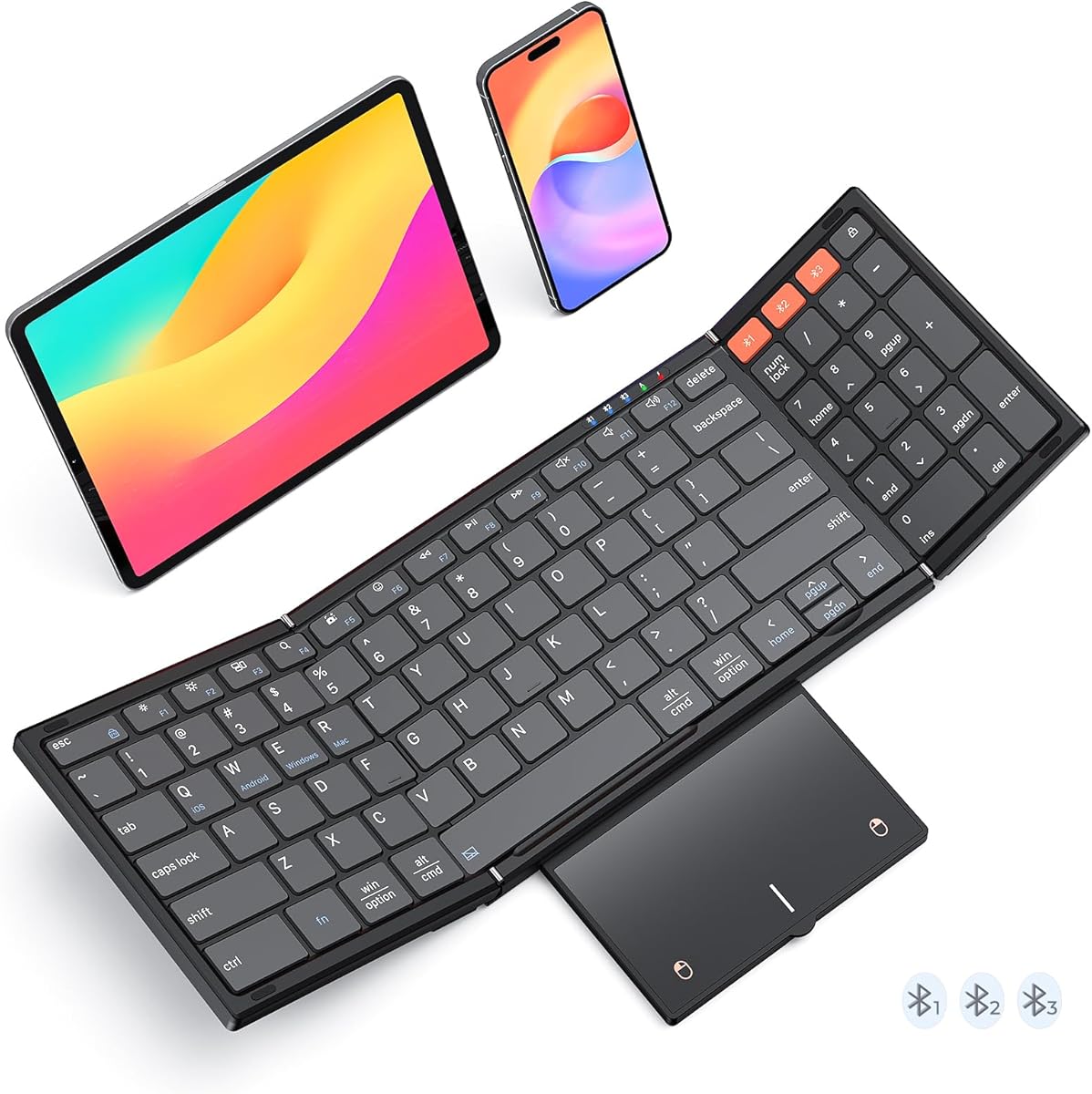
Product description All-in-One Foldable Workstation: Keyboard, Num Pad, and Touchpad The video showcases the product in use.The video guides you through product setup.The video compares multiple products.The video shows the product being unpacked. MEETION Foldable Bluetooth Keyboard with Trackpad Previous page Next page 1 Workflow, Accelerated 2 Effortless Efficiency 3 Accelerate Data Entry Previous page Next page 1 Keyboard and Touchpad 2 Perfect Synergy 3 Sleek and Modern Design Abundant indicator Lights Each Bluetooth channel features a dedicated indicator light, making connection status instantly clear. Wide Compatibility It’s compatible with iOS/Android/Windows/Mac OS (switch via FN+Q/W/E/R). One keyboard fits most devices. Scissor-Switch Keys Experience quiet and precise typing with X-shaped scissor-switch keys, which offer perfect rebound feedback for a responsive, laptop-like feel. Physical Switch The touchpad consumes relatively more power. You can disable it by pressing FN + Spacebar, or turn off the keyboard when not in use to save battery. Previous page Next page For Every Workspace, Everywhere 1 Aircraft Cabin 2 Meeting 3 Cafe 4 On-the-Go Ready How to solve frequent Bluetooth disconnections? 1. Shorten distance, avoid interference. 2. Check keyboard power, charge when low. 3. Delete paired keyboard, re-pair by long-pressing Bluetooth key. 4. Ensure device Bluetooth ≥5.3. What can I do if MEETION keyboard Fail to connect? 1. Charge keyboard for 30 minutes. On your device, delete/remove/forget the previous connection record. 2. On your device, turn Bluetooth off and turn Bluetooth on again. 3. Follow the Pairing Instruction to connect it again. How do I change the scroll direction of the touchpad? 1. Mac PC open System Settings → select Trackpad → find the Scroll Direction option → directly switch to your desired scroll mode. 2. Windows PC open Settings → go to Bluetooth and other devices → select Mouse → adjust the Scroll Direction parameter. Touchpad lagging or freezing—can it be fixed? 1. Tap any key to wake first, then check if the low-battery light flashes (charge if low). Stay within 10 ft; re-pair if needed. 2. Windows: raise Pointer Speed & disable “Enhance pointer precision.” 3. macOS: Trackpad > Tracking Speed → fast. Touchpad not Working? It's Not Responding? Press fn + Spacebar to check if trackpad is off. Check the device battery charge, re-pair via Bluetooth (remove and re-add). For iOS 13.4+: Enable via Settings > Accessibility > Touch > AssistiveTouch. Reboot trackpad and device. MEETION. Your Portable Partner. Find Your Perfect Match. K9550 Add to Cart K9880 2026 New Upgrade Buying Options K9553 Buying Options C9550 Add to Cart C9880 Add to Cart Customer Reviews 4.5 out of 5 stars 37 4.3 out of 5 stars 58 4.3 out of 5 stars 57 4.5 out of 5 stars 87 4.5 out of 5 stars 87 Price EUR 34.60EUR34.60 EUR 24.65EUR24.65 EUR 17.29EUR17.29 EUR 31.14EUR31.14 EUR 31.14EUR31.14 Connectivity BT*3 BT*3 BT*3 2.4 + BT*2 2.4 + BT*2 Keyboard Folded Size 7.17*4.4*0.78in 7.05*4.7*0.67in 5.98*3.86*0.78in 7.17*4.4*0.78in 7.05*4.7*0.67in Keyboard Open Size 13.34*4.4*0.39in 13.98*4.7*0.3in 11.42*3.86*0.39in 13.34*4.4*0.39in 13.98*4.7*0.3in Number of Keys 99 80 64 99 80 Ergonomic ✘ ✔ ✘ ✘ ✔ Combo ✘ ✘ ✘ ✔ ✔ Pouch ✔ ✔ ✘ ✔ ✔ Trackpad ✔ ✘ ✔ ✘ ✘
Agregás al carrito
Sumás este y otros productos que querés traer.
Cotizás el envío
Calculamos flete aéreo y aranceles a Argentina.
Confirmás y pagás
Un asesor te contacta con el link de pago.
Lo recibís en casa
Tracking en tiempo real. Aduana incluida.
Lo que suele llevarse para tu celular · un solo envío para todo
De la misma marca, empezando por lo más reseñado
Los mejor puntuados del mismo tipo de producto
Mismo tipo de producto y precio parecido
![Mkeke for iPhone 14 Pro Case Clear [Not Yellowing] | [Military Grade Protection] Shockproof Phone Case for Apple iPhone 14 Pro 2022](https://m.media-amazon.com/images/I/71XkP-M0RfL._AC_SL800_.jpg)