Cargando el producto…

Precio de origen
$ 90.140
$ 115.639
+ flete e impuestos
Compra protegida
Puerta a puerta
Gestión aduanera
Tu compra, acompañada de principio a fin
Todo esto está en los Términos y Condiciones. Leerlos
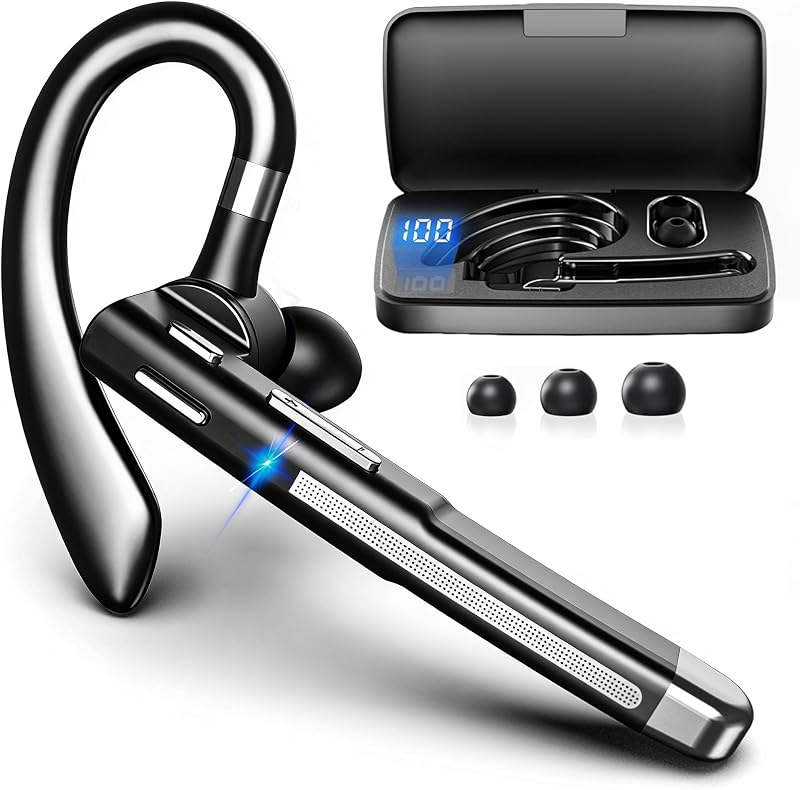
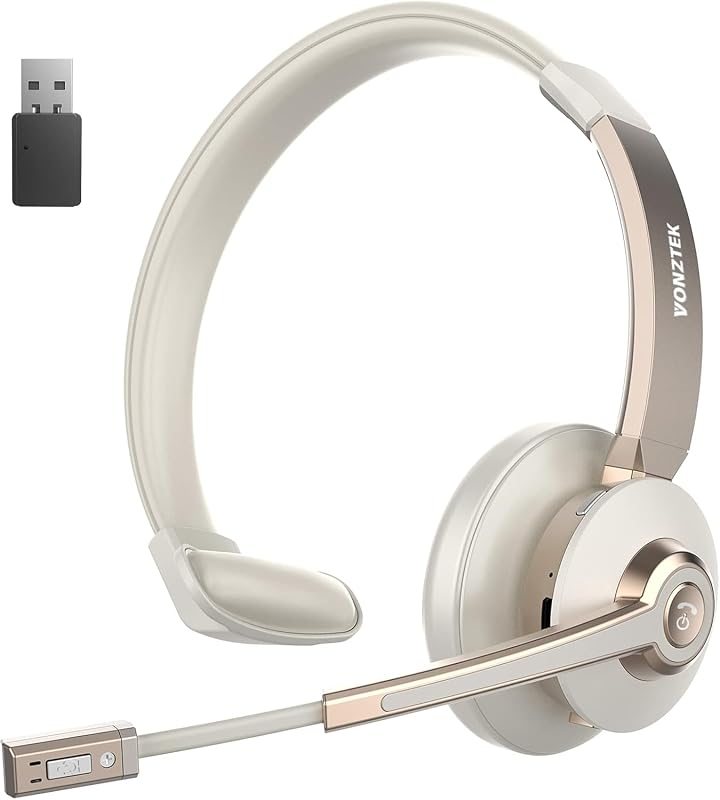
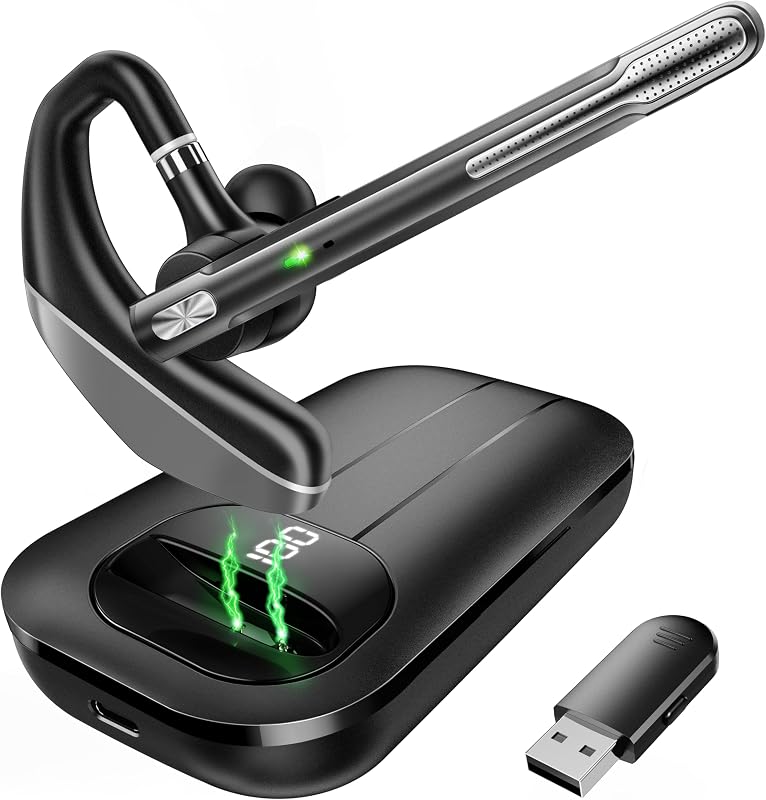
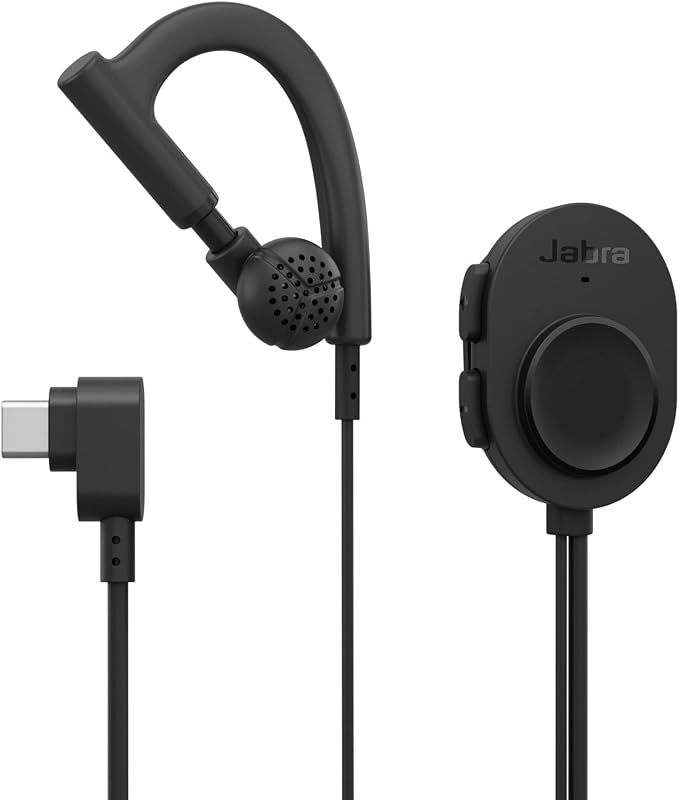
Descripción del producto Perfecto para trabajo remoto/de oficina AURICULARES INALÁMBRICOS EARBAY CON MICRÓFONO PARA TRABAJAR Conexión estable y mejor calidad de sonido Página anterior Llamadas de voz claras Los auriculares bluetooth con micrófono garantizan que su voz sea nítida. Controladores de audio de 40 mm Controladores de audio integrados de 40 mm, estos auriculares inalámbricos para PC ofrecen una calidad de sonido nítida. Bluetooth V5.0 y Dongle USB Este auricular bluetooth con micrófono le permite conectar 2 dispositivos al mismo tiempo. Conexión rápida y cómoda Los auriculares inalámbricos con micrófono son perfectamente compatibles con la mayoría del software de conferencias. Proteger la privacidad Silencia el micrófono rápidamente a través del botón de silencio, haz la llamada sin interferencias Página siguiente 1 Cancelación de ruido AI 2 Tarjeta de sonido 3 Dos métodos de conexión 4 Compatibilidad universal 5 Silencio con un clic Página anterior Conducción segura Comunicación sin barreras Viaja con tu familia y ocúpate del trabajo repentino al mismo tiempo. Trabajar desde casa Las largas conversaciones también le permiten realizar un seguimiento de su entorno y permanecer cerca de su familia. Los auriculares Bluetooth con micrófono Business Communication mantienen una imagen profesional. Simplifique su espacio de trabajo de manera tan fresca y limpia El soporte de carga es una solución ordenada para el escritorio y mantiene todo organizado. Comodidad durante todo el día Diseño liviano y de una sola oreja Diseñado con una envoltura suave para las orejas y espuma viscoelástica de proteínas, brinda una comodidad incomparable Página siguiente Página anterior 26 horas 2 horas de carga única para 210 horas de tiempo en espera, sin preocupaciones por viajes largos. Página siguiente 1 Batería de larga duración 2 Cárguela a su manera 3 Diseño ergonómico Página anterior Página siguiente 1 Pautas de conexión 2 Paquete ¿Puedo usar los auriculares USB inalámbricos para responder/rechazar llamadas? El botón de llamada sólo es capaz de responder/rechazar llamadas de teléfonos inteligentes; Si los auriculares inalámbricos están conectados a una PC, deberá responder/rechazar llamadas en la PC. NOTA: El botón de llamada no funciona con teléfonos fijos ni con teléfonos fijos. ¿Cómo uso la función de silencio del auricular durante una llamada o reunión en línea? La función de silencio sólo funciona durante las llamadas. Durante una llamada o reunión en línea, simplemente presione el botón de silencio para silenciar el micrófono del auricular. Presione nuevamente para reactivar el sonido. ¿Por qué los equipos muestran que no se puede detectar el micrófono después de conectar mis auriculares a la computadora? Cuando utilice software para realizar una llamada, verifique la configuración de la computadora y el software, asegúrese de seleccionar [BT-68 Dongle] como dispositivo de entrada y salida predeterminado. Además, puede salir del software e iniciar sesión nuevamente, ya que es posible que no se sincronice al principio. ¿Cuál es la cancelación de ruido ENC que anuncia? Nuestros auriculares bluetooth utilizan tecnología de cancelación de ruido AI para eliminar el ruido de fondo del usuario y permitir que las personas que llaman en el otro extremo lo escuchen a usted y no a su entorno. ¿Qué debo hacer si no hay sonido cuando los auriculares están conectados a la computadora? Siga estos pasos para configurarlo: Configuración 1: Configuración del sistema informático > Sonido > Salida y entrada (altavoz/micrófono) Seleccione el dispositivo [BT68] Configuración 2: Software de conferencia en línea > Configuración > Audio > Dispositivo de altavoz y micrófono Seleccione [BT68]
Agregás al carrito
Sumás este y otros productos que querés traer.
Cotizás el envío
Calculamos flete aéreo y aranceles a Argentina.
Confirmás y pagás
Online con tarjeta, o por transferencia, con el total final a la vista.
Lo recibís en casa
Seguimiento en tiempo real. El despacho lo hacemos nosotros.
Lo que suele llevarse para tu celular · un solo envío para todo
Los mejor puntuados del mismo tipo de producto
Mismo tipo de producto y precio parecido