Cargando el producto…

Precio de origen
$ 444.663
+ flete e impuestos
Compra protegida
Puerta a puerta
Gestión aduanera
Tu compra, acompañada de principio a fin
Todo esto está en los Términos y Condiciones. Leerlos
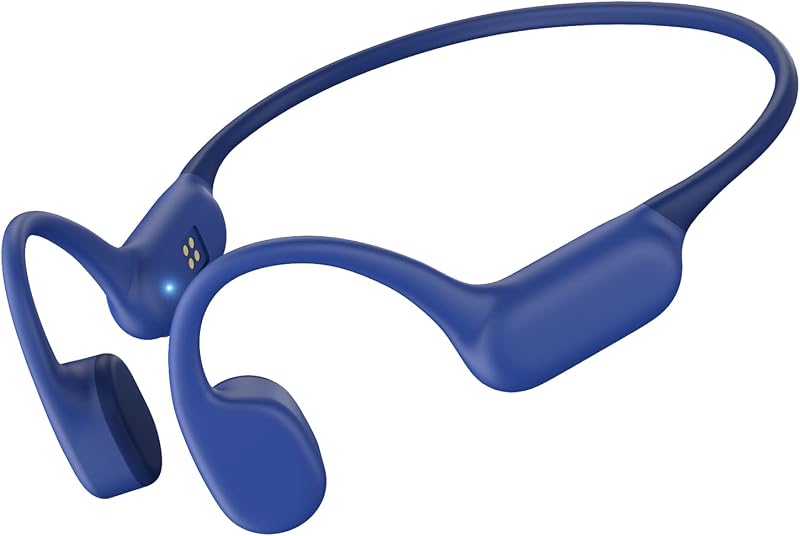
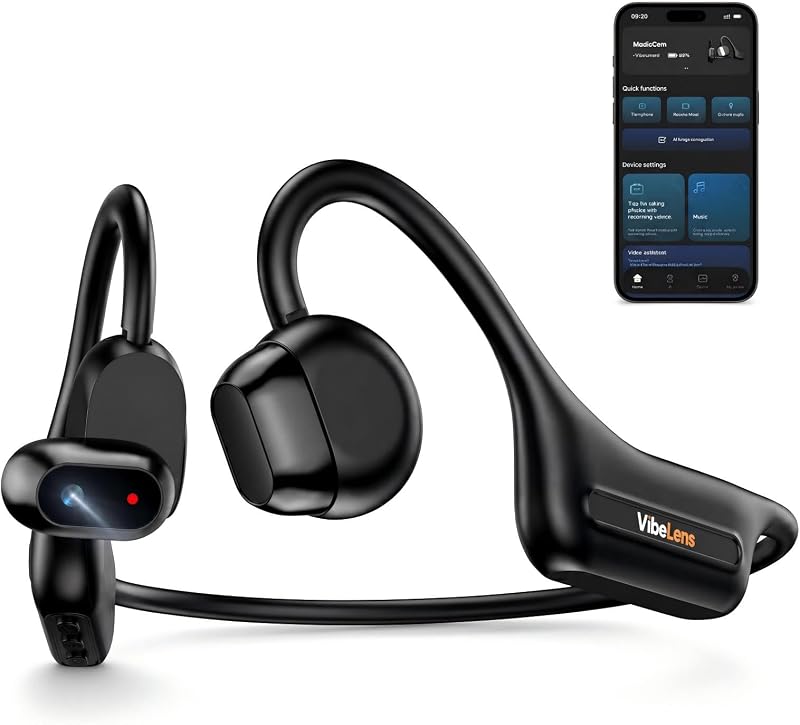
Descripción del producto Auriculares de conducción ósea inalámbricos de oído abierto con micrófono con cancelación de ruido Auriculares de conducción ósea de oído abierto QAZITV con micrófono con cancelación de ruido ofrecen una experiencia clara de llamada telefónica y música estéreo durante su funcionamiento diario, ciclismo, desplazamientos y trabajo. Brindarle una experiencia auditiva diferente y un uso cómodo que los auriculares tradicionales. experiencia Página anterior Transmite el sonido a través del pómulo Nada inserte ni cubra sus oídos, manteniendo el interior Siguiente página 1 Comodidad todo el día 2 Manténgase conectado 3 Micrófono con cancelación de ruido Control fácil Los auriculares con botón MFB y dispositivos duales Conmutación perfecta A través del botón MFB, puede controlar las llamadas y administrar la música cómodamente. También es compatible con la conexión multipunto de 2 dispositivos al mismo tiempo,la conexión perfecta garantiza una transición sin complicaciones, lo que mejora su productividad y comodidad. Micrófono de pluma giratoria Batería de gran duración Flexión ligera y diadema flexible
Agregás al carrito
Sumás este y otros productos que querés traer.
Cotizás el envío
Calculamos flete aéreo y aranceles a Argentina.
Confirmás y pagás
Online con tarjeta, o por transferencia, con el total final a la vista.
Lo recibís en casa
Seguimiento en tiempo real. El despacho lo hacemos nosotros.
Lo que suele llevarse para tu celular · un solo envío para todo
Los mejor puntuados del mismo tipo de producto
Mismo tipo de producto y precio parecido