Cargando el producto…

Precio de origen
$ 313.579
+ flete e impuestos
Compra protegida
Puerta a puerta
Gestión aduanera
Tu compra, acompañada de principio a fin
Todo esto está en los Términos y Condiciones. Leerlos
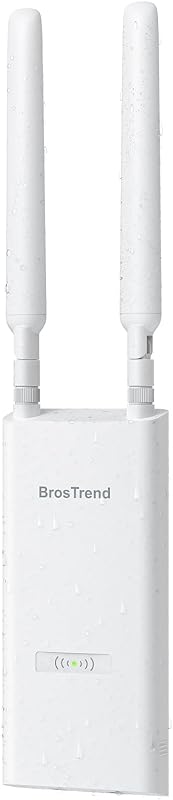
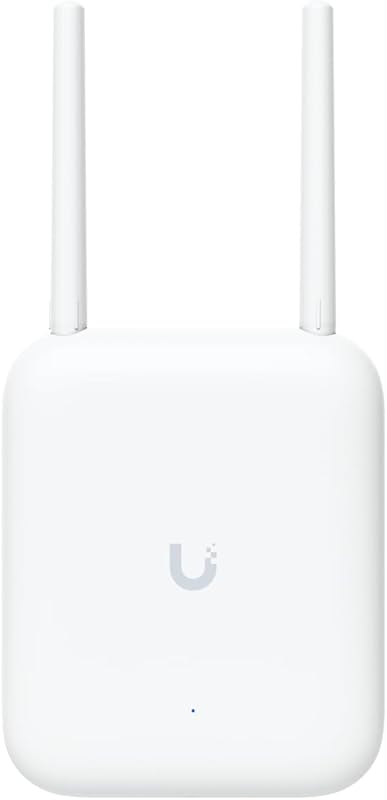
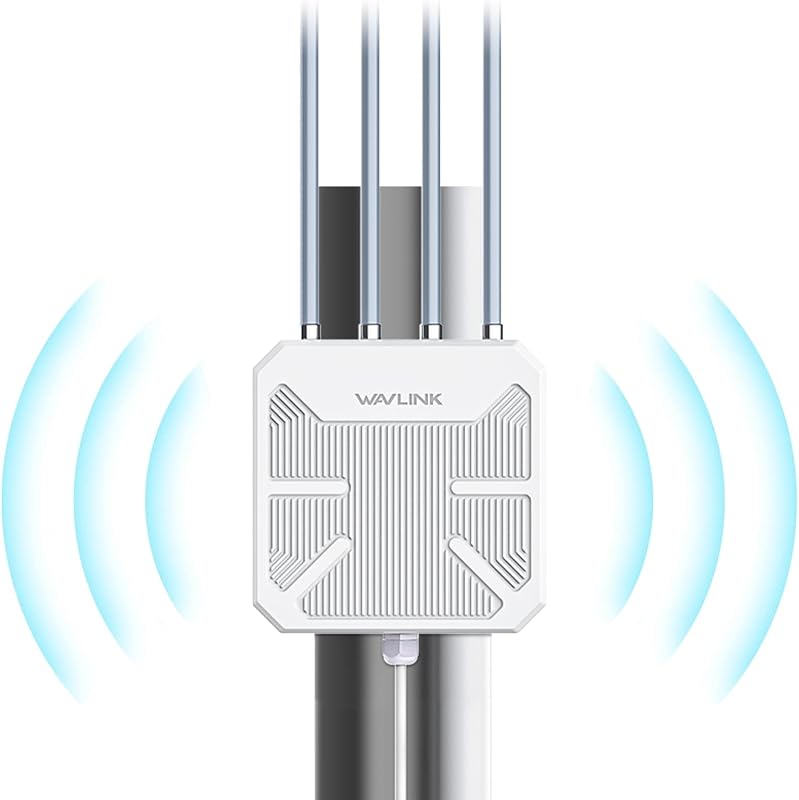
Descripción del producto El video muestra el producto en uso. El video lo guía a través de la configuración del producto. El video compara varios productos. El video muestra el producto desembalándolo. Punto de acceso WiFi para exteriores BrosTrend AX3000 Página anterior Página siguiente 1 WiFi 6 Rendimiento 2 Señal más fuerte 3 Entrega eficiente de WiFi Página anterior Página siguiente 1 Configuración del inyector PoE 2 Configuración del conmutador PoE 3 Opciones de montaje 4 Funciona con Starlink 5 Por qué elegir este AP Página anterior Página siguiente 1 Señal direccional 2 WiFi exterior seguro 3 WiFi para dispositivos inteligentes Página anterior Página siguiente 1 Qué está incluido 2 Especificaciones 3 Preguntas frecuentes Configuración rápida, conexión confiable Paso 1 Configurar Up Indoors Alimente el punto de acceso WiFi exterior con el inyector PoE incluido o un conmutador PoE compatible (802.3at/PoE+ o 802.3bt/PoE++). Conecte su teléfono inteligente o computadora portátil a la red WiFi predeterminada (BrosTrend_EXT o BrosTrend_5GEXT). Paso 2 Complete la configuración web Abra un navegador web e inicie sesión en la interfaz web del punto de acceso WiFi. Seleccione Modo punto de acceso y siga las instrucciones que aparecen en pantalla para completar la configuración. Paso 3 Instalar en exteriores Si utiliza el inyector PoE pasivo incluido, conecte su puerto LAN al puerto LAN/Ethernet de su enrutador principal o a un puerto Ethernet habilitado para Internet. Si utiliza un conmutador PoE, asegúrese de que esté conectado a Internet y sea compatible con 802.3at (PoE+) o 802.3bt (PoE++). Utilice un cable Ethernet Cat5e o superior de hasta 100 m (328 pies) y luego reubique el punto de acceso al exterior.
Agregás al carrito
Sumás este y otros productos que querés traer.
Cotizás el envío
Calculamos flete aéreo y aranceles a Argentina.
Confirmás y pagás
Online con tarjeta, o por transferencia, con el total final a la vista.
Lo recibís en casa
Seguimiento en tiempo real. El despacho lo hacemos nosotros.
Lo que suele llevarse para tu cámara · un solo envío para todo
De la misma marca, empezando por lo más reseñado
Los mejor puntuados del mismo tipo de producto
Mismo tipo de producto y precio parecido

![[Versión anterior] Tarjeta de memoria SanDisk Ultra microSDXC UHS-I de 256 GB con adaptador - 100 MB/s, C10, U1, Full HD, A1, tarjeta micro SD - SDSQUAR-256G-GN6MA](https://m.media-amazon.com/images/I/61mDTjSOe8L._AC_SL800_.jpg)

![PEHAEL para iPhone 17 Protector de pantalla de privacidad+Protector de lente de cámara | Paquete de 3+3, marco de instalación, kits de limpieza, antiespía privado, antiarañazos, vidrio templado 9H, compatible con estuches, [6,3 pulgadas]](https://m.media-amazon.com/images/I/61UXu7cBl7L._AC_SL800_.jpg)