Cargando el producto…

Precio de origen
$ 427.376
$ 2.226.313
+ flete e impuestos
Compra protegida
Puerta a puerta
Gestión aduanera
Tu compra, acompañada de principio a fin
Todo esto está en los Términos y Condiciones. Leerlos
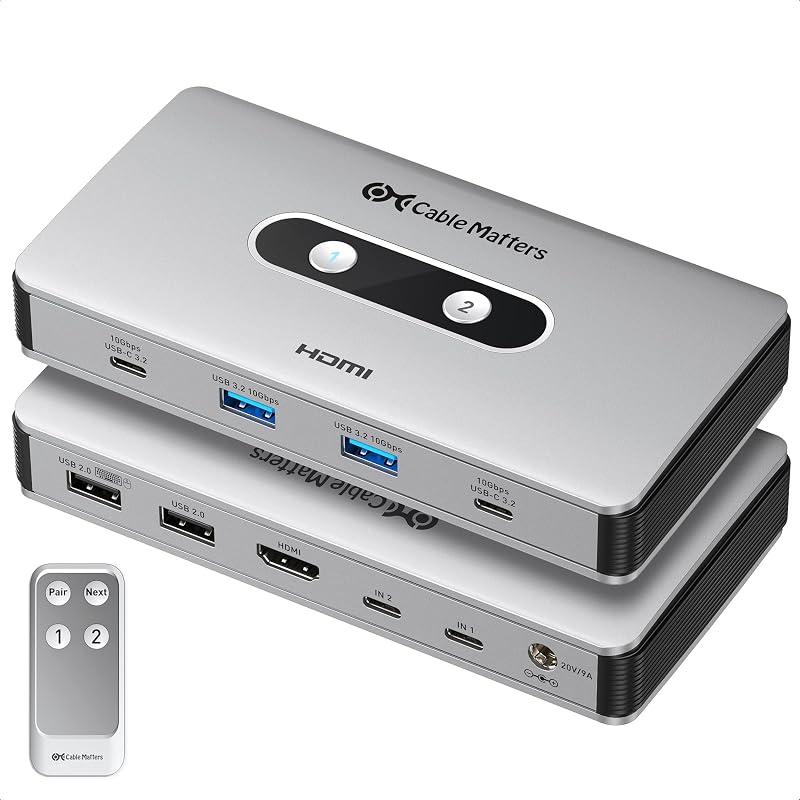
Descripción del producto El accesorio definitivo para estaciones de trabajo El conmutador KVM USB-C de Cable Matters es una potente solución KVM de un solo cable para estaciones de trabajo portátiles USB-C o Thunderbolt compatibles. Comparta dos monitores 4K, además de periféricos USB 3.0 y USB 2.0 de alta velocidad entre dos portátiles. Elimine la necesidad de pares separados de monitores, teclados, ratones e impresoras para cada computadora. Cambie fácilmente las computadoras portátiles dentro y fuera de su espacio de trabajo sin tener que desconectar varios cables USB y de monitor. Notas importantes Consejo para la configuración del monitor: desactive la detección automática en el monitor para una mejor compatibilidad. Compatibilidad con computadoras portátiles: este conmutador KVM USB-C está diseñado para computadoras portátiles USB-C o Thunderbolt compatibles que admiten salida de video a través del modo DisplayPort Alt, USB4 o Thunderbolt. No es para PC de escritorio con salidas de video HDMI/DisplayPort únicamente, configuraciones de escritorio GPU dedicadas o Chromebooks. Requisito de pantalla dual: las pantallas extendidas duales requieren compatibilidad con DisplayPort MST desde la computadora host. Las pantallas duales extendidas son compatibles con portátiles compatibles con Windows o Linux. Los monitores portátiles USB-C no son compatibles. Alta frecuencia de actualización Nota: Los modos de video de alta frecuencia de actualización dependen de la configuración de la computadora host, la GPU, el monitor, el cable y la pantalla. El video único de 8K a 30 Hz requiere una computadora con una GPU Nvidia RTX 2060/3060 o AMD Radeon RX 6000 Series o más nueva. La compatibilidad con 4K@120Hz se debe habilitar manualmente en algunos televisores 4K 120Hz. Limitación de pantalla de Mac: los sistemas MacBook, MacBook Pro y Mac mini se pueden usar con este KVM, pero macOS solo admite una pantalla extendida a través de este producto. Si hay dos monitores conectados, el segundo monitor reflejará el primer monitor. Los sistemas MacBook, MacBook Pro y Mac mini con chips Apple M1/M2 o Intel pueden admitir hasta 4K a 60 Hz a través de este KVM. Sin carga de computadora portátil: este KVM no admite transferencia de alimentación USB-C y no puede cargar computadoras host. Utilice el cargador propio de cada computadora portátil. El puerto Micro-B es solo para alimentación opcional del KVM y los periféricos USB conectados. Limitación de funciones: EDID, VRR, G-Sync y FreeSync no son compatibles. Sin emulación EDID, la computadora portátil inactiva puede detectar monitores como desconectados al apagarlos. Windows 11 puede reorganizar las pantallas después de volver a cambiar; Windows 10 normalmente mantiene el diseño de la pantalla más consistente. Este es el comportamiento del sistema, no un defecto del producto. Dos hosts, dos pantallas Conecte dos hosts a través de USB-C (los dispositivos host deben admitir video a través de USB-C) Admite hasta dos monitores y cuatro periféricos USB Conmutador con todas las funciones 1) 2 hosts USB-C 2) Puerto DP, 3) Puerto HDMI, 4) Puertos USB 3.0 5) Botones de cambio de fuente 6) Interruptor de encendido/apagado 7) Puerto de alimentación opcional Micro-B Video 4K dual Admite hasta dos Pantallas 4K@60Hz La compatibilidad con video requiere hosts con soporte de modo DP Alt Conmutación con un solo toque El diseño único incluye botones iluminados por LED para cambiar sin esfuerzo entre hosts con solo presionar un botón. Remoto, sin más cables El control remoto permite un cambio rápido y fácil de la computadora host con solo presionar un botón Interruptor de encendido/apagado incorporado El interruptor incluye un interruptor de encendido/apagado exclusivo para evitar el consumo de energía cuando el interruptor no está en uso Transferencia de datos de 5 Gbps USB 3.0 admite una velocidad de transferencia de 5 Gbps Plug & play, no requiere controlador Contenido del paquete Interruptor para compartir USB-C 2 cables USB-C 1 cable de extensión USB 2.0 1 control remoto ¿Tiene este USB-C? ¿El conmutador KVM funciona con PC de escritorio o Chromebooks? No. Es para portátiles USB-C o Thunderbolt con salida de vídeo mediante DisplayPort Alt Mode o Thunderbolt. No es para PC de escritorio con salidas de vídeo HDMI/DisplayPort únicamente, configuraciones de GPU dedicadas ni Chromebooks. ¿Puede este conmutador KVM cargar mis portátiles y monitores? No. Este KVM no admite transferencia de energía USB-C ni carga de computadora portátil. Utilice el cargador propio de cada portátil. El puerto Micro-B es solo para alimentación opcional del KVM y los periféricos USB conectados. ¿Puedo usar dos monitores con mi MacBook y este conmutador KVM? Claro, pero macOS solo admite una pantalla extendida a través de este KVM. Cuando conecta la MacBook y dos monitores, el segundo monitor reflejará el primero. Las pantallas duales extendidas requieren computadoras portátiles compatibles con Windows o Linux con soporte MST. ¿Qué necesito para pantallas duales 4K@60Hz con este conmutador KVM? Cada computadora portátil debe tener un puerto USB-C, USB4 o Thunderbolt con salida de video DisplayPort Alt Mode y compatibilidad con doble pantalla/MST. Conecte monitores a las salidas HDMI y DisplayPort del KVM; Los monitores portátiles USB-C no son compatibles. ¿Qué es EDID y qué sucede porque este KVM no tiene emulación EDID? EDID ayuda a identificar la resolución, la frecuencia de actualización y el diseño del monitor. Sin la emulación EDID, una computadora portátil inactiva puede ver los monitores como desconectados. Windows 11 puede reorganizar las pantallas después de cambiar; Windows 10 suele mantener el diseño. Esto no es un defecto. Cuadro comparativo Conmutador USB-C con HDMI DP Agregar al carrito Conmutador USB4/Thunderbolt 4 Agregar al carrito Base para conmutador KVM USB C Opciones de compra Conmutador USB con DP 1.4 Agregar al carrito Conmutador USB 3.0 con HDMI Opciones de compra Concentrador de conmutador USB 3.0 de 4 puertos Agregar al carrito VE
Agregás al carrito
Sumás este y otros productos que querés traer.
Cotizás el envío
Calculamos flete aéreo y aranceles a Argentina.
Confirmás y pagás
Online con tarjeta, o por transferencia, con el total final a la vista.
Lo recibís en casa
Seguimiento en tiempo real. El despacho lo hacemos nosotros.
Lo que suele llevarse para tu pantalla · un solo envío para todo
De la misma marca, empezando por lo más reseñado
Los mejor puntuados del mismo tipo de producto




![[UL Listed] Cable Matters 2-Pack 16 AWG 13A Power Extension Cord, 6ft | 3-Prong Grounded, 1625W, Heavy Duty, NEMA 5-15P a 5-15R, Amarillo](https://m.media-amazon.com/images/I/71i0353tlDL._AC_SL800_.jpg)

![[ETL Listed] Cable Matters 2-Pack 2 Prong 3-Outlet Extension Cord, 6 pies | 16 cae (AWG), 13 A, 1625 W, protección contra manipulaciones, blanco](https://m.media-amazon.com/images/I/614wWWZoZuL._AC_SL800_.jpg)
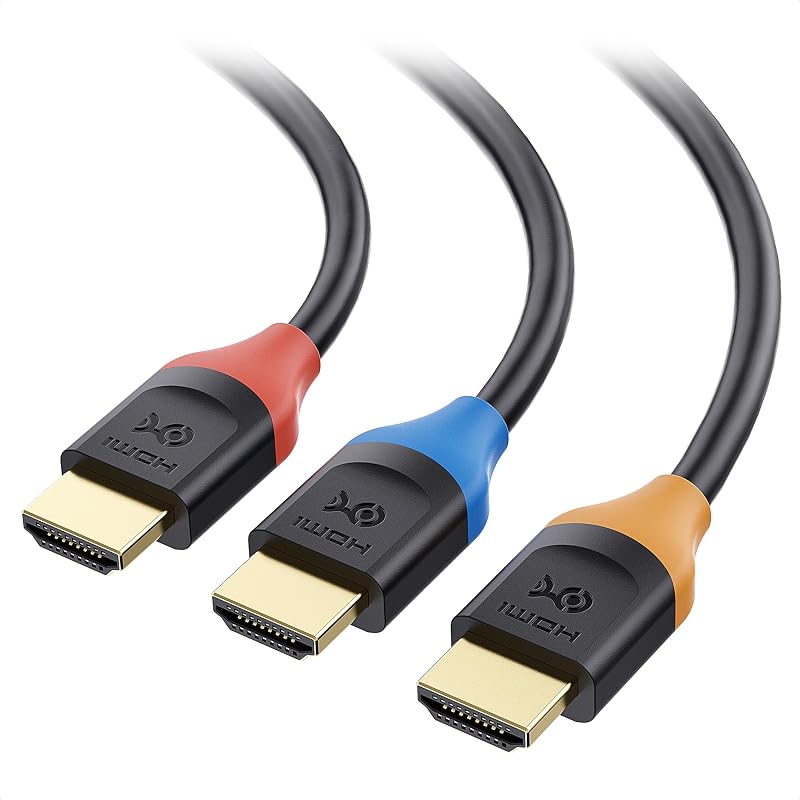
![Cable Matters [Certificado HDMI de ultra alta velocidad] Cable HDMI 8K de 3 paquetes, 3.3 pies | 8K a 60 Hz, 4K a 240 Hz, 48 Gbps, 1 m, HDR, compatible con PS5, Xbox Series X/S, GPU RTX/RX, Apple TV](https://m.media-amazon.com/images/I/717B-mJfiAL._AC_SL800_.jpg)
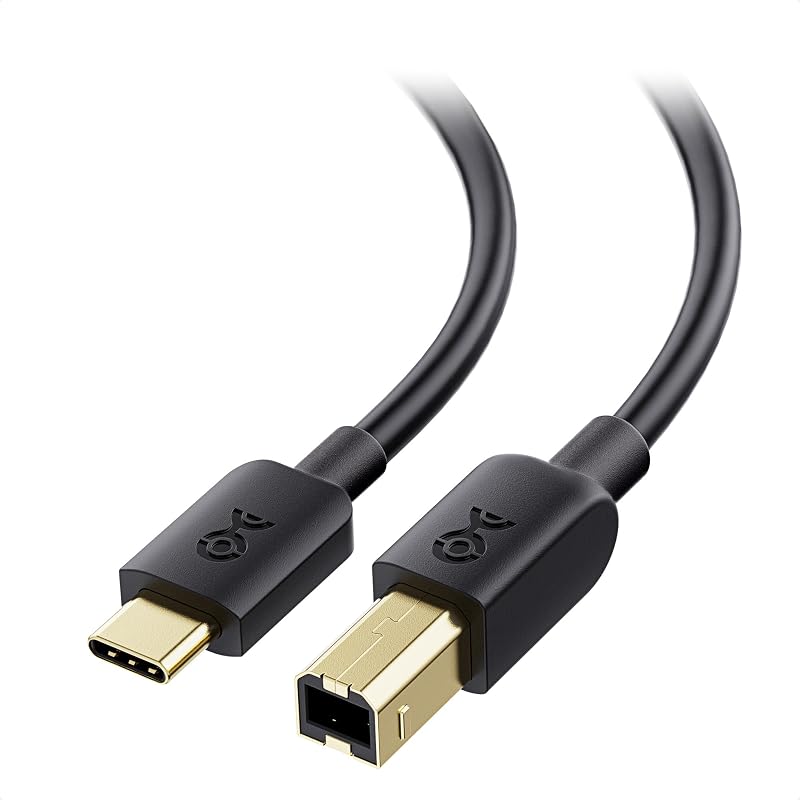

![Cable Matters [Certificado VESA] Cable DisplayPort 1.4 corto de 32,4 Gbps, 3 pies | 8K@60Hz / 4K@240Hz, Cable DisplayPort 1.4, FreeSync, G-SYNC, HDR, para monitor de juegos PC GPU RTX/RX](https://m.media-amazon.com/images/I/71ICnZwjuKL._AC_SL800_.jpg)