Cargando el producto…

Precio desde
$ 68.580
+ flete e impuestos
Color
Tamaño
Compra protegida
Puerta a puerta
Gestión aduanera
Tu compra, acompañada de principio a fin
Todo esto está en los Términos y Condiciones. Leerlos
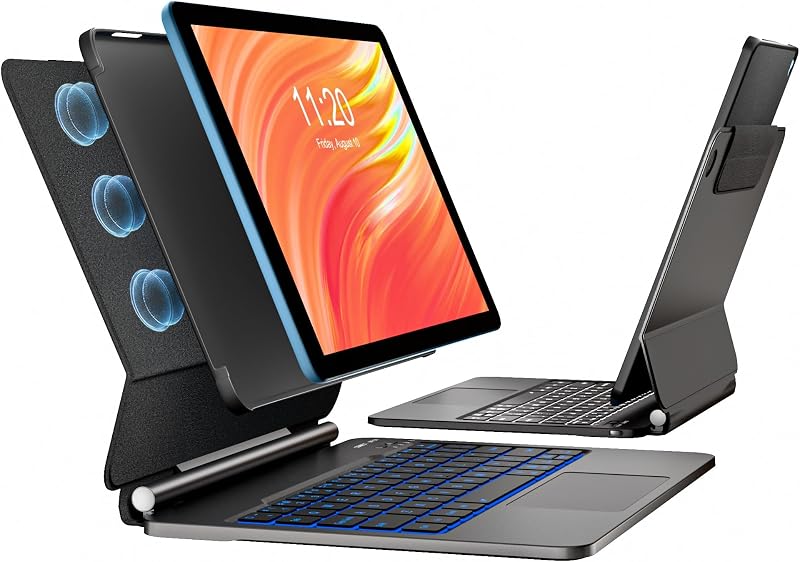
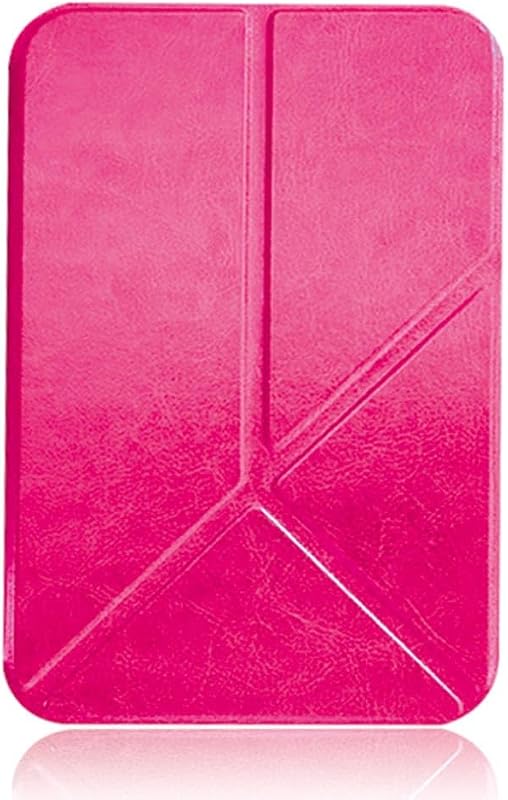
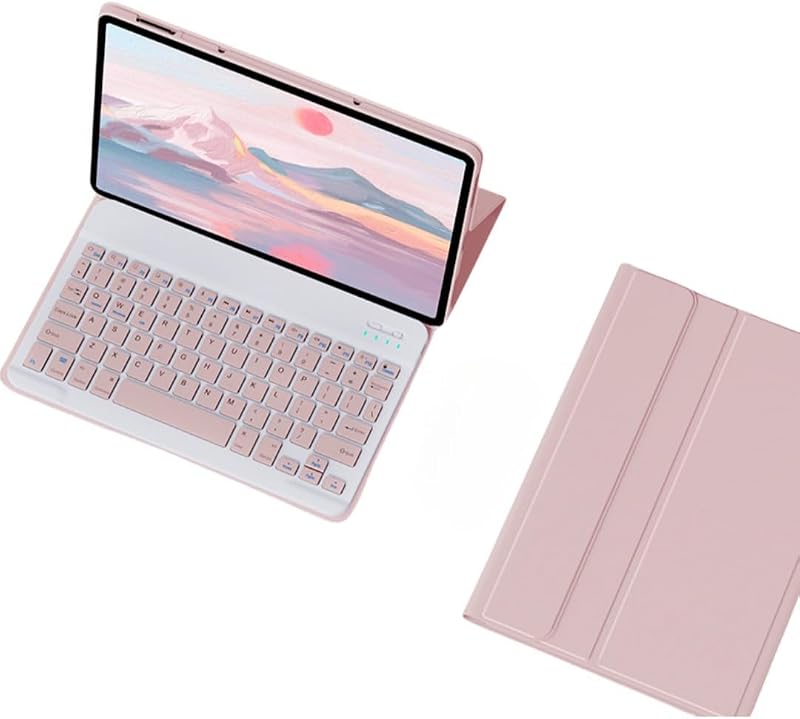
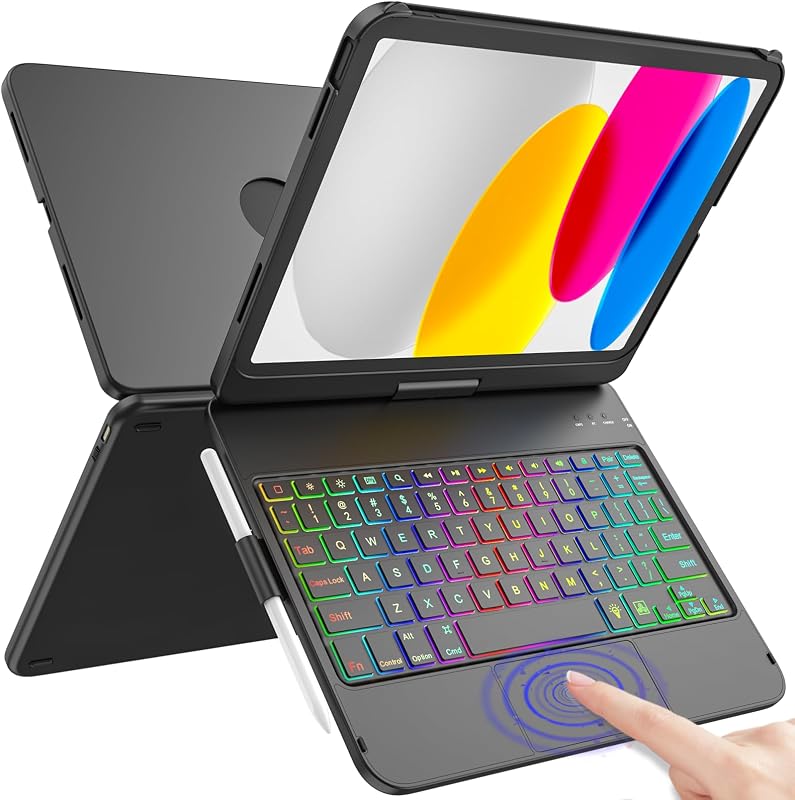
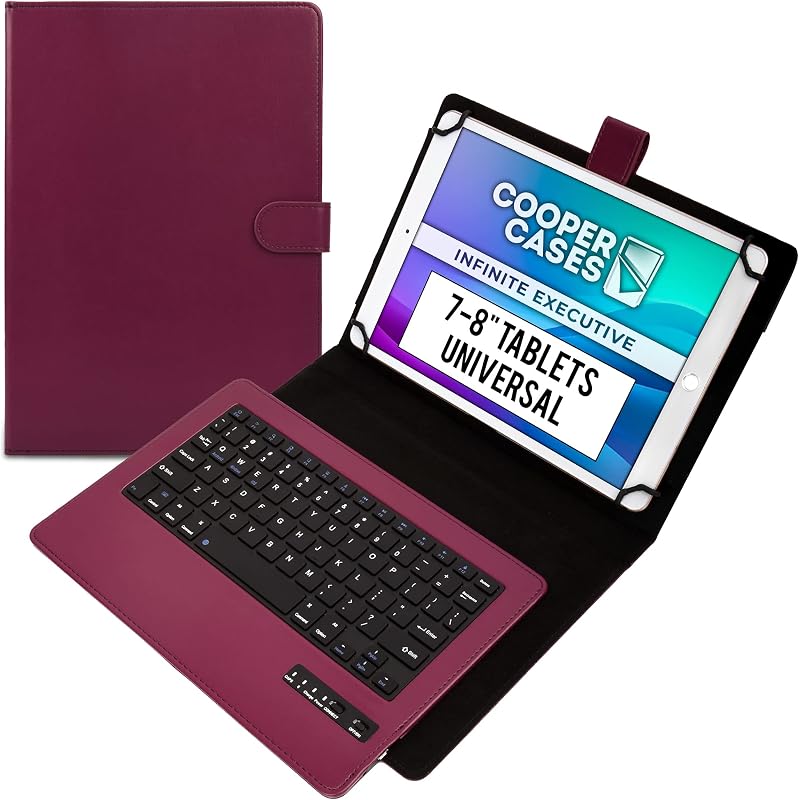
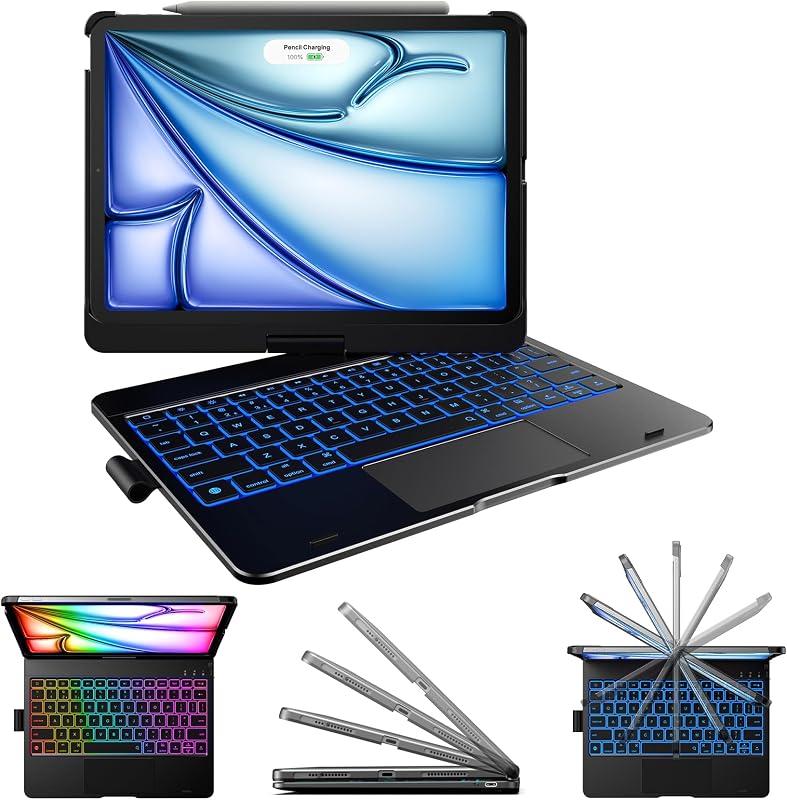
Descripción del producto Perfectamente compatible con varios escenarios de uso Perfectamente compatible con varios escenarios de uso Como se muestra: se reunirá con su oficina, estudio, compras, video chat, reunión celebrada, ver películas, recreación, pintura y otros tipos de escenarios de uso. Y tiene un tamaño pequeño, fácil de transportar, ligero, sin barreras y otros aspectos de su uso diario de las necesidades, y el teclado se puede adsorber con la tableta en la funda protectora de la tableta, oculta Conexión del teclado para el teclado táctil y el teclado redondo: Encienda el interruptor del teclado, presione la tecla de función + C "Fn+C combo" en la esquina inferior izquierda del teclado, luego busque la conexión Bluetooth con "Teclado" en la lista de dispositivos Bluetooth. 5: Encienda el interruptor Bluetooth de su teléfono inteligente o tableta y busque el ratón Bluetooth "BT5.2 Mouse". 6: Haga clic en el ratón Bluetooth "BT5.2 Mouse" para conectarse con su teléfono inteligente o tableta. 7: Encienda el interruptor (Lab) Método de conexión entre el teclado normal y el teclado retroiluminado Presione el interruptor en la esquina superior derecha a "ON" (encienda), presione el botón "Conectar" cerca del interruptor y encuentre la conexión Bluetooth con el "Teclado" en la lista de dispositivos Bluetooth "Conexión Bluetooth Método de conexión del mouse Presione el interruptor al icono"Bluetooth" (mueva el interruptor a la parte inferior) y encuentre la conexión Bluetooth con el"mouse" en la lista de Bluetooth de su dispositivo tableta.
Agregás al carrito
Sumás este y otros productos que querés traer.
Cotizás el envío
Calculamos flete aéreo y aranceles a Argentina.
Confirmás y pagás
Online con tarjeta, o por transferencia, con el total final a la vista.
Lo recibís en casa
Seguimiento en tiempo real. El despacho lo hacemos nosotros.
De la misma marca, empezando por lo más reseñado
Los mejor puntuados del mismo tipo de producto
Mismo tipo de producto y precio parecido