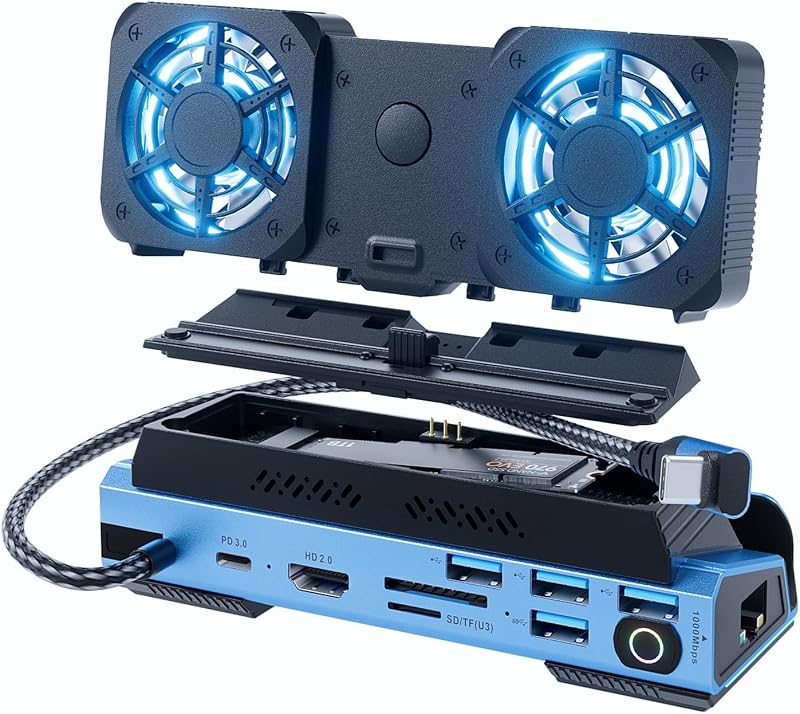
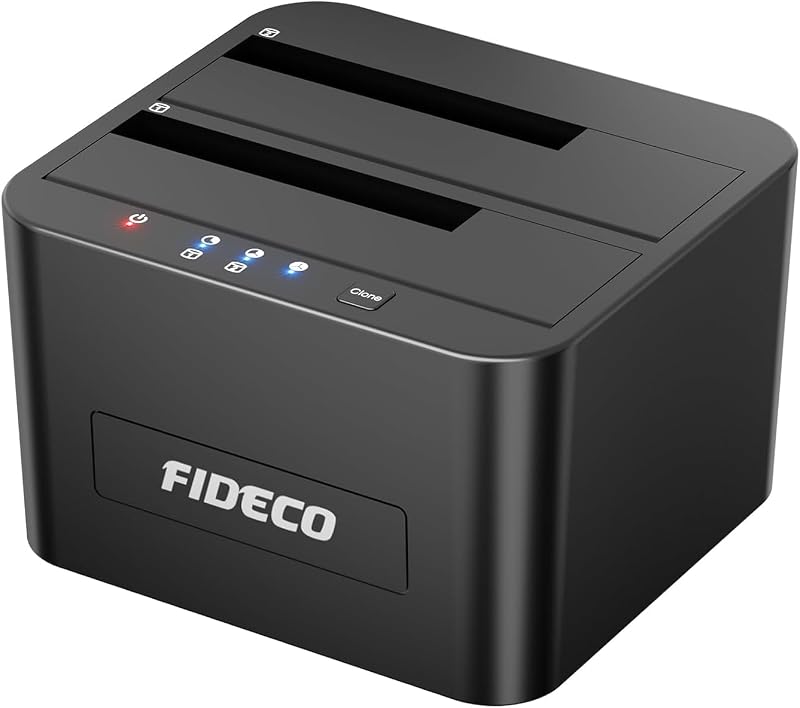
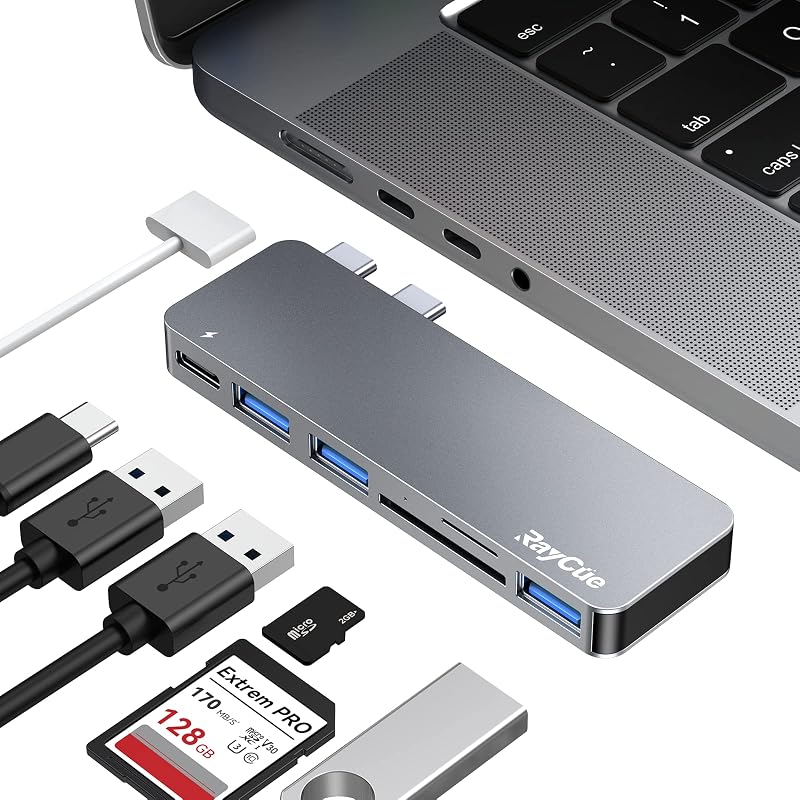
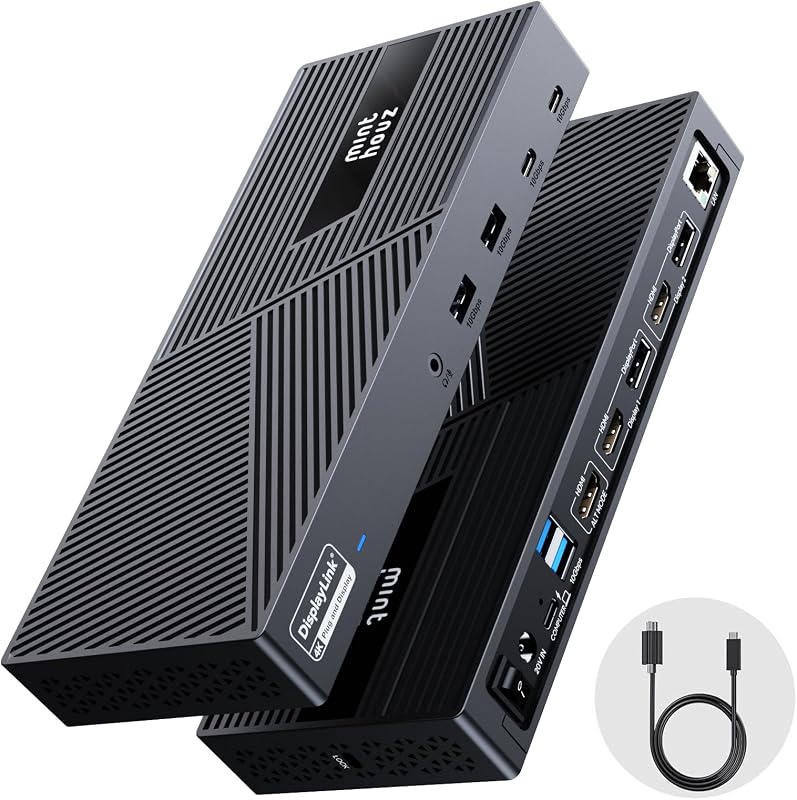
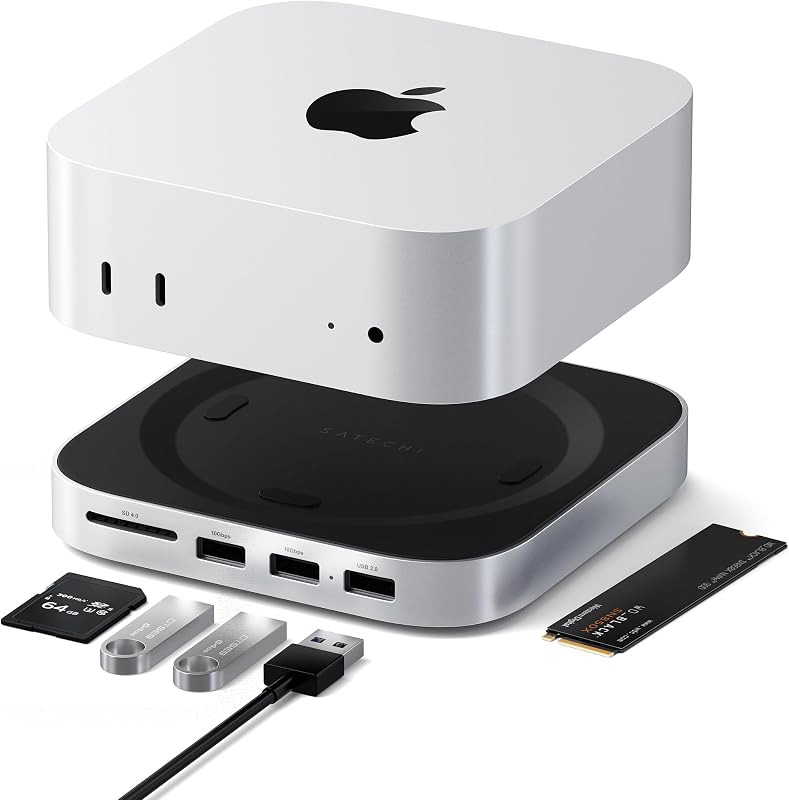
Cargando el producto…

Precio desde
$ 313.579
+ flete e impuestos
Tamaño
Compra protegida
Puerta a puerta
Gestión aduanera
Tu compra, acompañada de principio a fin
Todo esto está en los Términos y Condiciones. Leerlos
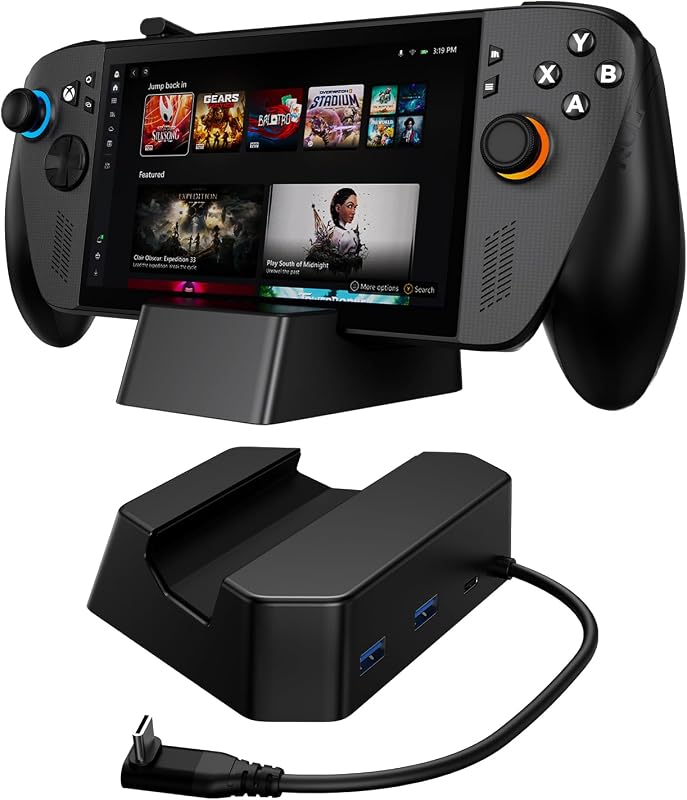
Product description Find Your Perfect Dock Dell D3100 Dock USB 3.0 Add to Cart Dell WD19S DockingStation Add to Cart 40B00300US Thinkpad Add to Cart Dell D6000S Universal Add to Cart 40AY0090US Lenovo Add to Cart SD25TB4 Dell Pro Add to Cart WD25 Dell Pro Dock Add to Cart Customer Reviews 4.2 out of 5 stars 103 — 4.3 out of 5 stars 19 4.0 out of 5 stars 130 4.0 out of 5 stars 86 4.3 out of 5 stars 110 4.8 out of 5 stars 20 Price $159.99$159.99 $139.99$139.99 $392.99$392.99 $84.99$84.99 $238.99$238.99 $299.99$299.99 $219.99$219.99 Best For Legacy USB 3.0 Laptops Standard USB-C Laptops Workstations & Power Users Multi-Platform Hybrid Work Office Productivity Professional Creators High-Speed Data Users Connection USB 3.0 (Type-A) USB-C Thunderbolt 4 USB-C / USB 3.0 Hybrid USB - C Thunderbolt 4 USB-C (10Gbps) Thunderbolt Support ✘ ✘ ✔ ✘ ✔ ✔ ✘ Laptop Charging Power Delivery ✘ ✔ ✔ ✔ ✔ ✔ ✔ Triple Display Support ✔ ✘ ✔ ✔ ✔ ✔ ✔ Technical Specifications Model Dell Docking Station – USB 3.0 (D3100) Host Interface 1 x USB 3.0 (Standard B Type) Video Outputs 1 x DisplayPort, 2 x HDMI USB Ports 3 x USB 3.0, 2 x USB 2.0 (Including 2 Smart Fast-Charging Max Resolution Support Up to 4K UHD (3840 x 2160 @ 30Hz) via DisplayPort Multi-Display Support Supports Triple Displays Simultaneously (1x 4K + 2x HD) Networking 1 x Gigabit Ethernet (RJ-45) Audio Interface 1 x Combo Audio (Headphone/Mic), 1 x Audio Line Out Charging Standard BC 1.2 Battery Charging Compliant via High-Powered Ports What should I do if there is no video on the monitor attached to the D3100 dock? Please check the video connection cables to ensure they are secure. Alternatively, unplug the dock from the power source, wait for 10 seconds, and then reconnect it Why is the video on my attached monitor distorted or corrupted? First, check your video connection cables. If the issue persists, verify and adjust the video resolution settings under Control Panel Items > Display > Change Display Setting. How do I fix the attached monitor if it is not displaying in extended mode? You can resolve this by either configuring the display mode under Control Panel Items > Display > Change Display Setting, or by cycling through display modes using the Windows Key + P shortcut. What should I do if the audio jacks on the docking station are not functioning? Check your audio settings under Control Panel > All Control Panel Items > Sound. Ensure that the USB Audio device is enabled and set as the default playback device. (Right-click within the window to show all available/hidden options). What is the solution if the USB ports or external Media Card Reader are not detected on the dock? Unplug the docking station from the power source, wait 10 seconds, and plug it back in. Additionally, make sure to update your laptop to the latest USB 3.0 host controller driver.
Agregás al carrito
Sumás este y otros productos que querés traer.
Cotizás el envío
Calculamos flete aéreo y aranceles a Argentina.
Confirmás y pagás
Online con tarjeta, o por transferencia, con el total final a la vista.
Lo recibís en casa
Seguimiento en tiempo real. El despacho lo hacemos nosotros.
Lo que suele llevarse para tu pantalla · un solo envío para todo
De la misma marca, empezando por lo más reseñado
Los mejor puntuados del mismo tipo de producto
Mismo tipo de producto y precio parecido