Cargando el producto…

Precio de origen
$ 94.942
$ 117.580
+ flete e impuestos
Compra protegida
Puerta a puerta
Gestión aduanera
Tu compra, acompañada de principio a fin
Todo esto está en los Términos y Condiciones. Leerlos
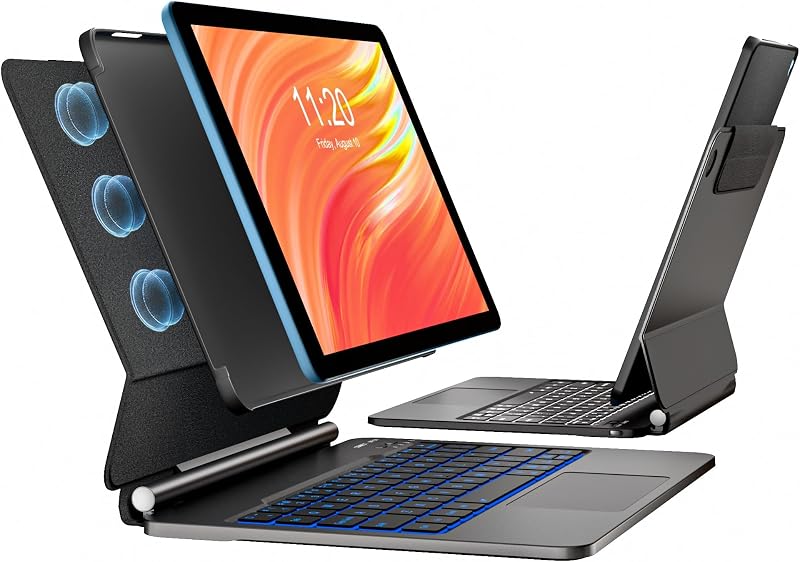
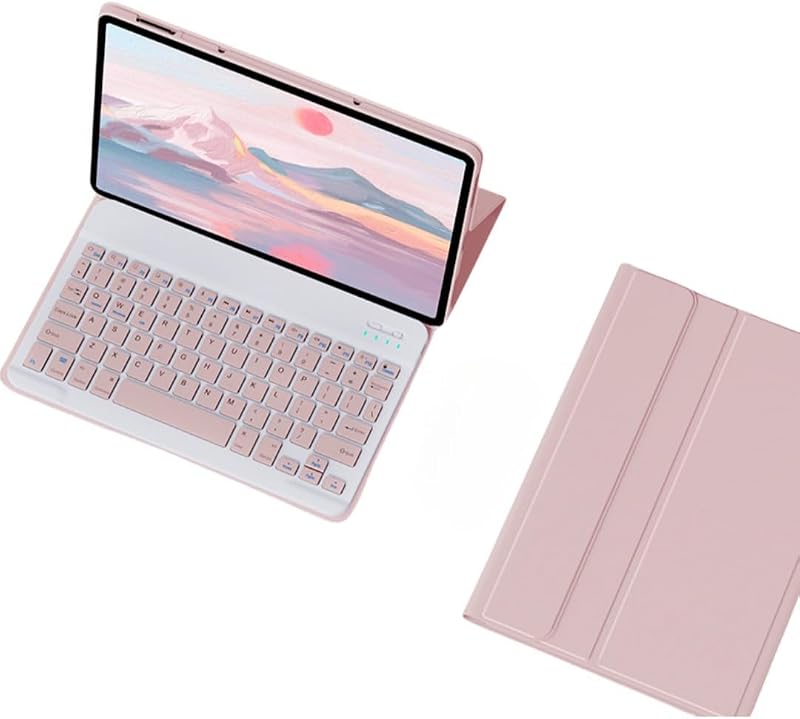
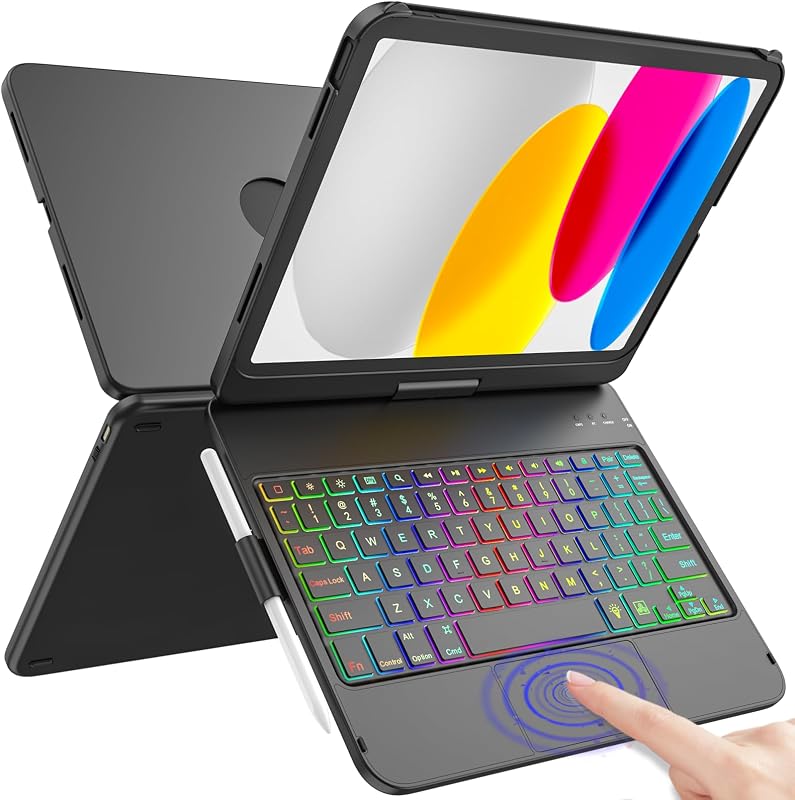
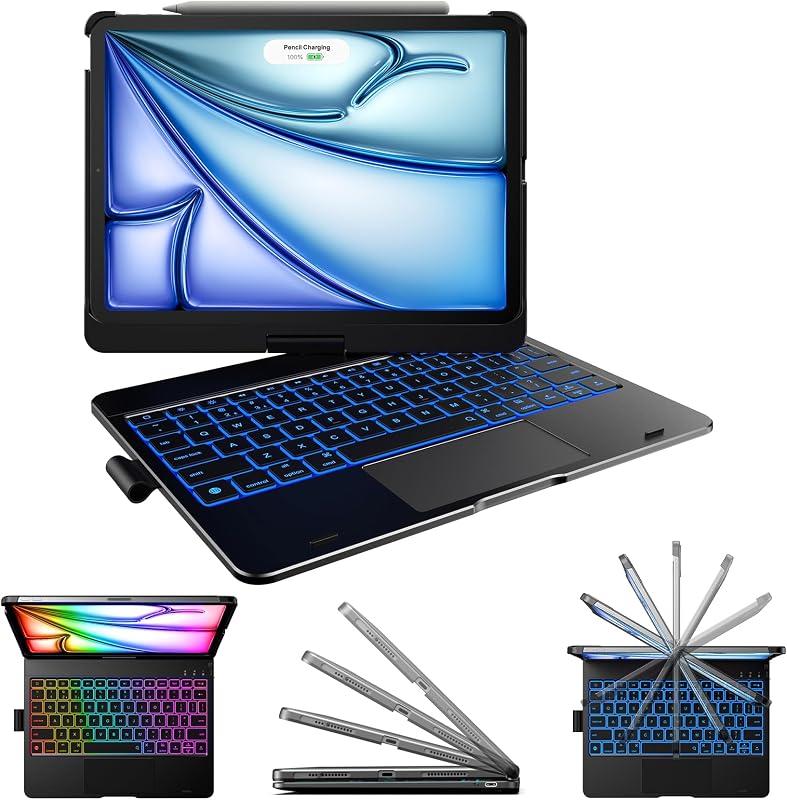
Product description Compatible Model Galaxy S10 FE+ 13.1 inch 5G Tablet 2025 (SM-X620, SM-X626, SM-X626B) 7 Color Backlits & 3 Level Brightness Adjust Press both the keys"Fn"+"Enter" to change the keyboard backlight colors, press the "Fn"+"shift(With light icon)" key to adjust the brightness of the Tab S10 FE+ keyboard(or turn into to breath lamp, press again to turn off/on the backlight) One-click DEX Mode Make your tablet as a real Laptop! Just press "Fn" +"Dex" to switch shortcut mode, supports multi-window operation, file drag and drop, right-click function, etc. With one click, your tablet can be effortlessly transformed into a laptop. Precision Cutting Easy to access all the holes, built in S-pen holder to store your s-pen (not included), support 3 level viewing stand, you can adjust to comfortable position, backlight designed support to work in the dark environment, mutil-touch trackpad support you to work outside without need an extra mouse!!! Mutil-touch Trackpad (turn on/off the touchpad) The Samsung Tab S10 FE+ Keyboard designed with US QWERTY Layout, Easy to use and control the tablet with shortcut key, If you don't need the touchpad, you can press both the keys "Fn" + "Spacebar" to turn off the touchpad to prevent accidental touches. Multiple Application This keyboard case for Galaxy Tab S10 FE+ can be used in work, study, chat etc. Previous page Mutil-function Easy access to all the port, built in s-pen holder to store your s-pen, soft TPU Bumper provide full protection to your tablet, backlight design allow you to type in the evening How to connect? 1, Turn on power button, long press for 3 seconds until the light flashes, Click "Fn"+"Q"; then open the Bluetooth setting of your tablet, Finally Find the "Wireless Keyboard" and select it, pair it How to get a better touch experience? You just need to adjust the touchpad rolling speed settings: Go to Tablet's Settings > General management > Mouse and trackpad > Adjust pointer speed/ Wheel scrolling speed Dual-channel Wireless Connection easily connect to Samsung mobile phones or tablets, just press both the keys "Fn"+"Q" / "Fn"+"w" to meet your need Next page
Agregás al carrito
Sumás este y otros productos que querés traer.
Cotizás el envío
Calculamos flete aéreo y aranceles a Argentina.
Confirmás y pagás
Online con tarjeta, o por transferencia, con el total final a la vista.
Lo recibís en casa
Seguimiento en tiempo real. El despacho lo hacemos nosotros.
Los mejor puntuados del mismo tipo de producto
Mismo tipo de producto y precio parecido