Cargando el producto…

Precio desde
$ 34.568
+ flete y aranceles — se calculan al cotizar
Pantalla
Color
Compra protegida
Puerta a puerta
Aduana incluida
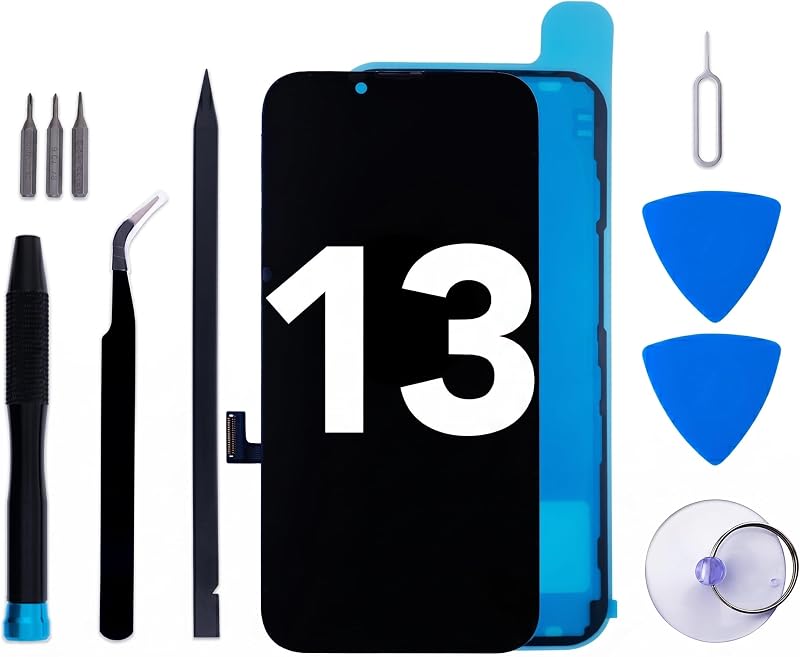
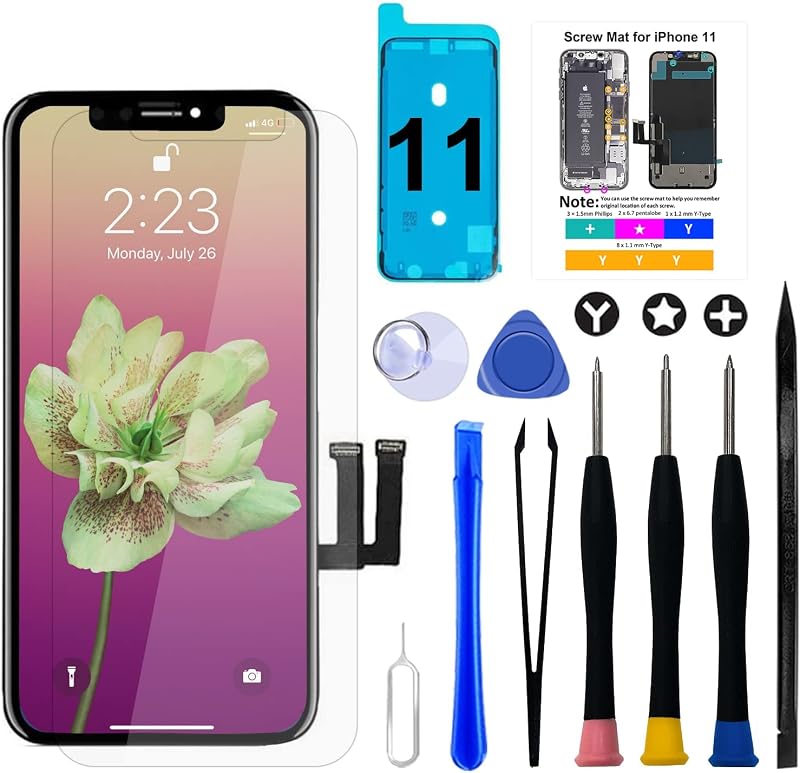
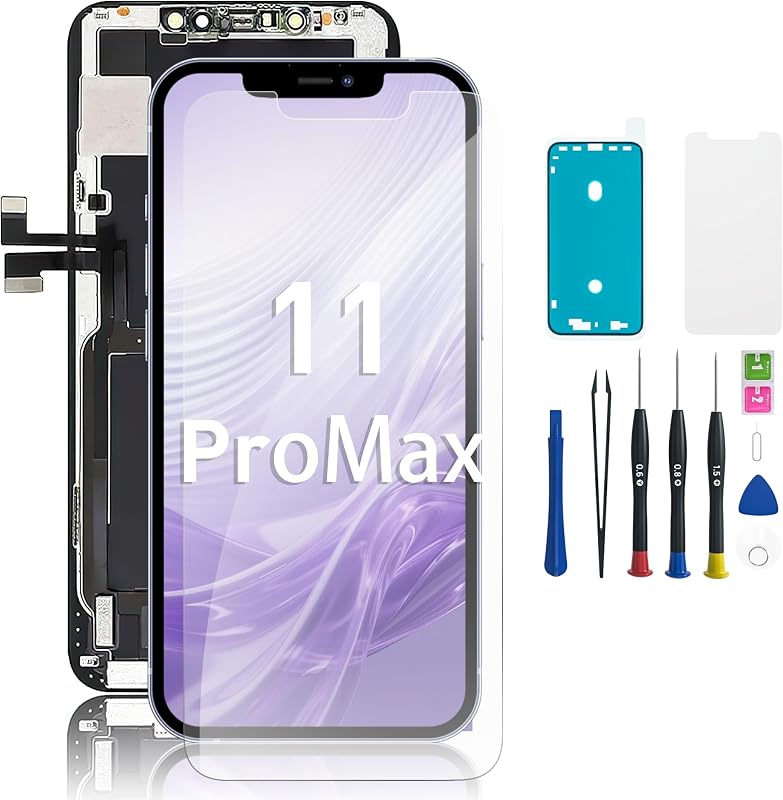
Product description Welcome to Brinonactech, we are a professional replacement screen provider. We have been focusing on iPhone screen replacement for 10 years and are dedicated to helping our customers repair their iPhones.Buy with Satisfaction:1. Every screen will be strictly tested and confirmed to be of good quality before being shipped out.2. We provide complete repair tool and instruction video with every step for our customers to repair their screens perfectly.3. We have professional technical team to give you professional guidance for the installation. Comes with a complete set of repair tools kit Color: iphone 5s/SE 2016 Black (4 inch)Note: ONLY fit for iphone 5s/SE 2016 4.0 inch (model:A1533,A1457,A1453,A1530,A1723,A1662,A1724), not for iPhone 5/5c. Package included:1x LCD Screen Replacement for iphone 5s/SE 2016(Black)1x Replacement Repair Tools Kit1x 0.2mm Temper Glass Film Screen Protector for iphone 5s/SE 2016 Screen1x Water resistance adhesive1x Repair Manual with instruction video Link. TIPS: 1>If you have no experience in installation but would like to do it yourself, please watch the installation video on the details page carefully 3-5 times. 2>If you lack the ability to do it yourself, please find a professional to do the installation. You will get High-quality replacement screen High resolution High sensitivity Hard tempered glass, Anti water,oil and fingerprint How to replace it? It is so easy to follow 4-step to install it 1. Watch instruction video Please view the instructuion video in item description. 2. Disassemble the old phone Read the guidance carefully and follow the instruction to disassemble your old phone. 3. Test the new screen Take out the new screen, just connect the cables to test the screen before installation. 4. Install the new screen Follow the instrcutions to install the new screen step-by-step. Do It Yourself Save Time Save Money Privacy Protection Q : Black Screen, Device Not Working A : The black screen issue may be caused by a cable failure or loose connection. We recommend: 1. Check Cable Connection: Turn off the device, disconnect the battery, and recheck the screen cable to ensure it is securely connected to the motherboard. 2. Force Restart: Press and hold the power button and the volume down button for about 10 seconds until the Apple logo appears, and try to fix the black screen issue. Q : Ghost Touch Issue, Sudden Loss of Control A : The ghost touch issue can occur if the screen cable is not properly connected, causing unstable signal transmission and touch malfunction. Solution: Turn off the device, disconnect the power, and recheck the screen cable to ensure a proper connection to the motherboard. Q : Black Shadow on Screen A : Black shadows on the screen may occur if there is debris inside the slot that presses against the screen, causing localized damage. Solution: Before installation, carefully check the slot for any debris and clean it to avoid screen damage. Q : Lines on the Screen A : Lines on the screen may result from excessive pressure during installation, causing screen damage. Solution: Be cautious when installing the screen, especially when closing it. Apply gentle pressure to avoid damaging the screen.
Agregás al carrito
Sumás este y otros productos que querés traer.
Cotizás el envío
Calculamos flete aéreo y aranceles a Argentina.
Confirmás y pagás
Un asesor te contacta con el link de pago.
Lo recibís en casa
Tracking en tiempo real. Aduana incluida.
Lo que suele llevarse para tu celular · un solo envío para todo
Los mejor puntuados del mismo tipo de producto
Mismo tipo de producto y precio parecido
![Mkeke for iPhone 14 Pro Case Clear [Not Yellowing] | [Military Grade Protection] Shockproof Phone Case for Apple iPhone 14 Pro 2022](https://m.media-amazon.com/images/I/71XkP-M0RfL._AC_SL800_.jpg)

![[ Apple Certified 2pack ] iPhone Charger 6ft,Lightning Cable Long 6 Foot Cord, Fast Charging Cables for Apple iPhone 12/11/11Pro/11Max/ X/XS/XR/XS Max/8/7/6/5S/SE/iPad Mini Air (Blue)](https://m.media-amazon.com/images/I/61vthFWyMuL._AC_SL800_.jpg)
![Universal Air Vent Car Mount, [ Big Phones & Thick Case Friendly ] Cell Phone Holder for Car Hands Free Clamp Cradle Vehicle fit for All Apple Smartphone](https://m.media-amazon.com/images/I/714+VNh+unS._AC_SL800_.jpg)


![New 6.0'' LCD Display for TCL K11 T432W T432J Touch Screen Digitizer Assembly Replacement with Upgraded Repair Tools Kit-[with Frame]](https://m.media-amazon.com/images/I/819O6YLD81L._AC_SL800_.jpg)








![for Samsung Galaxy A03S A037u [US Version] Screen Replacement with Frame | ZTOOYO For Samsung A03S A037U Screen Replacement kit A037u1 For Samsung A03s LCD Display Digitizer Touch Screen Assembly](https://m.media-amazon.com/images/I/71CmZi4TS0L._AC_SL800_.jpg)