Cargando el producto…

Precio desde
$ 307.699
+ flete e impuestos
Color
Tamaño
Opción 3
Compra protegida
Puerta a puerta
Gestión aduanera
Tu compra, acompañada de principio a fin
Todo esto está en los Términos y Condiciones. Leerlos
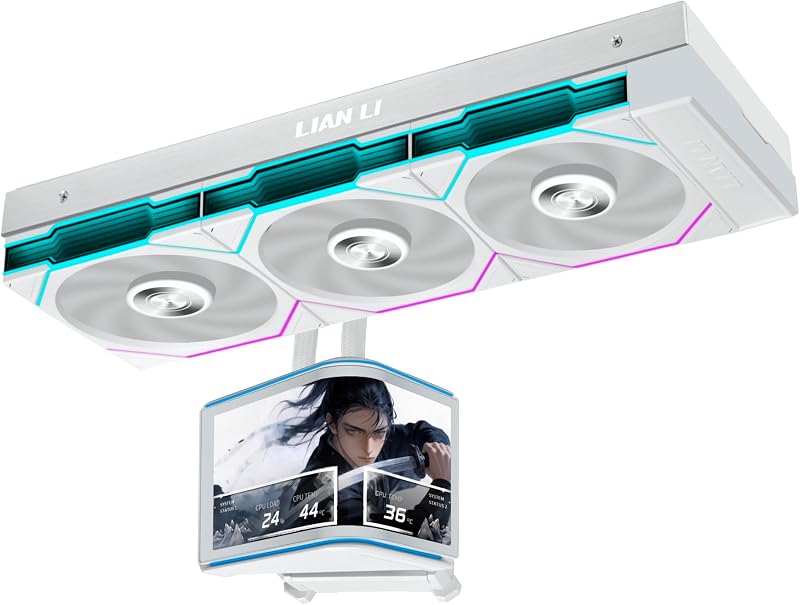
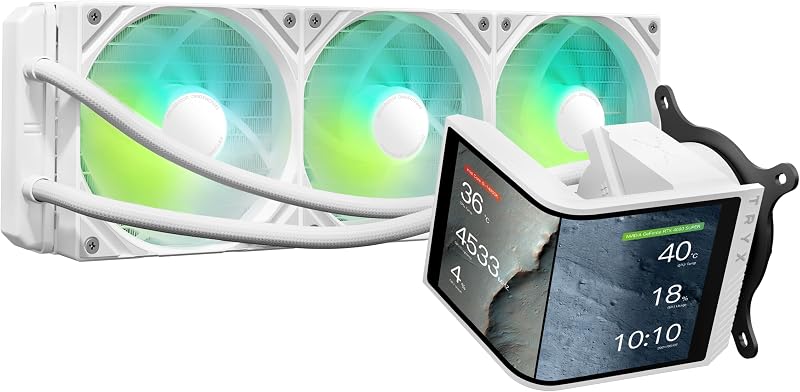
Descripción del producto ¿Por qué L-Connect 3 sigue mostrando "USB no detectado" después de la conexión y por qué HydroShift II no se detecta en el Administrador de dispositivos? Puede deberse a la falta de energía del puerto PWM conectado. Introduzca su BIOS y configure el puerto PWM conectado (recomendado CPU_FAN o AIO_PUMP O PUMP ) en modo PWM/DC en lugar de Auto. Asegúrate de configurar el puerto a toda velocidad. La placa base no lee las RPM de la bomba 1. Utilice el cable de alimentación de 6 pines. 2. Conecte el de 4 pines a sys_FAN (para la señal de RPM
Agregás al carrito
Sumás este y otros productos que querés traer.
Cotizás el envío
Calculamos flete aéreo y aranceles a Argentina.
Confirmás y pagás
Online con tarjeta, o por transferencia, con el total final a la vista.
Lo recibís en casa
Seguimiento en tiempo real. El despacho lo hacemos nosotros.
De la misma marca, empezando por lo más reseñado
Los mejor puntuados del mismo tipo de producto
Mismo tipo de producto y precio parecido