Cargando el producto…

Precio de origen
$ 83.429
+ flete y aranceles — se calculan al cotizar
Compra protegida
Puerta a puerta
Aduana incluida
Product description Keyboard and Mouse Converter for Switch 2/Switch/PS4/PS3/Xbox Series/One/360 For Nintendo Switch 2, Switch, Switch OLED, Switch LiteFor Xbox One, Xbox One S, Xbox One X, Xbox 360, Xbox Series S, Xbox Series XFor PS4, PS4 Slim, PS4 Pro, PS3 [NOT for PS5] 3.5 mm Audio jack With 3.5mm headset jack, avoid environmental noise, real-time experience of the game's stereo sound, increasing the experience of the game RGB Lights Press the "control button" once to toggle the lighting on/off 2.4G & Wired Keyboard Mouse This switch converter is compatible with 2.4G wireless and wired keyboards and mouse. Does not support Bluetooth wireless keyboards and mouse. High Quality This ps4 adapter is compact in size, exquisite in appearance, made of high-quality ABS material, and has a long service life Customize Key Mapping via the APP Supports keyboard mapping, mouse sensitivity setting, look sensitivity, macro programmingvia APP Before playing, please make sure that what you are running are the latest firmware and the latest app version, including our latest bug fixes and feature upgrades. Enhance the Gaming Experience - Low Latency This keyboard mouse converter allows players to use a keyboard & mouse instead of a game controller to enjoy games on for PS4/PS3/Xbox/Switch. Power Off: Hold down the control button for 4 seconds to turn off this converter Reset: Hold down the control button for 10 seconds to reset this converter Packing List 1x Keyboard and Mouse Switch; 1x USB-C Cable (Includes a USB to Type C Adapter); 1x User Manual [Console, Controller and keyboard and mouse not included] How to Connect Nintendo Switch 2/Switch/PS4/PS3/Xbox Series/One/360 Keyboard and Mouse Adapter for Switch 2/Switch Note Official Switch controllers must be used for operation.After connecting the Official controller, the converter will recognize NS mode, and the indicator light will display Solid Red light. lf the indicator light does not display Red, please reconnect the controller.After completing the app setup, press "C" key on keyboard to active keyboard & mouse control and star your game.(In NS default mode, keyboard’s “C” key replaces the controller's “A” button.) Keyboard and Mouse Adapter for PS4/PS3 Note Not compatible with PS5Official PS4/PS3 controllers must be used for operation.After connecting the Official* controller, the converter will recognize Playstation mode, and the indicator light will display Solid Blue light. lf the indicator light does not display Blue, please reconnect the controller. Keyboard and Mouse Adapter for Xbox Series/One/360 Note Official Xbox controllers must be used for operation.After connecting the Official* controller, the converter will recognize Xbox mode, and the indicator light will display Solid Green light. lf the indicator light does not display Green, please reconnect the controller.
Agregás al carrito
Sumás este y otros productos que querés traer.
Cotizás el envío
Calculamos flete aéreo y aranceles a Argentina.
Confirmás y pagás
Un asesor te contacta con el link de pago.
Lo recibís en casa
Tracking en tiempo real. Aduana incluida.
Lo que suele llevarse para tu consola · un solo envío para todo
Los mejor puntuados del mismo tipo de producto
Mismo tipo de producto y precio parecido
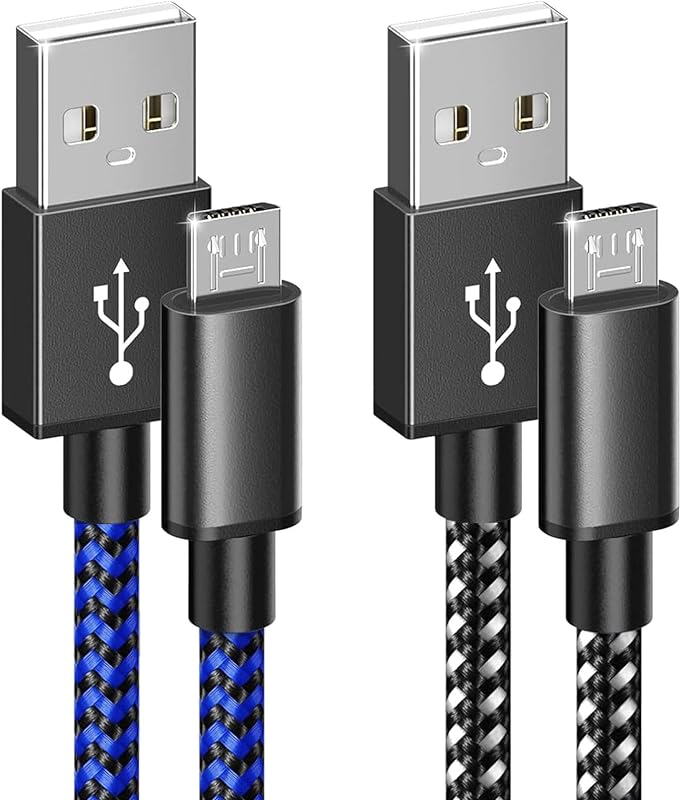


![Anker Hub USB de 4 puertos con transferencia de datos de 5 Gbps, concentrador USB 3.0 múltiple, divisor USB para computadora portátil, extensor para un puerto portátil, PC, computadora de escritorio y más [carga no compatible] (USB-A de 0,7 pies) (paquete de 2)](https://m.media-amazon.com/images/I/51gQWHVLMGL._AC_SL800_.jpg)


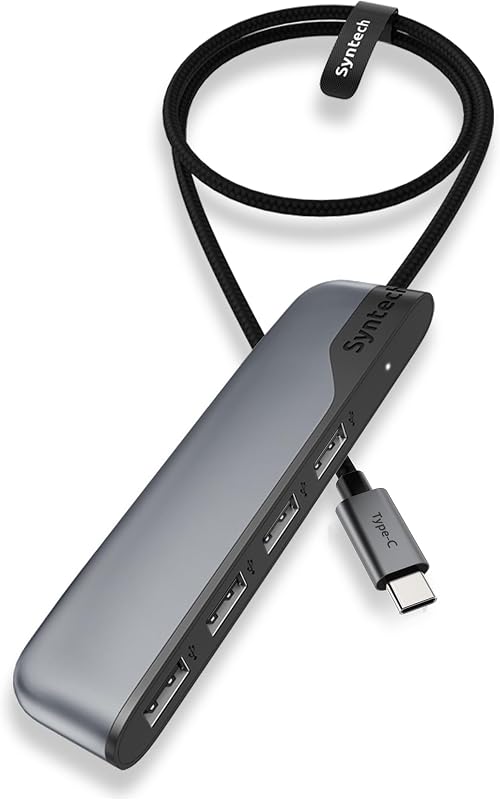


![4 puertos USB 3.0 Hub + [3-Pack] 22AWG Premium 3 pies USB-C a USB A 3.0 Cables de sincronización y carga](https://m.media-amazon.com/images/I/71HjtWW0QvL._AC_SL800_.jpg)