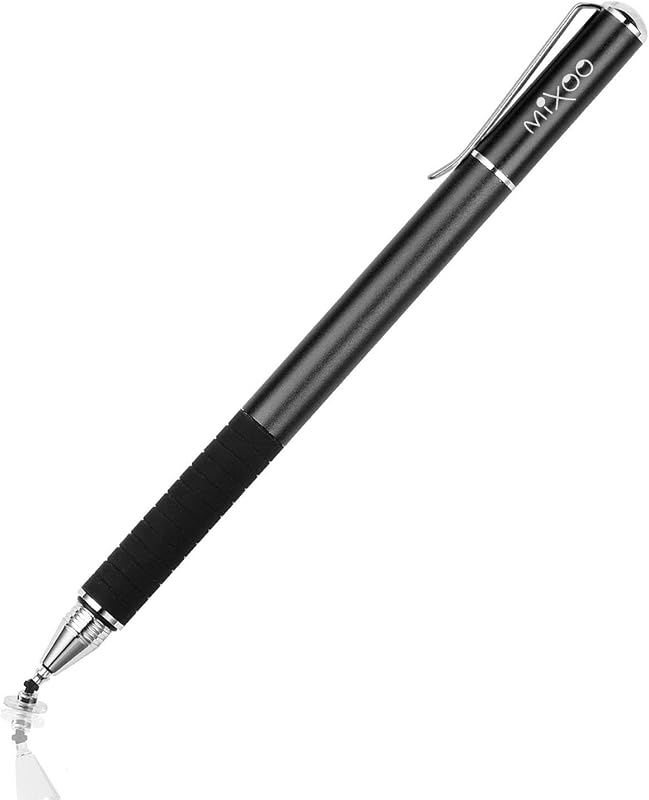
Cargando el producto…

Precio desde
$ 19.580
+ flete e impuestos
Color
Compra protegida
Puerta a puerta
Gestión aduanera
Tu compra, acompañada de principio a fin
Todo esto está en los Términos y Condiciones. Leerlos
Descripción del producto Página anterior Página siguiente Algunas configuraciones de la aplicación ¿No funcionan en Notability? Intente configurar su iPad de la siguiente manera: información--->Apple Pencil--->Desconectar--->Comenzar a escribir para conectarse ¿No funciona en Noteshelf? Intente configurar su iPad de la siguiente manera: Configuración--->Stylus--->Activar ¿No funciona en Goodnotes? Intente configurar su iPad de la siguiente manera: Rechazo de lápiz y palma--->Smart Stytus--->Ninguno ¿No funciona en Notes? Intente configurar su iPad de la siguiente manera: Configuración--->Dibujar con el dedo ¿No puedes escribir en Procreate? Intente configurar su iPad de la siguiente manera: Configuración---> Controles de gestos--->General--->Desactivar acciones táctiles (desconecte la conexión Bluetooth entre el lápiz activo/lápiz Apple y el iPad antes de usar el lápiz) ¿No puede escribir en Sketches? Intente configurar su iPad de la siguiente manera: Configuración--->Lápiz--->Activar (Desconecte la conexión Bluetooth entre el lápiz activo/lápiz Apple y el iPad antes de usar el lápiz) ¿No puede escribir en Sketchbook? - Intente configurar su iPad de la siguiente manera: Configuración--->Preferencias--->Conexión del lápiz--->Lápiz--->Ninguno(Desconecte la conexión Bluetooth entre el lápiz activo/lápiz Apple y el iPad antes de usar el lápiz óptico) ¿No puedes escribir en Vectornator? Intente configurar su iPad de la siguiente manera: Configuración--->Entrada--->Dibujar solo con lápiz (Desconecte la conexión Bluetooth entre el lápiz activo/lápiz Apple y el iPad antes de usar el lápiz óptico) No puedo write in Onenote? Please try to set up your iPad as follows: Draw--->Drawing Mode--->Draw with touch(Disconnect the Bluetooth connection between the active pen/Apple pencil and iPad before using the stylus) S-Note on Samsung [┆] icon in the upper right corner--->“Settings”---> turn off “S Pen Mode only” Jnotes/ Yun-Note on Huawei [┆] icon in the upper right corner --->“Settings”---> open “Finger writing”, and then select a pen/brush to write Accessibility functions Quick launch and gestures --->Screen capture and screen recording (Screen capture (knuckle/three-finger slide) and screen recording must be turned off, otherwise it will affect the misoperation of the software) Stylus Pen for Touchscreen Active stylus pen Add to Cart Active stylus pen Add to Cart Active stylus pen Add to Cart Active stylus pen Add to Cart Active stylus pen Add to Cart Customer Reviews 4.2 out of 5 stars 918 4.2 out of 5 stars 918 4.2 out of 5 stars 918 4.2 out of 5 stars 918 4.2 out of 5 stars 918 Price $9.99$9.99 $12.99$12.99 $14.99$14.99 $14.99$14.99 $14.99$14.99 Batteries Included ✔ ✔ ✔ ✔ ✔ Need to charge? ✔ ✔ ✔ ✔ ✔ Palm Rejection ✘ ✘ ✘ ✘ ✘ Tilt Sensitivity ✘ ✘ ✘ ✘ ✘ Bluetooth ✘ ✘ ✘ ✘ ✘ Turn on/off Pushbutton switch Pushbutton switch Pushbutton switch Pushbutton switch Pushbutton switch Pen Body Material Aluminium Aluminium Aluminium Aluminium Aluminium Compatibility iPad/Android/Switch iPad/Andro id/Cambiar iPad/Android/Cambiar iPad/Android/Cambiar iPad/Android/Cambiar
Agregás al carrito
Sumás este y otros productos que querés traer.
Cotizás el envío
Calculamos flete aéreo y aranceles a Argentina.
Confirmás y pagás
Online con tarjeta, o por transferencia, con el total final a la vista.
Lo recibís en casa
Seguimiento en tiempo real. El despacho lo hacemos nosotros.
De la misma marca, empezando por lo más reseñado
Los mejor puntuados del mismo tipo de producto
Mismo tipo de producto y precio parecido


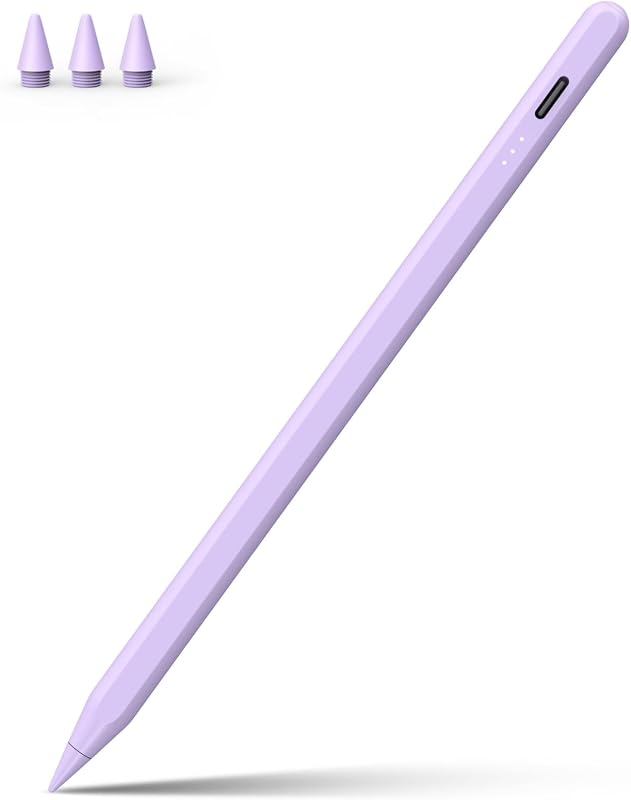


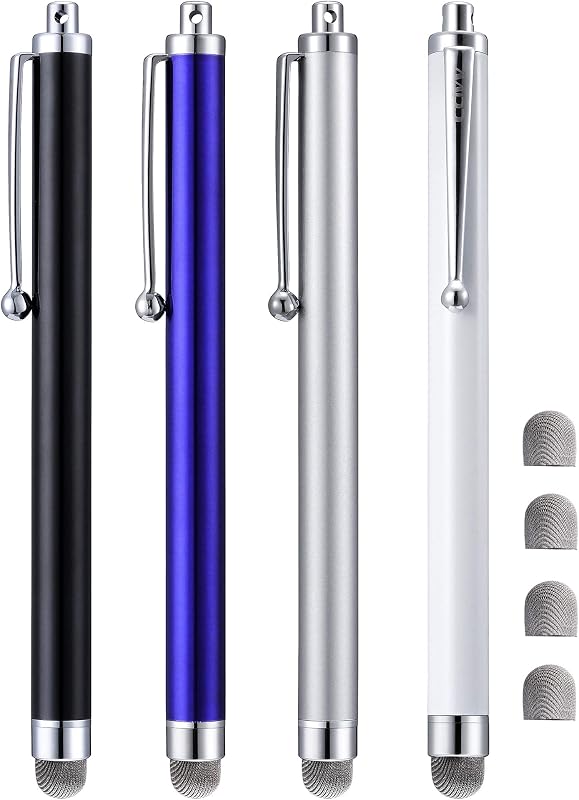
![3 lápices capacitivos para pantallas táctiles [serie de puntas de 0,24 pulgadas], 12 puntas de goma adicionales reemplazables (negro/plata/azul oscuro)](https://m.media-amazon.com/images/I/619QB0e73jL._AC_SL800_.jpg)