Cargando el producto…

Precio de origen
$ 101.723
+ flete e impuestos
Compra protegida
Puerta a puerta
Gestión aduanera
Tu compra, acompañada de principio a fin
Todo esto está en los Términos y Condiciones. Leerlos
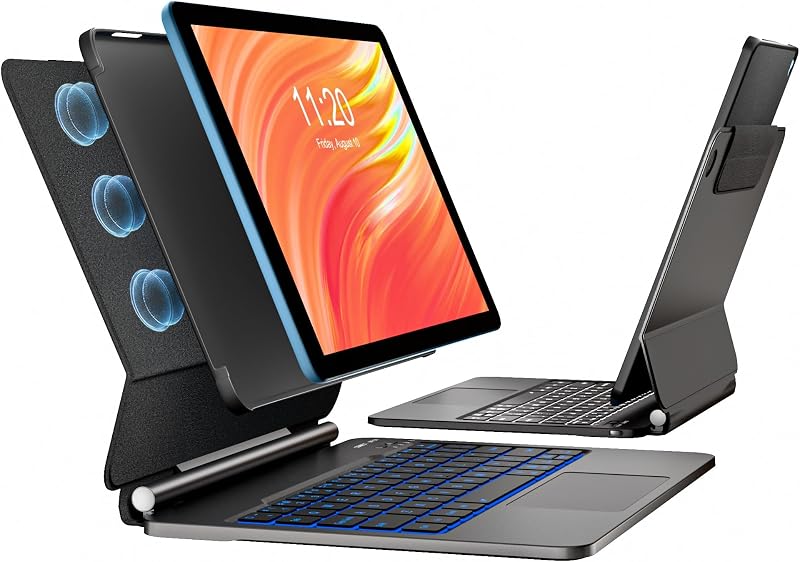
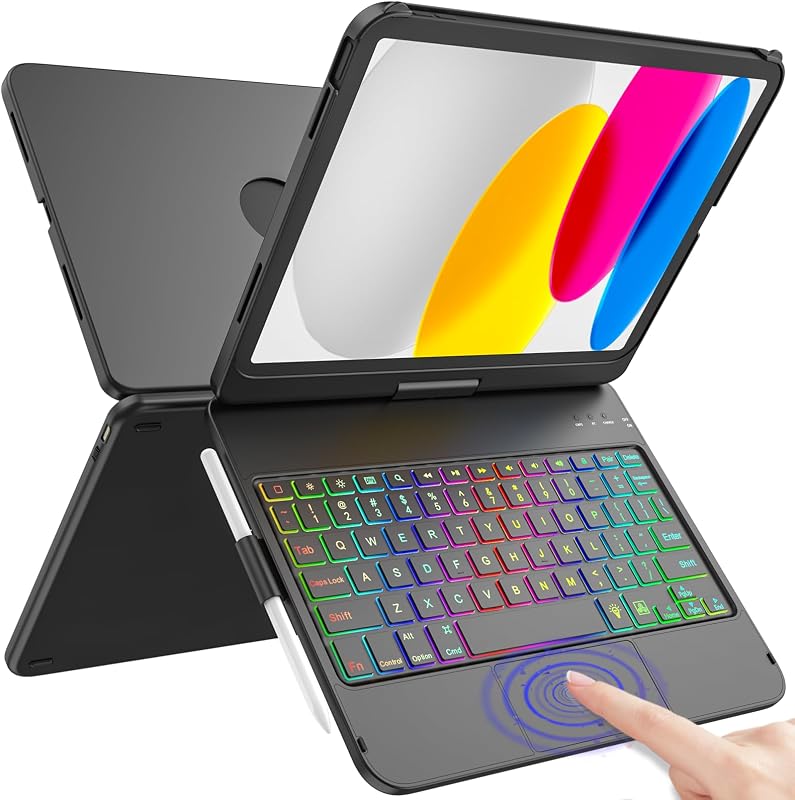
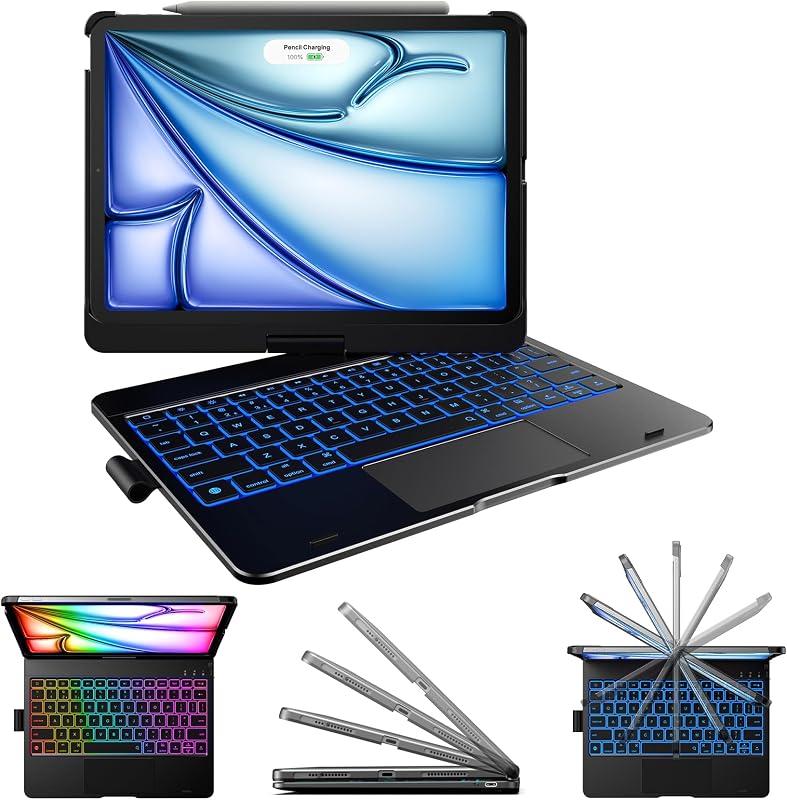
Descripción del producto Página anterior Acopla el teclado en posición vertical, saca el caballete y estarás listo para escribir notas, correos electrónicos, etc. Extiende completamente el caballete para obtener el ángulo perfecto para tomar notas escritas a mano y dibujar con lápiz Desmonta el teclado del estuche y saca el caballete para ver películas y videos Desmonta el teclado y sostenlo en la mano para leer libros, artículos y más. Siguiente página 1 Tipo Modo 2 Modo de boceto 3 Modo de vista 4 Modo de lectura Página anterior Ambos verti 155°) Precisión y control del panel táctil Utilice controles de gestos con varios dedos que ya le encantan, como deslizar, pellizcar, tocar dos veces y más Página siguiente 1 Conexión horizontal 2 Diseño desmontable 3 Soporte ajustable 4 Trackpad de alta precisión Página anterior Panel de PU premium y funda protectora Los materiales ligeros y elegantes tienen una excelente resistencia a la abrasión, son fáciles de limpiar y mantener Compatibilidad con todos los accesos directos de iPadOS Acceda fácilmente a los controles multimedia, niveles de brillo, capturas de pantalla y mo ¿Es recargable? Sí, tiene una batería independiente para que no use la batería del iPad, que a su vez está agotando su propia batería. ¿Puedo apagar la pantalla táctil mientras escribo? Para evitar el toque accidental de la pantalla Sí, puede pulsar las teclas "fn" + "shift" + "spacebar" para activar/desactivar la función del panel táctil
Agregás al carrito
Sumás este y otros productos que querés traer.
Cotizás el envío
Calculamos flete aéreo y aranceles a Argentina.
Confirmás y pagás
Online con tarjeta, o por transferencia, con el total final a la vista.
Lo recibís en casa
Seguimiento en tiempo real. El despacho lo hacemos nosotros.
Los mejor puntuados del mismo tipo de producto
Mismo tipo de producto y precio parecido