Cargando el producto…

Precio de origen
$ 39.180
+ flete e impuestos
Compra protegida
Puerta a puerta
Gestión aduanera
Tu compra, acompañada de principio a fin
Todo esto está en los Términos y Condiciones. Leerlos
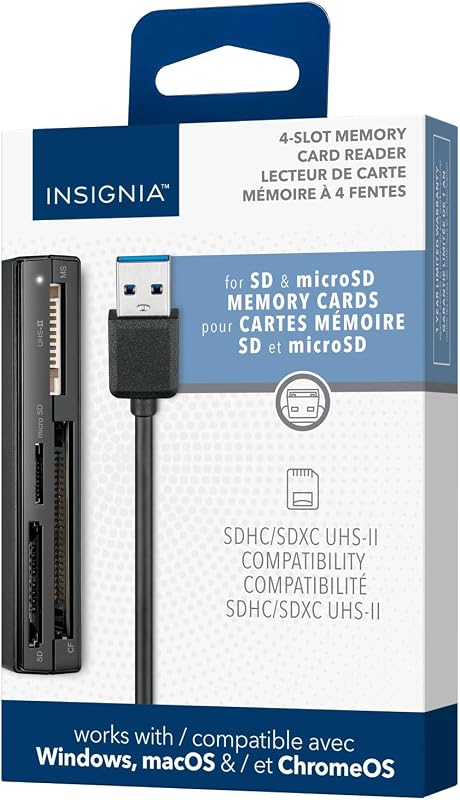
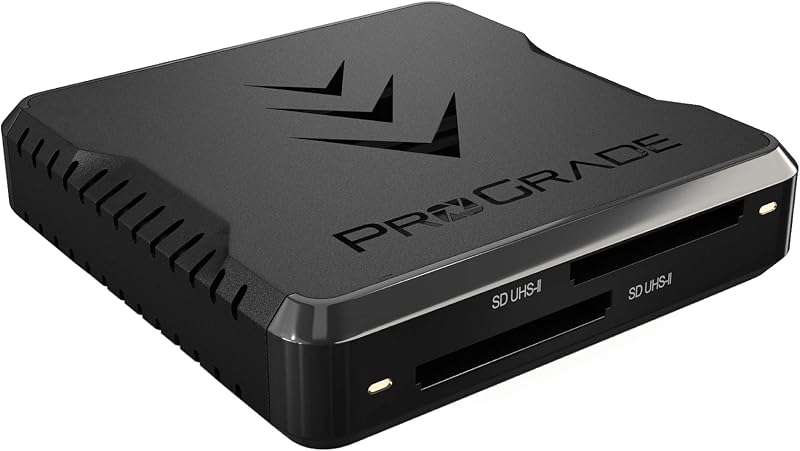
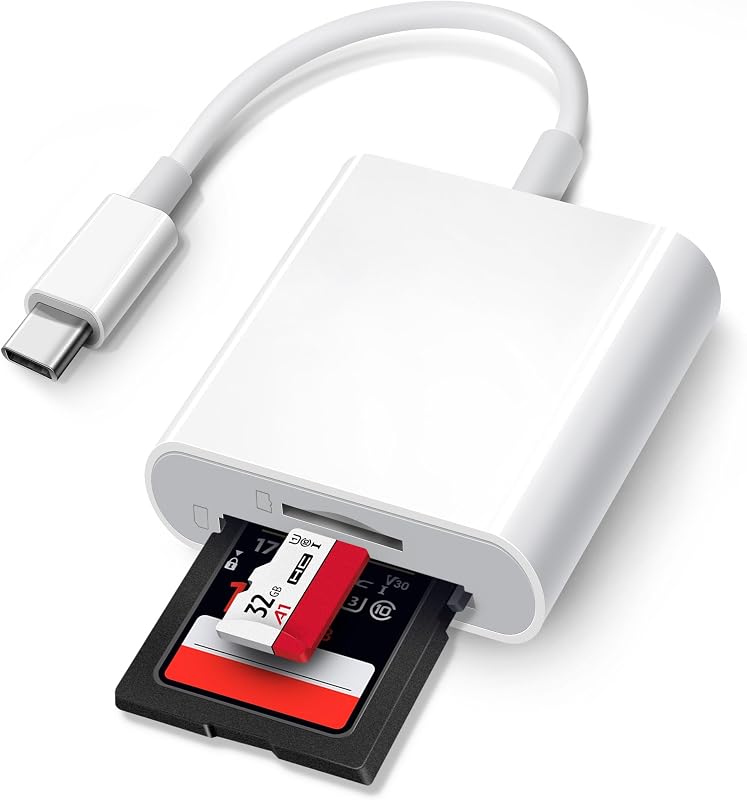
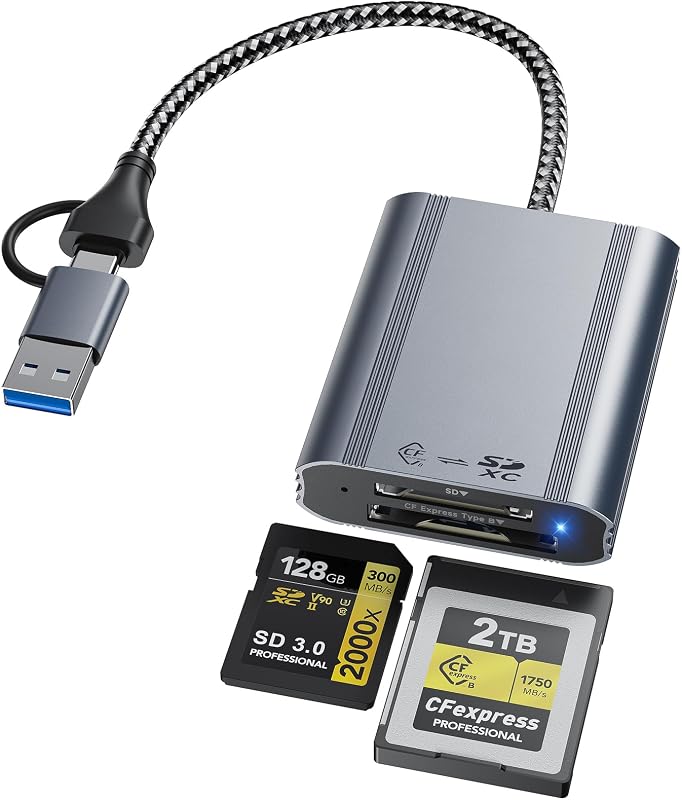
Product description 8 in 1 Multi-ports Card Reader with 3 USB 2.0 Ports With its SD/TF/MS/CF/XD card slots, this compact flash card reader supports a wide range of memory card formats, including XD, SDXC, SDHC, SD, CF, MS, Micro SDXC, Micro SDHC, and Micro SD cards. It also have extra 3 USB 2.0 Ports, allowing connections for multiple USB devices, like mouse, keyboard, USB flash drive. Lightning+USB C+USB A Ports 3 in 1 Design USB C port supports iPhone 15, Samsung Galaxy, Huawei, tablet, laptop, Macbook etc;Lightning port supports iPhone 14/14 Plus/13/13 Pro/13 Pro Max/13mini/12/12 Mini/11 Pro/11 Pro Max/ XS Max/ XS etc;USB A port supports laptop, computer, PC and so on. Memory card reader for iphone Comes with CF/SD/TF/XD/MS five card slots. Supports a wide range of card types such as SDXC, SDHC, SD, CF, MS, Micro SDXC, and Micro SDHC.This design eliminates the need for separate card readers for each card format, thus saving space.Note: only supports one card transmission at the same time. Portable design with 3 USB 2.0 ports Adding 3 USB 2.0 ports to your device, For Memory sticks, mice, keyboards, printers, digital cameras, camcorders, speakers, scanners, etc. Backwards compatible with USB 1.1/1.0 device 480Mbps Super Speed Transfer With 480Mbps data transfer, you can transfer your images and videos from your card to the i- Phone /Pad/ Android / computer soon, save a lot of time and improve your work efficiency. OS How to store from phone to memory card? 1.Insert the memory card into the card reader2.Then insert the caard reader into the iPhone find the "photos" app3.Select the picture or video you want to save to the memory card4.Click on "save to files"5.Find the card reader file and select Save File to complete the operation.(generally data of memory card is on “Untiled” or "NONAME", which is the name of your memory card) OS How to store from memory card to phone? 1.Insert the memory card into the card reader2.Then insert tthe card reader into the iPhone3.Find the "files" app, Click"Untitled"4.Selsct the photo or video you want to import into your iPhhone5.Select "Save Items" to complete the ooperation *Warm Prompt* This xd card reader is equipped with SD/TF/MS/CF/XD card slots. However,due to the limitation of system, only one card can be read at a time. Do not read more than two cards at the same time.Please ensure that the memory card has been correctly inserted into the memory card reader.If photos or videos are not transmitted,unplug the reader and memory card and reconnect.(Android phones need to copnfirm that the OTG function or the USB debugging mode of the phone is turned on)When some devices are plugged in for the first time, a message may pop up indicating that the format does not match and the USB flash drive needs to be formatted. After formatting, it can be used normally and there is no need to perform this operation again later.
Agregás al carrito
Sumás este y otros productos que querés traer.
Cotizás el envío
Calculamos flete aéreo y aranceles a Argentina.
Confirmás y pagás
Online con tarjeta, o por transferencia, con el total final a la vista.
Lo recibís en casa
Seguimiento en tiempo real. El despacho lo hacemos nosotros.
Lo que suele llevarse para tu celular · un solo envío para todo
Los mejor puntuados del mismo tipo de producto
Mismo tipo de producto y precio parecido
![Mkeke para iPhone 16 Pro Max Funda transparente [no amarillenta] [Protección contra caídas de grado militar] Funda protectora transparente a prueba de golpes para iPhone 16 Pro Max Funda de parachoques para Apple 6.9 pulgadas 2024](https://m.media-amazon.com/images/I/7154009guGL._AC_SL800_.jpg)

![[Paquete de 2 certificados por Apple] Cargador de iPhone de 6 pies, cable Lightning largo de 6 pies, cables de carga rápida para Apple iPhone 12/11/11Pro/11Max/ X/XS/XR/XS Max/8/7/6/5S/SE/iPad Mini Air (azul)](https://m.media-amazon.com/images/I/61vthFWyMuL._AC_SL800_.jpg)
![Soporte universal para ventilación de aire para automóvil, [teléfonos grandes y estuches gruesos] Soporte para teléfono celular para automóvil Soporte con abrazadera manos libres Vehículo apto para todos los teléfonos inteligentes Apple](https://m.media-amazon.com/images/I/714+VNh+unS._AC_SL800_.jpg)