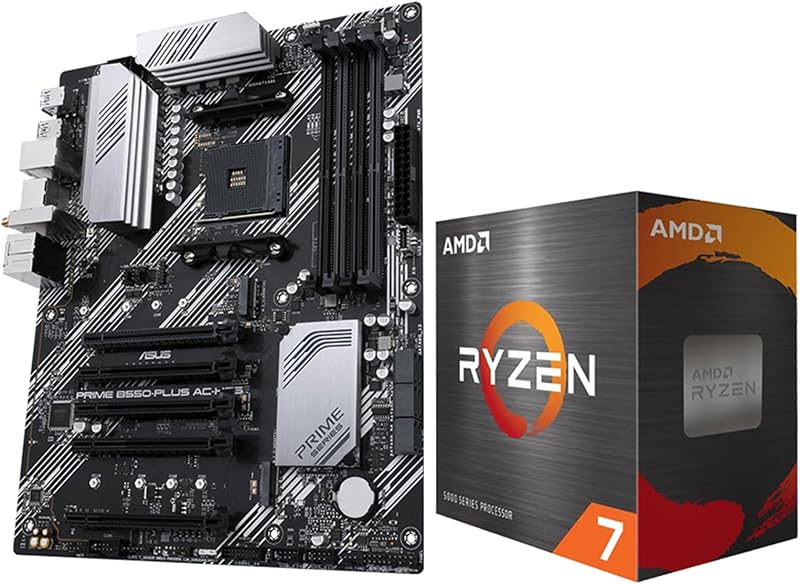
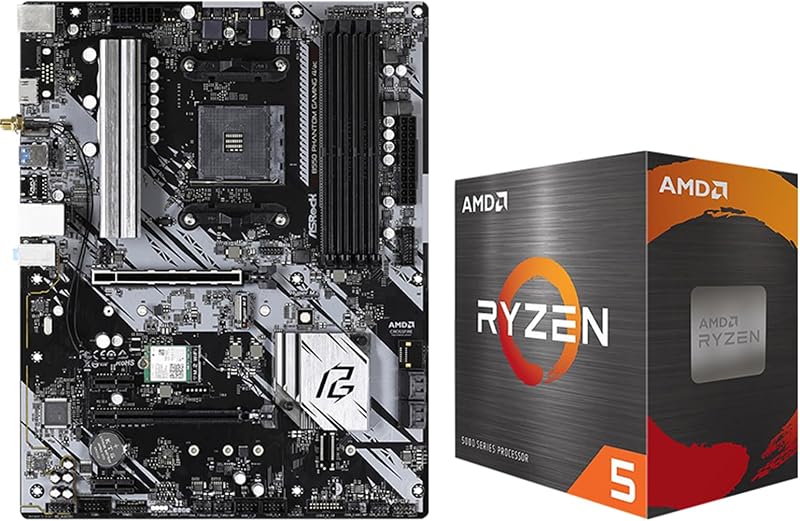
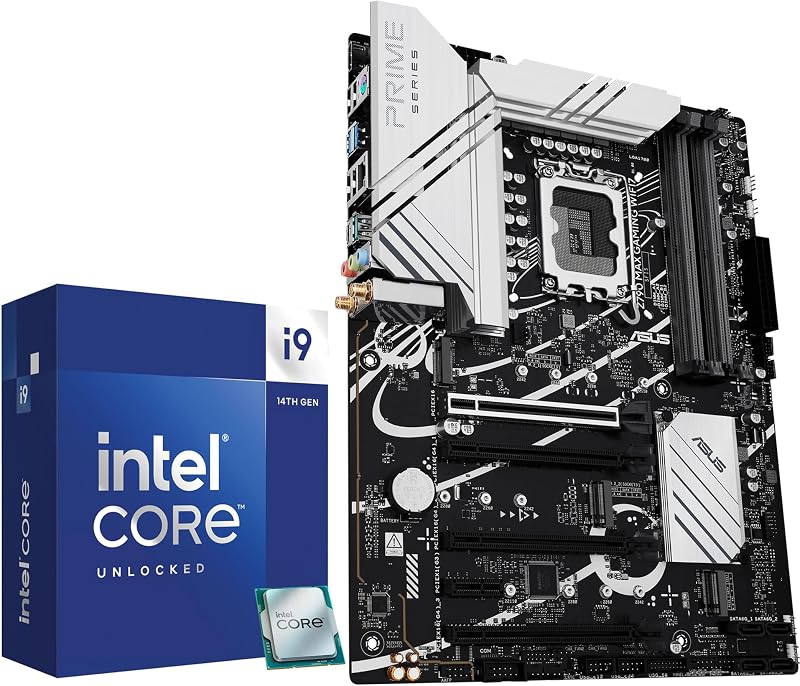
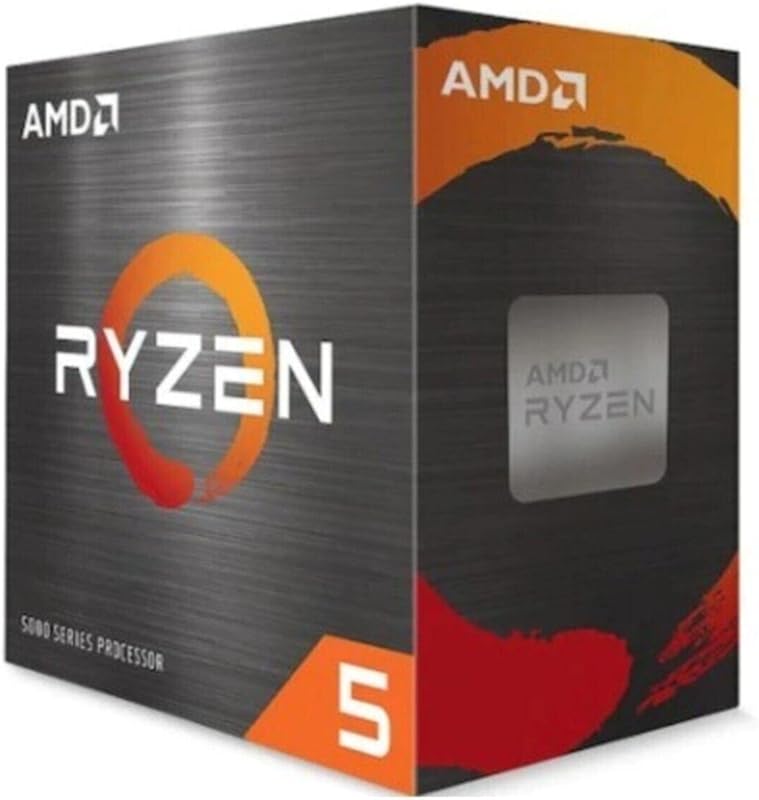
Cargando el producto…

Precio de origen
$ 685.977
$ 979.975
+ flete e impuestos
Compra protegida
Puerta a puerta
Gestión aduanera
Tu compra, acompañada de principio a fin
Todo esto está en los Términos y Condiciones. Leerlos
Product description 12th Gen i5 Desktop processor motherboard Combo: 1)Intel Core i5-12600KF Desktop Processor Game and multitask without compromise powered by Intel’s performance hybrid architecture on an unlocked processor. 2) Gigabyte B760M Gaming Plus WiFi DDR4 Unlock your gaming potential with GIGABYTE B760 Motherboards. GIGABYTE B760 motherboards come with upgraded power design, high grade storage standards, and outstanding connectivity that enables you to optimize your performance. Claim what is yours Compatible with Intel 600 series and 700 series chipset-based motherboards20 MB of L3 cache rapidly retrieves the most used data available to improve system performanceIntel 7 Architecture enables improved performance per watt and micro architecture makes it power-efficient B760M Gaming Plus WiFi DDR4 OVERVIEW • 4+1+1 Phases digital PWM + Low RDS(on) MOSFETs • Support the latest CPUs, and deliver enhanced system performance and ultimate hardware scalability. GIGABYTE is offering a tested and proven platform that ensures proper compatibility with profiles up to 5333MHz and beyond. All users need to do to attain this performance boost is to ensure that their memory module is XMP capable and that the XMP function is activated and enabled on motherboard. 802.11ax Wi-Fi The 802.11ax Wi-Fi provides smooth video streaming, better gaming experience, few dropped connections and speeds up to 2.4Gbps. GbE LAN Features a network bandwidth management application which helps to improve latency and maintain low ping times to deliver better responsiveness. PCIe 4.0 Hardware Design Featuring one or multiple PCIe 4.0 x16 slot and PCIe 4.0 M.2 slot support, GIGABYTE Motherboards are ready to provide the superior performance. Hi-Fi Audio High-End Audio CapacitorsAudio Noise Guard Easy Friendly Q-Flash Plus Update the BIOS easily without installing the CPU, memory, and graphics card. STEP 1: Plug the 24-pin and 8-pin power supply cables into the motherboard.STEP 2: Download the motherboard BIOS file and rename it to "gigabyte.bin". Save it to a USB flash drive formatted in FAT32. Insert the USB flash drive into the Q-FLASH PLUS USB port.STEP 3: Press the Q-FLASH PLUS button, and the motherboard will start updating the BIOS automatically. Easy Friendly EZ-Latch The video showcases the product in use.The video guides you through product setup.The video compares multiple products.The video shows the product being unpacked.Video Player is loading.Click to play videoPlayMuteCurrent Time 0:00/Duration 0:10Loaded: 30.03%0:00Stream Type LIVESeek to live, currently behind liveLIVERemaining Time -0:10 1xPlayback RateChaptersChaptersDescriptionsdescriptions off, selectedCaptionsCaptions off, selectedEnglish (Automated)Audio Trackdefault, selectedFullscreenThis is a modal window. Unlock the latch of the PCIe slot easily
Agregás al carrito
Sumás este y otros productos que querés traer.
Cotizás el envío
Calculamos flete aéreo y aranceles a Argentina.
Confirmás y pagás
Online con tarjeta, o por transferencia, con el total final a la vista.
Lo recibís en casa
Seguimiento en tiempo real. El despacho lo hacemos nosotros.
De la misma marca, empezando por lo más reseñado
Los mejor puntuados del mismo tipo de producto
Mismo tipo de producto y precio parecido