Cargando el producto…

Precio de origen
$ 117.580
$ 156.780
+ flete e impuestos
Compra protegida
Puerta a puerta
Gestión aduanera
Tu compra, acompañada de principio a fin
Todo esto está en los Términos y Condiciones. Leerlos
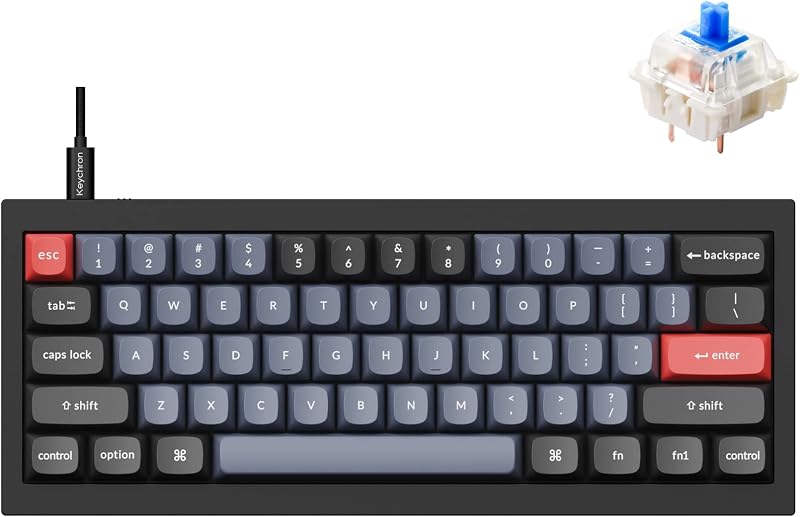
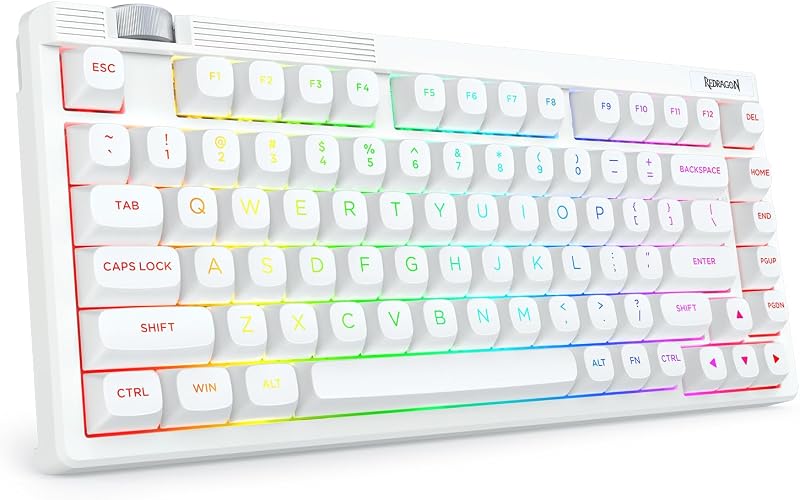
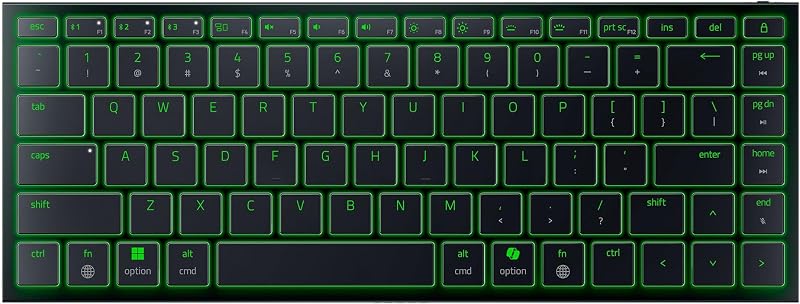
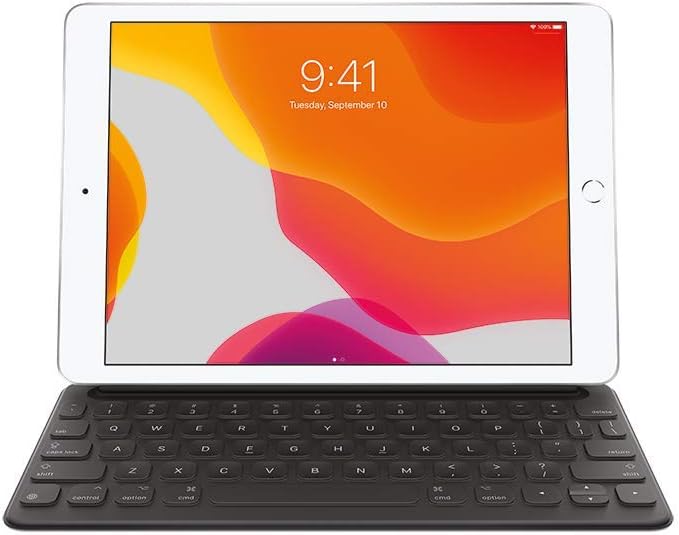
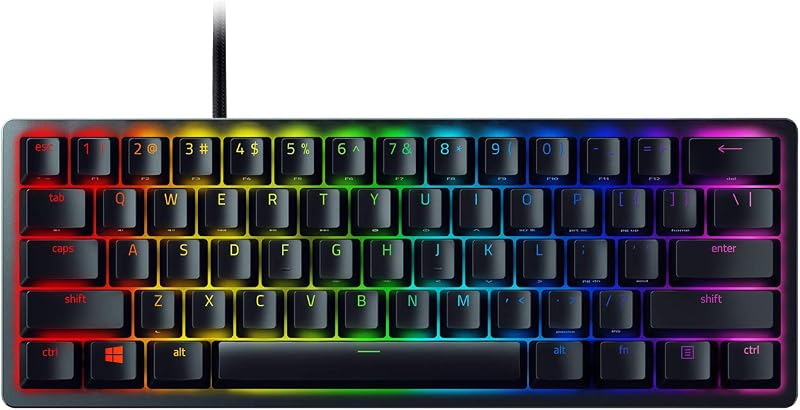
Descripción del producto P1: ¿Cómo conecto el teclado a mi tableta Surface? Conexión por primera vez o conecte otros dispositivos, debe presionar Fn+Z para activar/restablecer el bluetooth para el emparejamiento. Después de que la conexión se haya realizado correctamente, el teclado se conectará automáticamente a la tableta la próxima vez, sin necesidad de pulsar el botón Fn+Z. P2: Si accidentalmente pulsé fn+Z (reiniciar/activar el teclado Bluetooth) y se desconectó, ¿cómo volver a conectar? Método 1: Asegúrese de que la tableta Surface Bluetoot P6: ¿Cómo debo ponerme en contacto con usted si encuentro problemas relacionados con el producto? Método 1: Ve a "Tus pedidos". → Busca el pedido. → Selecciona "Problema con el pedido". → Elige un tema. → Haz clic en "Contactar con el vendedor" .Método 2: Ve a la página del producto. Haz → clic en el nombre del vendedor. Haz → clic en "AskaQuestion". → Selecciona las opciones para enviar el mensaje.
Agregás al carrito
Sumás este y otros productos que querés traer.
Cotizás el envío
Calculamos flete aéreo y aranceles a Argentina.
Confirmás y pagás
Online con tarjeta, o por transferencia, con el total final a la vista.
Lo recibís en casa
Seguimiento en tiempo real. El despacho lo hacemos nosotros.
Los mejor puntuados del mismo tipo de producto
Mismo tipo de producto y precio parecido