Cargando el producto…

Precio desde
$ 305.523
+ flete e impuestos
Color
Compra protegida
Puerta a puerta
Gestión aduanera
Tu compra, acompañada de principio a fin
Todo esto está en los Términos y Condiciones. Leerlos
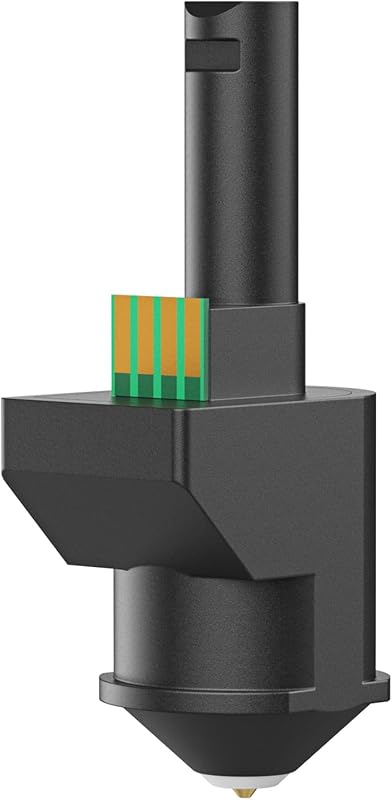
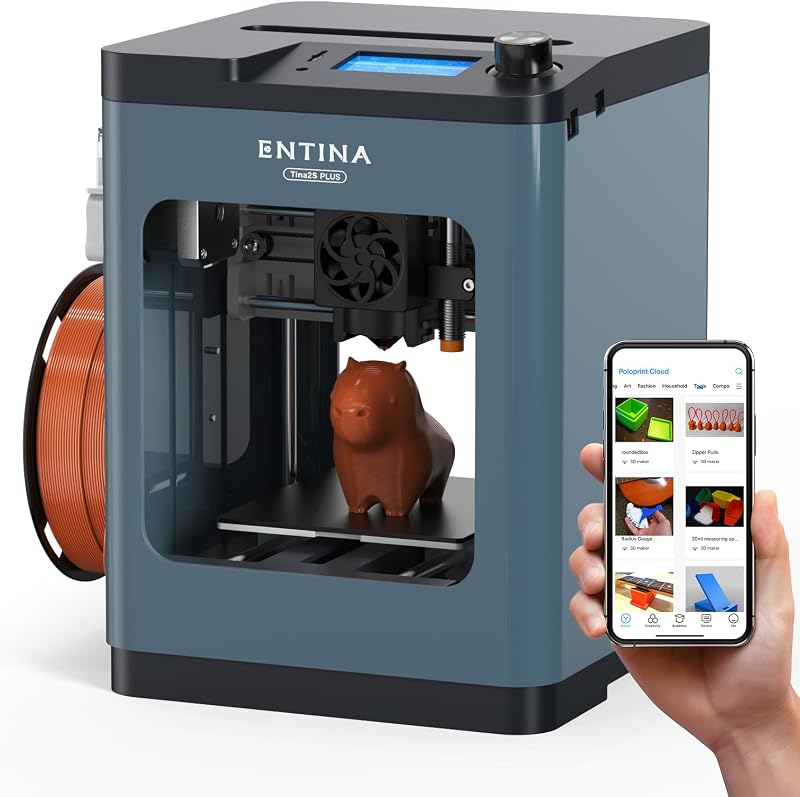
Descripción del producto Impresora 3D Entina Tina2 Basic Mini Kids El video muestra el producto en uso. El video lo guía a través de la configuración del producto. El video compara varios productos. El video muestra el producto desempaquetado. ¿Qué puede imprimir la impresora 3D Entina Tina2? Impresora 3D Merchant Video FDM para niños y principiantes, creatividad infinita. ¡Abra la caja y las impresoras 3D básicas TINA2 harán realidad su imaginación! Página anterior Página siguiente 1 Listo para usar 2 Impresión rápida 3 Hotend de cambio rápido Código abierto, que ofrece una amplia gama de software de corte, elija una impresora 3D de escritorio favorita diseñada para principiantes y niños, y un regalo sorprendente para familias, fácil de operar, equipo de impresión semicerrado y de alta precisión, adecuado para el hogar, la escuela y la oficina. Página anterior Página siguiente 1 Elección de regalo ideal 2 Calidad de impresión superior 3 Impresión con un clic Impresión de alta precisión Mini impresora 3D Es hora de comenzar su creación ¿Puede TINA2 BASIC conectarse a una red para imprimir? La impresora 3D Entina TINA2 BASIC no se puede conectar a WiFi, pero los modelos se pueden guardar en una tarjeta TF para imprimir. ¿Cómo configuro la impresora para imprimir? Después de desembalar, consulte la guía de desempaquetado y siga los pasos. Hay cintas y clips de seguridad dentro de la máquina que deben retirarse antes de poder comenzar a imprimir. ¿Qué se debe hacer si la máquina no logra extruir el filamento durante la impresión? Asegúrese de que el filamento esté completamente insertado en la parte inferior del extremo caliente. De lo contrario, si comienzas a imprimir inmediatamente, el filamento no llegará al extremo caliente cuando se mueva el cabezal de impresión, lo que impedirá la extrusión. ¿Por qué la impresora 3D no extruye el filamento y hace ruidos de clic al cargar el filamento? Cuando la impresora 3D TINA2 no logra extruir el filamento mientras lo carga y emite un sonido, este es un problema típico de obstrucción. La causa de la obstrucción puede deberse a un filamento degradado o a un ajuste de temperatura de impresión baja. ¿Qué debo hacer si la impresora emite ruidos anormales fuertes e informa un error durante su primer uso? Retire el clip de acoplamiento como lo indica la etiqueta plateada en la parte superior de la máquina. Si no se retira el clip, el cabezal de impresión no podrá moverse verticalmente.
Agregás al carrito
Sumás este y otros productos que querés traer.
Cotizás el envío
Calculamos flete aéreo y aranceles a Argentina.
Confirmás y pagás
Online con tarjeta, o por transferencia, con el total final a la vista.
Lo recibís en casa
Seguimiento en tiempo real. El despacho lo hacemos nosotros.
De la misma marca, empezando por lo más reseñado
Los mejor puntuados del mismo tipo de producto
Mismo tipo de producto y precio parecido