
Cargando el producto…
Precio desde
$ 117.580
+ flete e impuestos
Tamaño
Compra protegida
Puerta a puerta
Gestión aduanera
Tu compra, acompañada de principio a fin
Todo esto está en los Términos y Condiciones. Leerlos
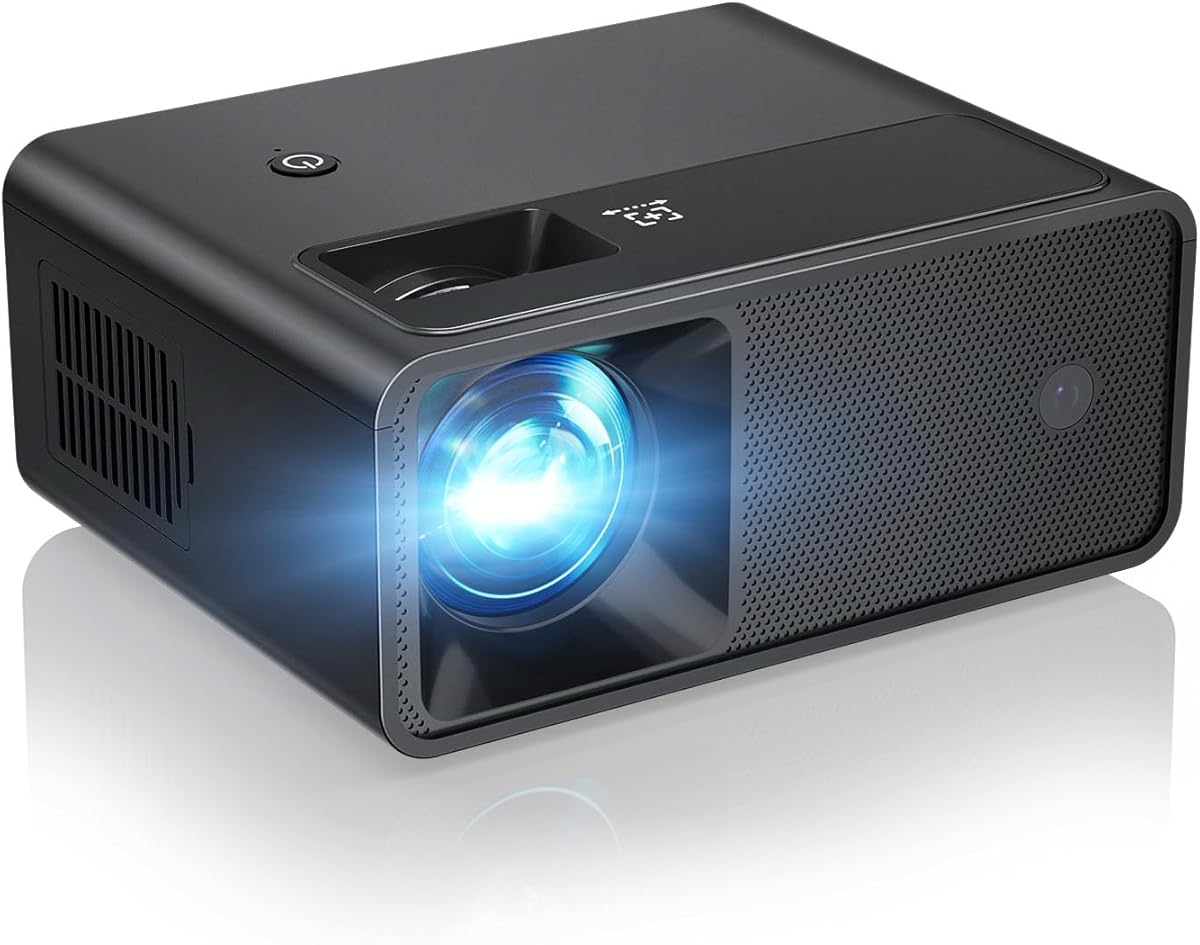
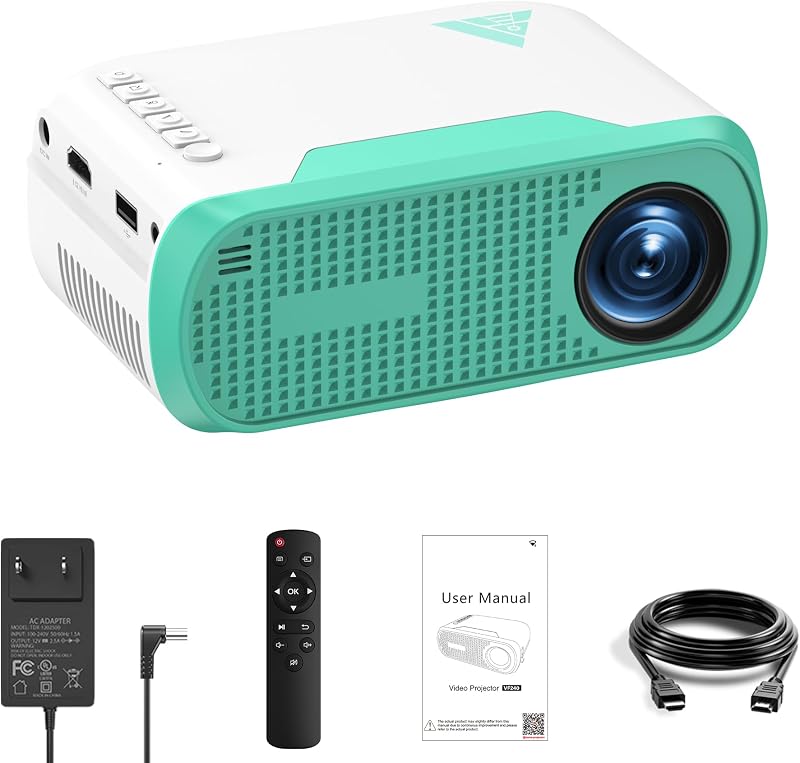
Product description CiBest W13 Mini Projector - Your Portable Home Cinema, Anywhere You Go! The video showcases the product in use.The video guides you through product setup.The video compares multiple products.The video shows the product being unpacked. W13 mini projector NOTE: The projector can't support Dolby, If the projector no sound, it is recommended to configure the audio to PCM format when connect to external devices such as Roku, Nvidia, Amazon Fire TV, or DVDs There is No WiFi and Bluetooth connection function, if you need to connect phone, please prepare a HDMI adapter cable. Due to HDCP agreement, screen mirroring doesn't work when you try to mirror the videos from apps (Prime Video, Netflix etc). You can connect a TV stick/Roku to display those apps. Connect with Ease, Play with More: Entertainment Unbound NOTE: Please do not connect your smartphone or computer via USB port. The projector will only function properly when connected to the HDMI port for the smartphone and computer. Enjoy Big-Screen Thrills at indoor and Outdoors—Fun Follows Wherever You Go! Previous page Next page Why the projector no sound after connect to external devices such as Roku, Nvidia, Amazon Fire TV, or DVDs? Because the projector can't support Dolby, it is recommended to configure the audio to PCM format when connect to external devices such as Roku, Nvidia, Amazon Fire TV, or DVDs. Why the projector shows "No signal" after connect with phone or computer? Please do not connect your smartphone or computer via USB port. The projector will only function properly when connected to the HDMI port for the smartphone and computer. How to connect with iOS/Android phones? Connecting an iOS/Android device to the projector requires Apple's official Lightning(iOS)/Typc-C(Android) to HDMI Adapter. (HDMI adapter is not included in the package.) How to watch video from Amazon Prime Video, Netflix, Hulu, etc? Please play these videos by inserting your TV Stick/Roku into our projector. You can also connect to a laptop/computer to play via HDMI Connection (HDMI Cable Included).
Agregás al carrito
Sumás este y otros productos que querés traer.
Cotizás el envío
Calculamos flete aéreo y aranceles a Argentina.
Confirmás y pagás
Online con tarjeta, o por transferencia, con el total final a la vista.
Lo recibís en casa
Seguimiento en tiempo real. El despacho lo hacemos nosotros.
Lo que suele llevarse para tu pantalla · un solo envío para todo
Los mejor puntuados del mismo tipo de producto
Mismo tipo de producto y precio parecido













![Mini Proyector 4K 1280P [2026 Aplicaciones Incorporadas Actualizadas] Proyector con WiFi 6 y Bluetooth 5.4, Enfoque Automático y Corrección Keystone Proyector Inteligente Compatible con HDMI/TV Stick/Laptop/USB,Negro](https://m.media-amazon.com/images/I/712mEasB+3L._AC_SL800_.jpg)


