
Cargando el producto…

Precio desde
$ 78.380
+ flete e impuestos
Color
Compra protegida
Puerta a puerta
Gestión aduanera
Tu compra, acompañada de principio a fin
Todo esto está en los Términos y Condiciones. Leerlos
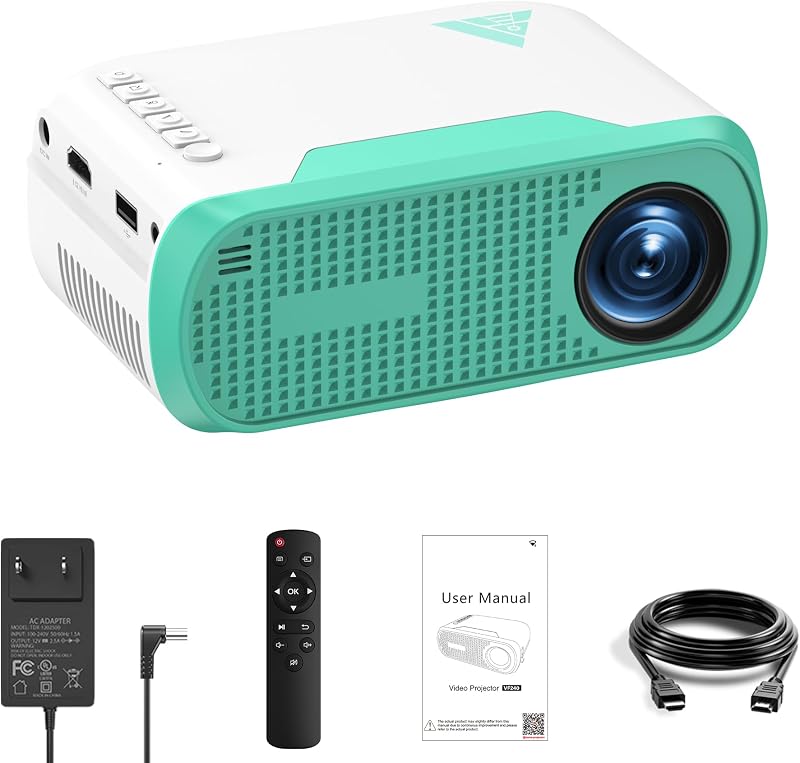
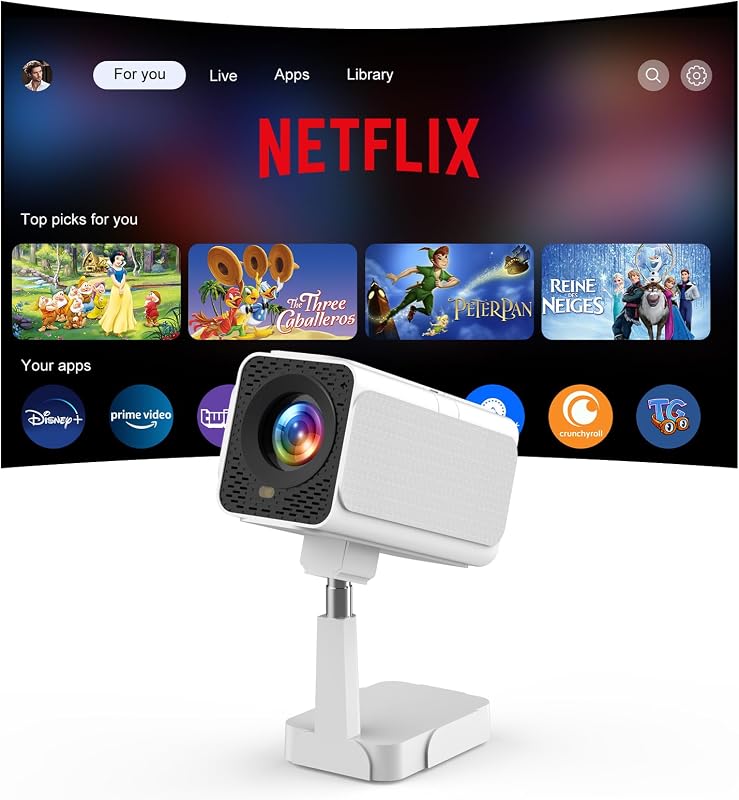
Descripción del producto ¡Su mini cine en casa portátil, dondequiera que vaya! El video muestra el producto en uso. El video lo guía a través de la configuración del producto. El video compara varios productos. El video muestra el producto desempaquetado. El reproductor de video se está cargando. Haga clic para reproducir el videoReproducirMuteHora actual 0:00/Duración 0:51Cargado: 0%0:00Tipo de transmisión LIVESeek to live, actualmente detrás de liveLIVERTiempo restante -0:51 1xReproducción Calificar Capítulos Capítulos Descripciones descripciones desactivadas, seleccionadas Subtítulos Subtítulos desactivados, seleccionada Pista de audio predeterminada, seleccionada Pantalla completa Esta es una ventana modal. Mini proyector W13 Merchant Video NOTA: No hay función WiFi ni Bluetooth. Si necesita conectar el teléfono, prepare un cable adaptador HDMI. Debido al acuerdo HDCP, la duplicación de pantalla no funciona cuando intentas duplicar los vídeos de aplicaciones (Prime Video, Netflix, etc.). Puedes conectar un TV Stick/Roku para mostrar esas aplicaciones. NOTA: El proyector no admite Dolby. Si el proyector no emite sonido, se recomienda configurar el audio en formato PCM cuando se conecta a dispositivos externos como Roku, Nvidia, Amazon Fire TV o DVD. Conéctese con facilidad, reproduzca con más: entretenimiento sin límites NOTA: No conecte su teléfono inteligente ni su computadora a través del puerto USB. El proyector solo funcionará correctamente cuando esté conectado al puerto HDMI del teléfono inteligente y la computadora. Disfrute de las emociones de la pantalla grande en interiores y exteriores: ¡la diversión lo sigue a donde quiera que vaya! Página anterior Página siguiente ¿Por qué el proyector no emite sonido después de conectarlo a dispositivos externos como Roku, Nvidia, Amazon Fire TV o DVD? Debido a que el proyector no es compatible con Dolby, se recomienda configurar el audio en formato PCM cuando se conecta a dispositivos externos como Roku, Nvidia, Amazon Fire TV o DVD. ¿Por qué el proyector muestra "Sin señal" después de conectarse con el teléfono o la computadora? No conecte su teléfono inteligente o computadora a través del puerto USB. El proyector solo funcionará correctamente cuando esté conectado al puerto HDMI del teléfono inteligente y la computadora. ¿Cómo conectarse con teléfonos iOS/Android? Para conectar un dispositivo iOS/Android al proyector se requiere el adaptador Lightning(iOS)/Typc-C(Android) oficial de Apple a HDMI. (El adaptador HDMI no está incluido en el paquete). ¿Cómo ver videos de Amazon Prime Video, Netflix, Hulu, etc.? Reproduzca estos videos insertando su TV Stick/Roku en nuestro proyector. También puedes conectarte a una computadora portátil/computadora para jugar a través de una conexión HDMI (cable HDMI incluido).
Agregás al carrito
Sumás este y otros productos que querés traer.
Cotizás el envío
Calculamos flete aéreo y aranceles a Argentina.
Confirmás y pagás
Online con tarjeta, o por transferencia, con el total final a la vista.
Lo recibís en casa
Seguimiento en tiempo real. El despacho lo hacemos nosotros.
Lo que suele llevarse para tu pantalla · un solo envío para todo
Los mejor puntuados del mismo tipo de producto
Mismo tipo de producto y precio parecido












![Mini Proyector, Proyector Inteligente portátil 4K WiFi 6 BT 5.4 [Aplicación Incorporada] | Keystone automático, proyector de películas compatible con HDMI/USB/TV Stick/Smartphone/Laptop/PS5 Home Theatre Rotación de 180° Blanco](https://m.media-amazon.com/images/I/71U0ezDt70L._AC_SL800_.jpg)

