Cargando el producto…

Precio de origen
$ 373.594
$ 4.310.018
+ flete e impuestos
Compra protegida
Puerta a puerta
Gestión aduanera
Tu compra, acompañada de principio a fin
Todo esto está en los Términos y Condiciones. Leerlos
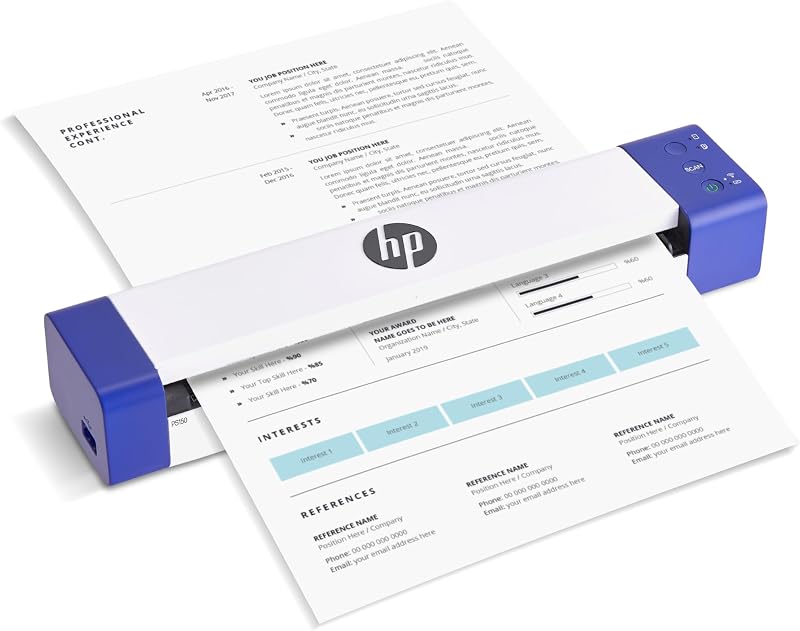
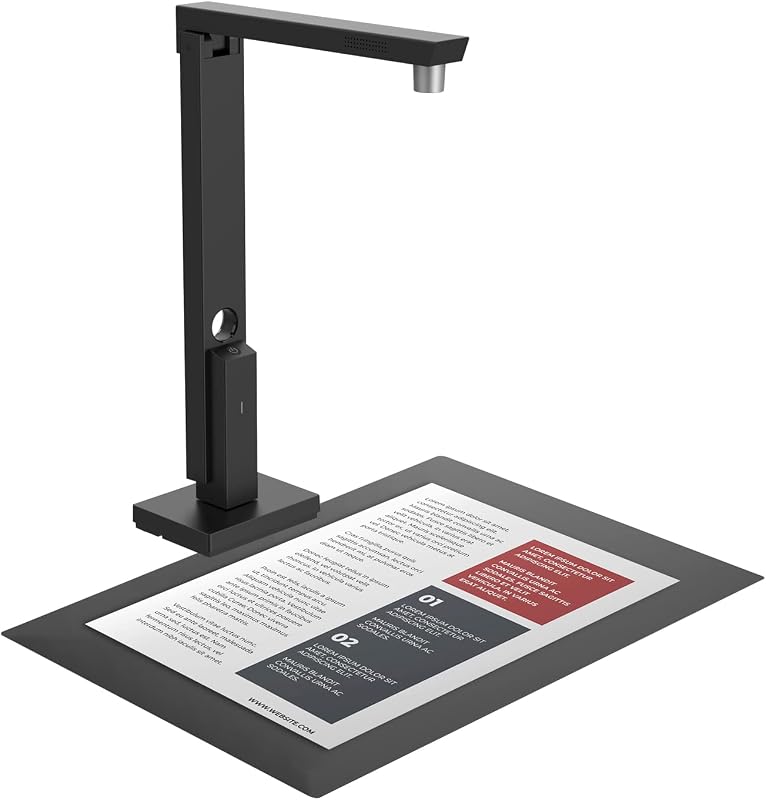
Descripción del producto Página anterior Digitalización de alta velocidad Experimente un escaneo rápido, 30 páginas o 60 imágenes capturadas en un minuto* para una digitalización eficiente. Botones personalizables Adapte sus tareas de escaneo con 9 teclas de función personalizables para administrar tareas recurrentes de manera eficiente. Escaneo por lotes Un ADF de alta capacidad maneja hasta 50 páginas a la vez, lo que lo hace perfecto para trabajos de oficina ininterrumpidos. Diseño que ahorra espacio Este dispositivo compacto que ocupa poco espacio se adapta a cualquier entorno y ahorra valioso espacio de trabajo. Página siguiente 1 PS188 de un vistazo 2 Digitalización de alta velocidad 3 Botones personalizables 4 Escaneo por lotes 5 Diseño que ahorra espacio Página anterior Página siguiente Página anterior Página siguiente Seleccione el escáner de documentos que necesita PS188 Agregar al carrito PS3140U Agregar al carrito PL4080 Opciones de compra PT2160 Agregar al carrito PSD300 Agregar al carrito S30 - Gran formato Agregar al carrito PS186 Agregar al carrito Reseñas de clientes 3.7 de 5 estrellas 94 3.8 de 5 estrellas 37 4.5 de 5 estrellas 4 — 3.9 de 5 estrellas 37 3.9 de 5 estrellas 43 3.9 de 5 estrellas 700 Precio $219.99$219.99 $339.00$339.00 — $699.00$699.00 $239.00$239.00 $699.00$699.00 $199.00$199.00 Velocidad de escaneo *200 ppp a color 30 ppm / 60 ipm 40 ppm / 80 ipm 40 ppm / 80 ipm 60 ppm / 120 ipm 30 ppm/ 60 ipm 34 ppm / 68 ipm 8 ppm / 8 ipm Capacidad del ADF 50 hojas 100 hojas 50 hojas 100 hojas 50 hojas 100 hojas 50 hojas Cama plana (8,5 x 11,7 pulgadas) ✘ ✘ ✔ ✘ ✘ ✘ ✘ Controlador TWAIN ✔ ✔ ✔ ✔ ✔ ✔ ✔ Citrix Listo — Sí — Sí — — — Ciclo de trabajo diario (máx.) 4000 hojas 4000 hojas 3000 hojas 8000 hojas 4000 hojas 4500 hojas 1500 hojas Dimensiones 10,36" x 5,02" x 5,83" 12,55" x 9,08" x 8,99" 16,45" x 12.83" x 4" 12.59" x 11.74" x 9.32" 10.36" x 5.02" x 5.83" 15.95" x 10.7" x 11.69" 10.36" x 5.02" x 5.83" Alimentación vertical/horizontal Vertical Vertical Vertical Vertical Vertical Vertical y Horizontal Protección vertical del producto 1 año 1 año 3 años 1 año 1 año 1 año ¿Puedo instalar el controlador SmartOffice PS188 sin un CD-ROM? Sí, puede descargar el paquete de controladores más reciente desde el sitio web oficial de Plustek y ejecutar el instalador. Para obtener asistencia técnica, visite el sitio web de Plustek. ¿Cómo mantengo el escáner ADF limpio cerrando las bandejas cuando no esté en uso? ¿Cómo permitir que el escáner reconozca automáticamente el código de barras en papel y se convierta en el nombre del archivo? Haga clic en "Nuevo" para agregar el perfil de escaneo, en el formato del nombre de archivo seleccione "Código de barras", luego el software reconocerá automáticamente el código de barras y lo establecerá en el nombre del archivo.
Agregás al carrito
Sumás este y otros productos que querés traer.
Cotizás el envío
Calculamos flete aéreo y aranceles a Argentina.
Confirmás y pagás
Online con tarjeta, o por transferencia, con el total final a la vista.
Lo recibís en casa
Seguimiento en tiempo real. El despacho lo hacemos nosotros.
Los mejor puntuados del mismo tipo de producto
Mismo tipo de producto y precio parecido