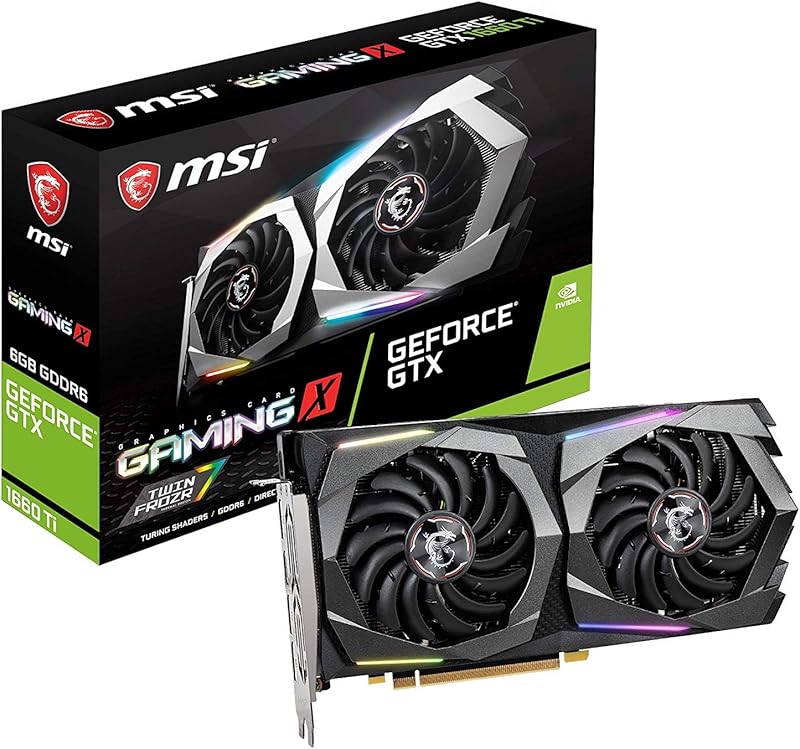
Cargando el producto…

Precio desde
$ 160.169
+ flete y aranceles — se calculan al cotizar
Tamaño
Compra protegida
Puerta a puerta
Aduana incluida
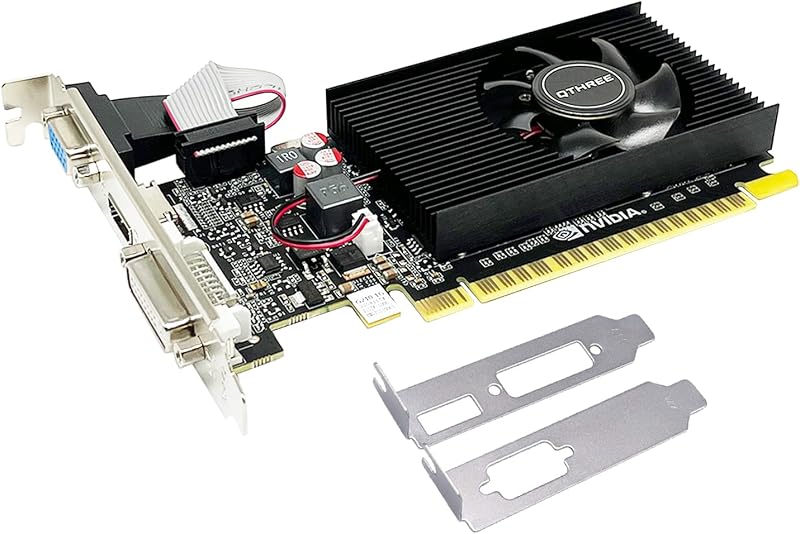
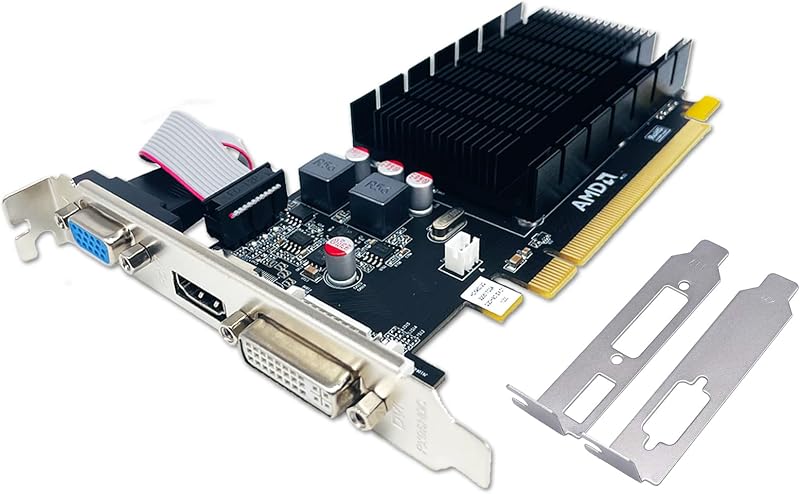
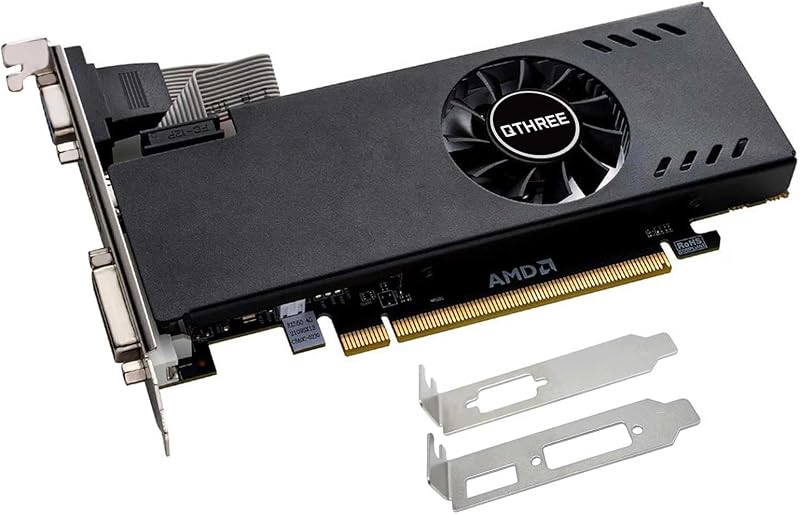
Product description The step to download and install the correct driver If your computer has previously installed driver for other graphics card, please use DDU (Display Driver Uninstaller) to uninstall it and then install our graphics card. Please refer to the following steps to download and install the correct driver: 1. Use a browser to visit the NVIDIA official website. 2. Click "Drivers" at the top. 3. In the category “Manual Driver Search”. 4. Choose “Geforce” - "Geforce 700 Series" - "GeForce GTX 750 Ti". 5. Select the driver version corresponding to your computer's operating system, then download and install it. Troubleshooting Tips The following troubleshooting tips may help if you experience problems. Contact QTHREE for more advanced troubleshooting information. Check that the card is seated properly in the PCI Express slot.Ensure that the display cable is securely fastened to the card's display connector.Make sure that the monitor and computer are plugged in and receiving power.If necessary, disable any built-in graphics capabilities on your motherboard. For more information, consult your computer's manual or manufacturer. (NOTE: Some manufacturers do not allow the built-in graphics to be disabled or to become the secondary display.)Make sure you selected the appropriate display device and graphics card when you install the graphics driver.Restart your computer. Press on your keyboard after system starts up. When the Windows Advanced Options Menu appears, select Safe Mode and press . After getting into Safe Mode, in Device Manager check whether the driver for the graphics card is correct.If you are not able to find the desired monitor color/resolution settings: The color and screen resolution options available for selection depend on the graphics card being installed. If necessary, adjust your monitor's setting using monitor's adjust panel to make the screen look focused, crisp, and sharp. (Please refer to the monitor's manual.) RX 590 GME RX 560 XT RX 580 RX 550 GTX 960 GTX 750 Ti Buying Options Add to Cart Buying Options Buying Options Add to Cart Add to Cart Customer Reviews 4.0 out of 5 stars 27 4.1 out of 5 stars 113 4.6 out of 5 stars 6 4.3 out of 5 stars 79 3.9 out of 5 stars 20 4.1 out of 5 stars 19 Price — no data RON 634.67RON634.67 — no data — no data RON 534.93RON534.93 RON 480.53RON480.53 Graphics Ram Size 8GB 8GB 8GB 4GB 4GB 4GB Graphics Ram GDDR5 GDDR5 GDDR5 GDDR5 GDDR5 GDDR5 Stream Processor 2048 1792 2048 512 1024 640 Bus Width 256 bits 128 bits 256 bits 128 bits 128 bits 128 bits GPU Clock Speed 1206 MHz 1206 MHz 1206 MHz 1180 MHz 1152 MHz 1072MHz Memory Clock Speed 6000 MHz 6000 MHz 6000 MHz 6000 MHz 6000 MHz 5400 MHz Output Interface DP,HDMI,DVI DVI,HDMI,DP DP,HDMI,DVI DP, HDMI, DVI DP,HDMI,DVI HDMI,DVI,VGA Dimension 21.4X12.9X4.5cm 21.4X12.9X4.5cm 21.4X12.9X4.5cm 17x11x3.5cm 21.4X12.9X4.5cm 19.4x12.1x4cm
Agregás al carrito
Sumás este y otros productos que querés traer.
Cotizás el envío
Calculamos flete aéreo y aranceles a Argentina.
Confirmás y pagás
Un asesor te contacta con el link de pago.
Lo recibís en casa
Tracking en tiempo real. Aduana incluida.
De la misma marca, empezando por lo más reseñado
Los mejor puntuados del mismo tipo de producto
Mismo tipo de producto y precio parecido