Cargando el producto…

Precio de origen
$ 112.841
+ flete y aranceles — se calculan al cotizar
Compra protegida
Puerta a puerta
Aduana incluida
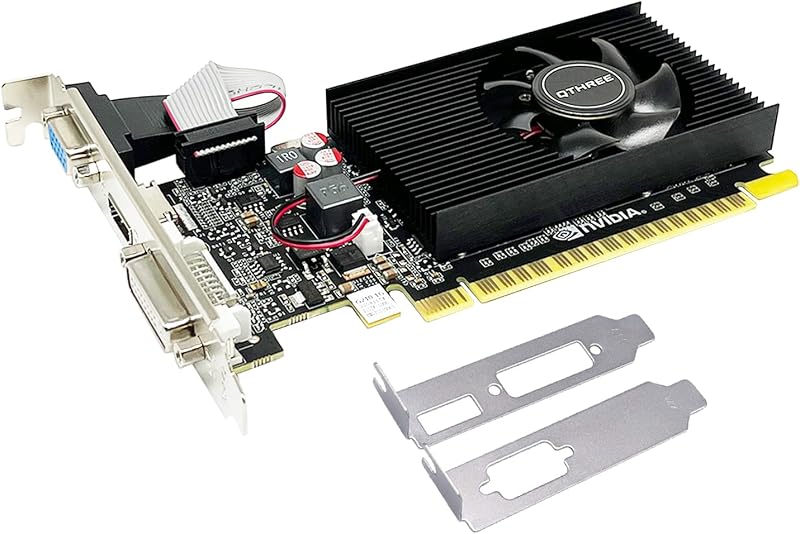
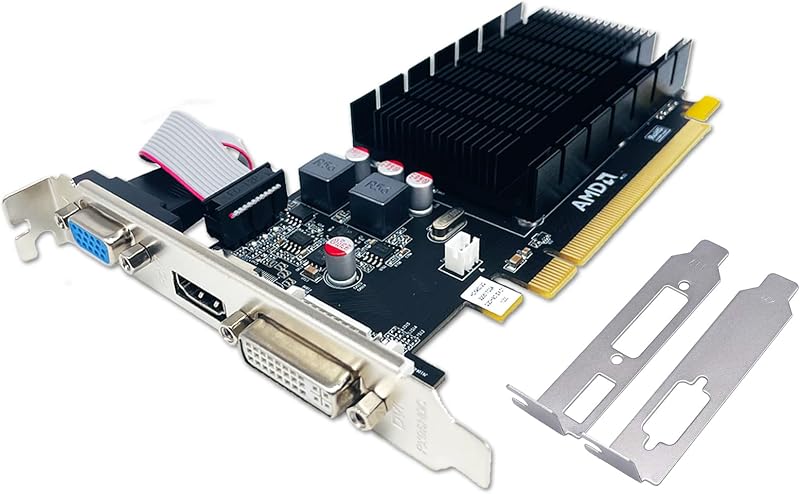
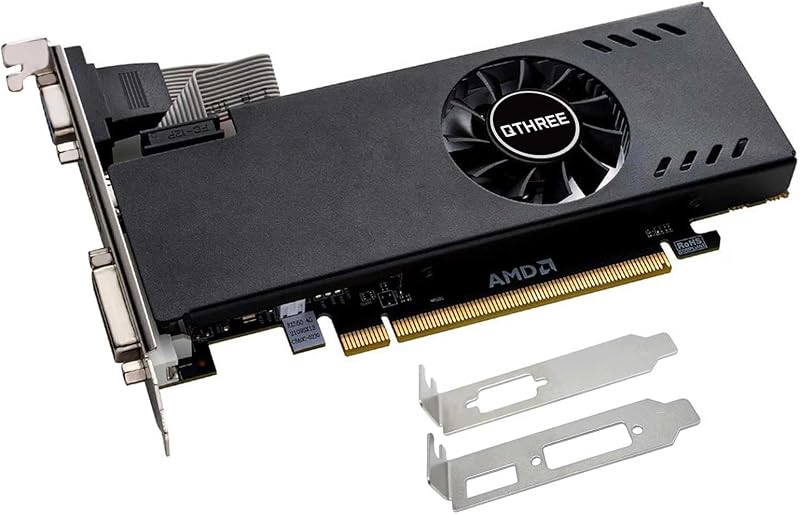
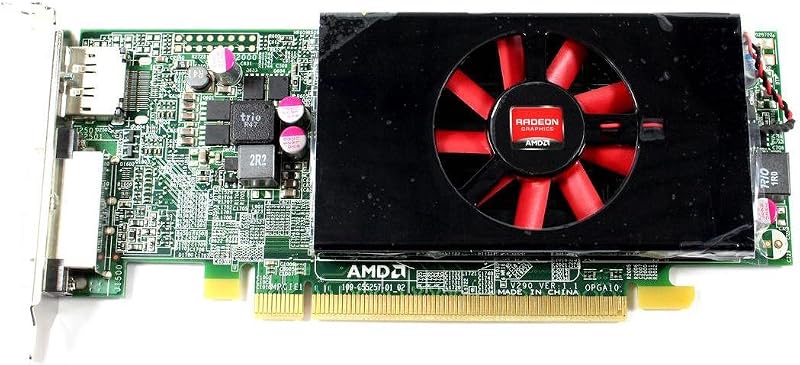
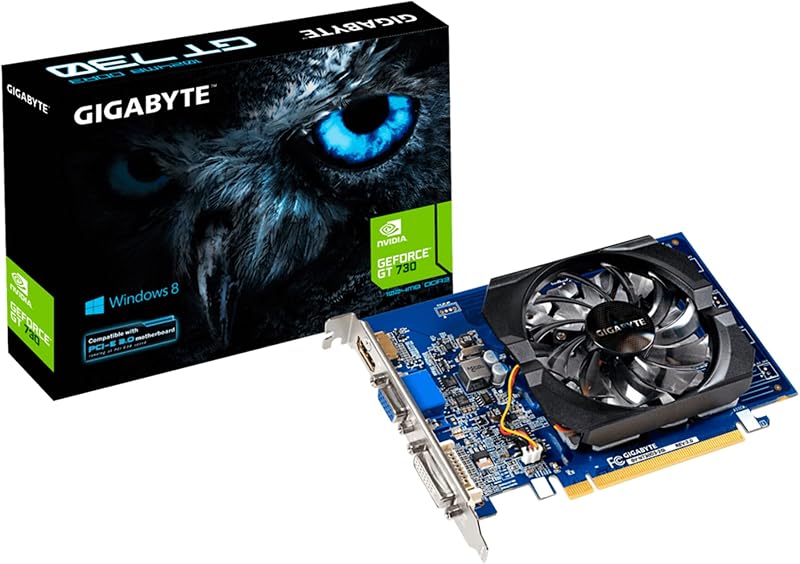
Product description AMD Radeon HD 6570 Graphics Card, 1GB, DDR3, Dual HDMI, PCI-Express 2.0, Computer GPU,Desktop Gaming Video Card for PC This graphics card is the best budget-friendly option out there. It's a 1GB DDR3 graphics card built specifically for gaming and it's available for a choose that won't break the bank. Multi-screen connection: (not compatible with Windows 11) This HD 6570 graphics card supports dual hdmi for standard cases.Connect to any monitor you choose with one display cable and select independent monitor resolutions and refresh rates with AMD Eyefinity capabilities. Attention: 1.This GPU is good for budget GPU, starters, average users. Recommend looking up benchmarks to see if this is what you're after.() 2.This LP graphics card is standard bracket. You can change a low-profile bracket for slim case. 3.Just go to download the drivers and software for the video card from AMD's website. DirectX 11 Technology DirectX 11 is the very latest in high-speed, high-fidelity gaming and computing. Featuring technologies like Compute Shaders, Direct2D, Multithreaded Rendering and Tessellation Multi Screen Equipped with one HDMI & HDMI ports, multi simultaneous display capable. Get immersed in gaming, productivity and entertainment, supporting multiple independent display outputs simultaneously. Low Profile Design HD 6570 graphics card is small form factor with standard bracket for the tower case (ATX CPU), which saves space for cases. Specification GPU Radeon HD 6570 Stream Processors 480 SP GPU Clock 650 MHz Memory Clock 1066Mhz Memory Size 1GB Memory Type GDDR3 Memory Interface 64bit Interface PCI Express 2.0 X16 ROPs/TMUs 8/24 Texture Fillrate 15.6 GT/S Display Output HDMI+HDMI 3D API DirectX 11/OpenGL 4.5 Computing OpenCL/DirectCompute Technology AMD Eyefinity Technology Typical Board Power 60W System Support Windows 10 / Windows 8 & 8.1 / Windows 7 / Windows Vista / Linux / FreeBSD x86 Dual Screen Ready Featuring the latest AMD Radeon Graphics Cards for productivity cards with multi-monitor support for business and professional applications. From simply upgrading the graphics quality of your workstation, to creating a powerhouse multi-display configuration, we have a large selection of Productivity Graphics Cards. Professional You can keep up to date with transactions and notifications by installing a multi-display graphics card, so that all your information is right in front of you and can be viewed and processed at the same time. Productivity Show your business with a digital signage video wall and give employees a clear view of the business by using multi-screen graphics cards. High Efficiency You can expand your desktop with multiple monitors for increased productivity and multitasking capabilities. Simultaneous access to a web browser window, Photoshop, and email,etc. Please note that this HD 6570 Graphics Card would not compatible with Windows 11 system! If your computer has previously installed driver for other graphics card, please use DDU (Display Driver Uninstaller) to uninstall it and then install our graphics card. Please refer to the following steps to download and install the correct driver: 1. Use a browser to visit the AMD official website. 2. Click "Resources&Support" at the top. 3. In the category “Downloads” choose “Radeon Graphics & AMD Chipsets” and then choose "Drivers". 4. Choose “Graphics” - "Radeon HD" - "Radeon HD 6000 Series" - "ATI Radeon HD 6570" and submit. 5. Select the driver version corresponding to your computer's operating system, then download and install it.. How to set up 2 monitors? You'll need to update drivers and set up dual monitors on Windows. To make your PC recognize multiple monitors: Make sure your cable is properly connected to the new monitor, then press the Windows logo key + P to select the display option. If you need more help: 1. Select Start, then open Settings. 2. Under System, select Display - Screen Resolution. In general, your PC should automatically detect your monitor and display your desktop. If you don't see a monitor, select Multiple monitors, then select Detect. 3. Use the drop-down list next to the desktop image to choose how your screen will be projected on your monitor. 4. After selecting the settings, select Apply. If you have any operational problems, please tell us in time. See More
Agregás al carrito
Sumás este y otros productos que querés traer.
Cotizás el envío
Calculamos flete aéreo y aranceles a Argentina.
Confirmás y pagás
Un asesor te contacta con el link de pago.
Lo recibís en casa
Tracking en tiempo real. Aduana incluida.
De la misma marca, empezando por lo más reseñado
Los mejor puntuados del mismo tipo de producto
Mismo tipo de producto y precio parecido